
大菜菜学习RabbitMQ——第四篇
今天这篇文章想要讲的是rabbitmq里面的一种工作模型叫做work模型,这个其实是在我们现实生活中一种一对多的工作模式
等于说,我们有一个publisher其他的都是consumer,所以我们在写Java代码的时候在consumer里面应该要多添加几个方法来进行消耗
@RabbitListener(queues = "work.queue")
    public void listenSimpleQueue1(String msg) {
        System.out.println("消费者1收到了work.queue的消息:【" + msg + "】");
    }

    @RabbitListener(queues = "work.queue")
    public void listenSimpleQueue2(String msg) {
        System.err.println("消费者2收到了work.queue的消息:【" + msg + "】");
    }
在这里,我们有创建了两个监听器,等于说是我们有新增了两个消费者
输出这里用这个err的原因是为了更好区分
然后我们在publisher文件test目录下,添加以下代码
@Test
    void testWorkQueue() throws InterruptedException {
        String queueName = "work.queue";

        for(int i = 1 ; i <= 50 ; i ++ ) {
            String msg = "hello , worker , message_" + i;
            rabbitTemplate.convertAndSend(queueName , msg);
            Thread.sleep(20);
        }
    }
这里面就是发送了五十条消息,首先在service里面重新运行这个consumer,然后开始运行测试
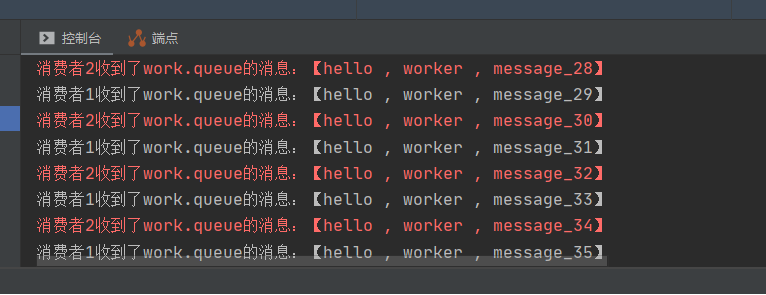
在这里,我们发现了,两种输出是交错进行,那么这个负载均衡是不是巧合呢,并不是,因为他就是进行轮询
然后我们需要看看性能不同的情况下我们这个consumer会发生什么呢
@RabbitListener(queues = "work.queue")
    public void listenSimpleQueue1(String msg) throws InterruptedException {
        System.out.println("消费者1收到了work.queue的消息:【" + msg + "】");
        Thread.sleep(20);
    }

    @RabbitListener(queues = "work.queue")
    public void listenSimpleQueue2(String msg) throws InterruptedException {
        System.err.println("消费者2收到了work.queue的消息:【" + msg + "】");
        Thread.sleep(200);
    }
在这里,我们向两个方法添加了对应的不同的线程休眠时间,然后我们就看到了这个情况
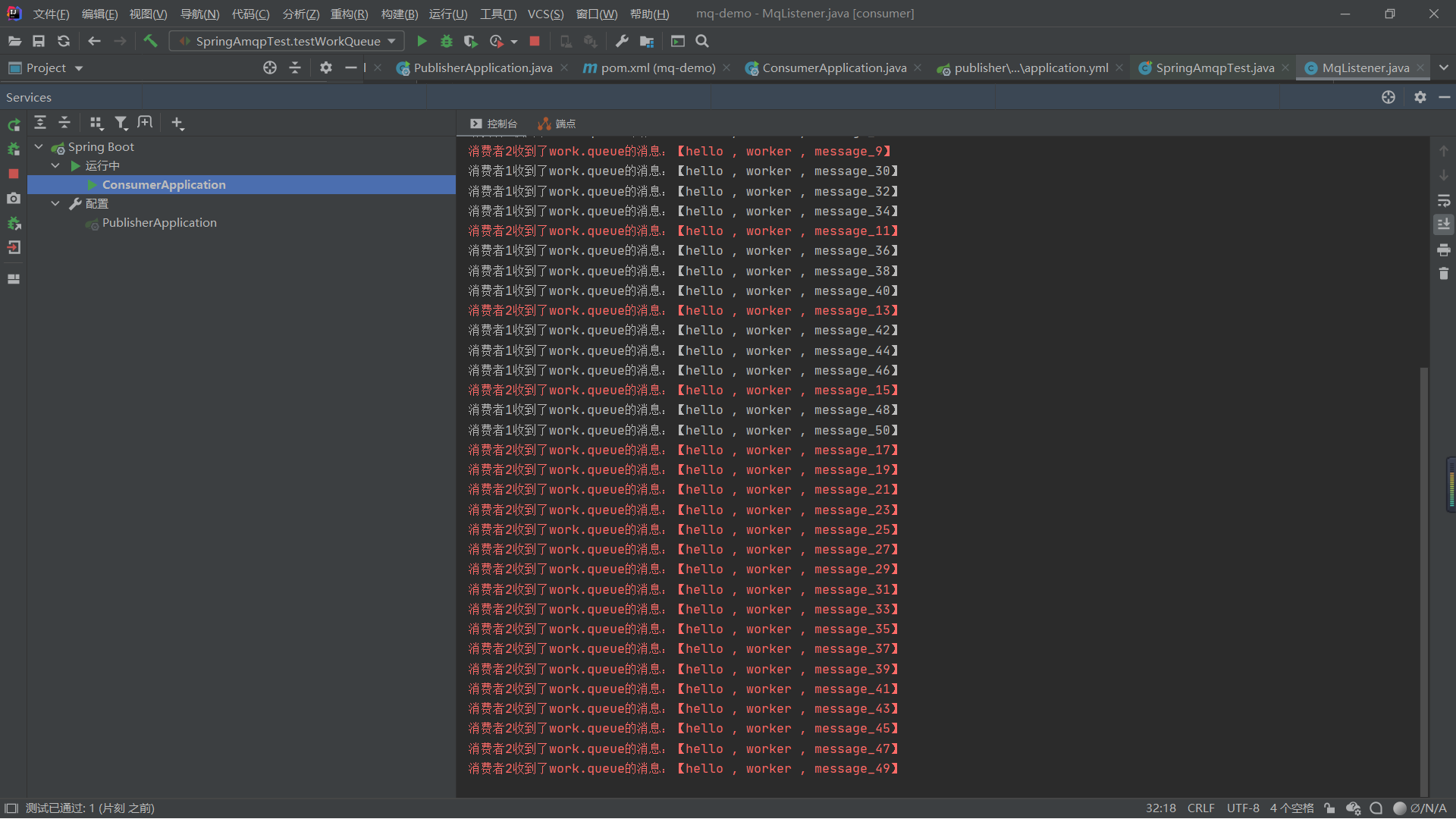
我们可以看见,虽然两个处理速度不同但是他们处理消息的数量还是相等
所以并没有考虑我么这个消费者的处理能力
所以我们需要在yml文件里面修改相应配置
logging:
  pattern:
    dateformat: MM-dd HH:mm:ss:SSS
spring:
  rabbitmq:
    host: localhost
    port: 5672
    virtual-host: /hmall
    username: hmall
    password: 123
    listener:
      simple:
        prefetch: 1
在这里,我们添加了一个listener的配置,这个prefetch表示的是在同一时间处理了一条消息以后才可以处理下一条
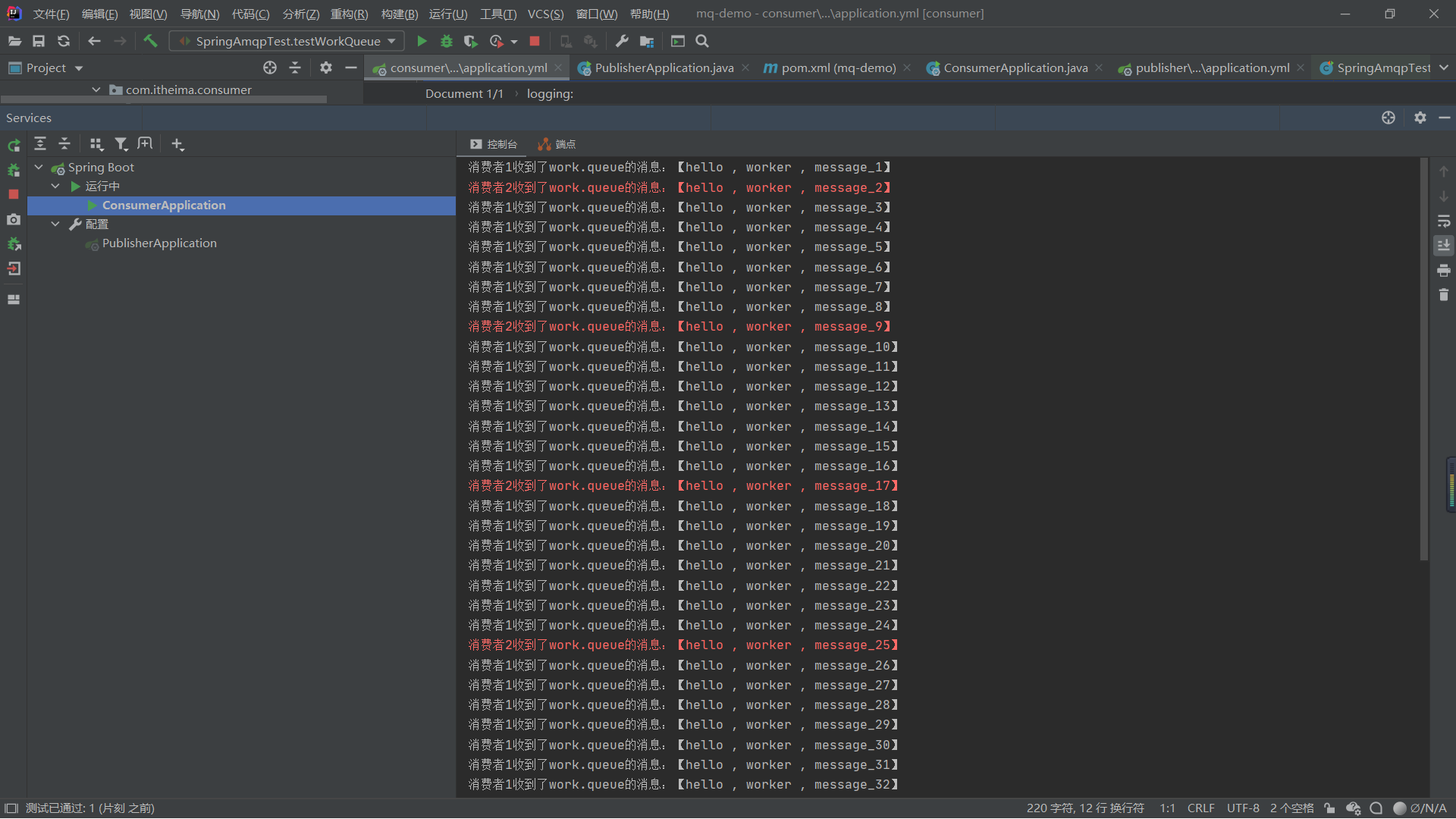
我们可以看到现在这个时候显然消费者1处理的消息比消费者2处理的要多
所以我们发现,这样可以很明显提升消费速度,所以当消息很多时,我们可以添加更多消费者
有效的防止了
消息堆积问题
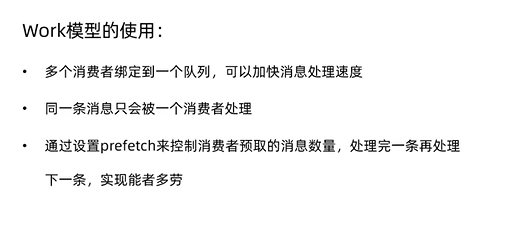
如果在面试时有这个如何防止消息堆积问题的话,这一篇文章就可以帮助到你了,优化有很多种方法,缓存,池化

 浙公网安备 33010602011771号