
搭建企业级私有registry Harbor
准备一台可以上外网的linux服务器
开始部署
(1) 生成秘钥
openssl genrsa -des3 -out server.key 1024
openssl rsa -in server.key -out server.key
openssl req -new -key server.key -out server.csr
openssl x509 -req -days 365 -in server.csr -signkey server.key -out server.crt
1572580145 13065048104
(2) 下载Harbor
http://vmware.github.io/harbor 官方网站
https://github.com/vmware/harbor 源码下载
推荐下载:wget https://storage.googleapis.com/harbor-releases/release-1.6.0/harbor-online-installer-v1.6.2.tgz
(3)解压
tar -xf harbor-online-installer-v1.6.2.tgz
mv harbor /usr/local/
vim harbor.cfg


注:把生成的秘钥填上
./prepare
./install.sh
开始安装
看到如下结果,安装成功

https://harbor.xjky.com 即web 访问harbor的域名,登录之前请写host表
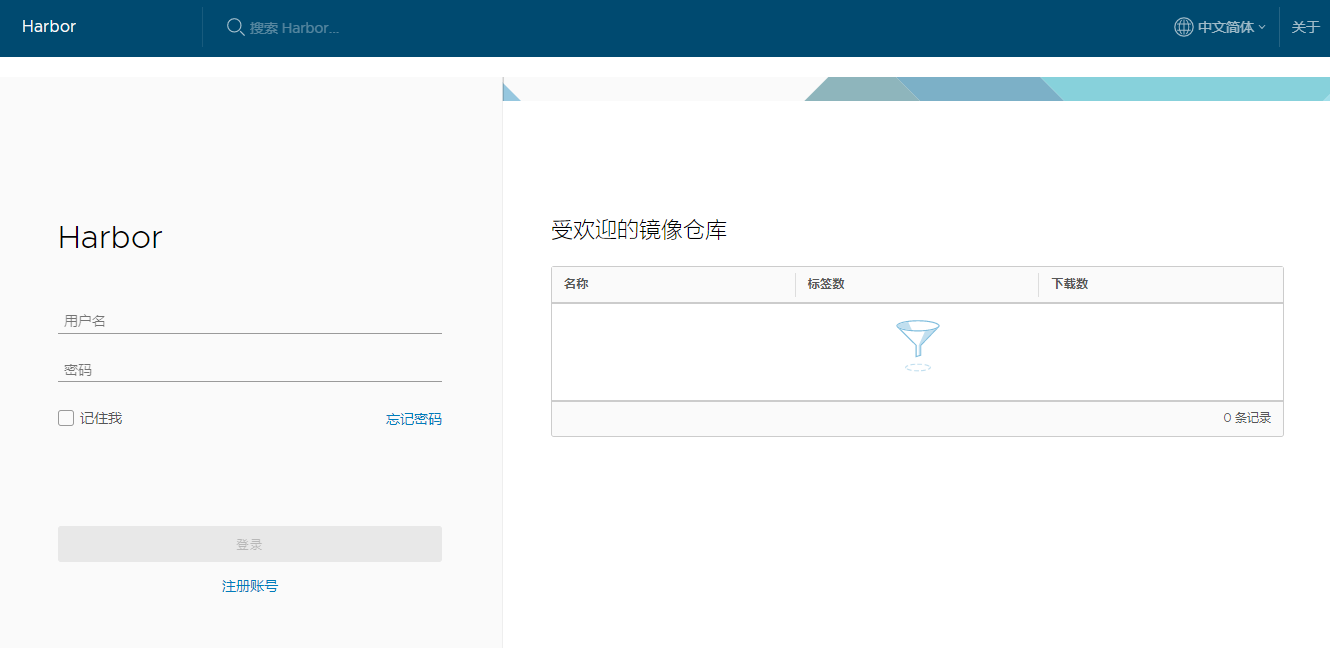
用户名 admin 密码 Harbor12345 密码可以在 harbor.cfg查看。

 浙公网安备 33010602011771号