

云函数是运行在服务器端的
创建一个目录cloud
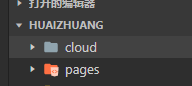
project.config.json配置云函数目录
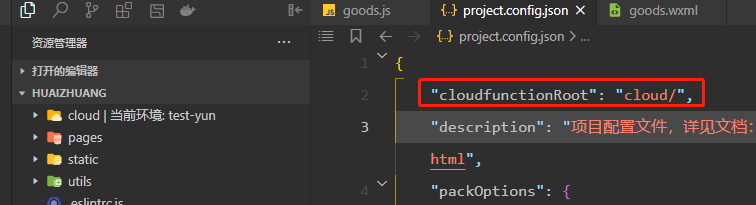
cloud目录有个云朵。代表云函数 初始化成功了
新建一个云函数
cloud目录右击 新建一个Node.js 函数
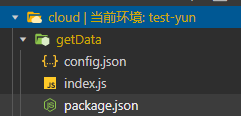
上传云函数
右击上传并部署
云函数调用
//云函數調用。
		wx.cloud.callFunction({
			name: 'getData',
			success(res){
				console.log('请求云函数成功', res)
			},
			fail(err){
				console.log('请求云函数失败', err)
			}
		})
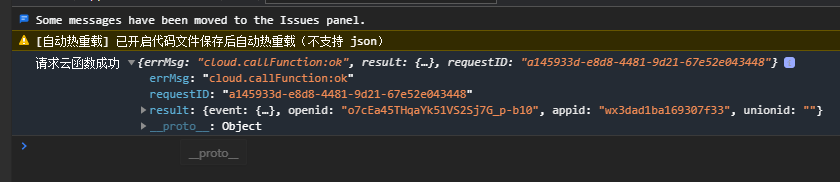
编译,请求云函数成功
开通内容管理
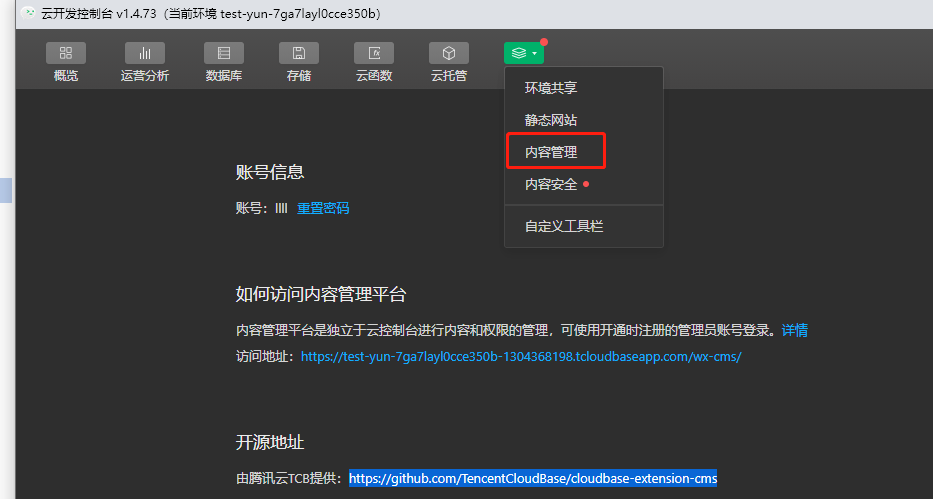
不好
云存储
控制台管理
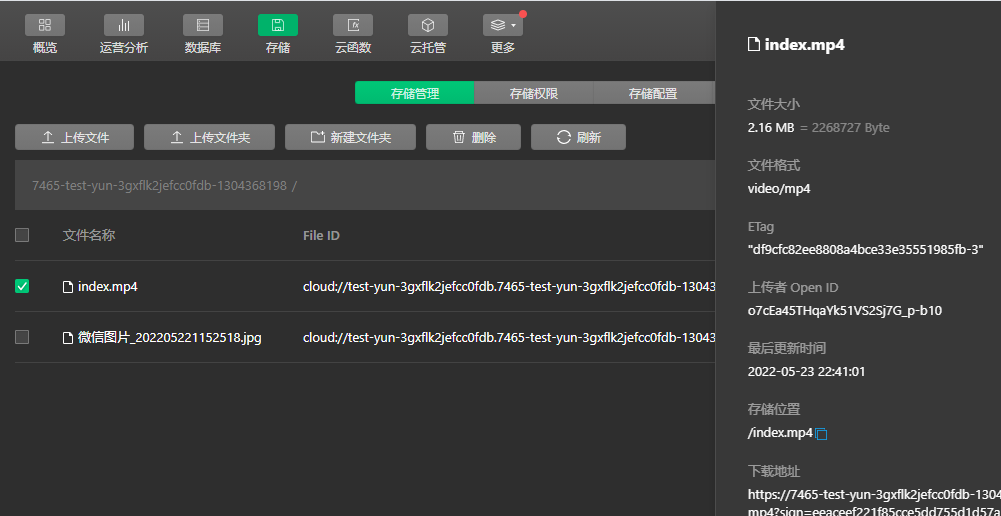
代码上传
	uploadImage: function(){
		var that = this;
		wx.chooseImage({
		  count: 5,
		  sizeType: ['original', 'compressed'],
		  success:function(res){
			  console.log(res)
			that.setData({
			  imageList: res.tempFilePaths
			})
			that.uploadToYun(that.data.imageList[0])

		  }
		})
	  },
	uploadToYun(tempFile){
		wx.cloud.uploadFile({
			cloudPath: 'test.jpg',
			filePath: tempFile,
			success: res => {
				console.log("上传成功", res)
			},
			fail: err => {
				console.log("上传失败", err)
			}
		})
	},
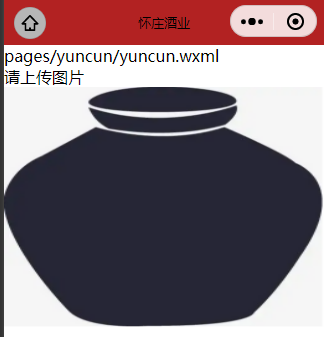
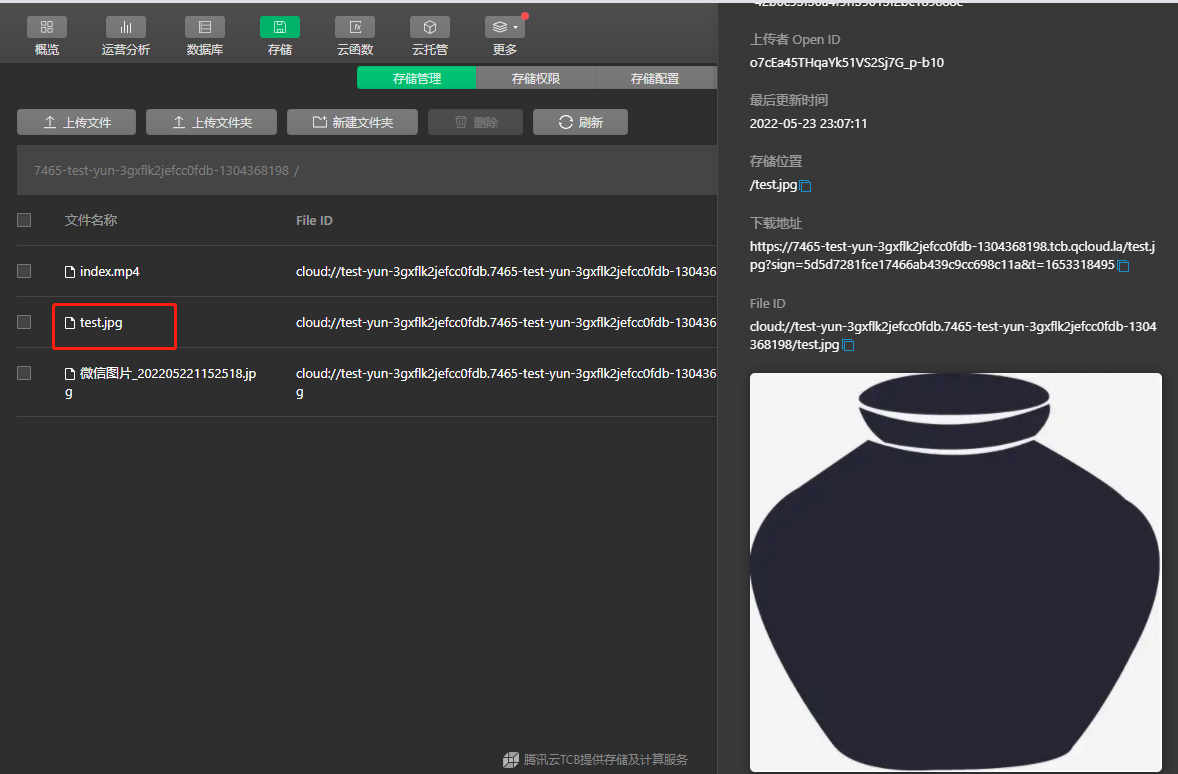
查看 上传成功


 浙公网安备 33010602011771号