

业务不复杂的,用户量不大的,就不用单独的后台服务器了,使用云开发,不需要买服务器,不需要买域名,不需要审核,登录也不需要。
云开发环境初始化
app.js
// 云开发环境初始化
  wx.cloud.init({
    env: "云开发环境ID"
  })
数据库:创建集合
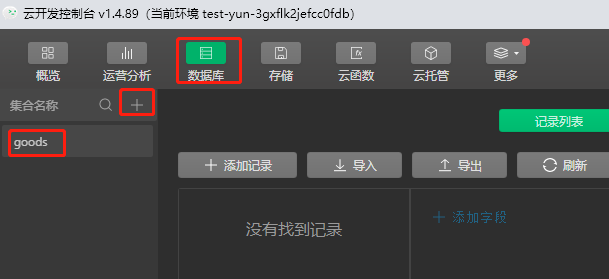
- 添加数据
![]()
- 查询操作
goods.js
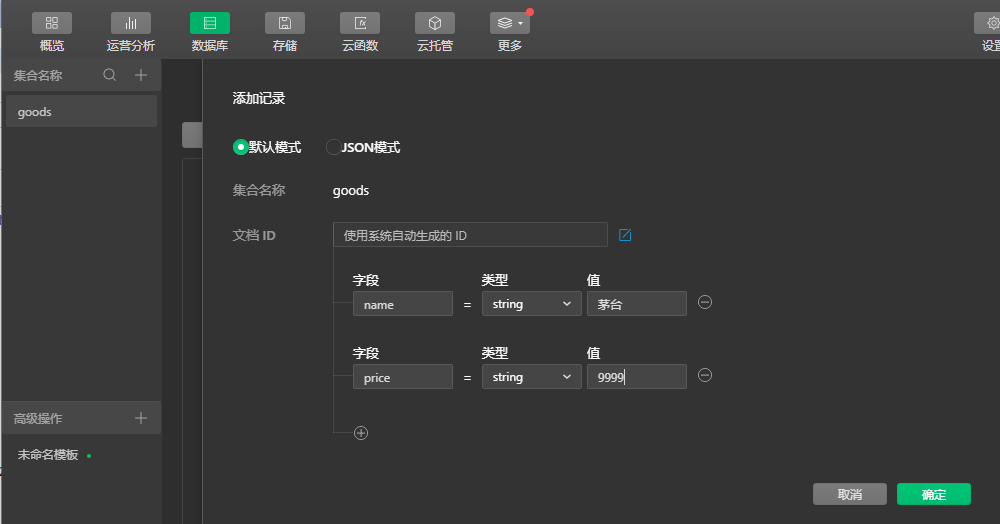
//固定写法// 查询操作
        wx.cloud.database().collection('goods').get(
            {
                success(res){
                    console.log("success get", res)
                },
                fail(err){
                    console.log("fail get",err)
                }
            }
        )
    },
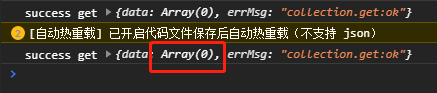
请求成功,但是没获取到数据,因为权限不对。
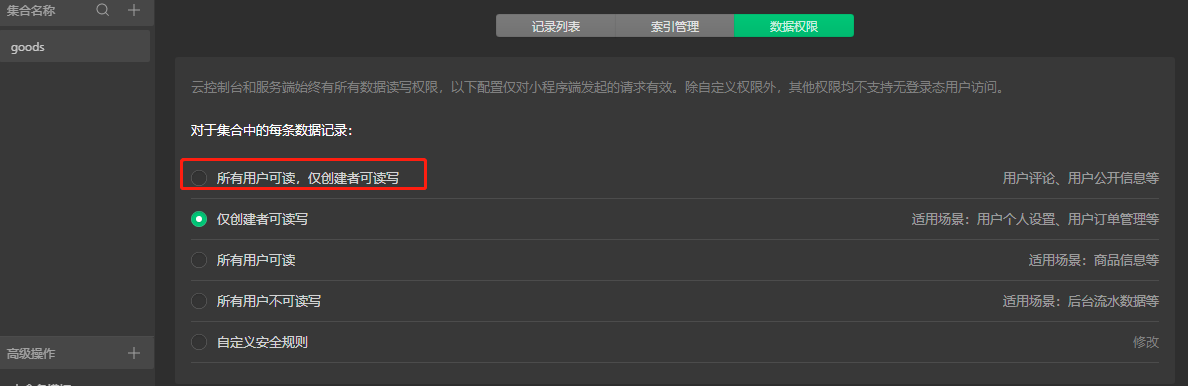
改为所有用户可读写
再次获取,读取到数据
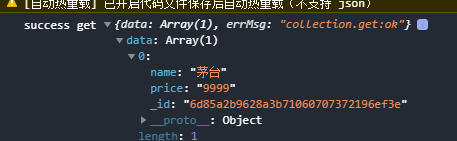
- 查询操作的另一种方式
ES6的方式
不学这个了
数据展示
goods.wxml
<view wx:for="{{list}}">
	<view> 商品名:{{item.name}}, 价格:{{item.price}}</view>
</view>
goods.js
    data: {
        list:[]
    },

    /**
     * 生命周期函数--监听页面加载
     */
    onLoad(options) {
        //固定写法// 查询操作
        var that = this;
        wx.cloud.database().collection('goods').get(
            {
                success(res){
                    console.log("success get", res)
                    that.setData({
                        list: res.data
                    })
                },
                fail(err){
                    console.log("fail get",err)
                }
            }
        )
    },
注意 this 先赋值给 that .使用箭头函数,就没这个问题了。。
效果
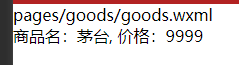
条件查询 where
增加个五粮液
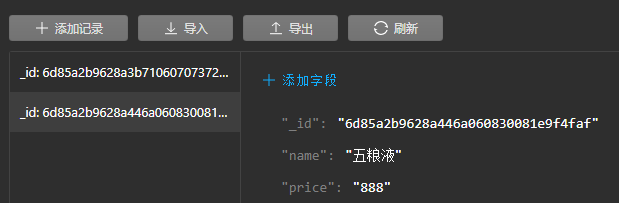
where查询语句
wx.cloud.database().collection('goods').where({
            name: '茅台'
        }).get().then(res => {
            console.log("返回成功", res)
            this.setData({
                list: res.data
            })
        })
查询单条数据doc()
doc方法接收一个id参数。返回的不是数组了。是对象了。
添加数据 add()
addGood: function(){
        wx.cloud.database().collection('goods').add({
            data: {
                name:'太白',
                price: 666
            }
        }).then(res=> {
            console.log("添加成功", res)
        }).catch(err => {
            console.log("添加失败", err)
        })
    },
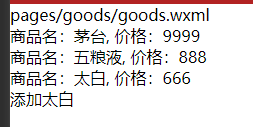
更新数据 update()
结合 doc.
updateGood() {
        wx.cloud.database().collection('goods').doc('058dfefe628a481c0500d08d67cca1a5').update({
            data: {
                name:'太白',
                price: 444
            }
        }).then(res=> {
            console.log("修改成功", res)
        }).catch(err => {
            console.log("修改失败", err)
        })
    },
删除数据 remove()
removeGood(){
        wx.cloud.database().collection('goods').doc('058dfefe628a481c0500d08d67cca1a5').remove().then(res=> {
            console.log("删除成功", res)
        }).catch(err => {
            console.log("删除失败", err)
        })
    }


 浙公网安备 33010602011771号