vim ~/.gitconfig
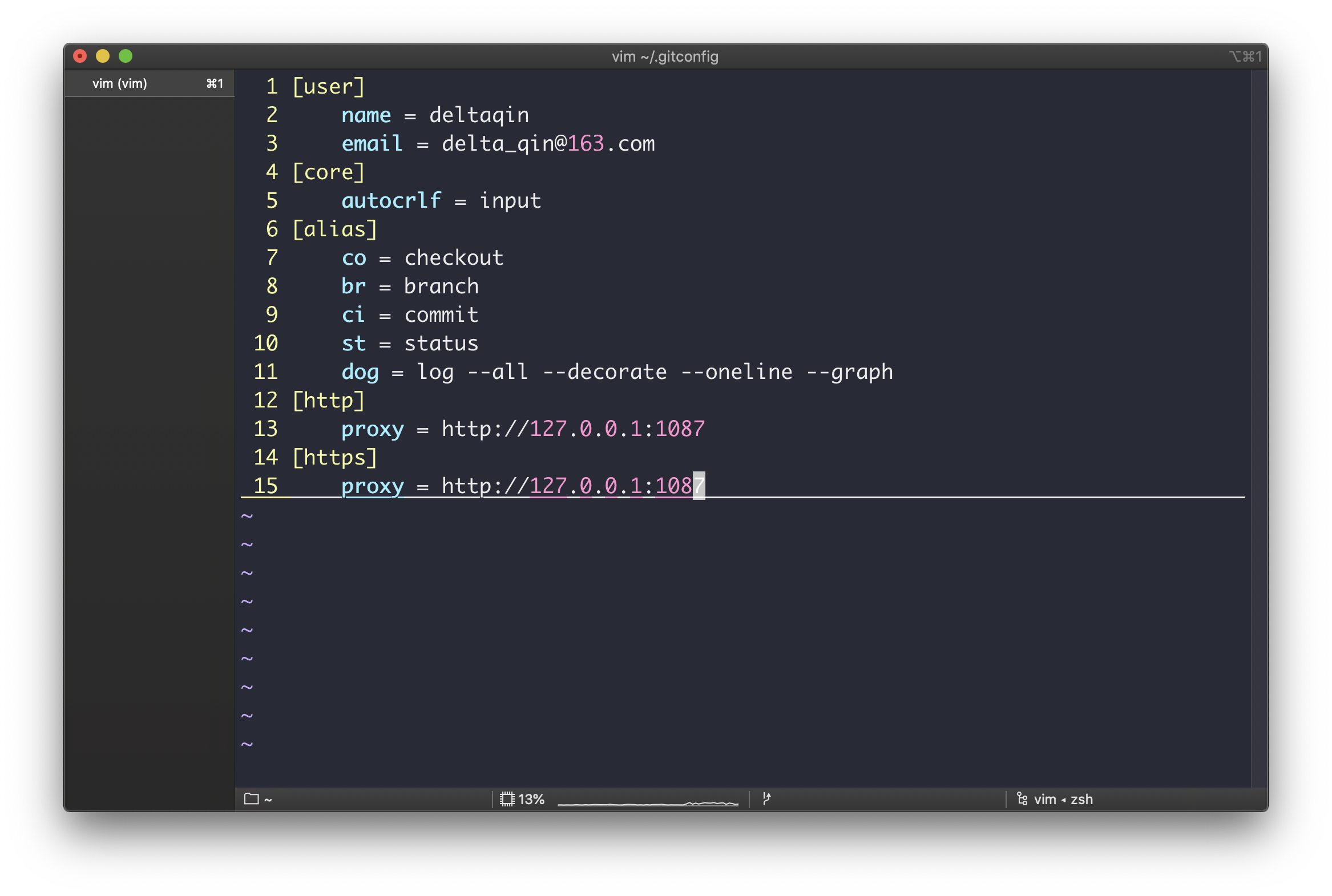
  1 [user]
  2     name = deltaqin
  3     email = delta_qin@163.com
  4 [core]
  5     autocrlf = input
  6 [alias]
  7     co = checkout
  8     br = branch
  9     ci = commit
 10     st = status
 11     dog = log --all --decorate --oneline --graph
 12 [http]
 13     proxy = http://127.0.0.1:1087
 14 [https]
 15     proxy = http://127.0.0.1:1087
~
~
git config --global alias.st status //status 缩写成 st
git config --global alias.co checkout //checkout 缩写成 co
git config --global alias.br branch //branch 缩写成 br
git config --global alias.ci commit //commit 缩写成 ci
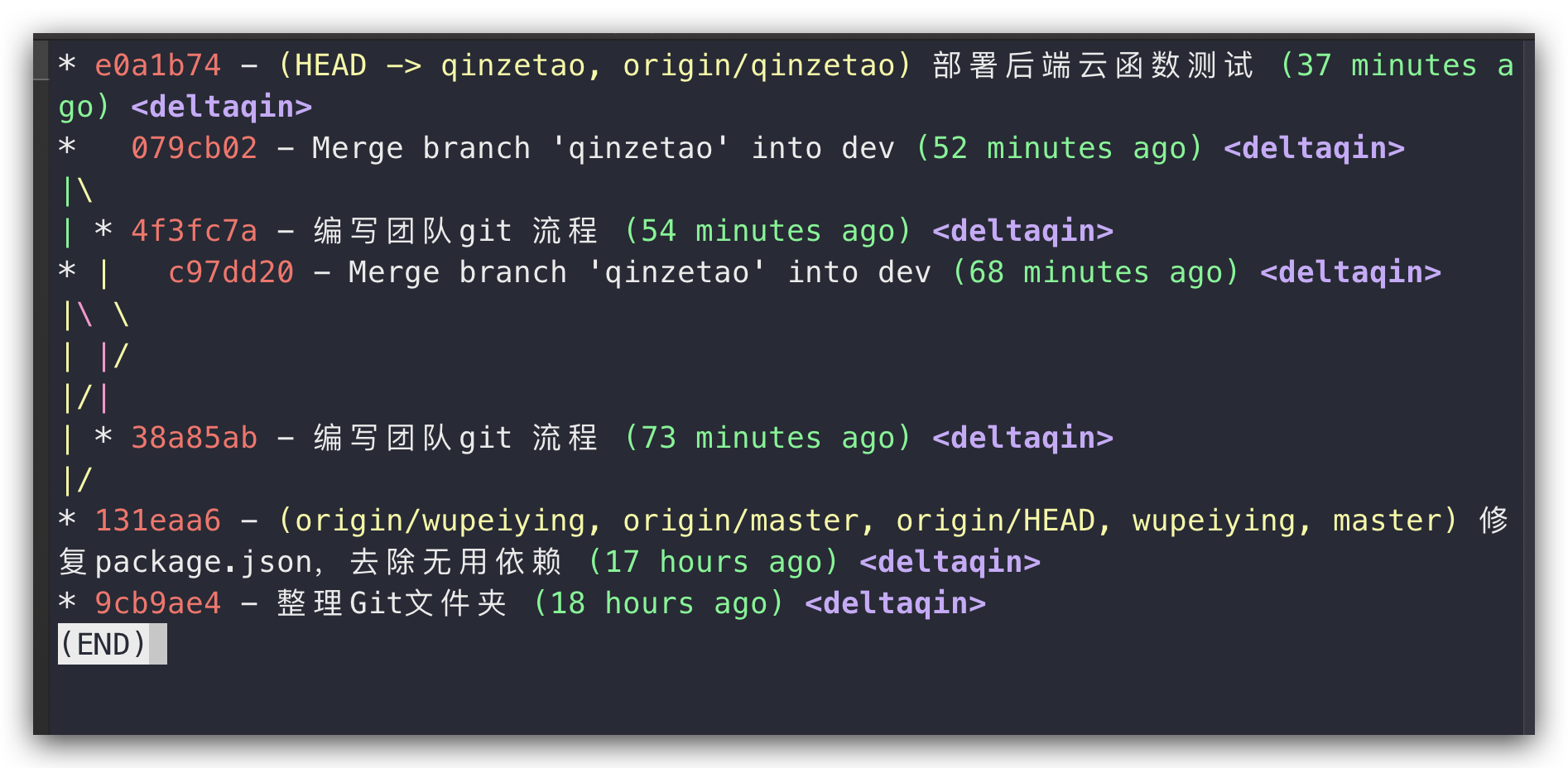
git config --global alias.lg "log --color --graph --pretty=format:'%Cred%h%Creset -%C(yellow)%d%Creset %s %Cgreen(%cr) %C(bold blue)<%an>%Creset' --abbrev-commit"


 浙公网安备 33010602011771号