linux上安装jdk,tomcat,mysql

Linux上安装jdk、tomcat,mysql (转自我的个人微博非他人博客)

https://img-blog.csdnimg.cn/2018122910102513

Linux上安装jdk、tomcat,mysql

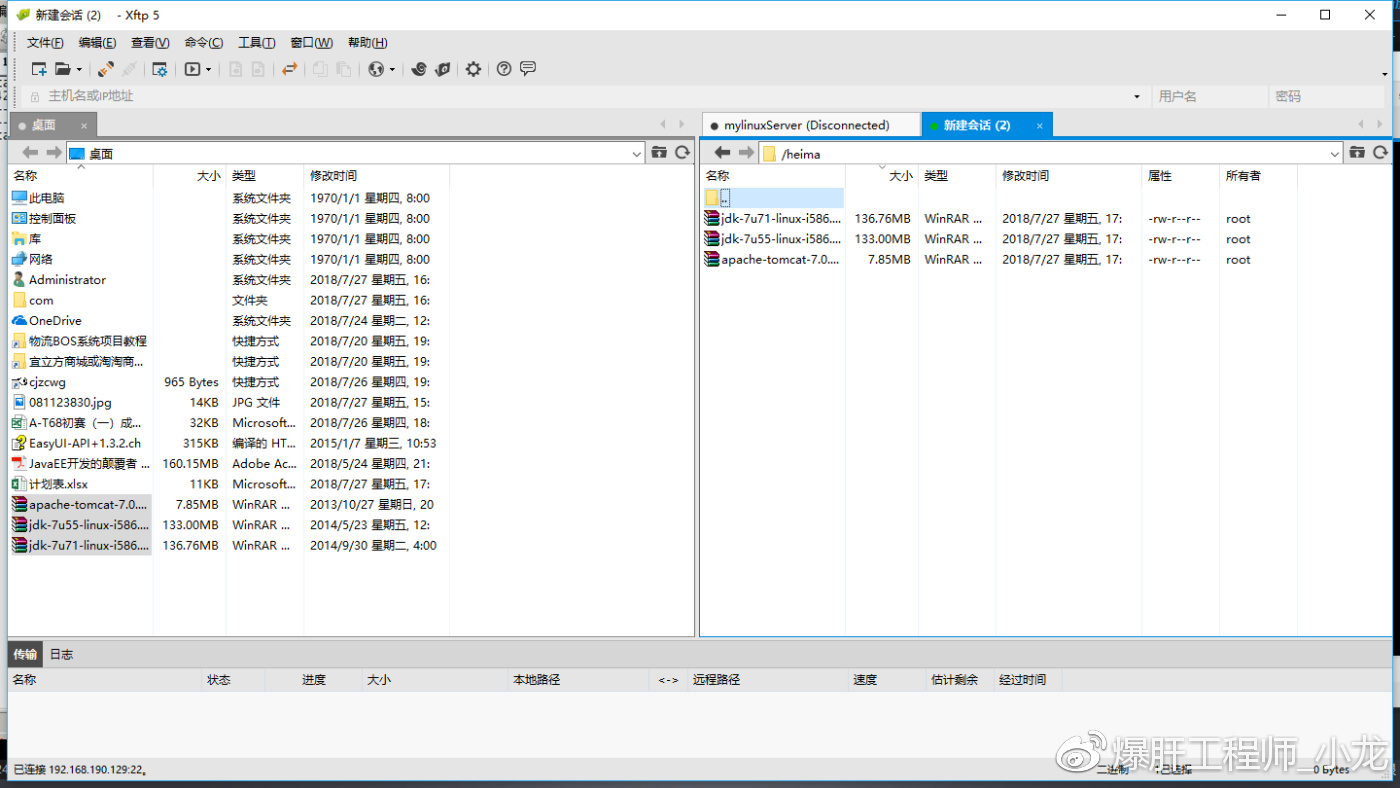
​​​1 上传三个安装包

https://img-blog.csdnimg.cn/2018122910102572

​


2 ​安装jdk

​

https://img-blog.csdnimg.cn/20181229101025142

​​tar -zxvf jdk-7u55-linux-i586.tar.gz 

​如果出现

lib/ld-linux.so.2: bad ELF interpreter: No such file or directory

请输入

sudo yum install glibc.i686

​解压后,发现多了个目录

https://img-blog.csdnimg.cn/20181229101025205

​

​配置环境变量

使用root用户 输入

​

https://img-blog.csdnimg.cn/20181229101025257

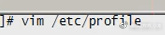
vim /etc/profile​

​

​最后加上这句话

​

https://img-blog.csdnimg.cn/20181229101025301

​

​使用source /etc/profile 使配置文件生效,再次java -version即可

​

https://img-blog.csdnimg.cn/20181229101025423

​安装成功!

​


​安装Tomcat

​

https://img-blog.csdnimg.cn/20181229101025467

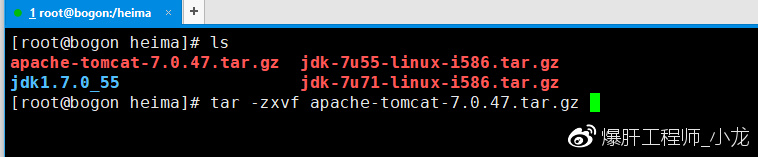
tar -zxvf apache-tomcat-7.0.47.tar.gz​

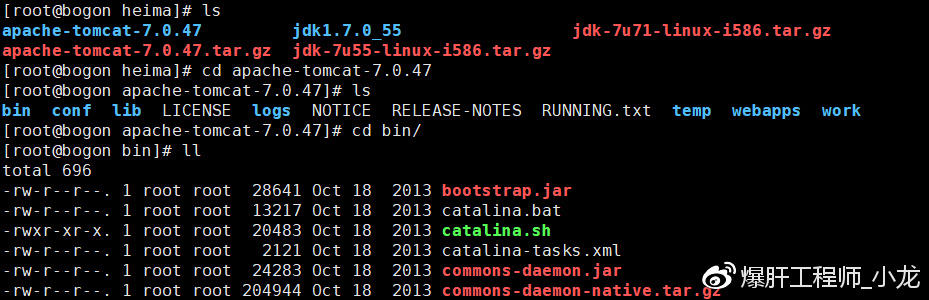
​发现就有tomcat了

​

https://img-blog.csdnimg.cn/20181229101025520

​进入他的bin目录

​

https://img-blog.csdnimg.cn/20181229101025563

​

​启动服务

https://img-blog.csdnimg.cn/20181229101025605

​

​this time not accout!

need guan bi fang huo qiang

​

https://img-blog.csdnimg.cn/20181229101025654

​

https://img-blog.csdnimg.cn/20181229101025695

​

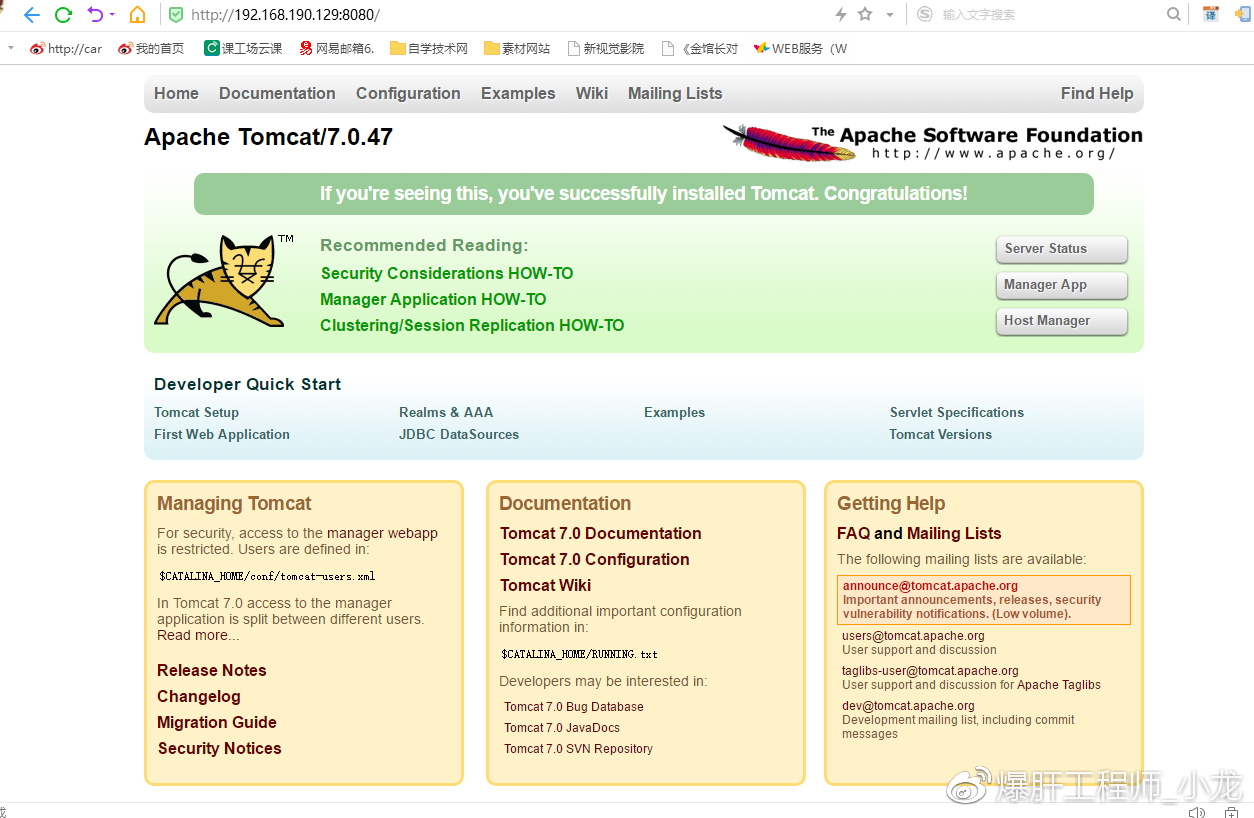
​tomcat comple ! 

​


​安装MySQL

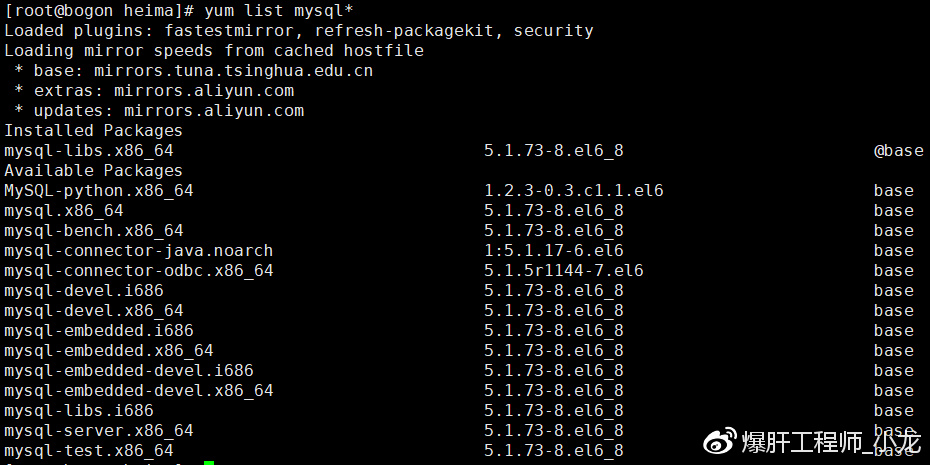
查看能安装什么MySQL版本

​

https://img-blog.csdnimg.cn/20181229101025804

​

​

 yum list mysql*


再使用 如下命令开始安装(注意 该步骤需要网)

​

​yum install mysql*

【小提示】完美卸载mysql      教程:​https://www.jb51.net/article/97516.htm

启动服务​

service mysqld start​

创建用户名和密码​

​/usr/bin/mysqladmin -u root password 'root'

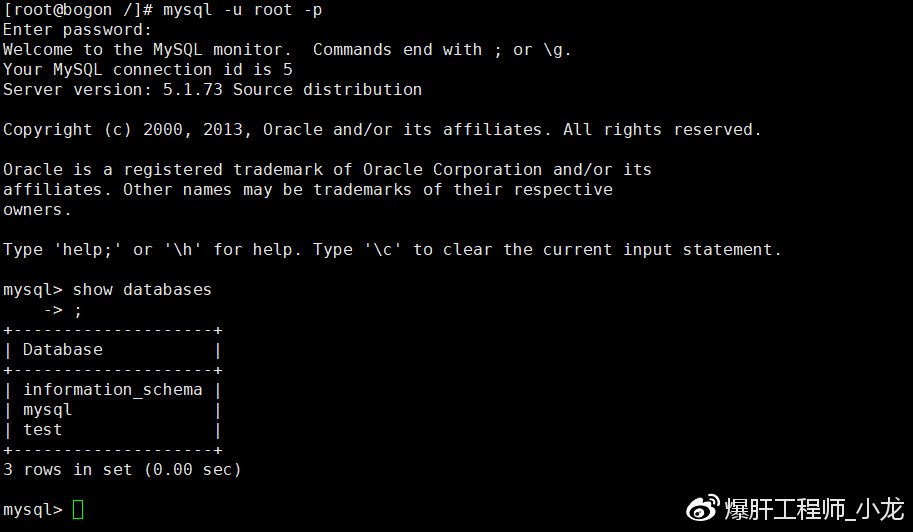
使用root用户登陆​

​mysql -u root -p

​

https://img-blog.csdnimg.cn/20181229101025861

​​​​​​


posted @ 2018-12-29 10:10  墨小枫233  阅读(234)  评论(0)    收藏  举报