Hadoop使用
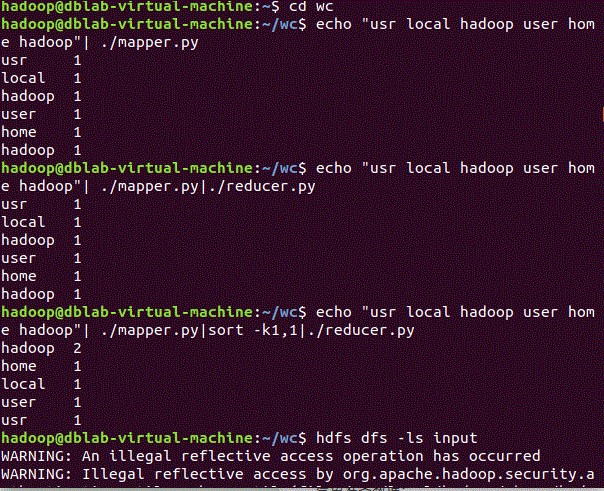
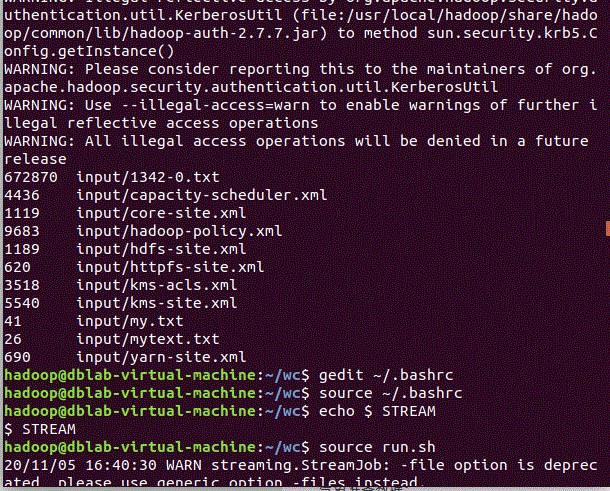
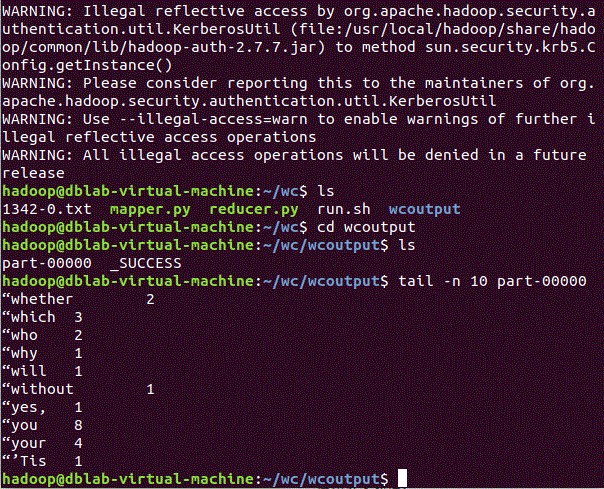
二、气象数据分析
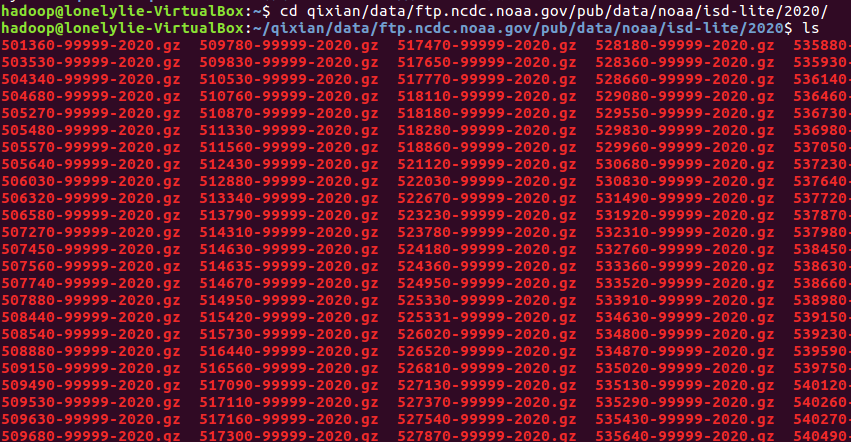
1、批量下载气象数据
|
1
|
wget -D --accept-regex=REGEX -P data -r -c ftp://ftp.ncdc.noaa.gov/pub/data/noaa/2020/5* 获取数据 |
2、解压数据集,并保存在本地文本文件中
 zcat data/ftp.ncdc.noaa.gov/pub/data/noaa/2020/5*.gz >qxdata.txt  解压到一起
less -N qxdata.txt 查看数据
3、编写函数
|
1
2
|
gedit mapper.pygedit reduce.py |
mapper.py

#! /usr/bin/env python
import sys

for line in sys.stdin:
    line = line.strip()
    print('%s\t%d' % (line[15:23],int(line[87:92])))
reduce.py
 1 #! /usr/bin/env python
 2 from operator import itemgetter
 3 import sys
 4
 5 current_date = None
 6 current_temperature = 0
 7 data = None
 8
 9 for line in sys.stdin:
10     line = line.strip()
11     date,temperature = line.split('\t',1)
12     try:
13         temperature = int(temperature)
14     except ValueError:
15         continue
16     if current_date == date:
17         if current_temperature < temperature:
18             current_temperature = temperature
19     else:
20         if current_date:
21             print('%s\t%d' % (current_date,current_temperature))
22         current_temperature =temperature
23         current_date = date
24 if current_date ==date:
25     print('%s\t%d' % (current_date,current_temperature))
4、本地测试
首先给权限
|
1
2
|
chmod 777 mapper.pychmod 777 reduce.py |
编写一个临时测试数据
gedit qxdata.txt
|
1
|
0230592870999992020010100004+23220+113480FM-12+007299999V0200451N0018199999999011800199+01471+01011102791ADDAA106999999AA224000091AJ199999999999999AY101121AY201121GA1999+009001999GE19MSL +99999+99999GF107991999999009001999999IA2999+01309KA1240M+02331KA2240N+01351MA1999999101931MD1210131+0161MW1001OC100671OD141200671059REMSYN004BUFR |
1 cat qxdata.txt | ./mapper.py |./reduce.py
5、将气象数据上传
|
1
|
hdfs dfs -put qxdata.txt input |
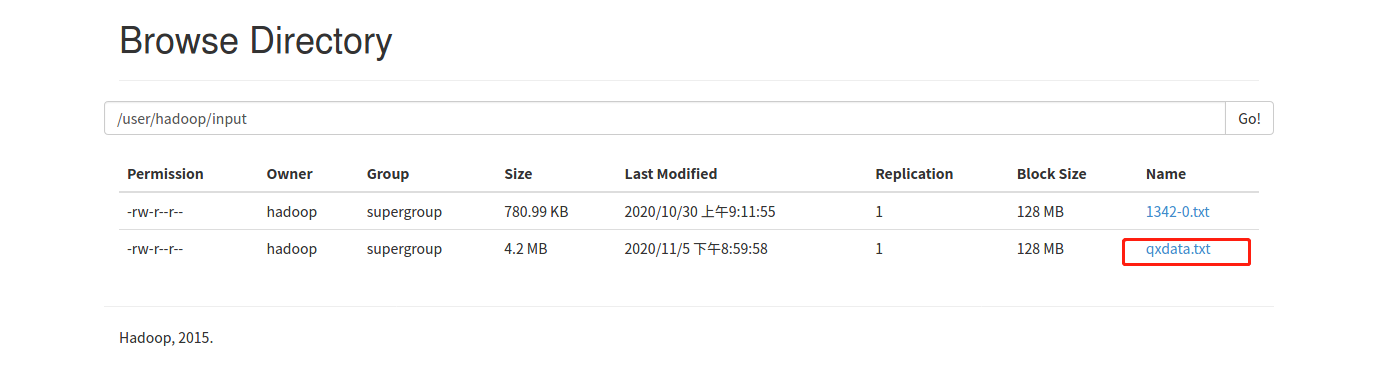
6、用提交任务
编写.sh运行文件、
gedit baiyun.sh
|
1
2
3
4
5
6
7
|
hadoop jar $STREAM \-file /home/hadoop/baiyun/mapper.py \-mapper /home/hadoop/baiyun/mapper.py \-file /home/hadoop/baiyun/reduce.py \-reducer /home/hadoop/baiyun/reduce.py \-input /user/hadoop/input/qxdata.txt \-output /user/hadoop/baiyunoutput |
运行
|
1
|
source run.sh |
7、查看运行结果
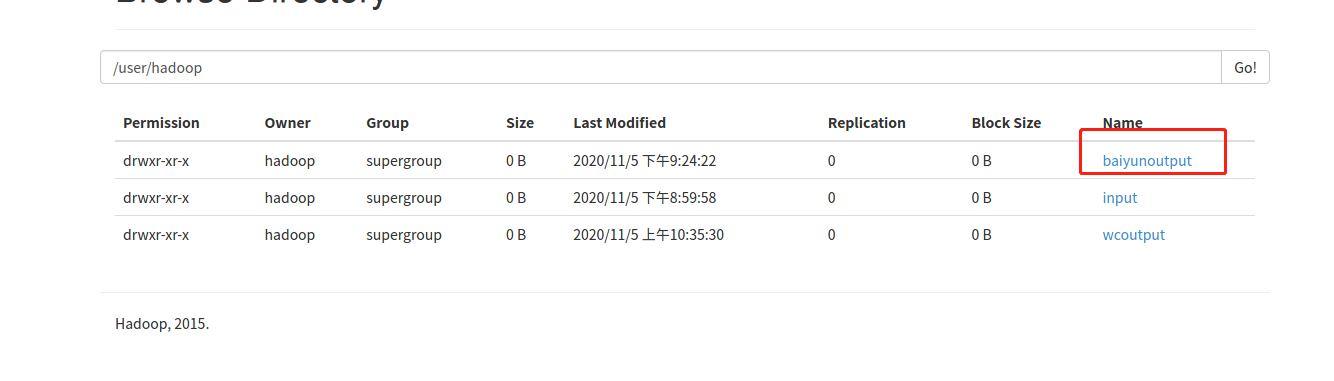
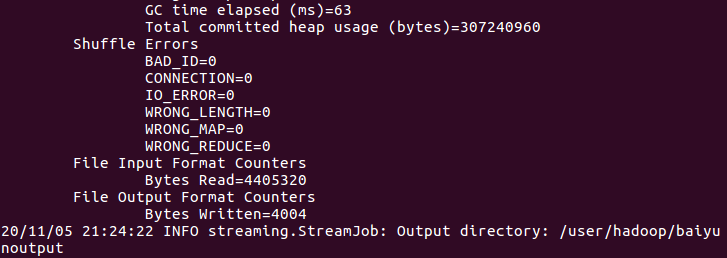
查看
|
1
|
hdfs dfs -cat baiyunoutput/part-00000 |
8、计算结果取回到本地
|
1
|
hdfs dfs -get baiyunoutput |



 浙公网安备 33010602011771号