

《python编程从入门到实践》 Sublime中运行程序提示“Python was not found but can be installed from the Microsoft Store: https://go.microsoft.com/fwlink?linkID=2082640[Finished in 140ms]”
安装过程
1.安装python3
2.安装Sublime Text
①下载
②让Sublime Text使用命令python3 来运行Python程序
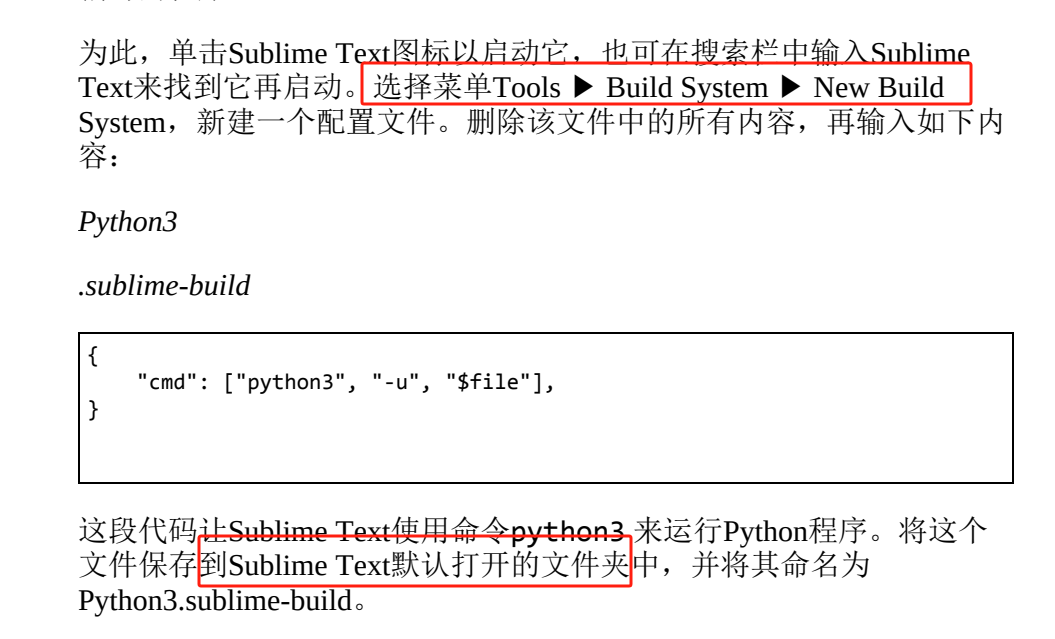
3.运行
①新建hello world
②运行
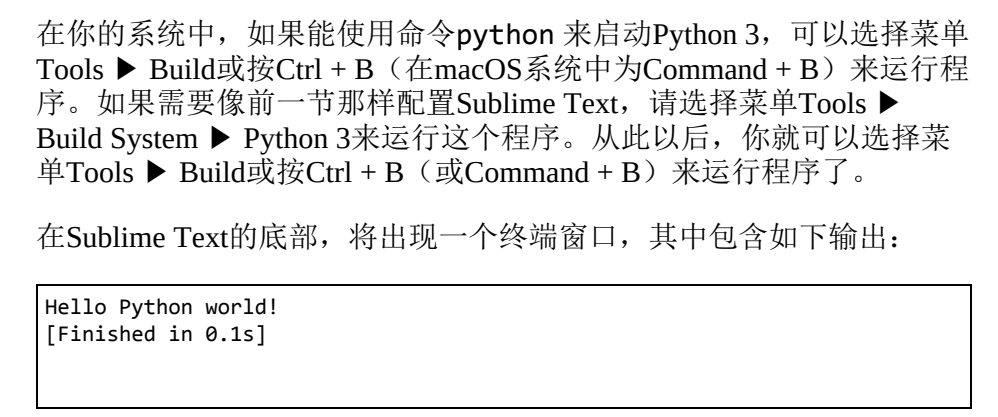
遇到的问题
执行以上步骤后:

1.搜索解决方法
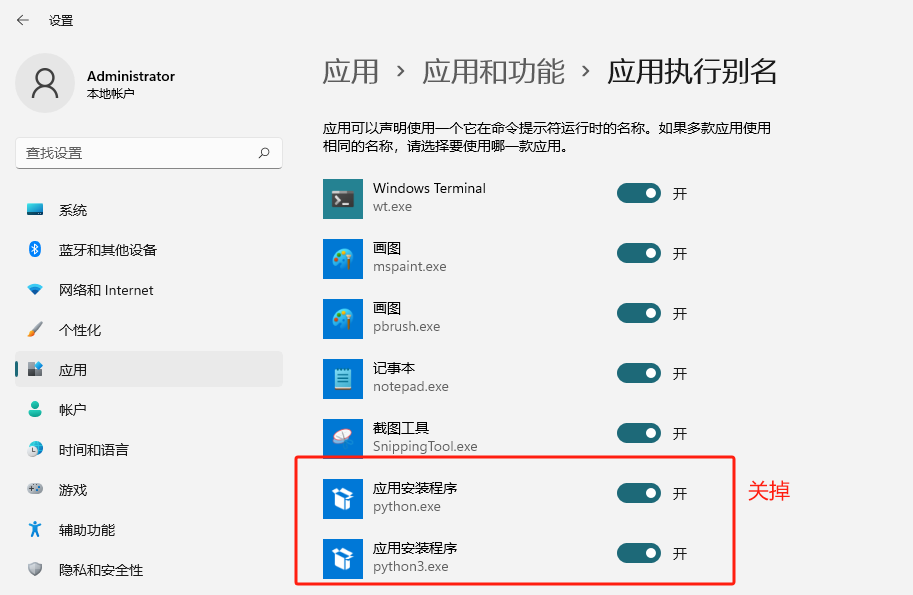
2.关掉后执行
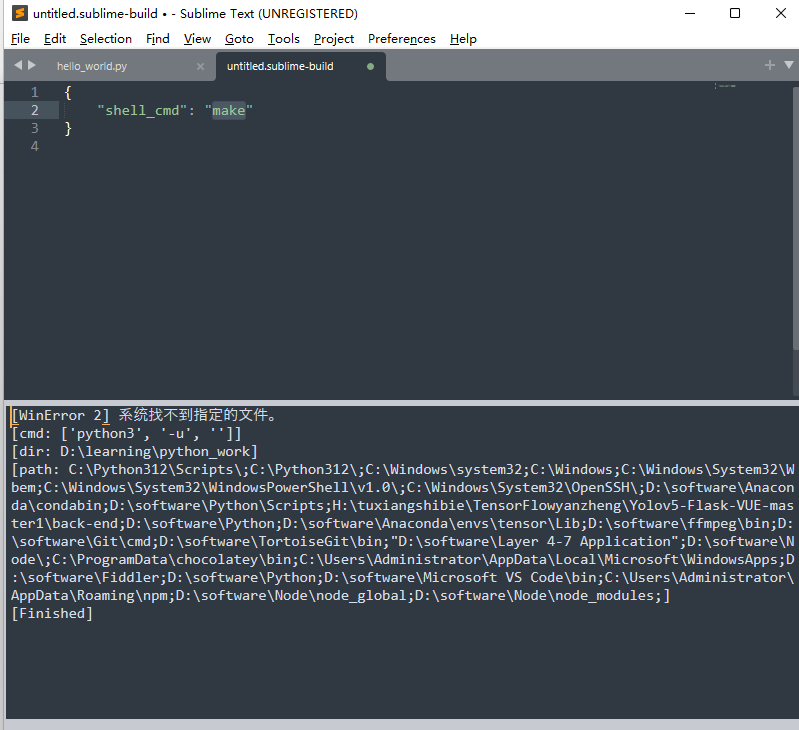
3.更改build system方式
python3改为python,执行,成功
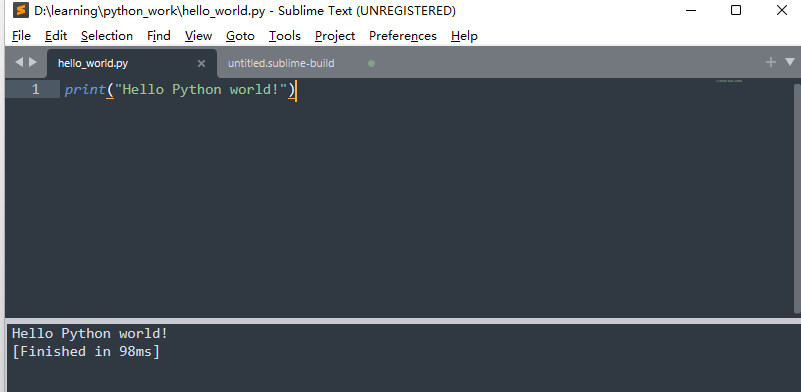
备注:发现保持应用打开状态,直接build system设置为python,再build同样成功

 浙公网安备 33010602011771号