
Vuejs报错error: Unexpected console statement (no-console) at src\
解决方法:在项目中添加.eslintrc.js文件,与package.json同目录级,如下所示
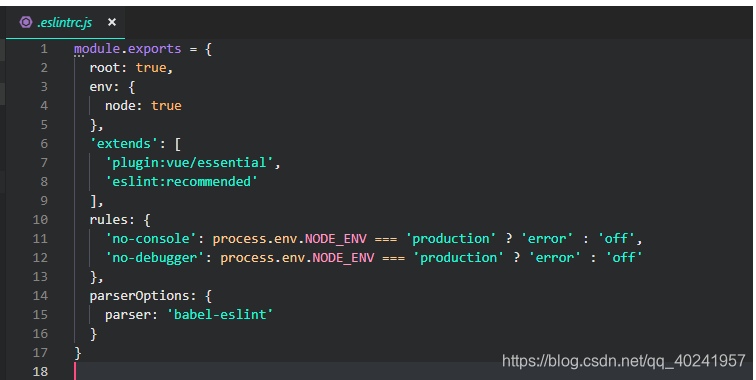
代码如下:
module.exports = {
  root: true,
  env: {
    node: true
  },
  'extends': [
    'plugin:vue/essential',
    'eslint:recommended'
  ],
  rules: {
    'no-console': process.env.NODE_ENV === 'production' ? 'error' : 'off',
    'no-debugger': process.env.NODE_ENV === 'production' ? 'error' : 'off'
  },
  parserOptions: {
    parser: 'babel-eslint'
  }
}
便可以关掉no-console这个错误了。

 浙公网安备 33010602011771号