
码神之路项目学习遇到的bug(持续更新)
启动时,后端可以查看数据但是前端没有展示数据
检查下前端项目的ArticleItem.vue
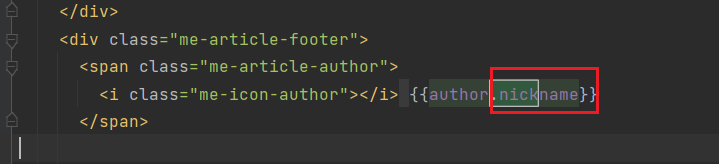
将author后面的.nickname去掉
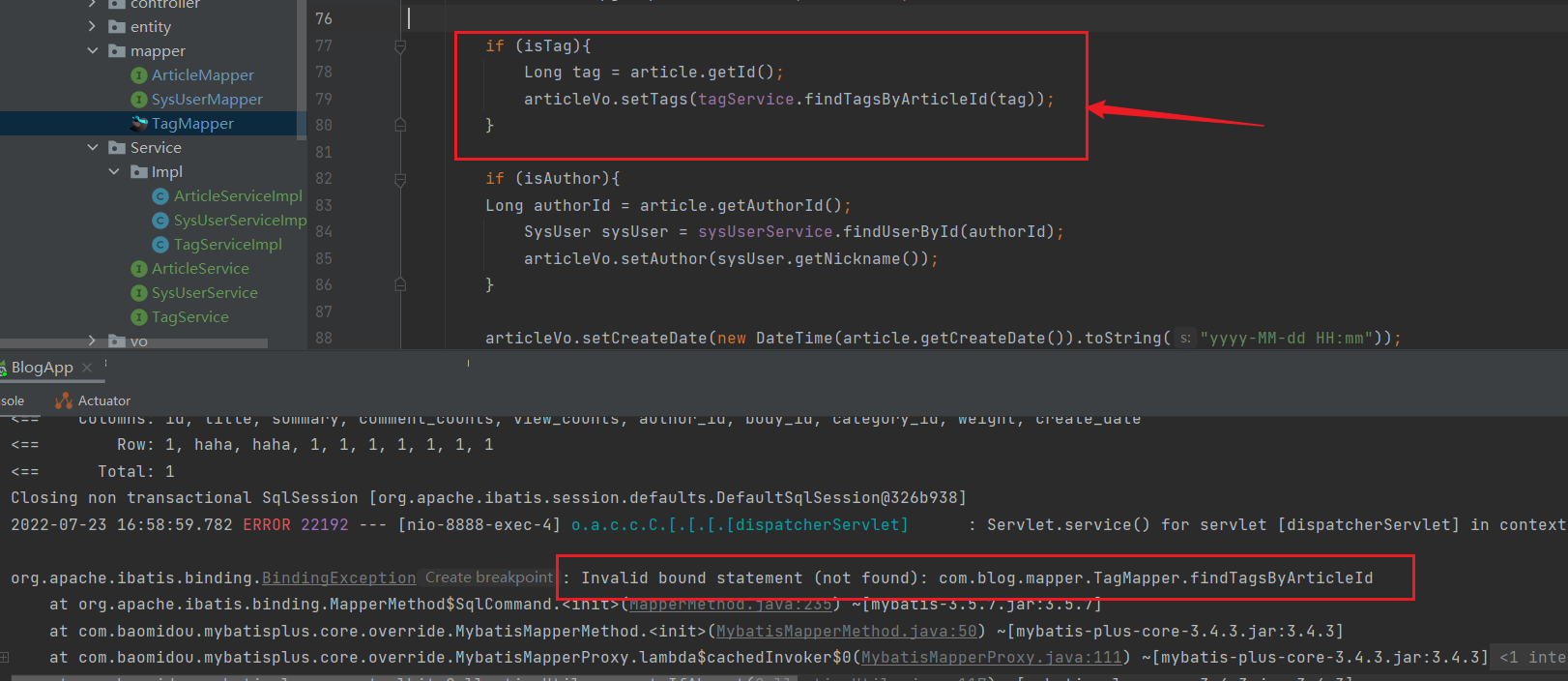
碰到bug:
2022-07-23 16:58:59.782 ERROR 22192 --- [nio-8888-exec-4] o.a.c.c.C.[.[.[.[dispatcherServlet]      : Servlet.service() for servlet [dispatcherServlet] in context with path [] threw exception [Request processing failed; nested exception is org.apache.ibatis.binding.BindingException: Invalid bound statement (not found): com.blog.mapper.TagMapper.findTagsByArticleId] with root cause

org.apache.ibatis.binding.BindingException: Invalid bound statement (not found): com.blog.mapper.TagMapper.findTagsByArticleId
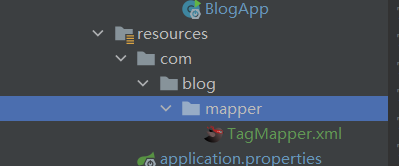
可能解决方法:查看xml文件目录是否正确
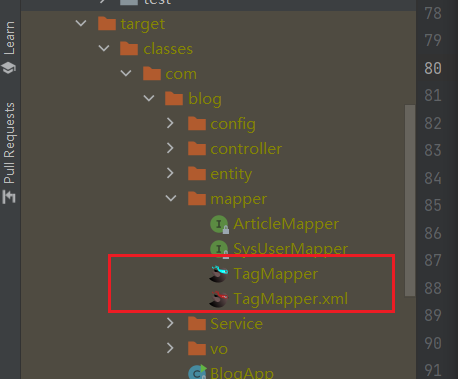
查看target中mapper是否完整
写好文章分类接口之后发现无法使用
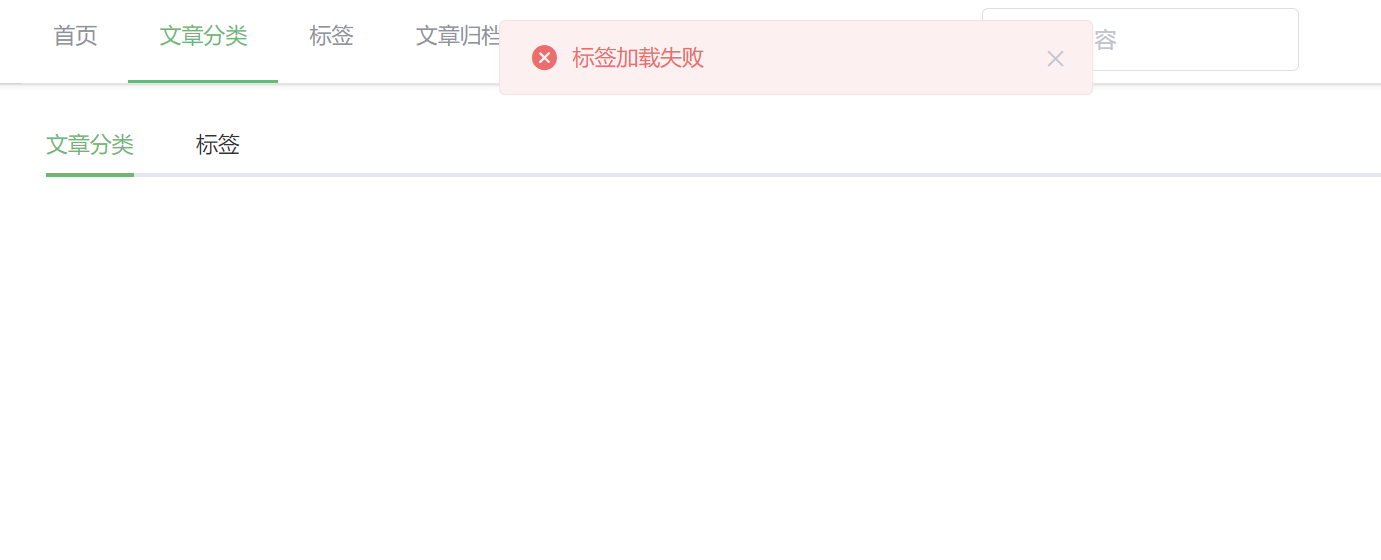
用F12调试之后发现接口应该是/categorys/detail,
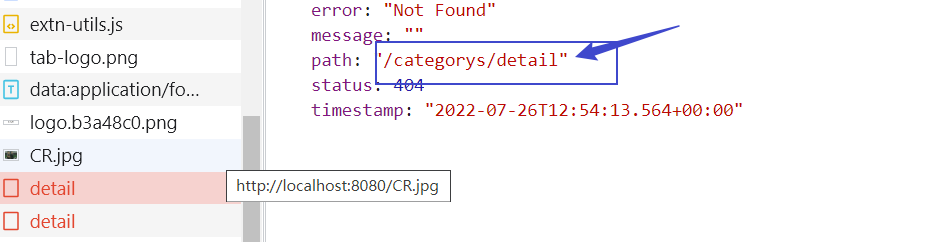
改成正确的接口之后访问成功
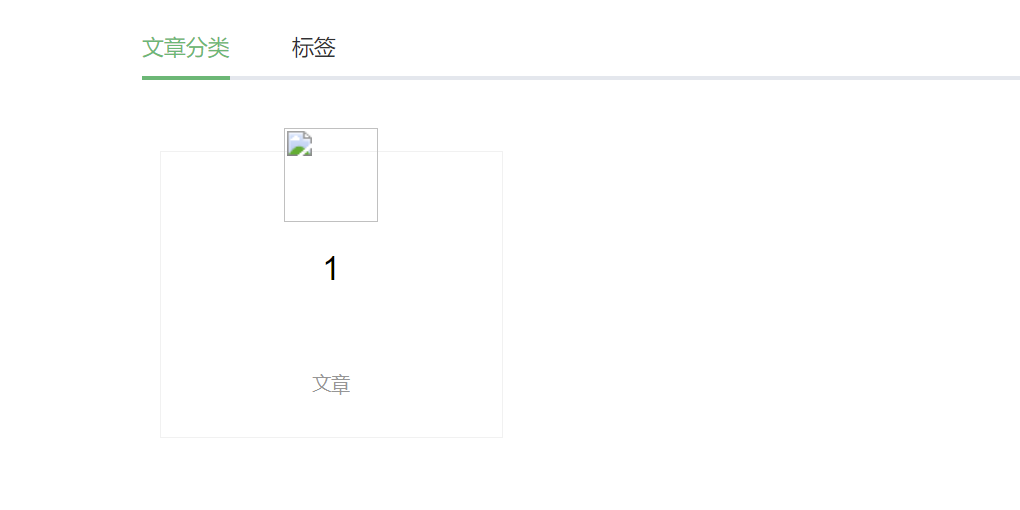
发布文章之后再想查看文章,发现无法查看

排查后发现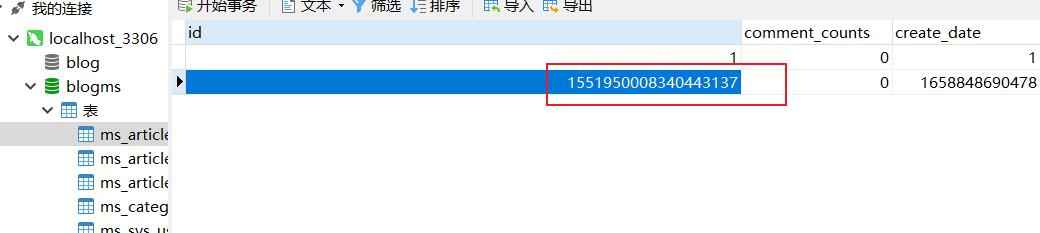
应该是在转化时精度发生了丢失
@JsonSerialize的作用:


出现bug
Data truncation: Out of range value for column 'article_id' at row 1
 是articleId的数据类型错误,应修改成如图的bigint类型
若更新的评论在下面,可以将列表颠倒顺序

这样更新的评论就在上面了

若文章归档处,左边的日期挡住了文章,如图:
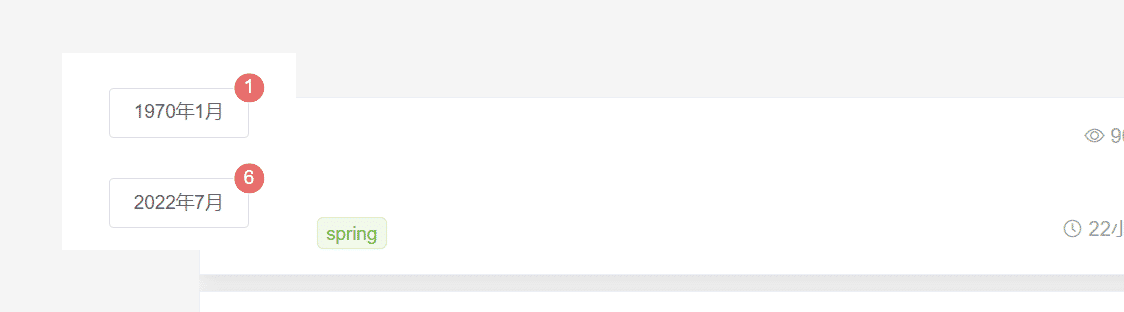
找到前端项目**/src/views/blog/BlogArchive.vue**,进行如下修改

修改后:

在完成最后一个功能归档文章列表时,出现bug


谷歌之后得知,在传入多个参数时,必须使用@Param

在将参数全部使用@Param后发现文档中给的sql语句仍有问题,应当将所有两个##的删除一个#

修改完sql后再运行发现测试正常。
本文来自博客园,作者:我只有一天的回忆,转载请注明原文链接:https://www.cnblogs.com/cc-coding/articles/16522653.html

 浙公网安备 33010602011771号