
vscode 配置php格式化代码
详解使用php-cs-fixer格式化代码
1. 下载php-cs-fixer
https://cs.symfony.com/download/php-cs-fixer-v2.phar
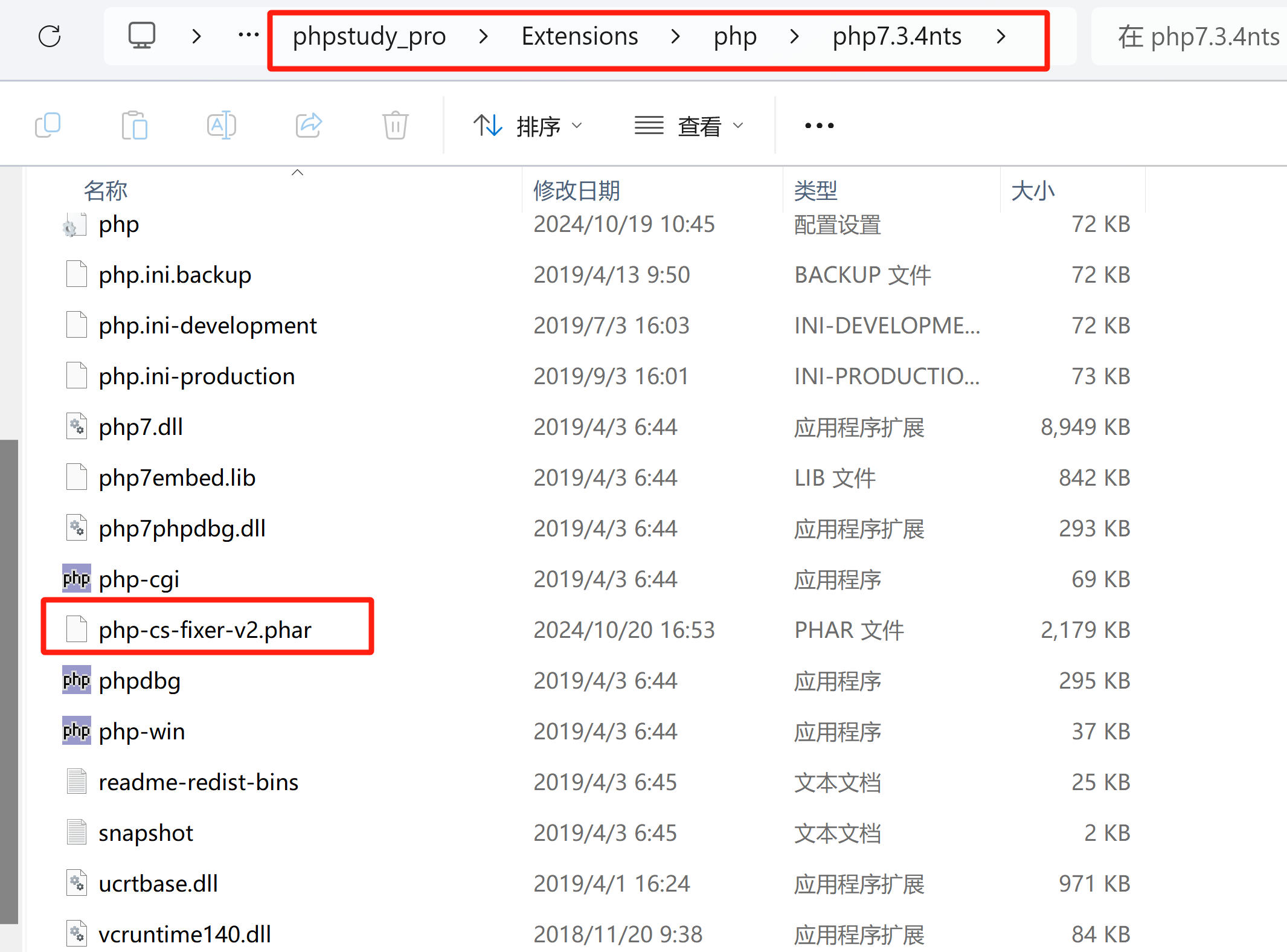
2. 将文件放在php的目录下
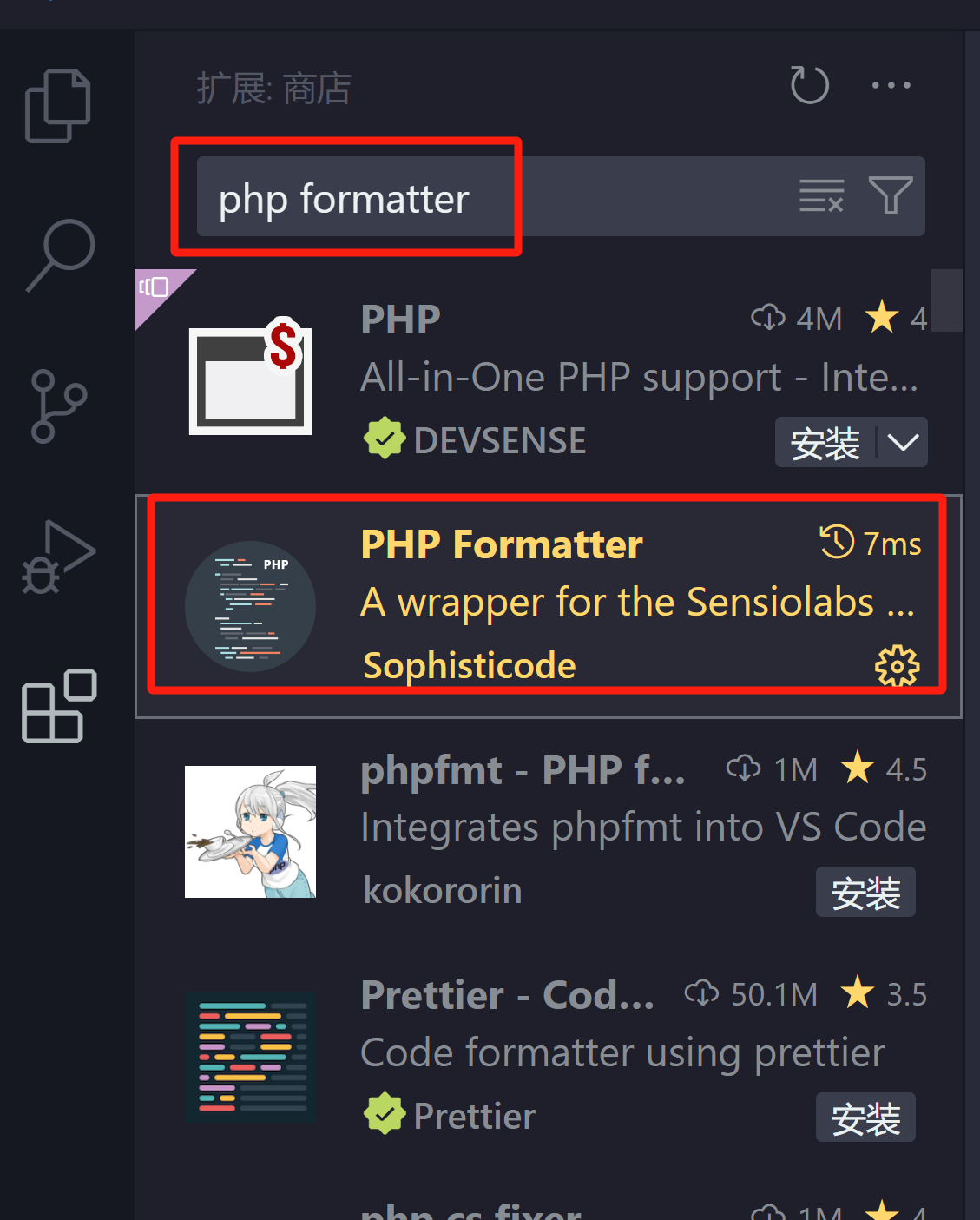
3. 安装VScode扩展插件,选择php formatter,注重有空格
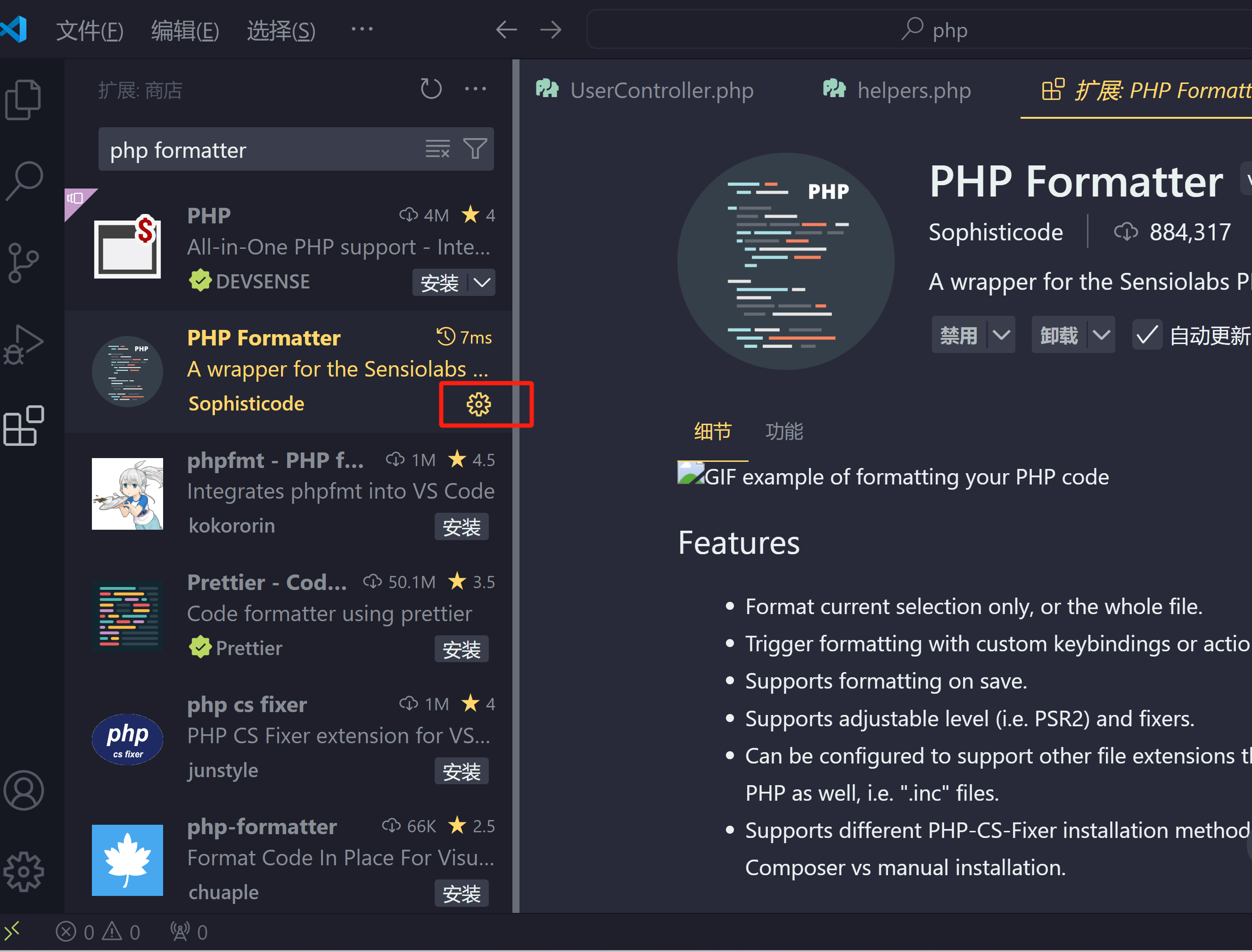
4. 设置插件,点击上图指向的设置,进入设置页面,修改设置
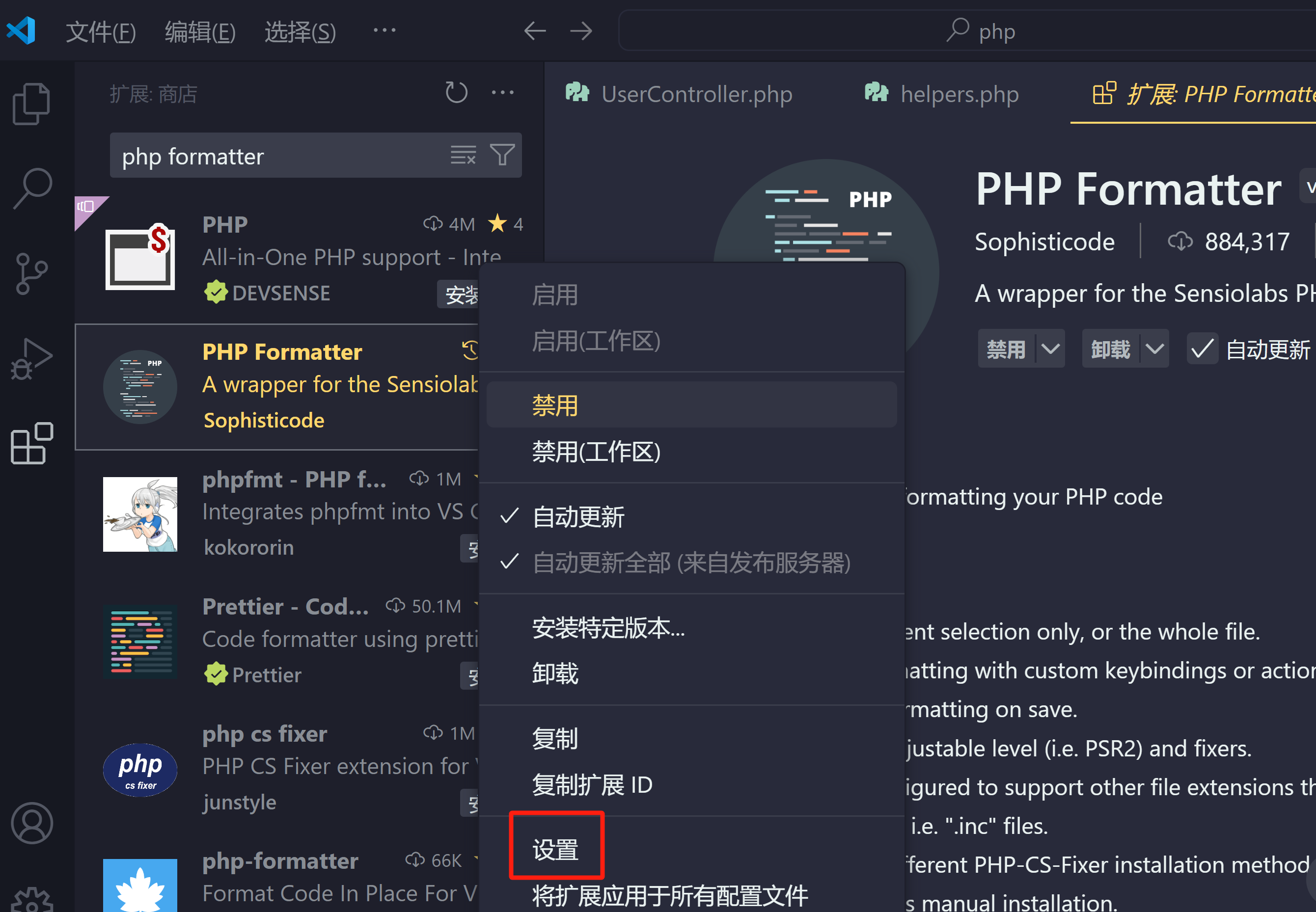
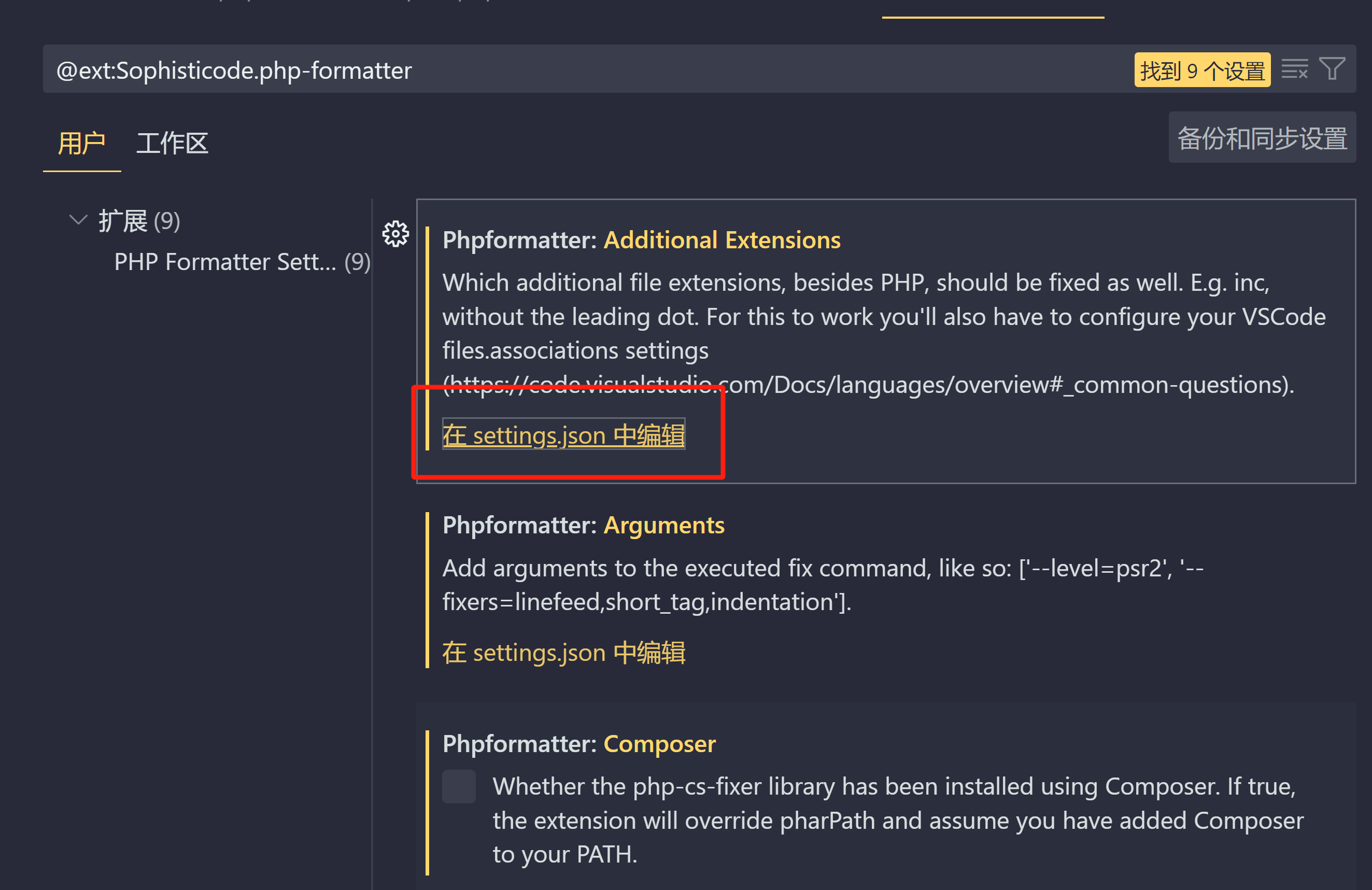
添加如下设置
    //打印日志信息,用于调试
    "phpformatter.logging":true,
    //不使用composer方式
    "phpformatter.composer":false,
    //添加自定义参数,默认的参数level已经在新版本中移出所以会导致运行出错
    //RULES=[@PSR1,@PSR2,@Symfony]
    //source:https://github.com/FriendsOfPHP/PHP-CS-Fixer#usage
    "phpformatter.arguments":["--rules=@Symfony"],
    //php-cs-fixer.phar路径,使用composer方式时可以不填
    "phpformatter.pharPath": "D:\\developSoftware\\phpstudy_pro\\Extensions\\php\\php7.3.4nts\\php-cs-fixer-v2.phar",
    // php路径
    "phpformatter.phpPath": "D:\\developSoftware\\phpstudy_pro\\Extensions\\php\\php7.3.4nts\\php.exe",
本文来自博客园,作者:Carvers,转载请注明原文链接:https://www.cnblogs.com/carver/articles/18487530

 浙公网安备 33010602011771号