
bandzip命令行(windows环境)
bandzip命令行
一、bandzip介绍
Bandizip是一个强大的多功能压缩文件管理工具,可提供很快的解压缩速度和其他各种实用功能。 这是一个免费的软件,其付费版本更是可以使用更多的实用功能
bandzip支持命令行参数输入,可以个性化处理文件以及文件夹(官方命令行参数介绍)
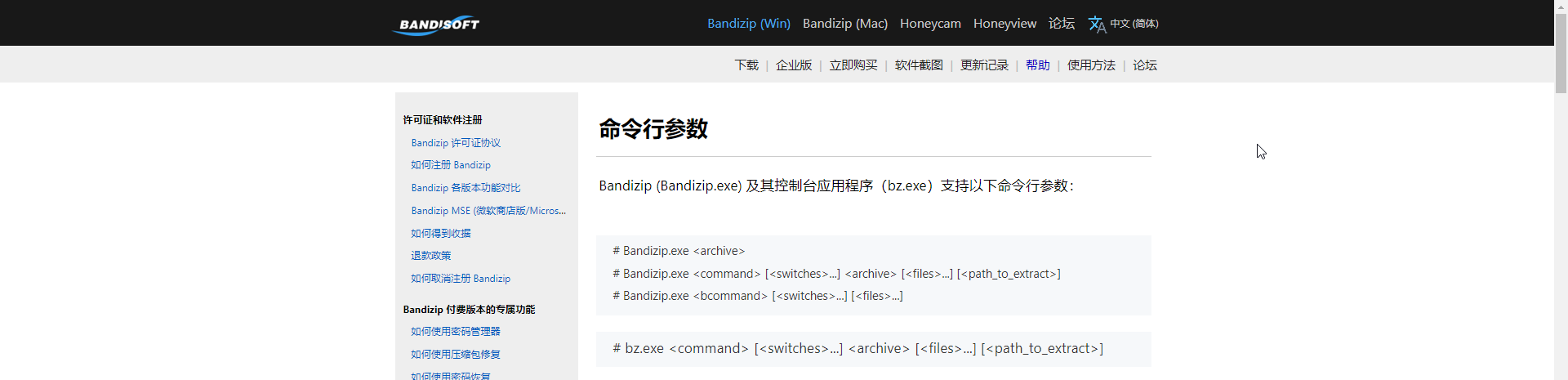
二、bandzip参数
bz 7.17(Beta,x64) - Bandizip console tool. Copyright(C) 2021 Bandisoft

Usage:
  bz <command> [<switches>...] <archive> [<files>...] [<path_to_extract>]

<Commands>
  a : Add files to archive
  x : eXtract files with full pathname
  t : Test integrity of archive
  d : Delete files from archive
  c : Create new archive(or overwrite exist file)
  e : Extract files without directory names
  l : List contents of archive
  v : Verbosely list contents of archive(ZIP format only)
  rn: Rename files in archive

<Switches>
  -             Stop switches scanning
  -l:<0...9>    Set compression level (0:store, 5:default, 9:maximal)
  -r-           Disable recursion (default)
  -r            Enable recurse subdirectories
  -aoa          Overwrite All existing files without prompt
  -aos          Skip extracting of existing files
  -aou          aUto rename extracting file
                (for example, name.txt will be renamed to name (2).txt)
  -sfx:[{name}] Create SFX archive
  -zopfli       Use Zopfli as deflate compressor(very slow)
  -p:{password} Set password
  -o:{dir}      Specify target folder
  -y            Assume Yes on all queries
  -fmt:{fmt}    Specify archive format
                (zip, zipx, exe, tar, tgz, lzh, iso, 7z, gz, xz)
  -v:{size}     Specify volume size(-v:1000000 -v:1440k -v:100MB ...)
  -target:auto  Extract to target path smartly
  -target:name  Extract to archive-name folder of target path
三、范例演示
注意:使用命令行之前,需要将bz.exe添加到环境变量

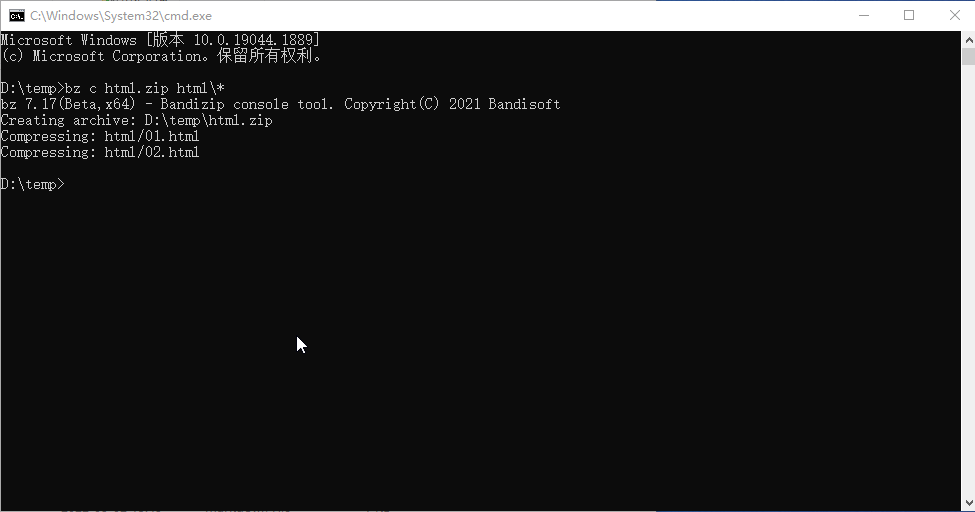
压缩(文件夹)命令:bz c html.zip html\*
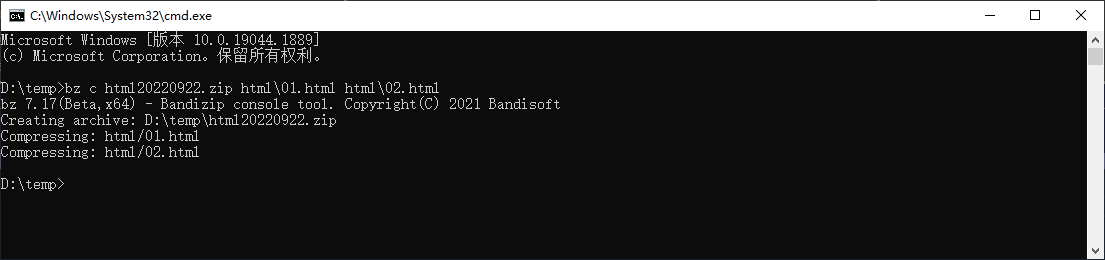
压缩多个文件命令:bz c html20220922.zip html\01.html html\02.html
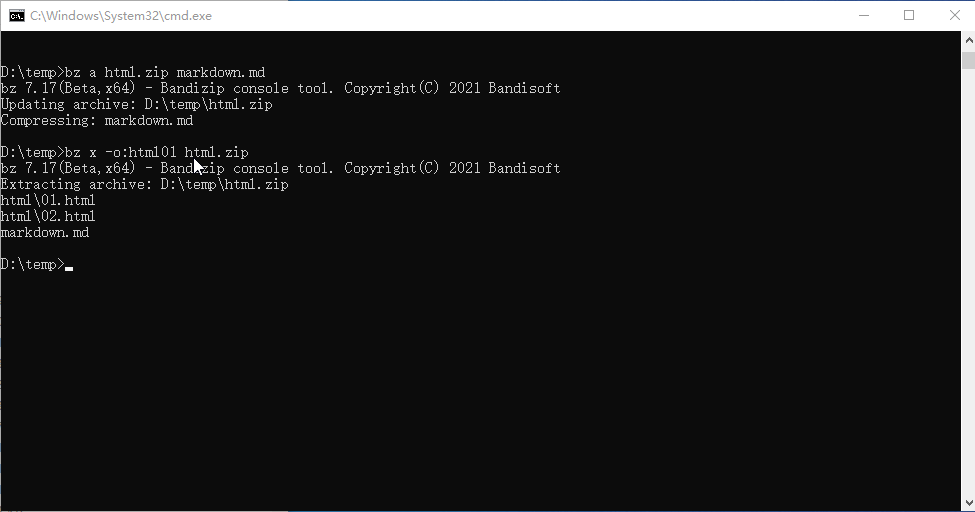
解压命令:bz x -o:html01 html.zip
其它参数使用范例请参考官网介绍

 浙公网安备 33010602011771号