
Windows Store无法联网时安装WSL
Windows Store无法联网时安装WSL
1 打开powershell 输入命令:
Invoke-WebRequest -Uri https://aka.ms/wsl-ubuntu-1604 -OutFile Ubuntu.appx -UseBasicParsing
下载文件“Ubuntu.appx”
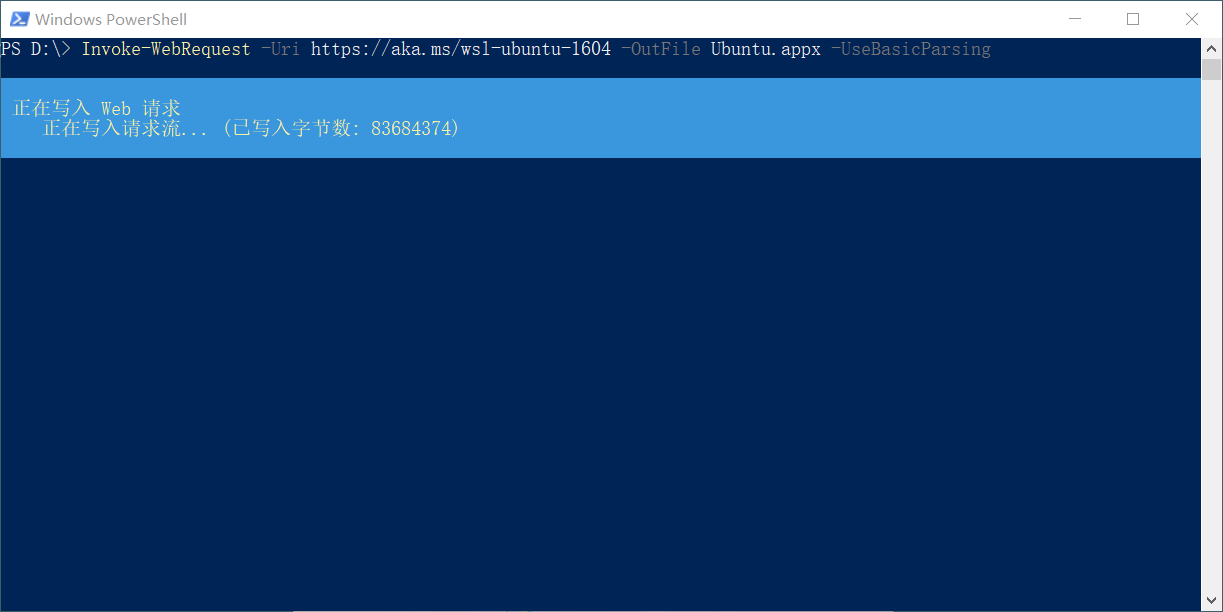
Invoke-WebRequest -Uri https://aka.ms/wsl-ubuntu-1604 -OutFile Ubuntu.appx -UseBasicParsing
下载文件“Ubuntu.appx”

 浙公网安备 33010602011771号