
autofs实现文件系统自动挂载
一、autofs简介
autofs是一种看守程序。它能够根据配置文件自动挂载和卸载文件系统。
- 挂载文件系统:如果它检测到用户正在访问一个尚未挂载的文件系统时,它就会自动检测该文件系统,如果存在,那么autofs会自动将其挂载。
- 卸载文件系统:如果它检测到某个已经挂载的文件系统在一段时间内没有被使用,那么它会自动将其卸载。
autofs相比mount/umount,不需要用户手动完成文件系统的挂载和卸载。
二、autofs安装
Ubuntu:apt install -y autofs
Rocky:yum install -y autofs

启动/查看/重启服务:systemctl status autofs、systemctl start autofs、systemctl restrat autofs

systemctl enable --now autofs //立即启动该服务并在开机后也自动启动
三、autofs配置
配置本地镜像自动挂载,计划将光驱设备/dev/sr0(也可以使用/dev/cdrom,/dev/cdrom是一个软链接,指向/dev/sr0)挂载到/mnt/rocky
修改主配置文件:
1、编辑主配置文件
vi /etc/auto.master

#
# Sample auto.master file
# This is a 'master' automounter map and it has the following format:
# mount-point [map-type[,format]:]map [options]
# For details of the format look at auto.master(5).
#
/misc   /etc/auto.misc
**/mnt    /etc/yum.misc --timeout=10**  #添加此行

注:/mnt为/mnt/rocky挂载点的父目录,/etc/yum.misc为子配置文件,--timeout=10为配置挂载超时时间为10s,也就是10s内没有被使用,那么它会自动将其卸载。

#
# NOTE: mounts done from a hosts map will be mounted with the
#       "nosuid" and "nodev" options unless the "suid" and "dev"
#       options are explicitly given.
#
/net    -hosts
#
# Include /etc/auto.master.d/*.autofs
# The included files must conform to the format of this file.
#
+dir:/etc/auto.master.d
#
# If you have fedfs set up and the related binaries, either
# built as part of autofs or installed from another package,
# uncomment this line to use the fedfs program map to access
# your fedfs mounts.
#/nfs4  /usr/sbin/fedfs-map-nfs4 nobind
#
# Include central master map if it can be found using
# nsswitch sources.
#
# Note that if there are entries for /net or /misc (as
# above) in the included master map any keys that are the
# same will not be seen as the first read key seen takes
# precedence.
#
+auto.master
2、添加子配置文件
复制一份原有文件或直接touch一个新的都可以
此处复制一份系统的子配置文件::cp /etc/auto.misc /etc/yum.misc
vi /etc/yum.misc

#
# This is an automounter map and it has the following format
# key [ -mount-options-separated-by-comma ] location
# Details may be found in the autofs(5) manpage

rocky           -fstype=iso9660,ro,nosuid,nodev :/dev/sr0   #添加此行

注:
rocky:    为挂载点/mnt/rocky目录
-fstype:  xfs/ext4/iso9660等
ro:        只读
nosuid:    禁止设置对应的SUID位和组ID位
nodev:     不解析特殊的块设备
:/dev/sr0: 光盘的真实存在路径

# the following entries are samples to pique your imagination
#linux          -ro,soft                ftp.example.org:/pub/linux
#boot           -fstype=ext2            :/dev/hda1
#floppy         -fstype=auto            :/dev/fd0
#floppy         -fstype=ext2            :/dev/fd0
#e2floppy       -fstype=ext2            :/dev/fd0
#jaz            -fstype=ext2            :/dev/sdc1
#removable      -fstype=ext2            :/dev/hdd
3、配置完成后重启服务:systemctl restart autofs.service
4、验证
查看挂载:
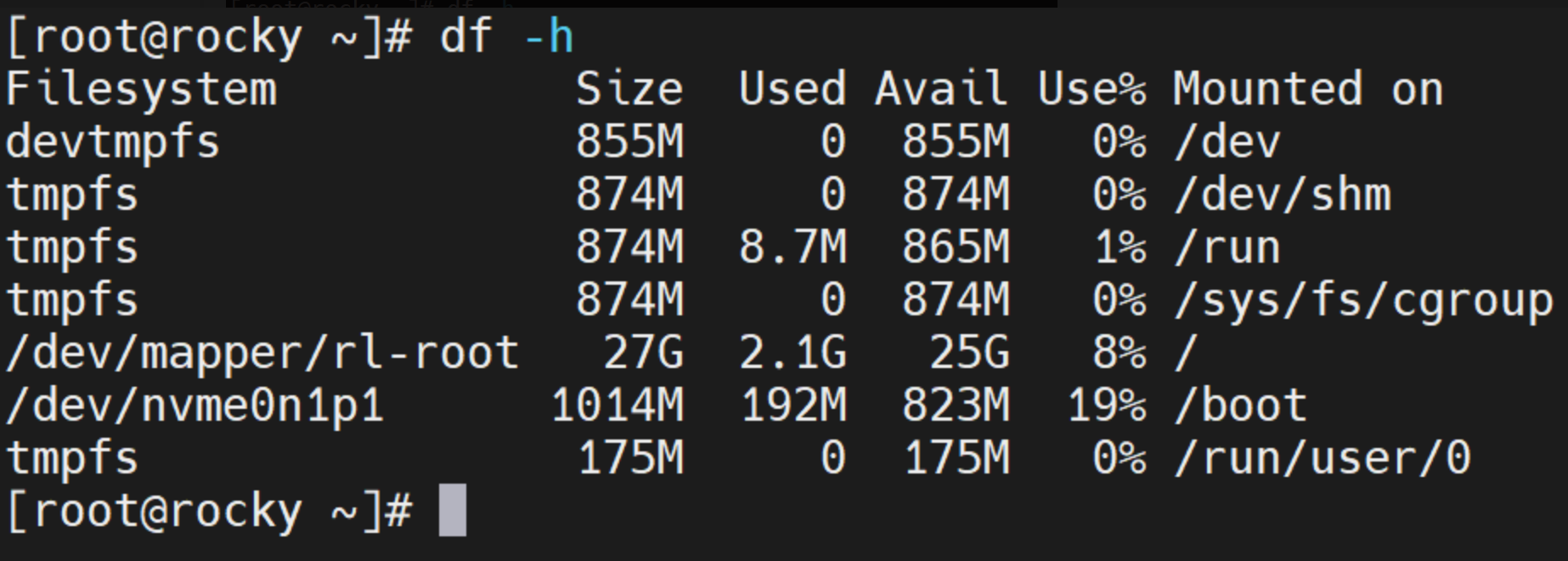
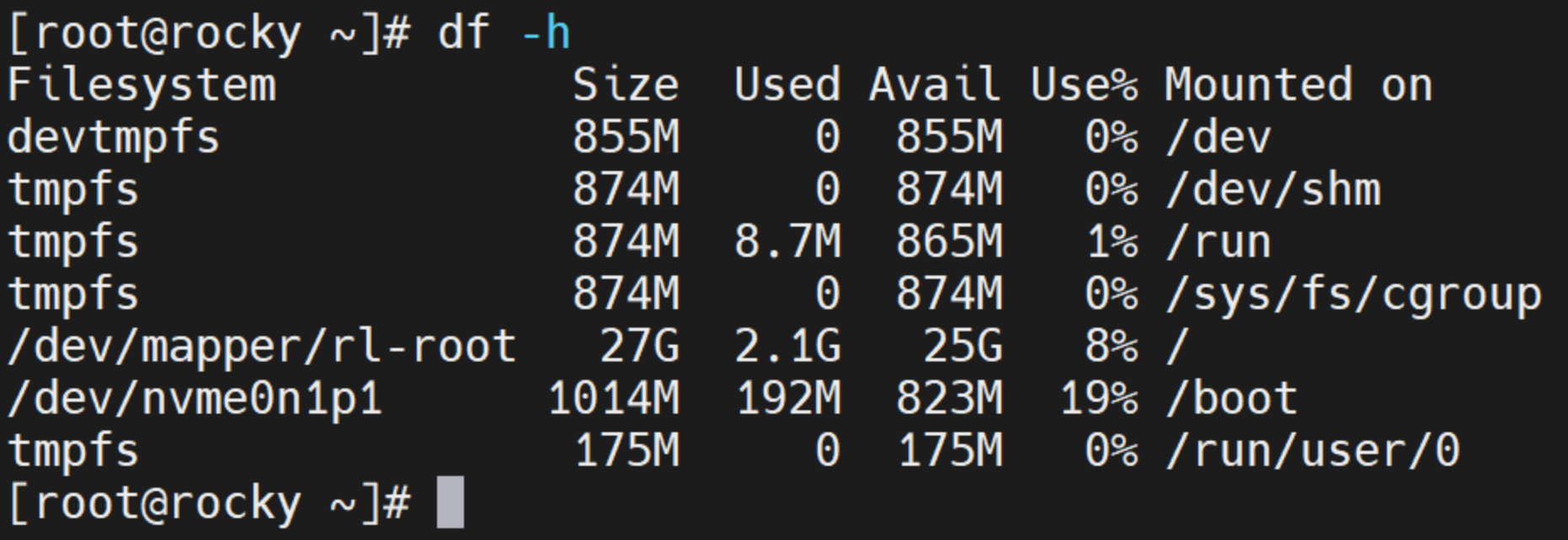
此时/mnt下并无rocky目录:
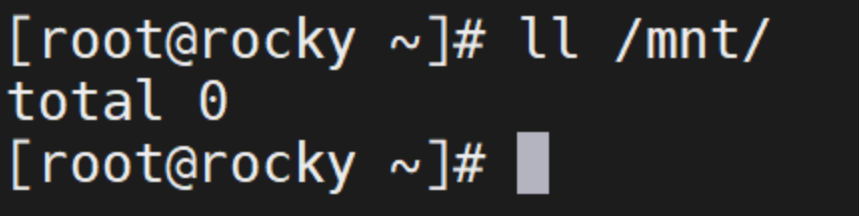
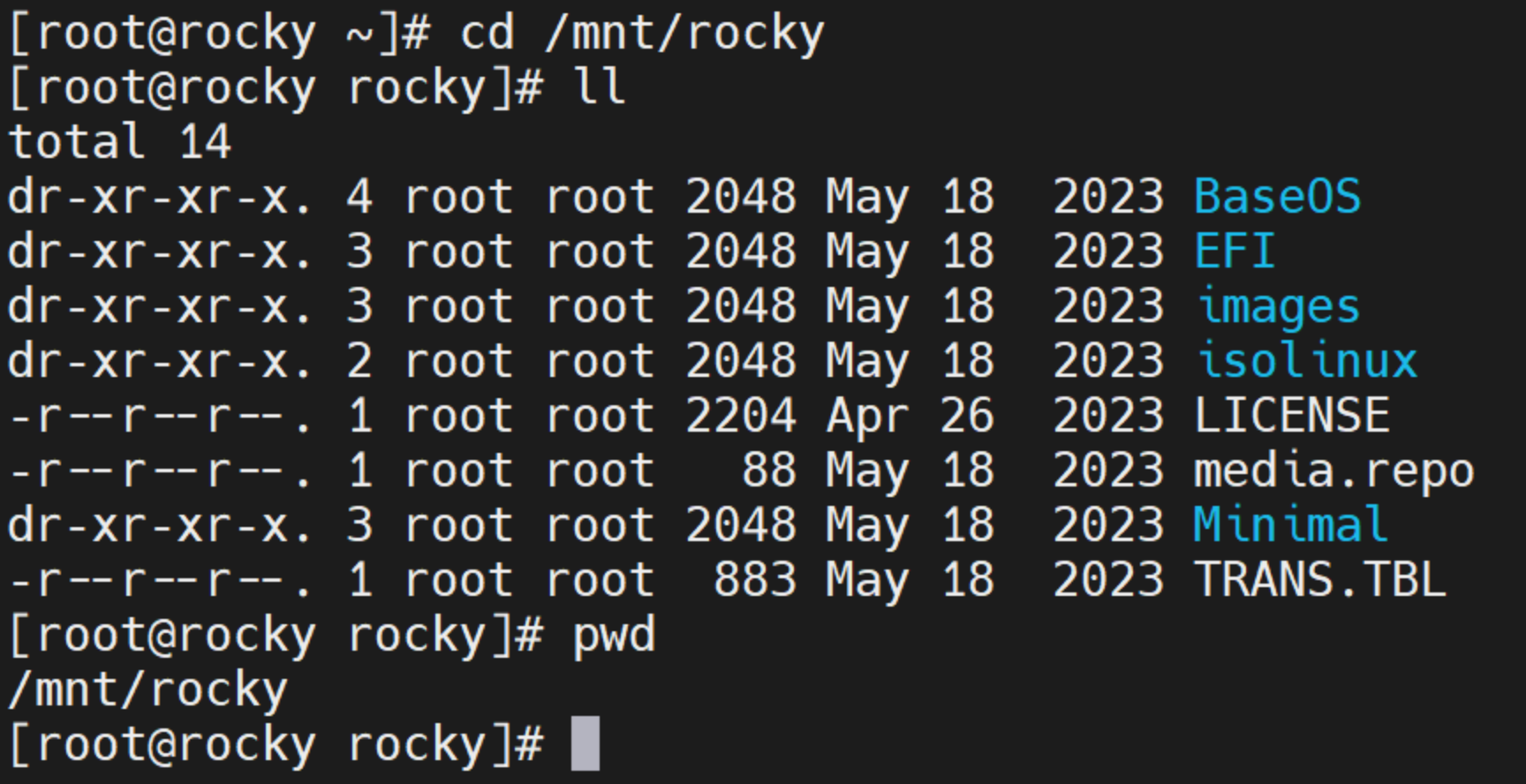
进入rocky目录:
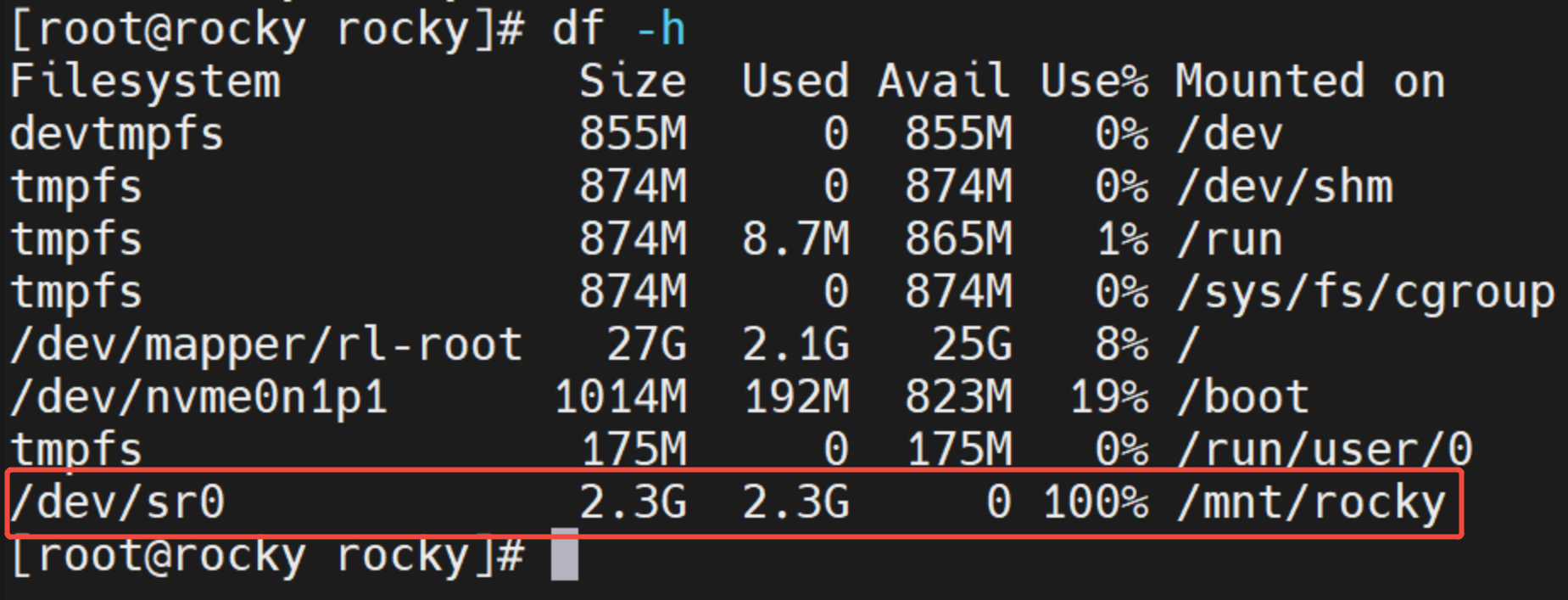
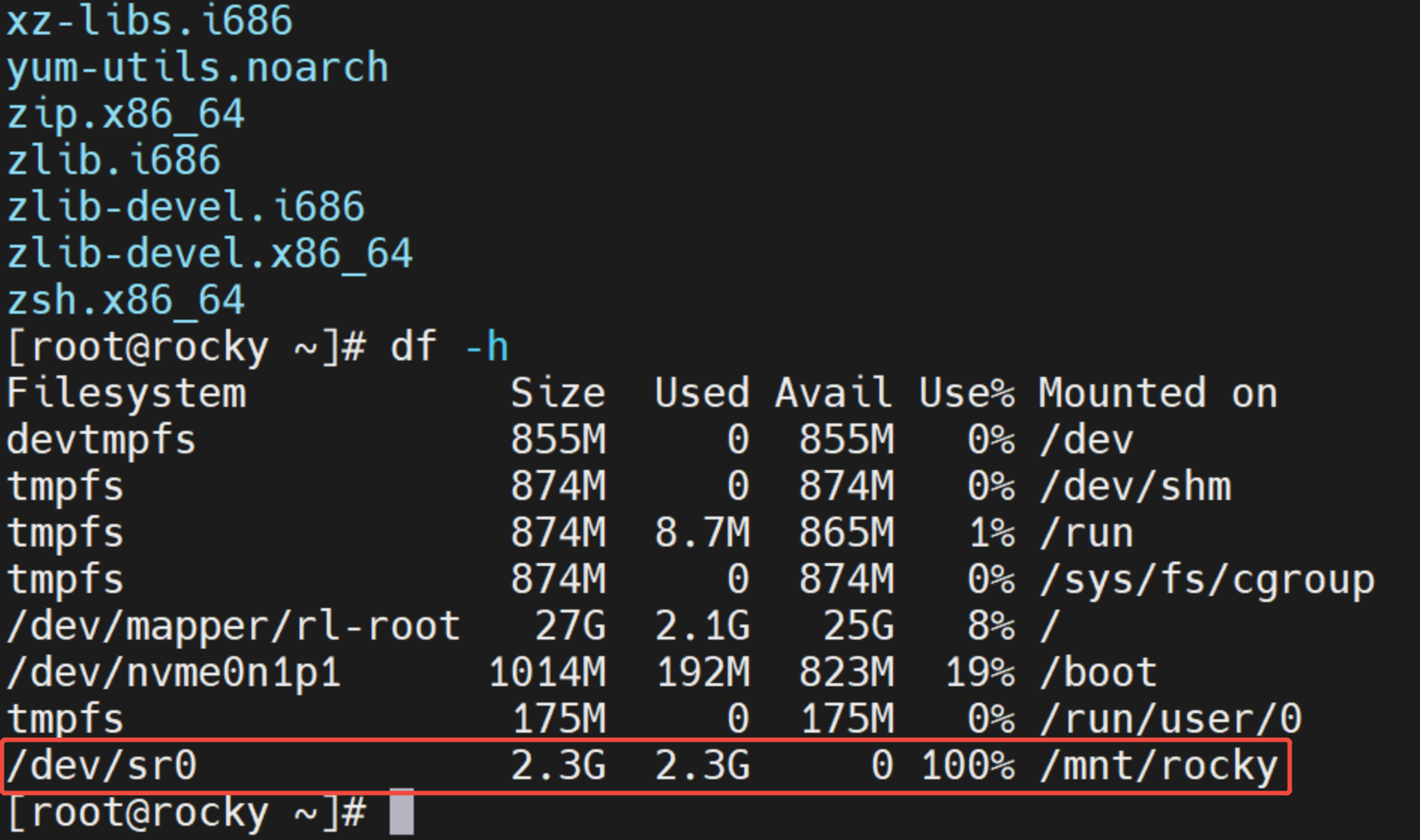
再查看,此时/dev/sr0已经挂载到/mnt/rocky目录下:
因为设置了—timeout 10,在退出/mnt/rocky目录,10s左右后将自动卸载:
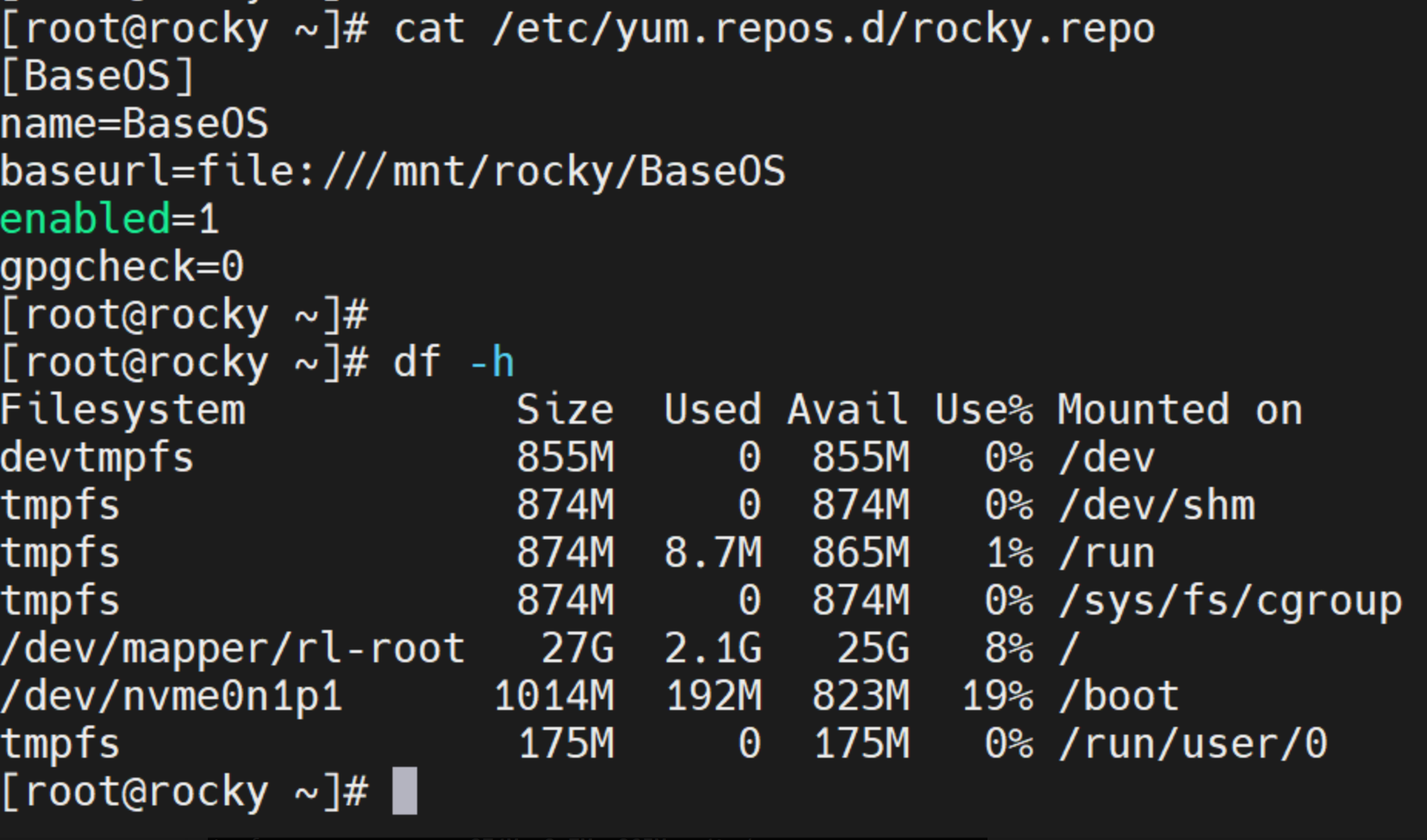
当使用yum时,镜像又会自动挂载:

 浙公网安备 33010602011771号