今天算是第一天学习canvas,学习了一个通过滑动滑块改变图片大小比例e
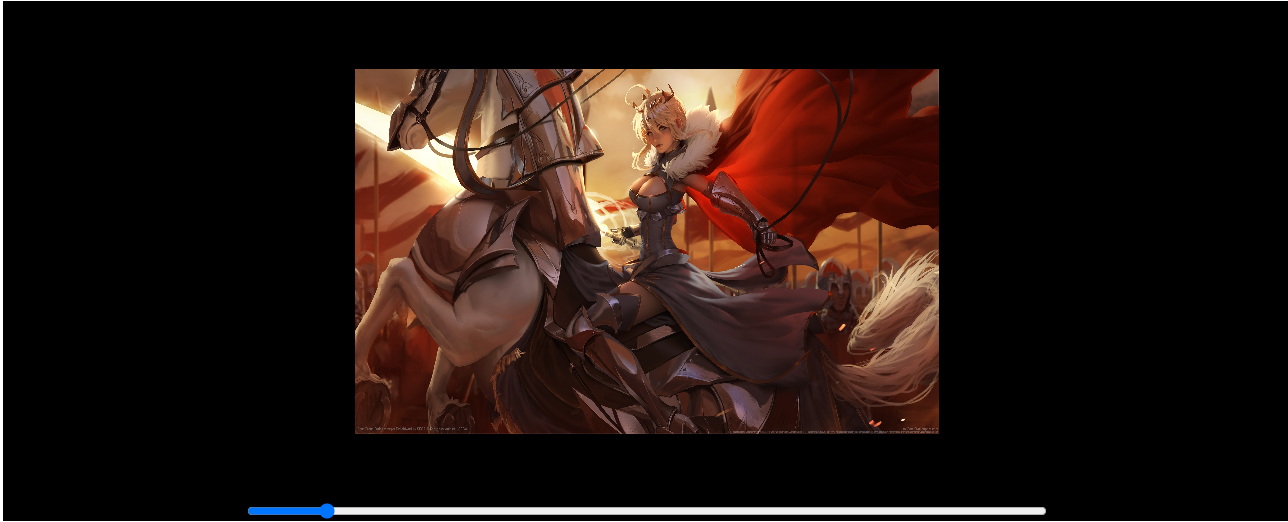
html部分
<!DOCTYPE html>
<html lang="en">

<head>
    <meta charset="UTF-8">
    <meta name="viewport" content="width=device-width, initial-scale=1.0">
    <title>Document</title>
    <style>
        .root {
            width: 100%;
            height: 100%;
            display: flex;
            justify-content: center;
            align-items: center;
            flex-direction: column;
            background-color: black;
        }
    </style>
</head>

<body>
    <div class="root">
        <canvas id="dome1" width="800" height="500"></canvas>
        <div class="input">
            <input type="range" style="display: block; width: 800px;" id="scroll_range" min="0.5" max="3.0" step="0.01"
                value="1.0">
        </div>
    </div>
    // 引入js文件
    <script src="./canvas_1.js"></script>
</body>

</html>
js代码
class Img {
    constructor(cid, sid) {
        this.cid = cid
        this.sid = sid
        this.canvas = document.getElementById(cid)
        this.slider = document.getElementById(sid)
        this.ctx = this.canvas.getContext('2d')
        this._init_()
    }

    _init_() {
        const image = new Image()
        image.src = '../img/《Fate Grand Order》游戏美女4k壁纸_彼岸图网.jpg'
        window.onload = () => {
            this.drawImg(image)
        }
    }

    drawImg(image) {
        this.slider.onmousemove = () => {
            const imageWidth = this.canvas.width * this.slider.value
            const imageHeight = this.canvas.height * this.slider.value
            const dx = this.canvas.width / 2 - imageWidth / 2
            const dy = this.canvas.height / 2 - imageHeight / 2
            this.ctx.clearRect(0, 0, this.canvas.width, this.canvas.height)
            this.ctx.drawImage(image, dx, dy, imageWidth, imageHeight)
        }
        this.ctx.drawImage(image, 0, 0, this.canvas.width, this.canvas.height)
    }
}

const img = new Img('dome1', 'scroll_range')


 浙公网安备 33010602011771号