
第八次作业
1.编写map函数,reduce函数
首先在/home/hadoop路径下建立wc文件夹,在wc文件夹下创建文件mapper.py和reducer.py
cd /home/hadoop
mkdir wc
cd /home/hadoop/wc
touch mapper.py
1
touch reducer.py
编写两个函数
mapper.py:
import sys
for line in sys.stdin:
    line = line.strip()
    words = line.split()
    for word in words:
        print ('%s\t%s' % (word,1))
reducer.py:
#!/usr/bin/env python
from operator import itemgetter
import sys
current_word = None
current_count = 0
word = None
for line in sys.stdin:
line = line.strip()
word, count = line.split('\t', 1)
try:
count = int(count)
except ValueError:
continue
if current_word == word:
current_count += count
else:
if current_word:
'%s\t%s' % (current_word, current_count)
current_count = count
current_word = word
if current_word == word:
'%s\t%s' % (current_word, current_count)
测试截图
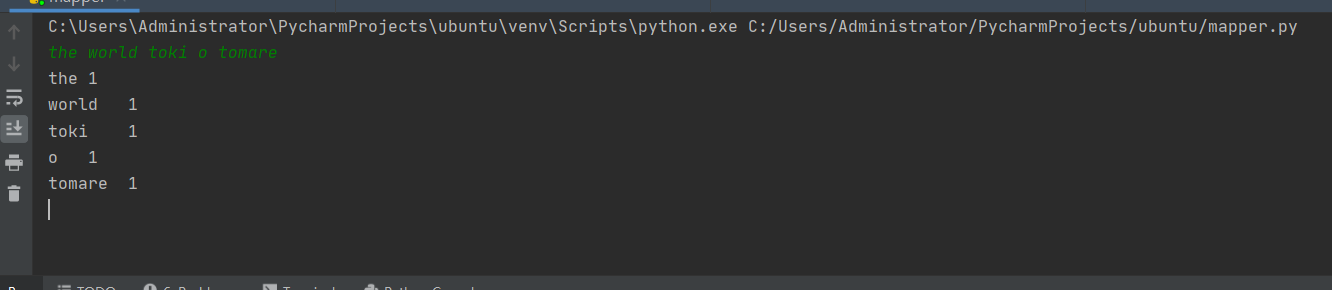
在Ubuntu中实现运行。
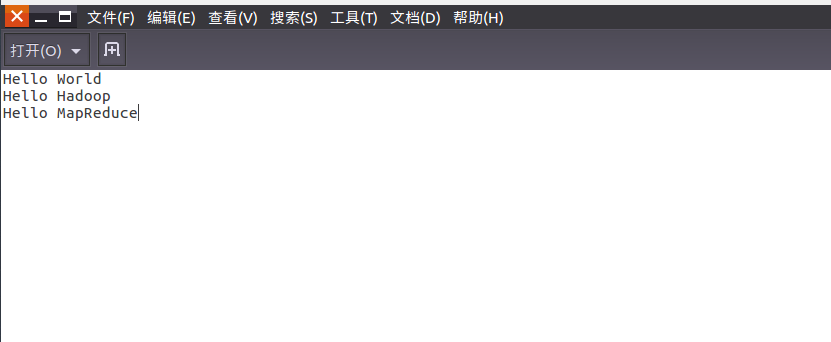
- 准备txt文件
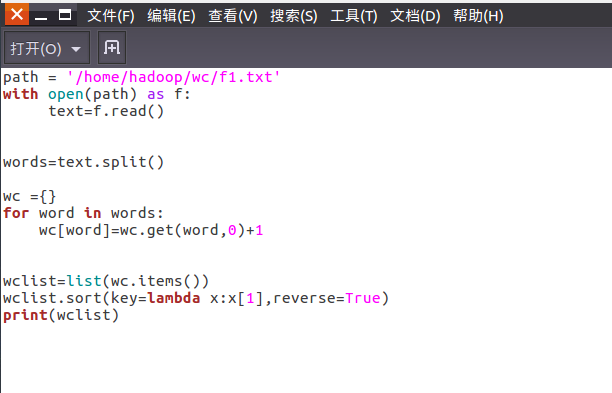
- 编写py文件
- python3运行py文件分析txt文件。



2.用MapReduce实现词频统计
2.1编写Map函数
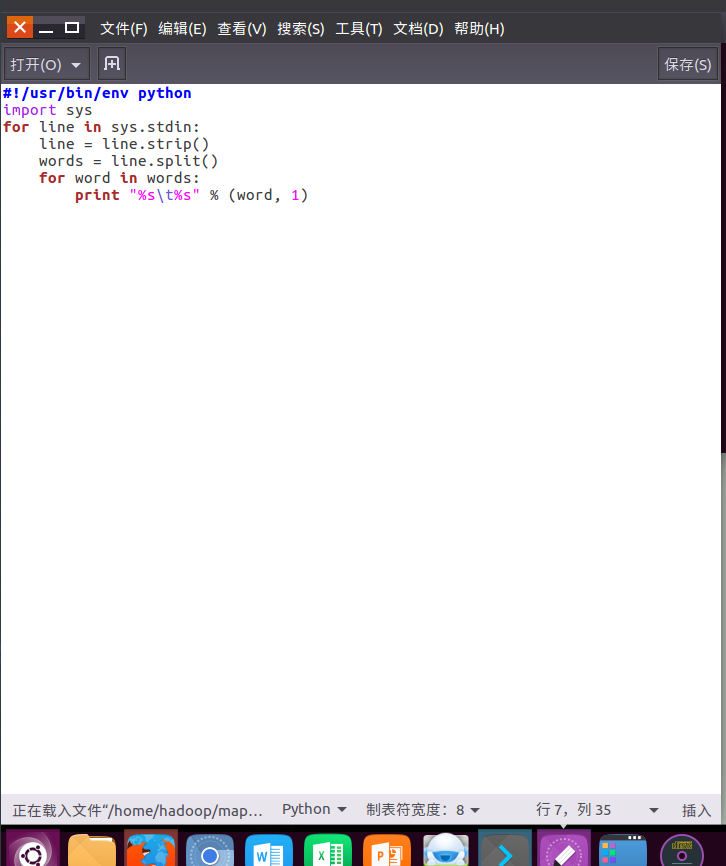
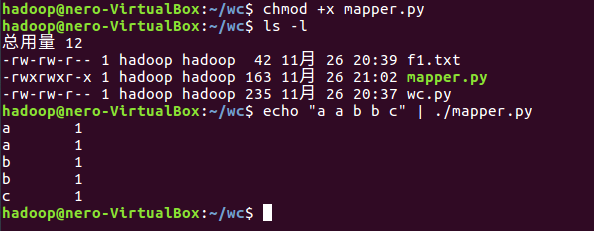
- 编写mapper.py
- 授予可运行权限
- 本地测试mapper.py

2.2编写Reduce函数
- 编写reducer.py
- 授予可运行权限
- 本地测试reducer.py




2.3分布式运行自带词频统计示例
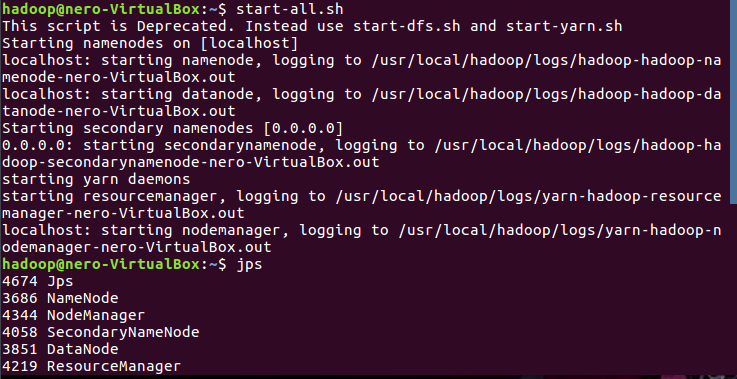
- 启动HDFS与YARN
![]()
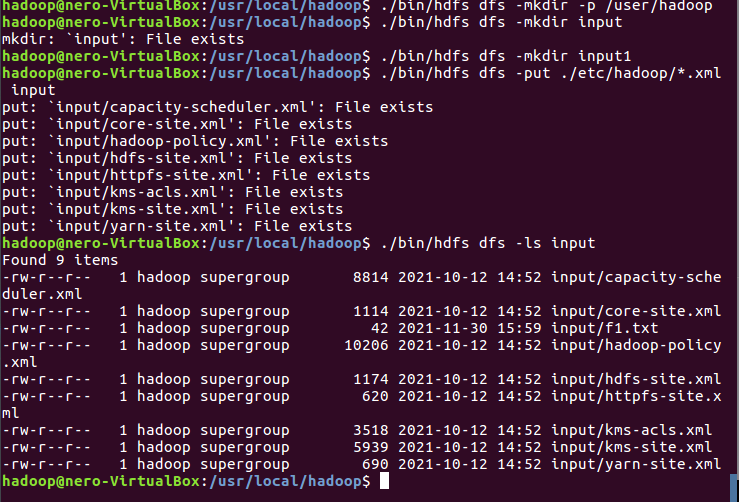
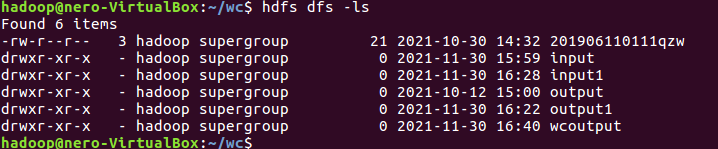
- 准备待处理文件,上传到HDFS上
![]()
![]()
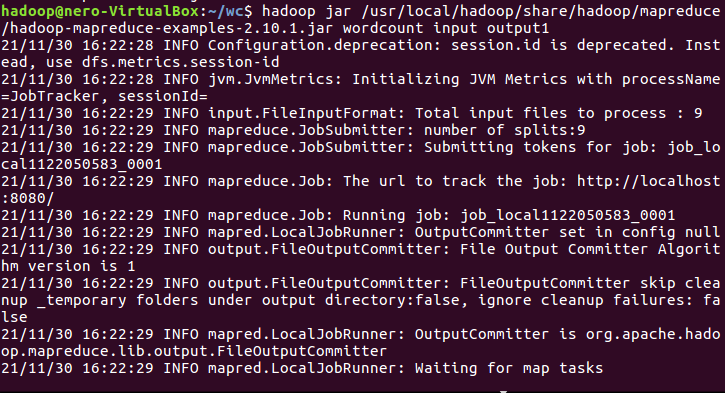
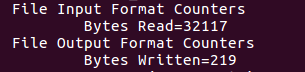
- 运行实例hadoop-mapreduce-examples-2.7.1.jar
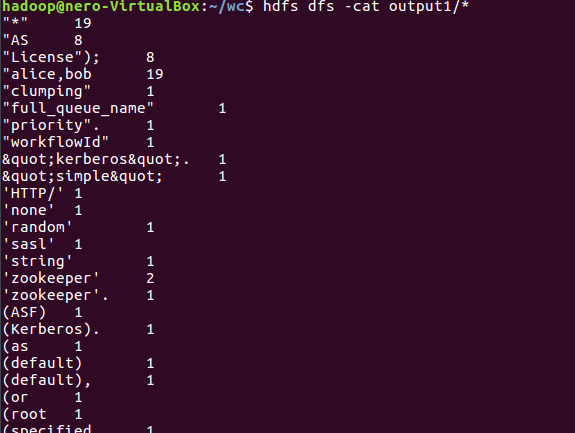
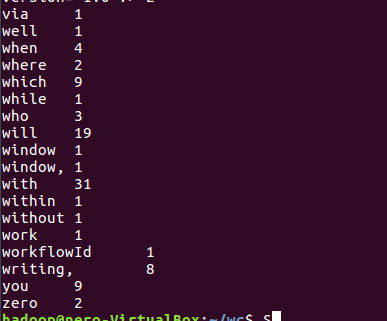
- 查看结果

2.4 分布式运行自写的词频统计
- 用Streaming提交MapReduce任务:
- 查看hadoop-streaming的jar文件位置:/usr/local/hadoop/share/hadoop/tools/lib/
- 配置stream环境变量
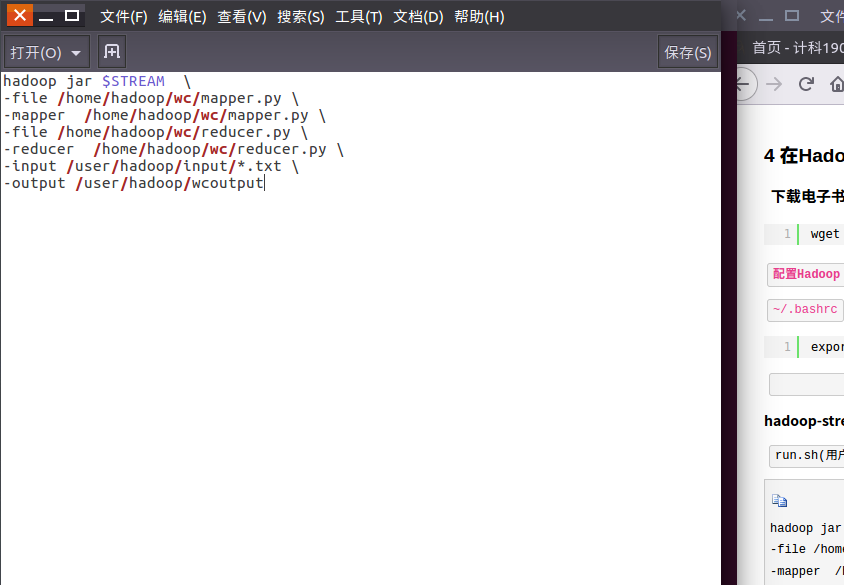
- 编写运行文件run.sh
- 运行run.sh运行
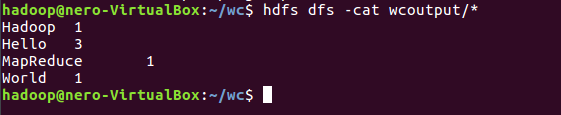
- 查看运行结果
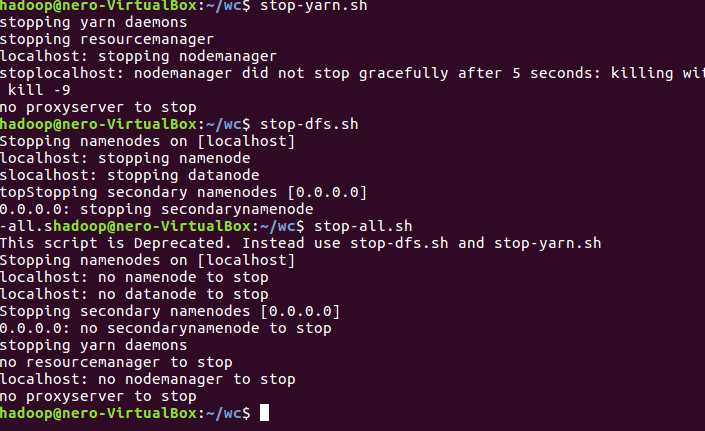
- 停止HDFS与YARN


 浙公网安备 33010602011771号