

HUE集成HIVE
说明:上一篇已经写了HUE的下载和安装这里只写集成HIVE的配置修改
https://www.cnblogs.com/blogxiaochong/p/15061652.html
1、修改hue.ini的配置
cd /export/servers/hue/desktop/conf
vim hue.ini
[beeswax]
hive_server_host=hadoop01
hive_server_port=10000
hive_conf_dir=/export/server/hive/conf
server_conn_timeout=120
auth_username=hue
auth_password=123456
[metastore]
#允许使用hive创建数据库表等操作
enable_new_create_table=true
2、启动hive 的metastore和hiveserver2
cd /export/server/hive
nohup bin/hive --service metastore &
nohup bin/hive --service hiveserver2 &
3、重启启动hue
nohup /export/servers/hue/build/env/bin/supervisor &
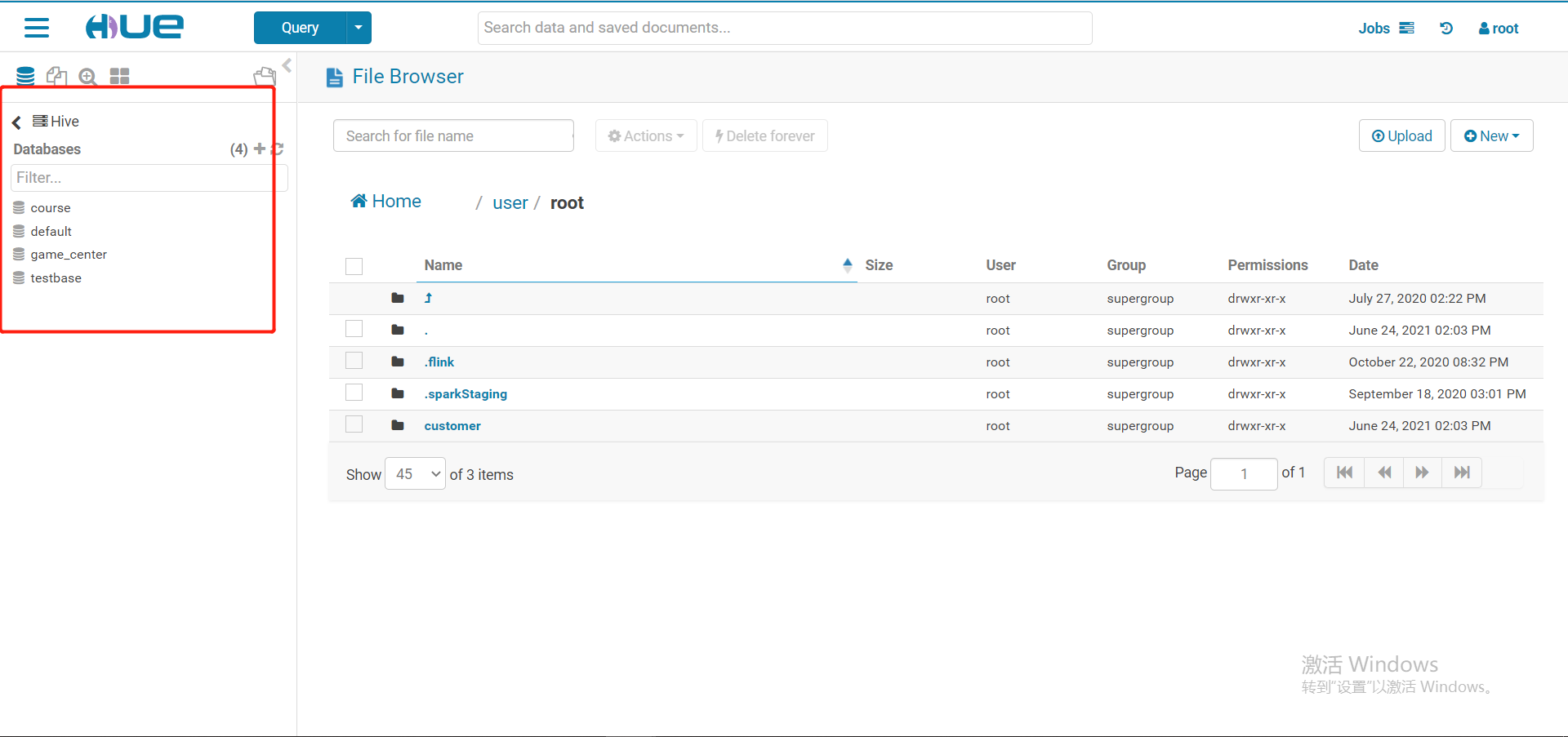
4、在hue上查询hive的数据
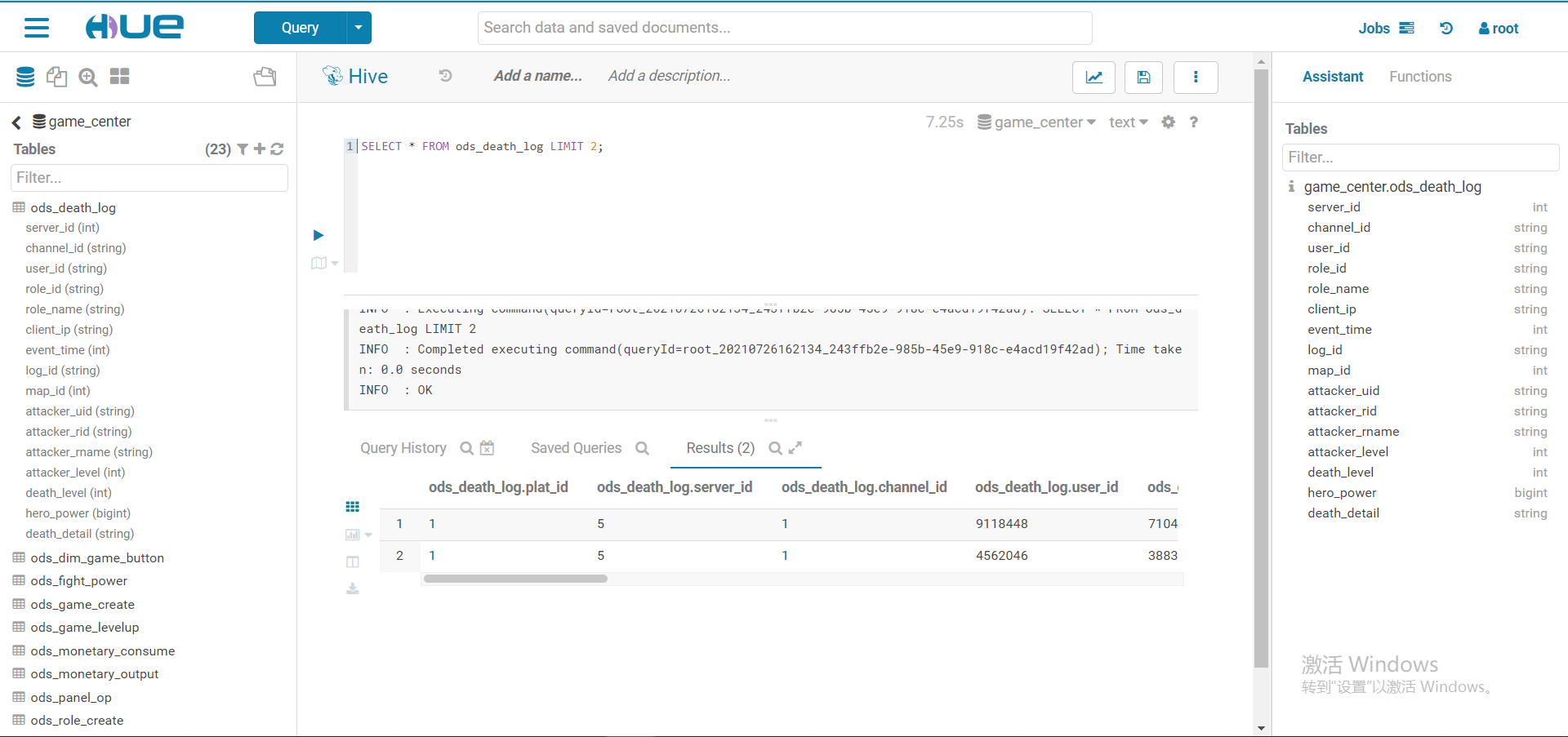
至此表示hue集成hive已经完成

 浙公网安备 33010602011771号