关于IDEA解决默认的javacompile以及Language level自动默认jdk1.5的问题
IDEA会自动默认编译环境jdk1.5,而当你想使用超过jdk1.5版本以外的语法时,编译就会报错。而且当你修改了jdk编译的版本为其他(例如1.8)当再次打开项目时又会默认jdk1.5
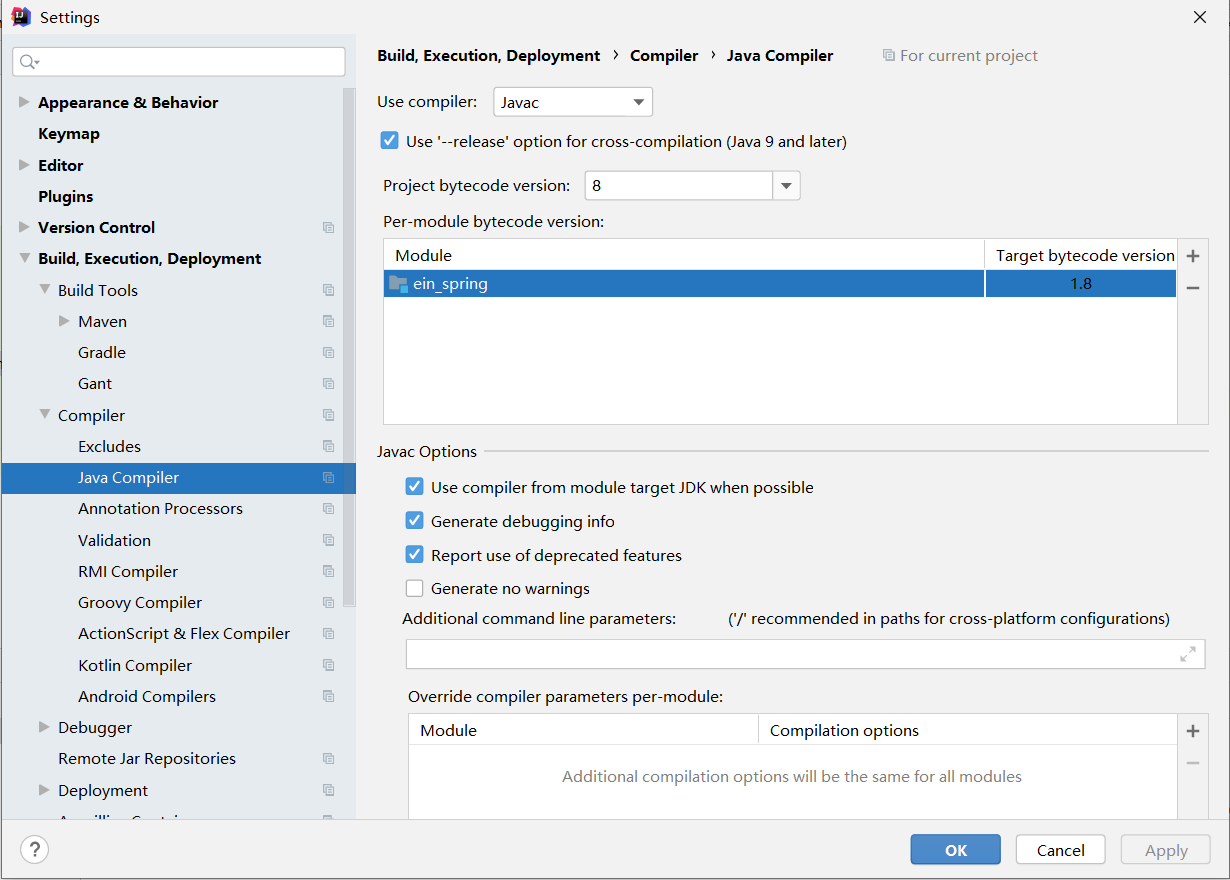
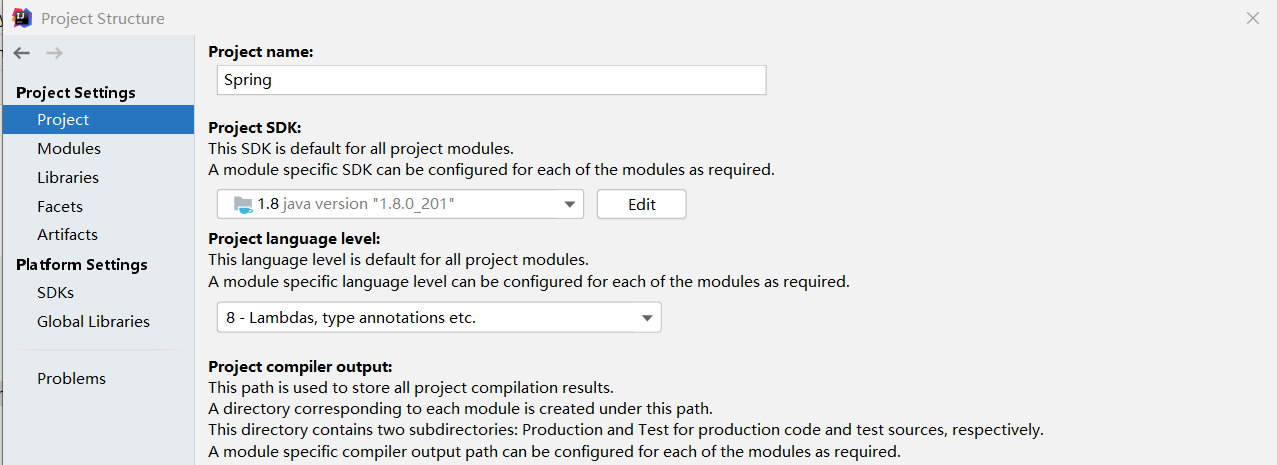
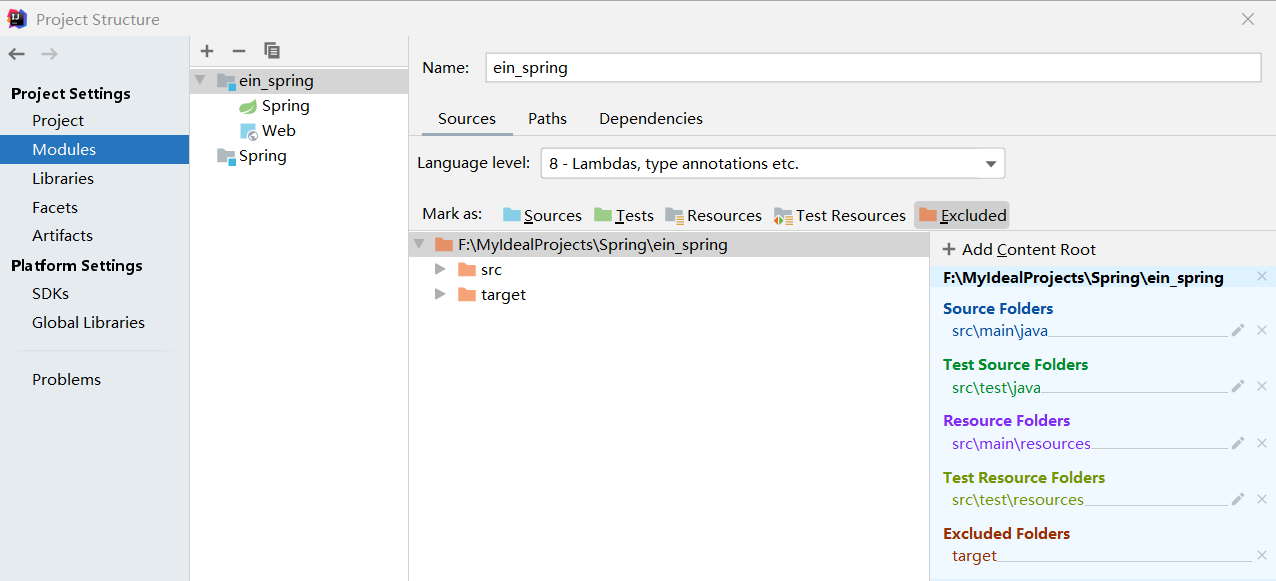
解决方案1::在Maven的配置文件中添加
    <!-- 让idea的maven项目-pom.xml文件变成jdk1.8的配置 -->
    <profile>
        <id>jdk-1.8</id>

        <activation>
            <activeByDefault>true</activeByDefault>
            <jdk>1.8</jdk>
        </activation>
        <properties>
            <maven.compiler.source>1.8</maven.compiler.source>
            <maven.compiler.target>1.8</maven.compiler.target>
            <maven.compiler.compilerVersion>1.8</maven.compiler.compilerVersion>
        </properties>

    </profile>
解决方案2:在父工程的pom.xml文件中添加如下代码
    <build>
        <plugins>
            <plugin>
                <groupId>org.apache.maven.plugins</groupId>
                <artifactId>maven-compiler-plugin</artifactId>
                <version>3.6.1</version>
                <configuration>
                    <source>1.8</source>
                    <target>1.8</target>
                </configuration>
            </plugin>
        </plugins>
    </build>

 浙公网安备 33010602011771号