

.net6使用consul+ocelot使用微服务架构
安装consul
安装consul,winodws下使用命令启动consul
consul.exe agent -dev
如果需要别的机器访问,需要设置IP
consul.exe agent -dev -client 0.0.0.0
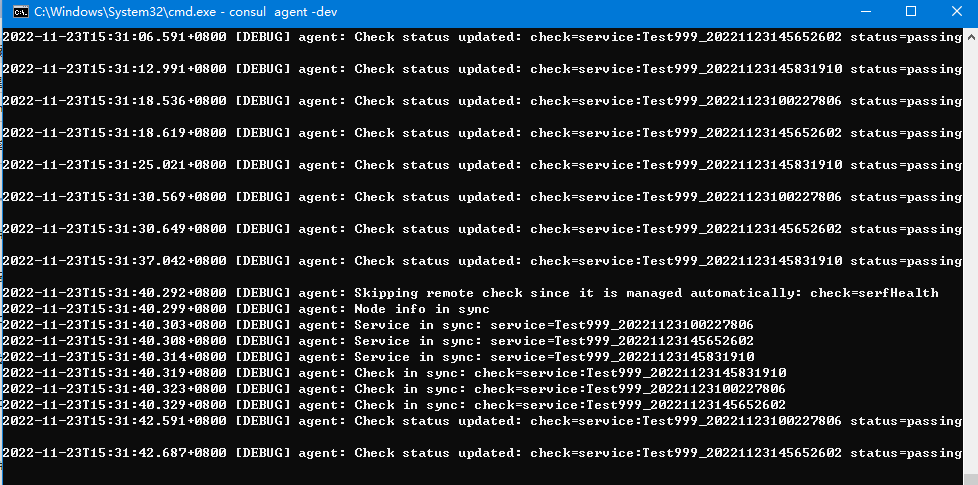
管理页面的端口是8500
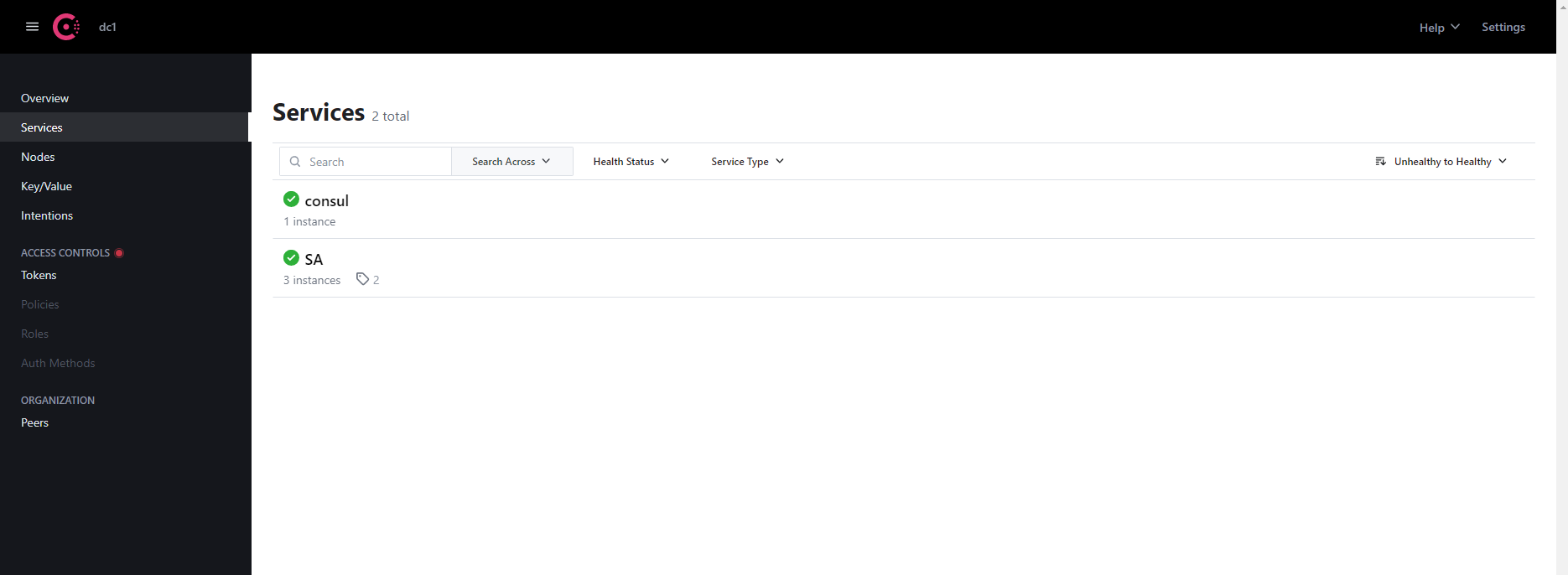
在serveces可以看到已经设置注册进来的服务SA
创建微服务项目
创建.net6的webapi项目
nuget引用类库 consul
编写注册consul的帮助类
` public static IApplicationBuilder UseConsul(this IApplicationBuilder app, IConfiguration configuration)
{
var lifetime = app.ApplicationServices.GetRequiredService
//创建Consul客户端实例
ConsulClient consulClient = new ConsulClient(cfg =>
{
//Consul监听地址
cfg.Address = new Uri("http://localhost:8500");
//数据中心名称
cfg.Datacenter = "MTS";
});
//命令行获取IP地址
var ip = configuration["ip"];
Console.WriteLine($"****ip:{ip}");
var port = configuration["port"];
Console.WriteLine(port);
//权重
var weight = string.IsNullOrEmpty(configuration["weight"]) ? 1 : int.Parse(configuration["weight"]);
var registration = new AgentServiceRegistration
{
//服务唯一标识
ID = "Test999_" + DateTime.Now.ToString("yyyyMMddHHmmssfff"),
//服务分组
Name = "SA",
//服务对应的ip地址
Address = ip,
//服务对应的端口
Port = int.Parse(port),
//心跳检查
Check = new AgentServiceCheck
{
//心跳检查路径
HTTP = $"http://{ip}:{port}/api/health/check",
//检查间隔
Interval = TimeSpan.FromSeconds(12),
//超时时间
Timeout = TimeSpan.FromSeconds(5),
//失败多久取消注册
DeregisterCriticalServiceAfter = TimeSpan.FromSeconds(60)
},
Tags = new string[] { weight.ToString() }
};
//注册服务
consulClient.Agent.ServiceRegister(registration).Wait();
lifetime.ApplicationStopping.Register(
() =>
{
consulClient.Agent.ServiceDeregister(registration.ID).Wait();
}
);
return app;
}编写心跳检测的控制器[HttpGet]
[Route("Check")]
public IActionResult Check()
{
return Ok();
}因为.net6没有setup了,所以在program中添加调用consul的项目IConfiguration configuration = builder.Configuration;
app.UseConsul(configuration);`
启动项目,此时,项目会注入到sonsul中,这个时候如果客户端要访问这些api,需要使用consul去注册发现,所以即使只有一个服务,没有网关也是很不方便的
创建网关ocelot项目
创建.net6的webapi项目,nuget添加ocelot和Ocelot.Provider.Consul
创建ocelot.json的文件
{ "Routes": [ { "UpstreamPathTemplate": "/SA/{everything}", "UpstreamHttpMethod": [ "Get", "Post" ], "DownstreamPathTemplate": "/SA/{everything}", "DownstreamScheme": "http", "ServiceName": "SA" } ], "GlobalConfiguration": { "BaseUrl": "https://localhost:5280", "ServiceDiscoveryProvider": { "Scheme": "http", "Host": "localhost", "Port": 8500, "Type": "Consul" } } }
此时启动网关项目,即可以看到之前注册的服务出现在swagger中了,测试调用

program添加
`builder.Services.AddOcelot(new ConfigurationBuilder()
.AddJsonFile("ocelot.json")
.Build()).AddConsul();
var app = builder.Build();
app.UseOcelot();`

 浙公网安备 33010602011771号