

Day25事件监听
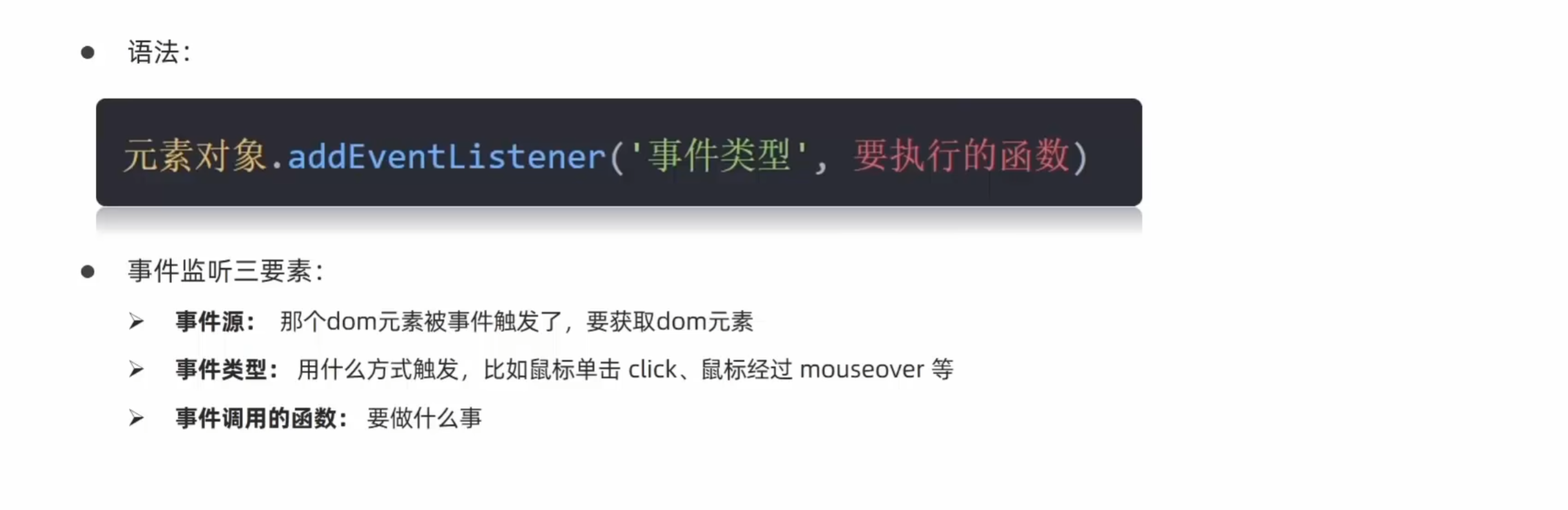
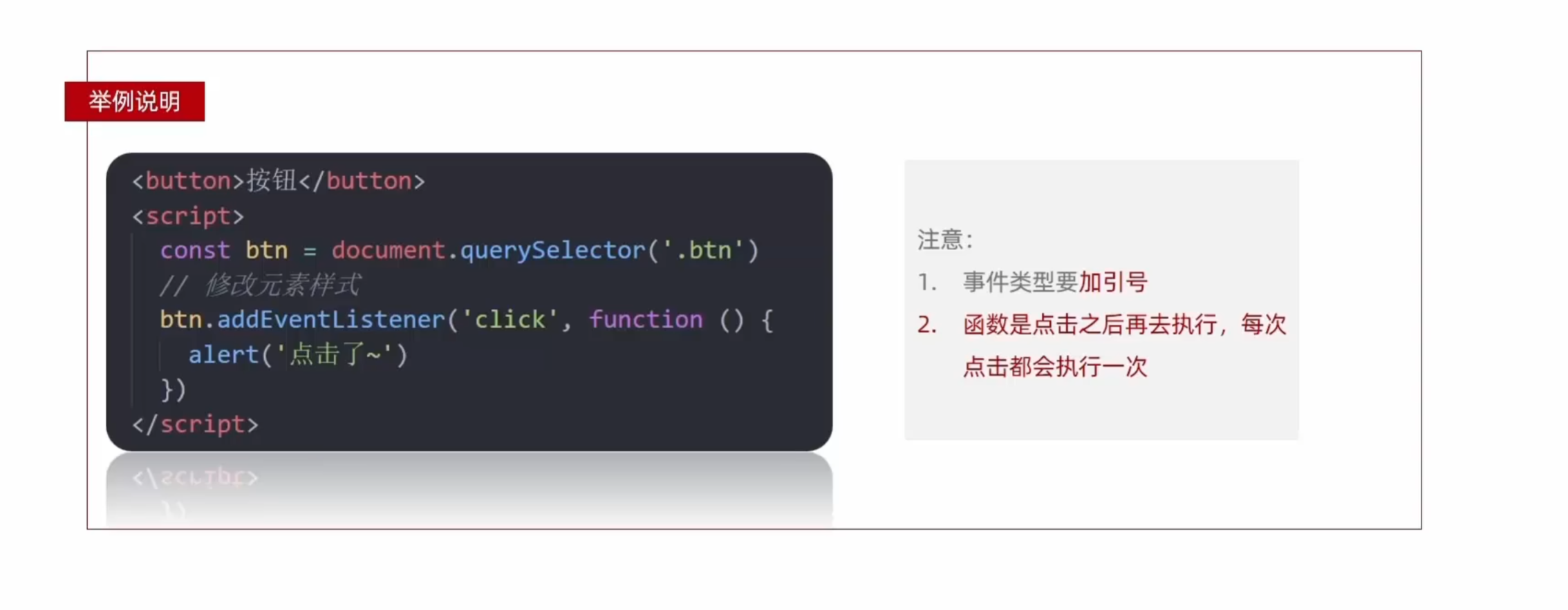
<!DOCTYPE html>
<html lang="en">

<head>
  <meta charset="UTF-8">
  <meta name="viewport" content="width=device-width, initial-scale=1.0">
  <title>时间监听</title>
</head>

<body>
  <button>点击</button>
  <script>
    //需求:点击按钮,弹出一个对话框
    // 1.事件源  按钮
    // 2.事件类型:点击鼠标
    // 3.事件处理程序 弹出对话框
    const btn = document.querySelector('button')
    btn.addEventListener('click', function () {
      alert('你好呀~')
    })
  </script>
</body>

</html>
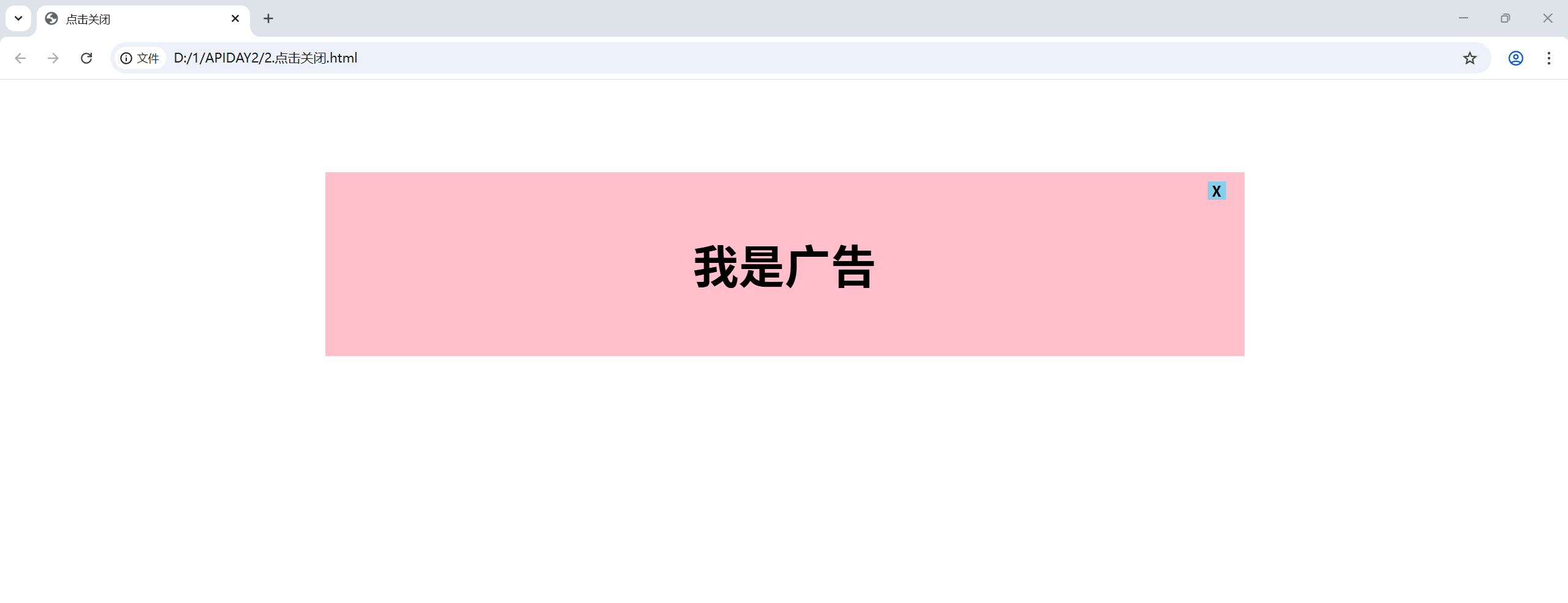
关闭广告案例
需求:点击叉号之后广告关闭
<!DOCTYPE html>
<html lang="en">

<head>
  <meta charset="UTF-8">
  <meta name="viewport" content="width=device-width, initial-scale=1.0">
  <title>点击关闭</title>
</head>
<style>
  .box {
    position: relative;
    width: 1000px;
    height: 200px;
    background-color: pink;
    margin: 100px auto;
    text-align: center;
    font-size: 50px;
    line-height: 200px;
    font-weight: 700;
  }

  .box1 {
    position: absolute;
    right: 20px;
    top: 10px;
    width: 20px;
    height: 20px;
    background-color: skyblue;
    text-align: center;
    line-height: 20px;
    font-size: 16px;
    cursor: pointer;
  }
</style>

<body>
  <div class="box">
    我是广告
    <div class="box1">X</div>
  </div>
  <script>
    // 1.获取事件源
    const box1 = document.querySelector('.box1')
    const box = document.querySelector('.box')
    // 2.事件监听
    box1.addEventListener('click', function () {
      box.style.display = 'none'
    })
  </script>
</body>

</html>

 浙公网安备 33010602011771号