

Day22通过className和classlist修改样式
1.className
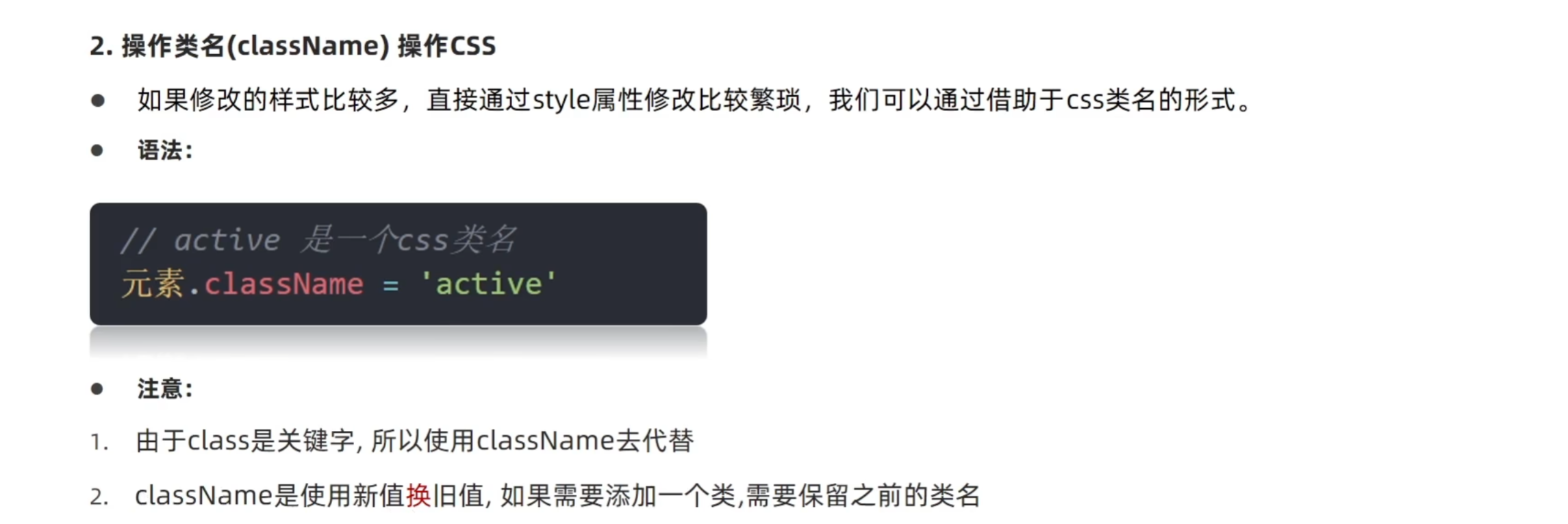
className可以一次修改多个类名,但使用时会覆盖之前已有的类名
<!DOCTYPE html>
<html lang="en">

<head>
  <meta charset="UTF-8">
  <meta name="viewport" content="width=device-width, initial-scale=1.0">
  <title>通过类名修改样式</title>
</head>
<style>
  .box {
    width: 300px;
    height: 300px;
    background-color: skyblue;
    margin: 100px auto;
    padding: 10px;
    border: 1px solid #000;
  }
</style>

<body>
  <div></div>
  <script>
    // 1.依旧先获取元素
    const div = document.querySelector('div')
    // 2.添加类名
    div.className = 'box'
  </script>
</body>

</html>
2.classlist
<!DOCTYPE html>
<html lang="en">

<head>
  <meta charset="UTF-8">
  <meta name="viewport" content="width=device-width, initial-scale=1.0">
  <title>通过classlist修改样式</title>
</head>
<style>
  .box {
    width: 200px;
    height: 200px;
    color: #333;
  }

  .active {
    color: red;
    background-color: aqua;
  }
</style>

<body>
  <div class="box">文字</div>
  <script>
    // 1.获取对象
    const box = document.querySelector('.box')
    // 2.用classlist修改样式  类名不加.,并且是字符串
    // 2.1追加类
    // box.classList.add('active')
    // 2.2删除类
    // box.classList.remove('box')
    // 2.3切换类
    box.classList.toggle('box')
  </script>
</body>

</html>
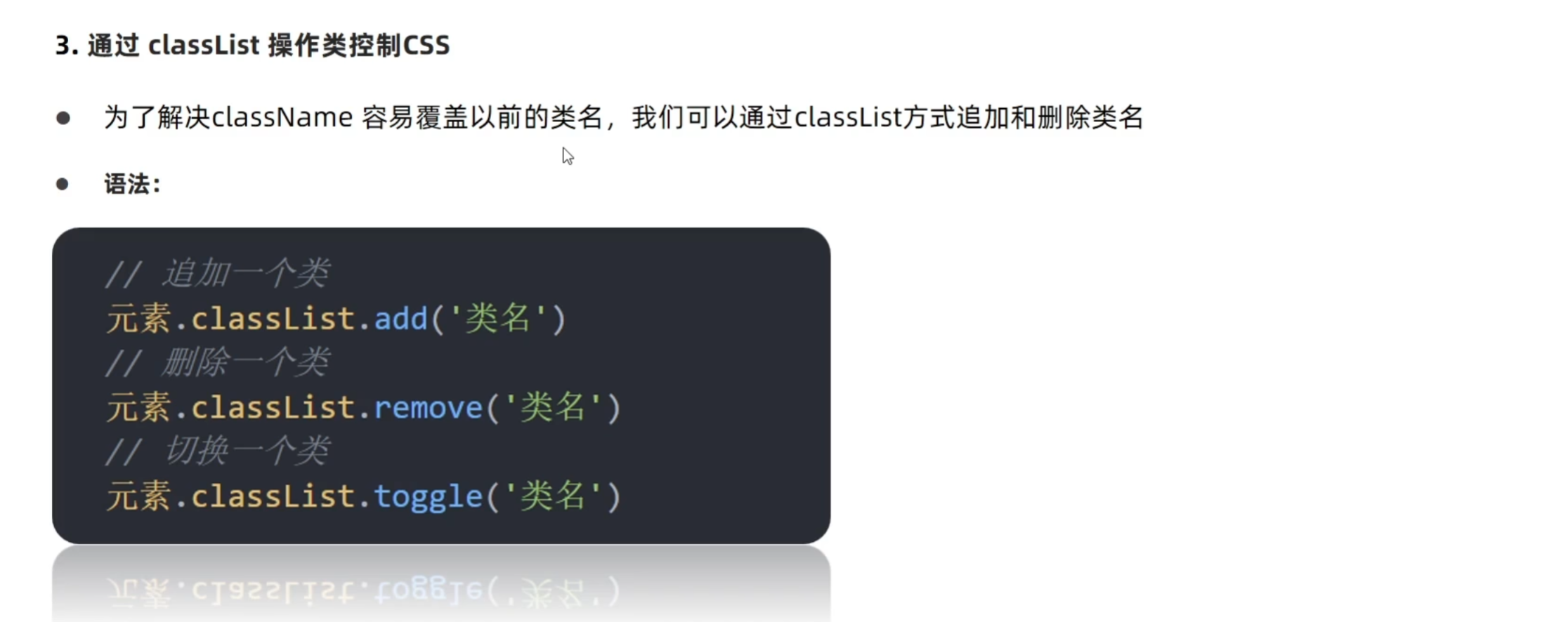
与前者的区别在于
1.修改大量或者少量样式都时比较方便
2.不对已有的类名产生影响

 浙公网安备 33010602011771号