<!DOCTYPE html>
<html lang="en">
<head>
    <meta charset="UTF-8">
    <meta name="viewport" content="width=device-width, initial-scale=1.0">
    <title>播放效果</title>
    <style>
        img{
            width: 100%;
        }
        .box{
            width: 249px;
            height: 210px;
            margin: 50px auto;
        }
        .box p{
            color: #3b3b3b;
            padding: 10px 10px 0 10px;
        }
        .box li{
            overflow: hidden;
        }
        /* 1.摆放播放按钮:在图片的中间 */
        /* 用伪元素选择器 */
        .pic{
            position: relative;
        }
        .pic::after{
            position: absolute;
            content: '';
            left: 50%;
            top: 50%;
            margin-top: -29px;
            margin-left: -29px;
            /* transform: translate(-50%,-50%); */
            /* 这里不能用这种写法是因为下面有transform的其他属性,会把这里的定位给覆盖掉 */
            /* 若是一定要用这种写法,则要复合在一起写,但在下一个hover选择器里,又有transform属性 */
            /* 会被再次覆盖,导致光标悬浮时居中效果失灵 */
            width: 58px;
            height: 58px;
            background-image: url(./play.png);
            transform: scale(5);
            opacity: 0;
            transition: all .5s;
        }
        /* 2.hover效果:大的图片看不见--透明度是0,小按钮看得见--透明度调回1 */
         .box li:hover .pic::after{
            transform: scale(1);
            opacity: 1;
        }
    </style>
</head>
<body>
    <div class="box">
        <ul>
            <li>
                <div class="pic">
                    <img src="./party.jpeg" alt="">
                </div>
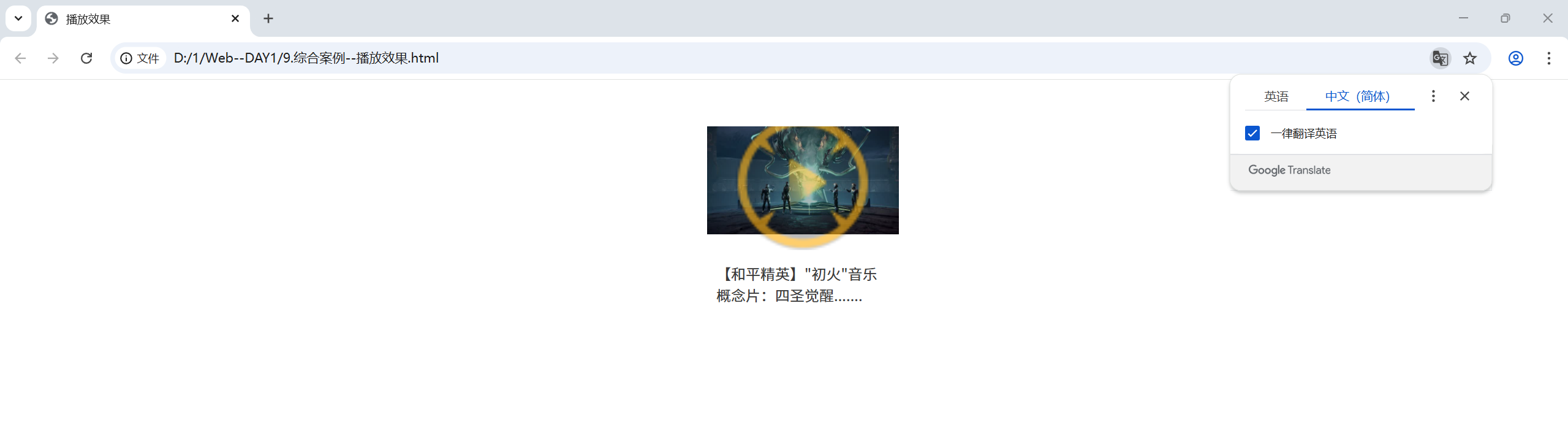
                <p>【和平精英】"初火"音乐概念片:四圣觉醒.......</p>
            </li>
        </ul>
    </div>
</body>
</html>
![image]()




 浙公网安备 33010602011771号