

Day12背景属性---拆封写法与复合写法
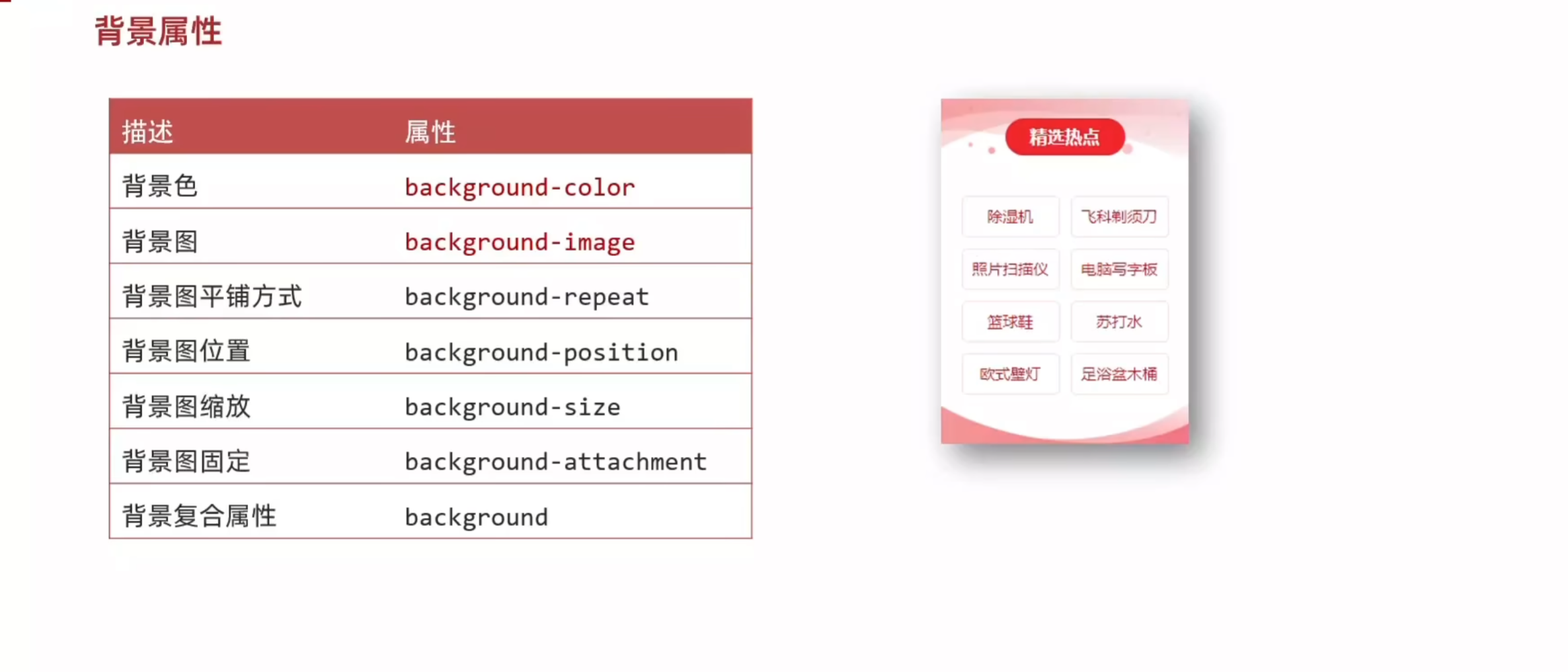
1.背景图

<!DOCTYPE html>
<html lang="en">
<head>
    <meta charset="UTF-8">
    <meta name="viewport" content="width=device-width, initial-scale=1.0">
    <title>背景属性</title>
    <style>
        div{
            width: 900px;
            height: 900px;
            /* 背景图默认是平铺(复制)的效果 */
            background-image: url(../image/2.webp);
        }
    </style>
</head>
<body>
    <div>永远的紫荆花</div>
</body>
</html>

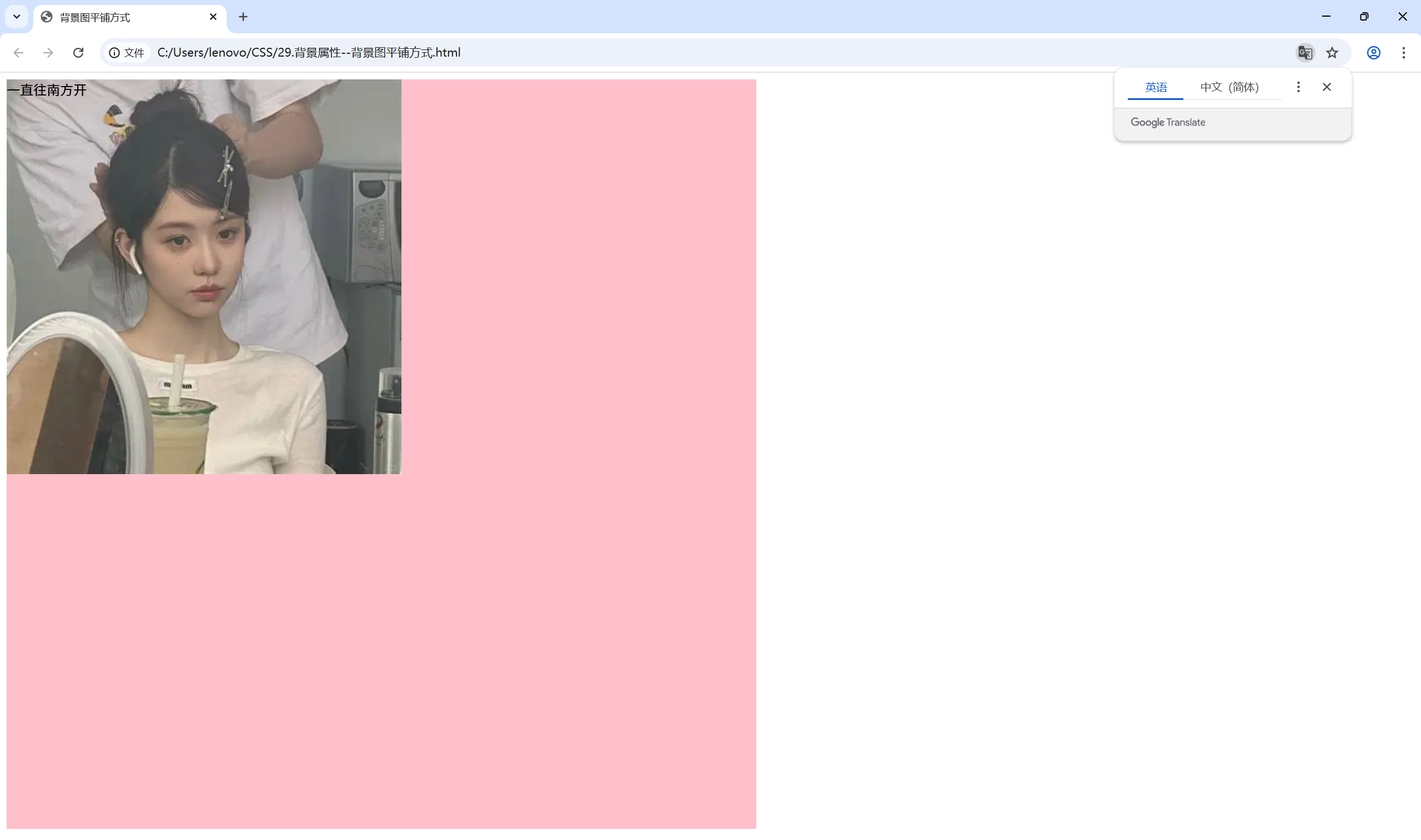
2.背景图平铺方式

<!DOCTYPE html>
<html lang="en">
<head>
    <meta charset="UTF-8">
    <meta name="viewport" content="width=device-width, initial-scale=1.0">
    <title>背景图平铺方式</title>
    <style>
        div{
            width: 900px;
            height: 900px;
            background-color: pink;
            background-image: url(../image/2.webp);
            background-repeat: no-repeat;
            /* repeat是默认的平铺方式,不写也是这个效果 */
            /* background-repeat: repeat; */
            /* background-repeat: repeat-x; */
            /* background-repeat: repeat-y; */
        }
    </style>
</head>
<body>
    <div>一直往南方开</div>
</body>
</html>
3.背景图位置

<!DOCTYPE html>
<html lang="en">
<head>
    <meta charset="UTF-8">
    <meta name="viewport" content="width=device-width, initial-scale=1.0">
    <title>背景图位置</title>
    <style>
        div{
            width: 900px;
            height: 900px;
            background-image: url(../image/2.webp);
            background-color: pink;
            background-repeat: no-repeat;

            /* 图片在左上角 */
            /* background-position: 0 0;  */
            /* 左下 */
            /* background-position: left bottom; */
            /* 右上 */
            /* background-position: right top; */

            /* 水平的方向:正数向右,负数向左 */
            /* 垂直的方向:正数像下,负数向上 */

            /* 关键字可以只写一个,另一个方向默认居中 */
            /* background-position:  bottom; */

            /* 数字只写一个表示水平方向,垂直方向居中 */
             background-position: 50px;
        }
        </style>
</head>
<body>
    <div>我看过了世间的罗生门</div>
</body>
</html>

4.背景图缩放

<!DOCTYPE html>
<html lang="en">
<head>
    <meta charset="UTF-8">
    <meta name="viewport" content="width=device-width, initial-scale=1.0">
    <title>背景图缩放</title>
    <style>
        div{
            width: 900px;
            height: 900px;
            background-image: url(../image/2.webp);
            background-repeat: no-repeat;
            background-color: pink;
            /* 如果图的宽高跟盒子的尺寸相同时会停止缩放,可能会导致盒子有留白 */
            /* background-size: contain; */
            /* cover会使图片完全覆盖盒子,但可能会导致图片显示不完全 */
            /* background-size: cover; */
            /* 当图的比例与盒子的比例一样时,两者的效果相同 */
            /* 100% 图片的宽度与盒子的一样,图片的高度按照图片比例等比缩放 */
            background-size: 100%;
        }
    </style>
</head>
<body>
    <div>每当我看到花瓣慢慢枯萎</div>
</body>
</html>

5.背景图固定

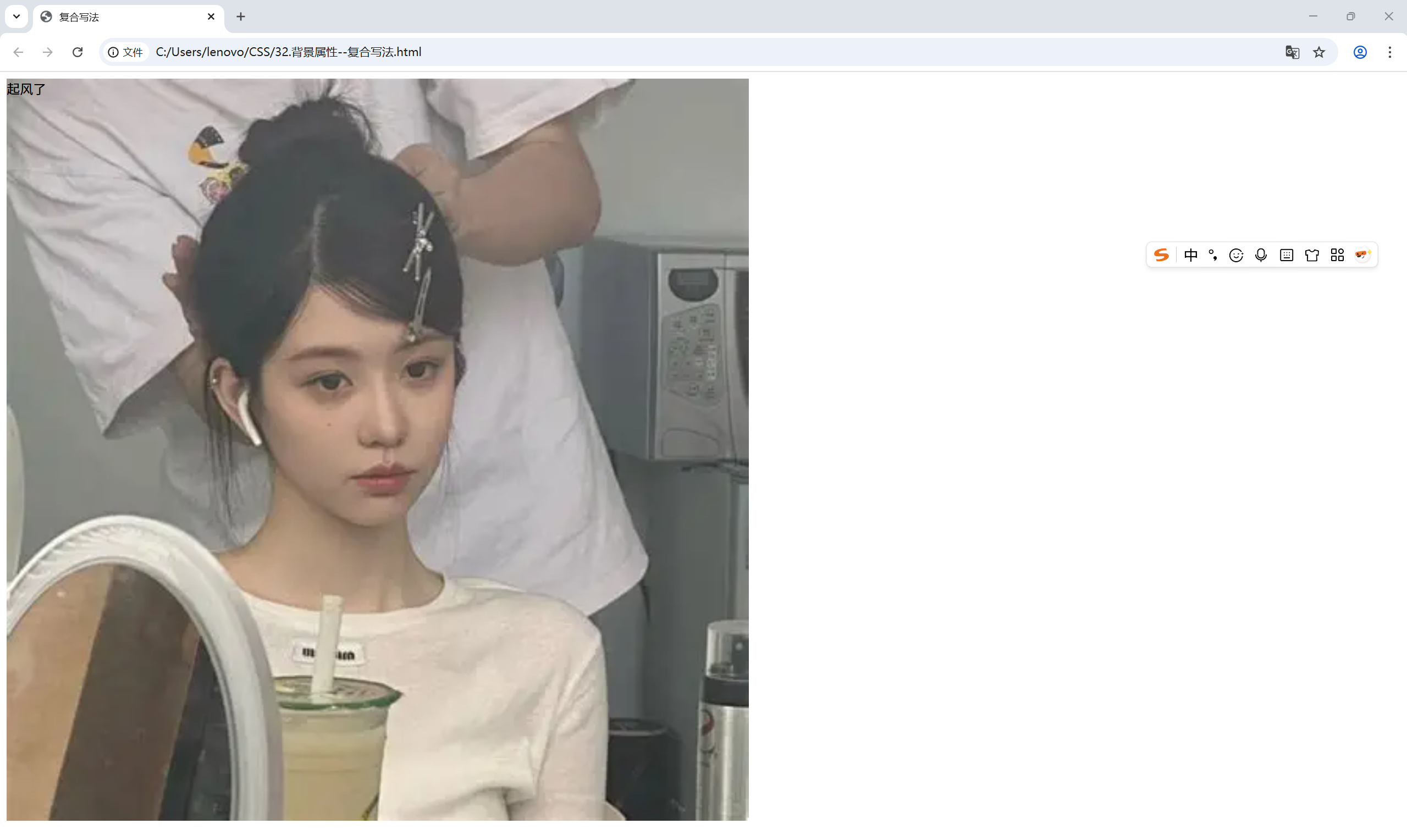
6.复合写法

<!DOCTYPE html>
<html lang="en">
<head>
    <meta charset="UTF-8">
    <meta name="viewport" content="width=device-width, initial-scale=1.0">
    <title>复合写法</title>
    <style>
        div{
            width: 900px;
            height: 900px;
            background: pink url(../image/2.webp) no-repeat center bottom/cover;
        }
    </style>
</head>
<body>
    <div>起风了</div>
</body>
</html>

 浙公网安备 33010602011771号