

Day4表单-imput标签
表单的作用是为了在网页上收集用户信息,一般在登录页面,注册页面和搜索区域应用
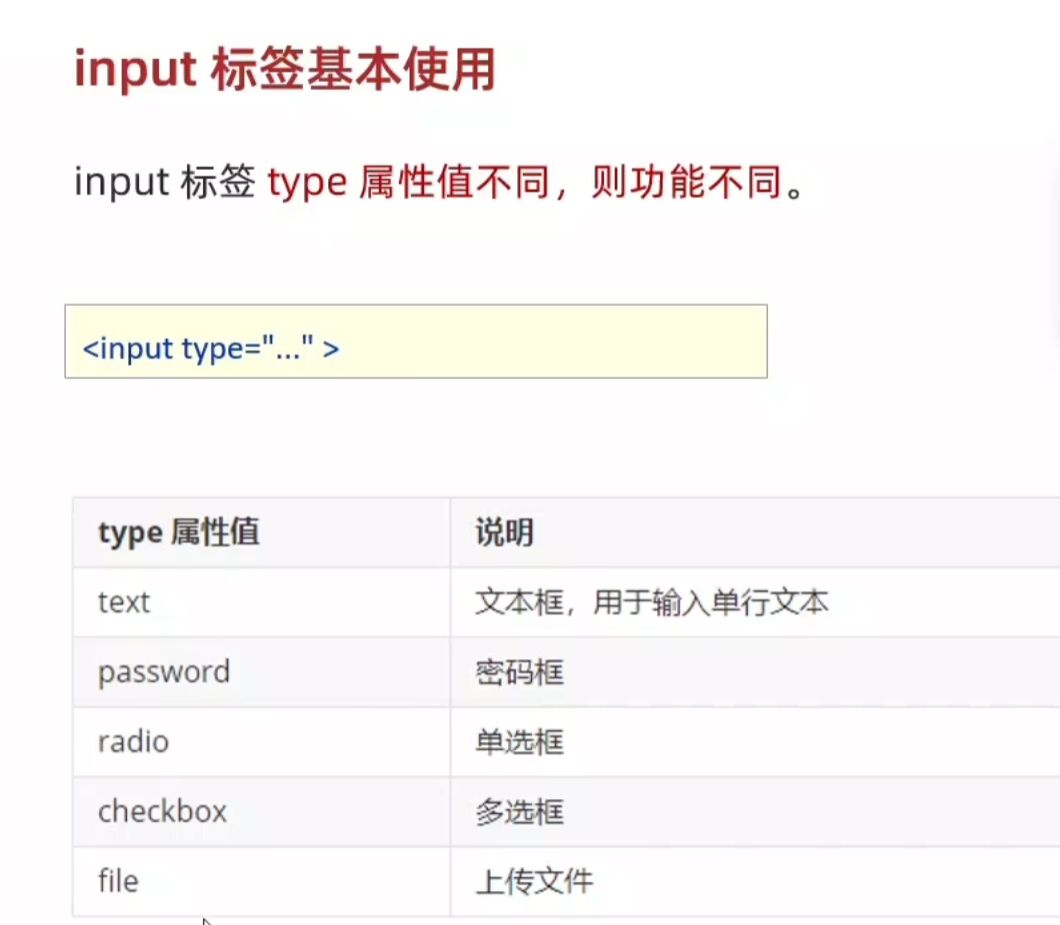
inpute标签的基本使用
<!DOCTYPE html>
<html lang="en">
<head>
    <meta charset="UTF-8">
    <meta name="viewport" content="width=device-width, initial-scale=1.0">
    <title>input标签的基本使用</title>
</head>
<body>
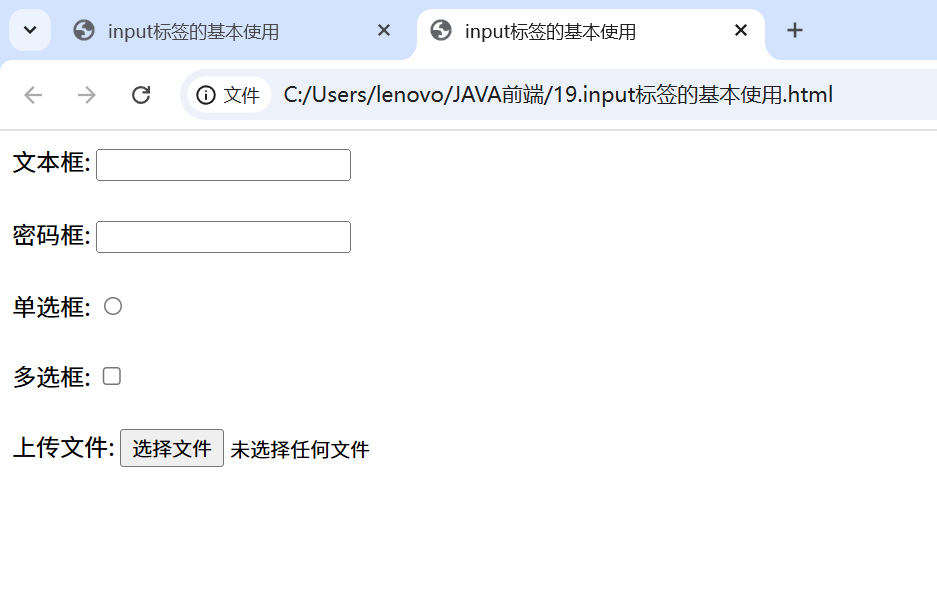
    文本框: <input type="text">
    <br><br>
    密码框: <input type="password">
    <br><br>
    单选框: <input type="radio">
    <br><br>
    多选框: <input type="checkbox">
    <br><br>
    上传文件: <input type="file">
</body>
</html>
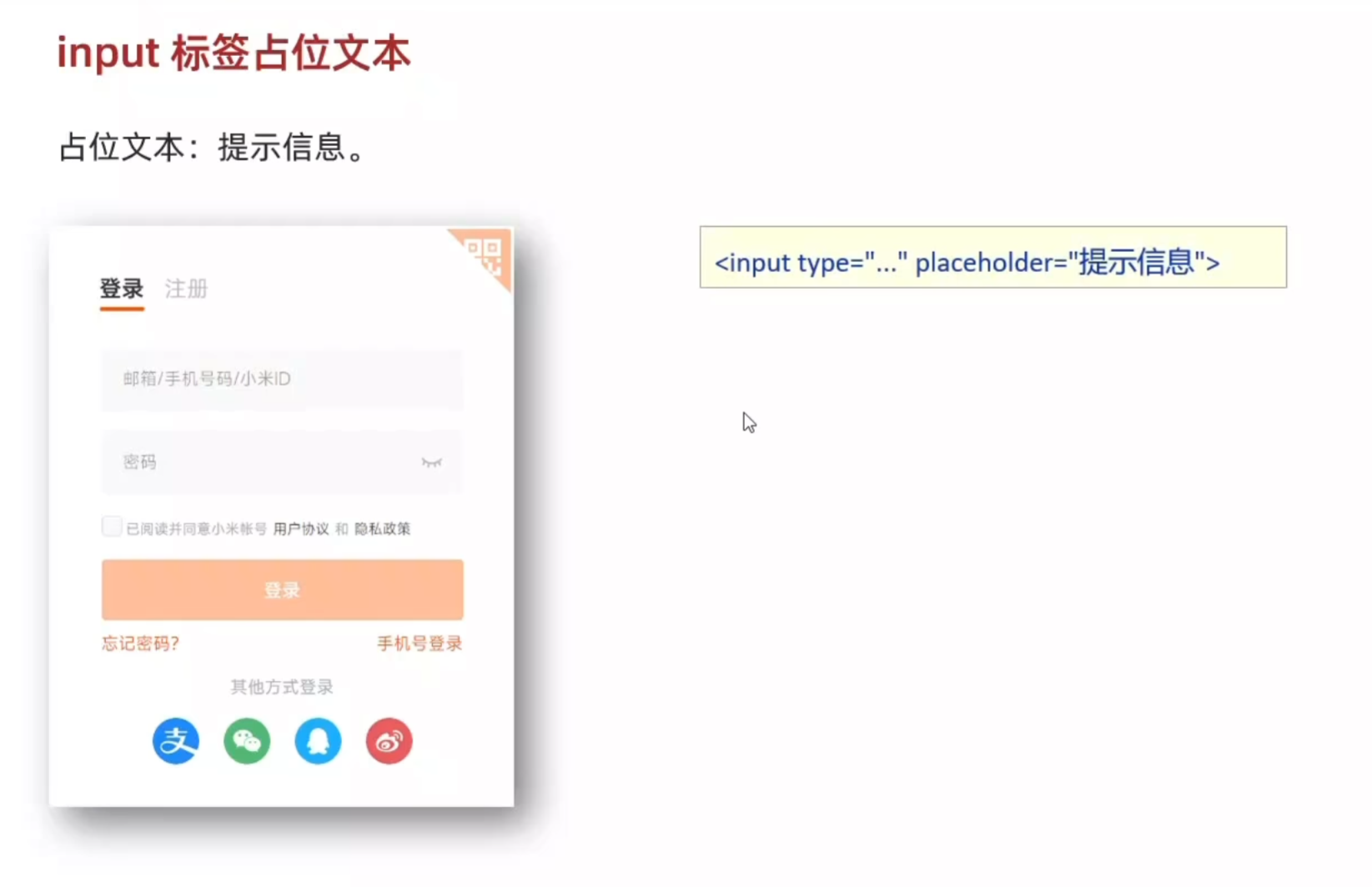
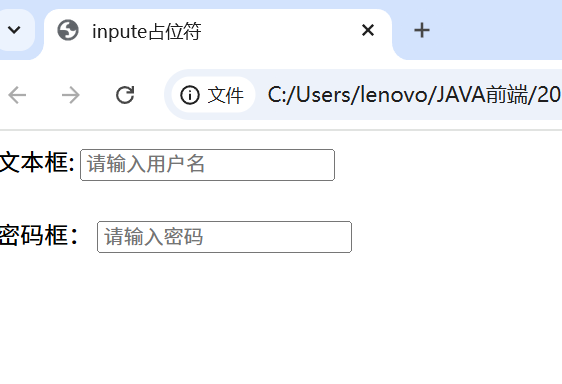
input标签的占位文本
<!DOCTYPE html>
<html lang="en">
<head>
    <meta charset="UTF-8">
    <meta name="viewport" content="width=device-width, initial-scale=1.0">
    <title>inpute占位符</title>
</head>
<body>
    文本框: <input type="text" placeholder="请输入用户名">
    <br><br>
    密码框: <input type="password" placeholder="请输入密码">
</body>
</html>
单选框
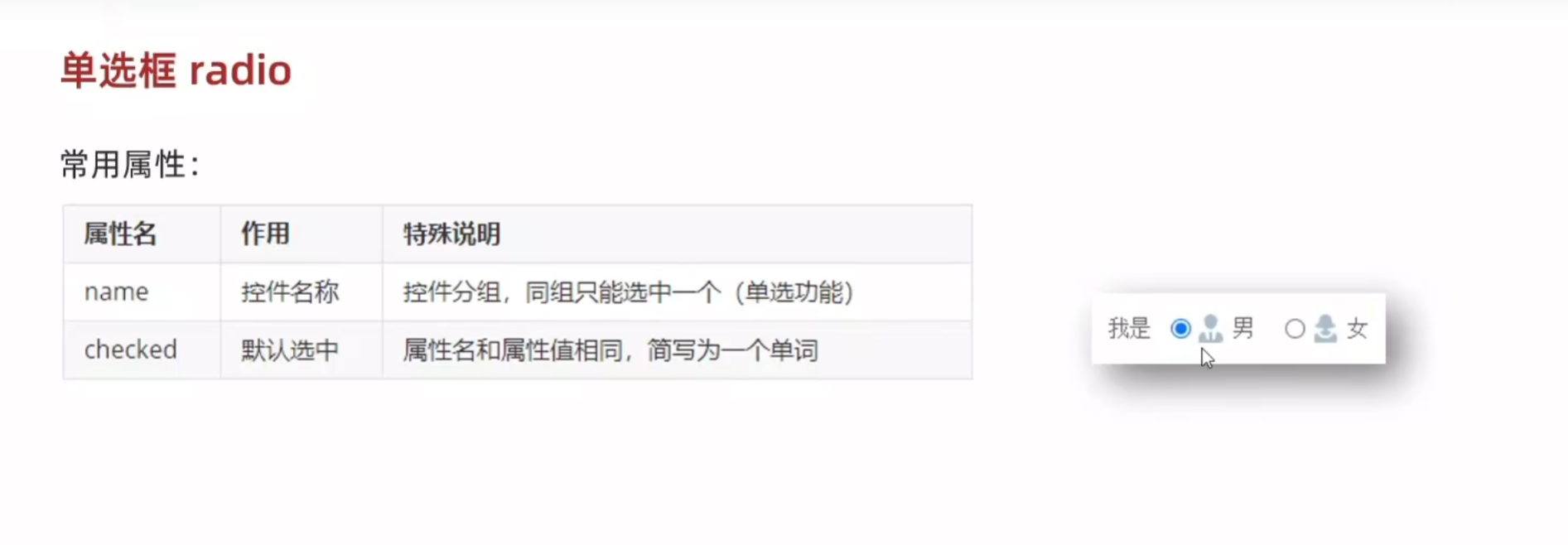
<!DOCTYPE html>
<html lang="en">
<head>
    <meta charset="UTF-8">
    <meta name="viewport" content="width=device-width, initial-scale=1.0">
    <title>input单选框</title>
</head>
<body>
    性别
    <input type="radio" name="gender"> 男
    <input type="radio" name="gender" checked> 女
    <!-- 为提升用户体验,对受众性别差异明显的,可以用checked来默认进入网页是哪个选项 -->

</body>
</html>
即进入该网页之后会默认先选在女这一选项上
上传文件——file
当要上传多个文件时,运用multiple可以实现
<!DOCTYPE html>
<html lang="en">
<head>
    <meta charset="UTF-8">
    <meta name="viewport" content="width=device-width, initial-scale=1.0">
    <title>上传多个文件</title>
</head>
<body>
    <input type="file" multiple>
</body>
</html>
多选框
<!DOCTYPE html>
<html lang="en">
<head>
    <meta charset="UTF-8">
    <meta name="viewport" content="width=device-width, initial-scale=1.0">
    <title>多选框</title>
</head>
<body>
    <input type="checkbox">学代码
    <input type="checkbox" checked>学前端代码
    <input type="checkbox" checked>学前端HTML代码
    <!-- 类似的,单选框的默认选项在多选框上同样适用 -->
</body>
</html>


 浙公网安备 33010602011771号