
eclipse2019反编译工具的使用
Java Decompiler是Java语言的反编译工具,官网自己搜一下
插件主页http://java-decompiler.github.io/
1.下载
jd-eclipse-2.0.0.zip
链接:https://pan.baidu.com/s/17Z-LeWGP0mljXpumDrkBIQ 提取码:m4wl
help-->Install New Software...
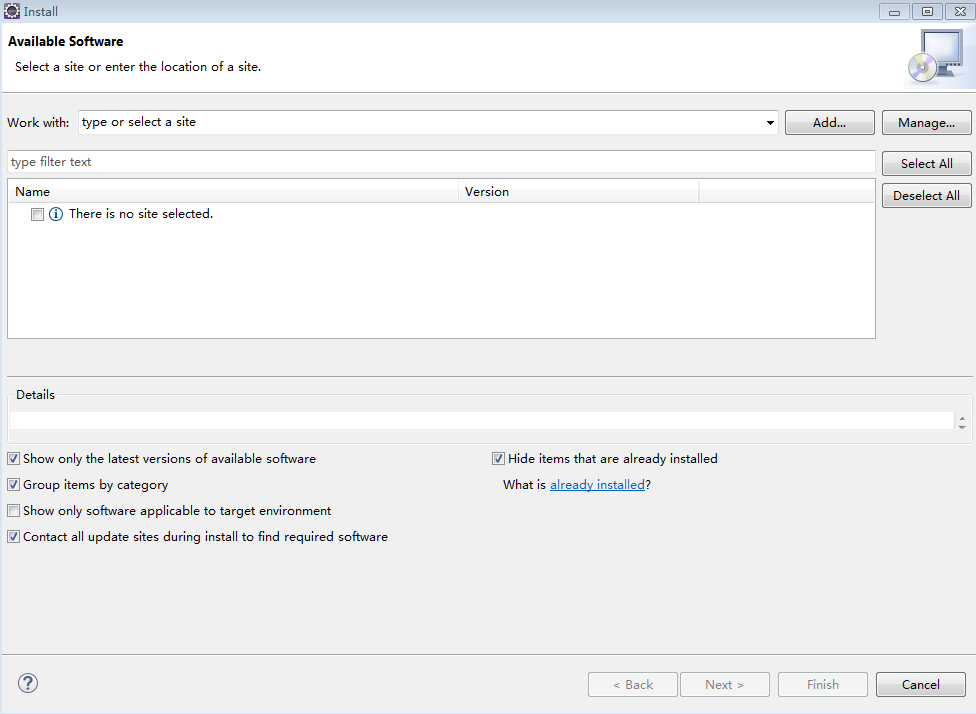
进入页面
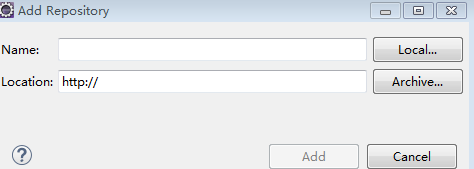
点击add...
Name: Decompiler
Location: F:\jd-eclipse-2.0.0.zip
选中Java Decompiler Eclipse Plug-in
具体安装点next -》同意
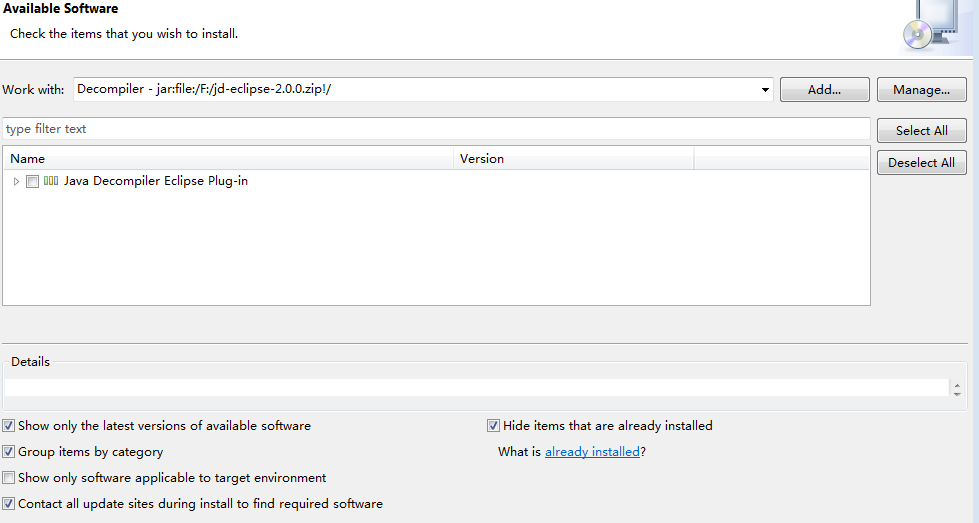
2.更改class配置文件
Window-->Preferences-->General
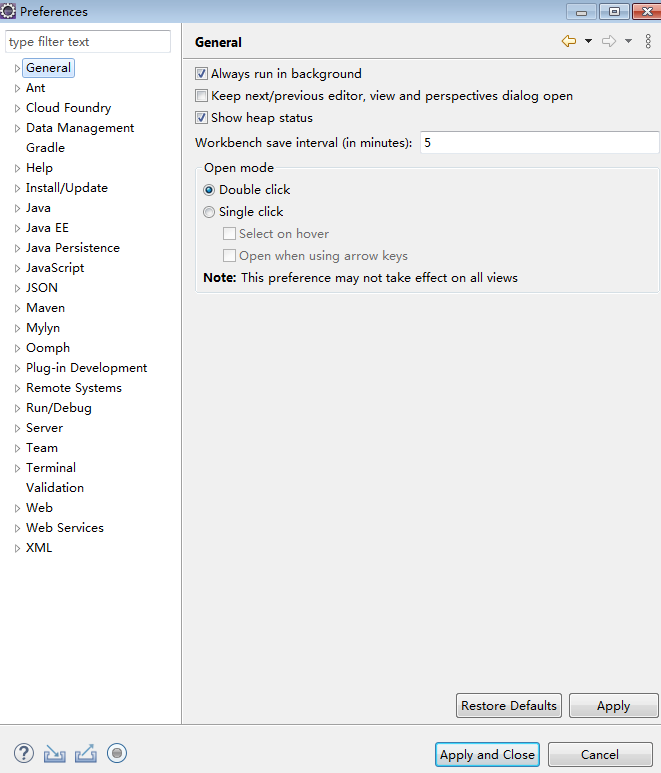
Editors-->下面的File Associations 找到对应的。*.class 和*.class without source
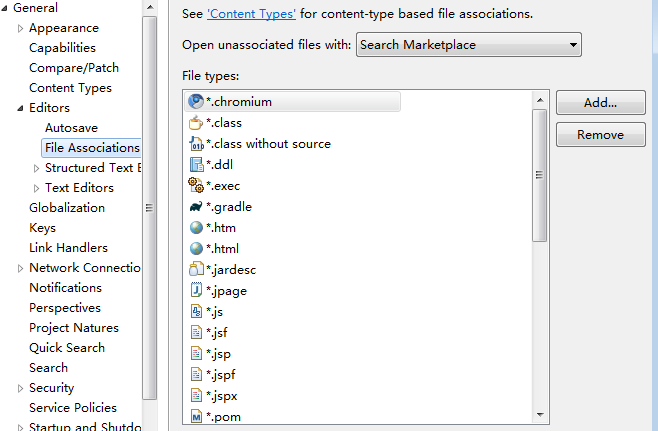
把JD Class File Viewer 设置为默认。
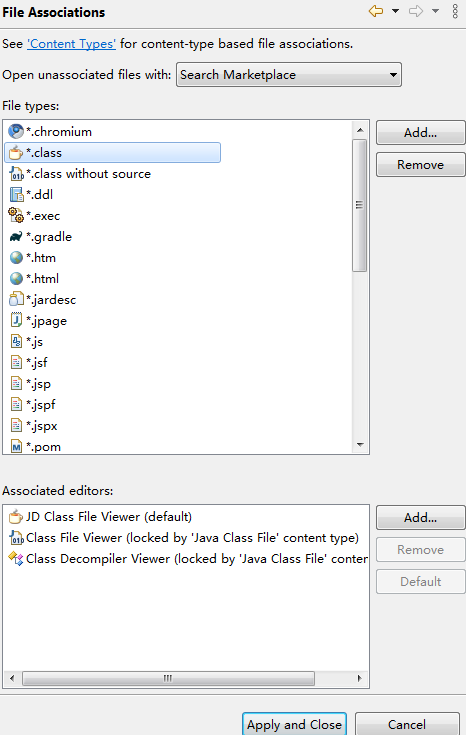
再去查看.class源文件。

 浙公网安备 33010602011771号