
重新設置 Sunshine 給 NS 串流用
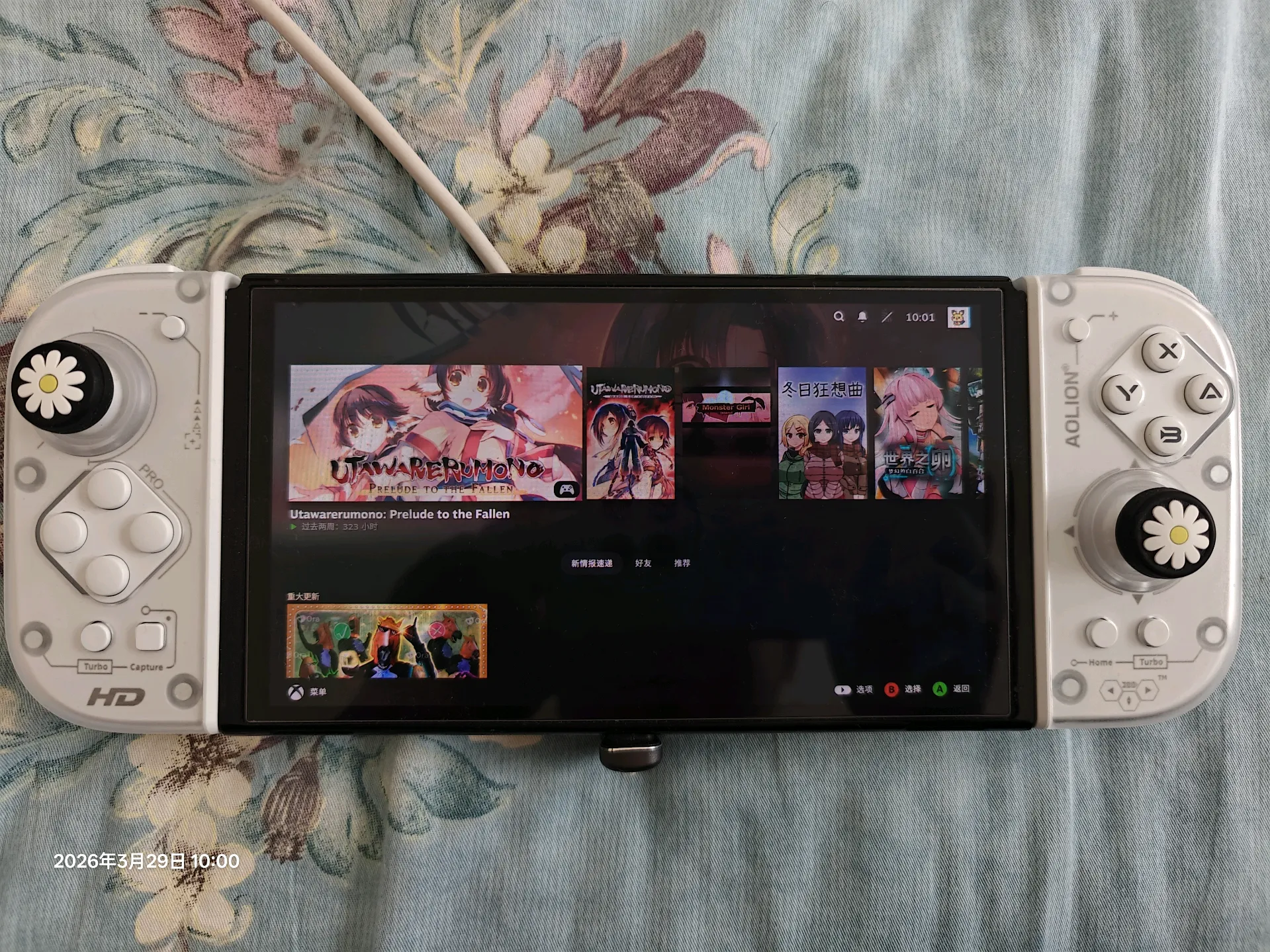
最近我發現自己根本不需要什麼 Win/Android/毫米波 掌機,也不需要折騰 如何在安卓模擬器上玩遊戲,我有硬破的 Switch,裏面就有 Moonlight,我可以直接串流到服務器上去玩遊戲!
突然感覺香起來了。
準備什麼
- 一臺 24h 開機的服務器
- 已經安裝 Steam
- https://github.com/LizardByte/Sunshine
- 顯卡欺騙器 / 便攜顯示器
啓動 Sunshine 服務器
~/.config/systemd/user > cat sunshine.service
[Unit]
Description=Self-hosted game stream host for Moonlight
StartLimitIntervalSec=500
StartLimitBurst=5
PartOf=graphical-session.target
Wants=xdg-desktop-autostart.target
After=xdg-desktop-autostart.target

[Service]
ExecStart=/home/bgzo/opt/sunshine.AppImage
Restart=on-failure
RestartSec=5s

[Install]
WantedBy=xdg-desktop-autostart.target
在自己本地增加如上配置文件,然後啓用:
systemctl --user daemon-reload
systemctl --user start sunshine.service
systemctl --user status sunshine.service
systemctl --user enable sunshine.service
本地配置
把 Sunshine 的面板穿透到本地進行調試
ssh -L 47990:127.0.0.1:47990 bgzo@192.168.xxx.xxx
輸入 Moonlight 顯示的 Pair 碼即可完美的運行:
[!NOTE]
調試: 電腦端可以退出 Ctrl+Alt+Shift+Q 重新設置碼率
Source via: https://note.bgzo.cc/weekly/20260322-resetup-sunshine-on-mint-for-monlight-on-switch

 浙公网安备 33010602011771号