
What is Hexo?
Hexo is a fast, simple and powerful blog framework. You write posts in Markdown (or other languages) and Hexo generates static files with a beautiful theme in seconds.
Installing Hexo is quite easy. However, you do need to have Nodejs & Git installed first.
In order to install Nodejs you can see Install & run your first application Nodejs.
In order to install Git you can see https://git-scm.com/ .
Install Hexo?
Once all the requirements are installed, you can install Hexo.
$ npm install -g hexo-cli
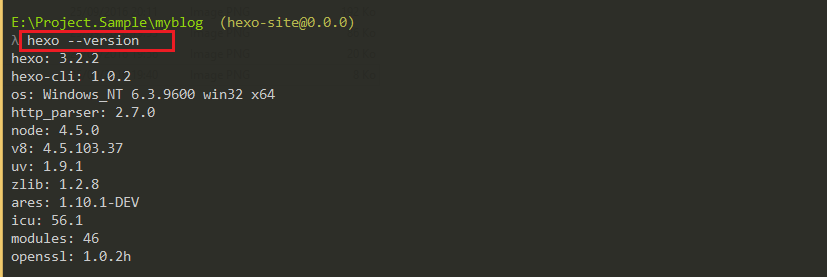
Create a blog
Now that hexo is installed run the following commands to initialise Hexo project
    $ hexo init myblog
    $ cd myblog
    $ npm install
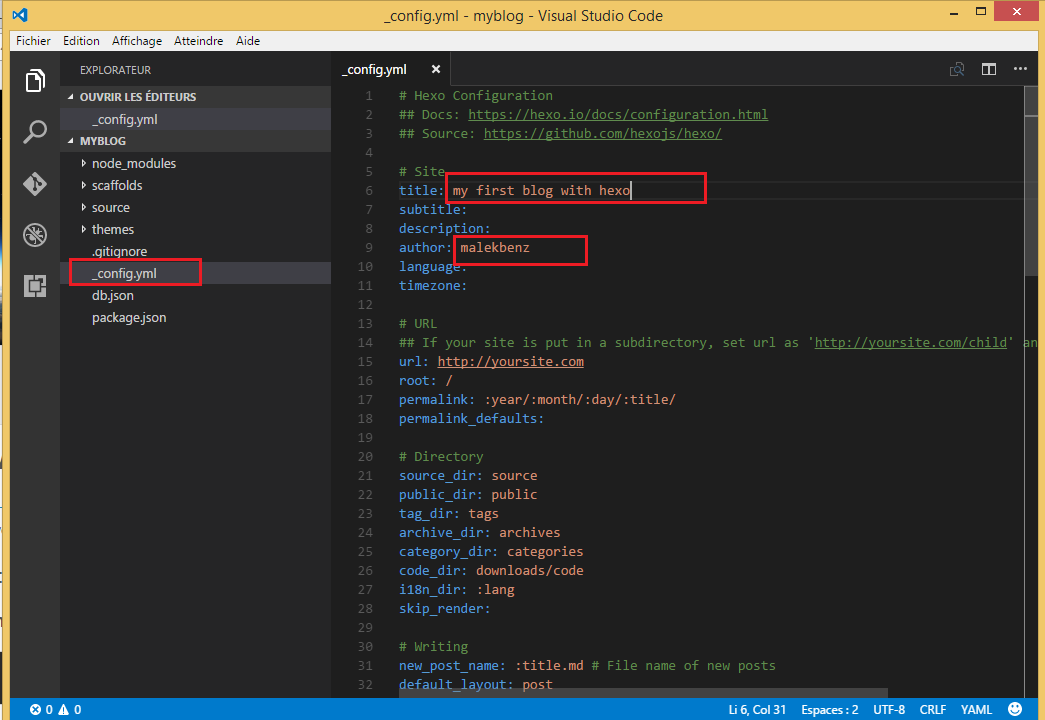
You can modify site settings in _config.yml. for the sake of simplicity we’re only modify the Title and author name .
Run the Blog
Run the server:
$ hexo server

launch your browser and navigate to http://localhost:4000.
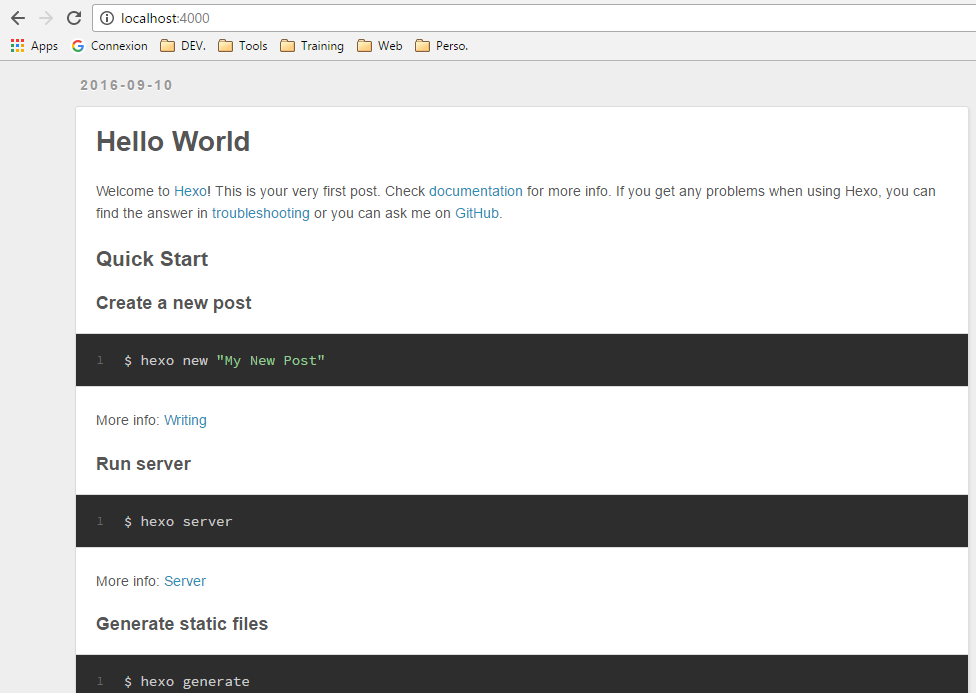
Voila your first blog is working.
Create a new post
Create a new post is very simlpe all what you have to do is :
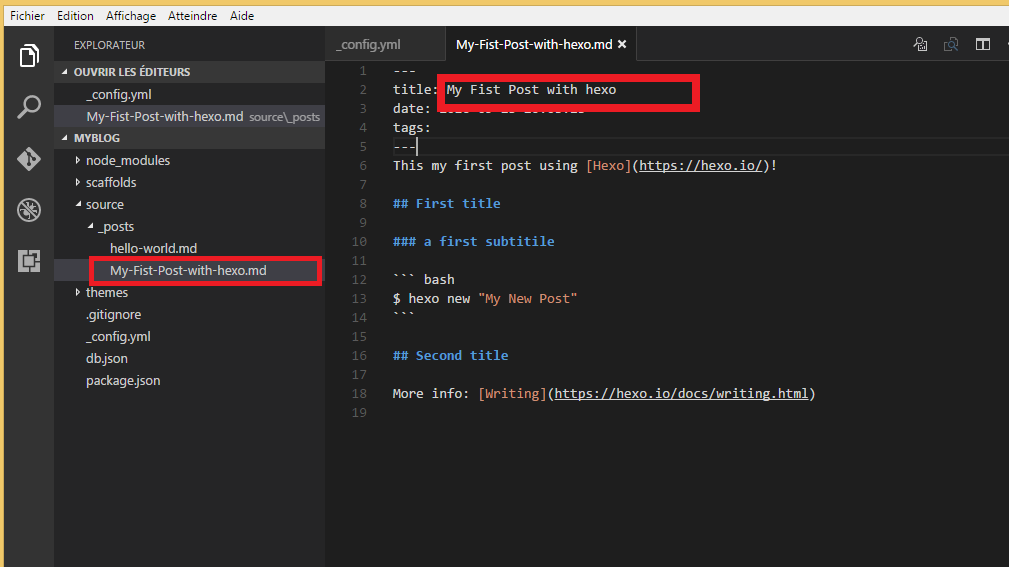
$ hexo new "My Fist Post with hexo"

Update the file using Markdown language:
---
title: My Fist Post with hexo
date: 2016-09-25 20:03:25
tags:
---
This my first post using [Hexo](https://hexo.io/)!

## First title

### a first subtitile

    ``` bash
    $ hexo new "My New Post"
    ```

## Second title

More info: [Writing](https://hexo.io/docs/writing.html)
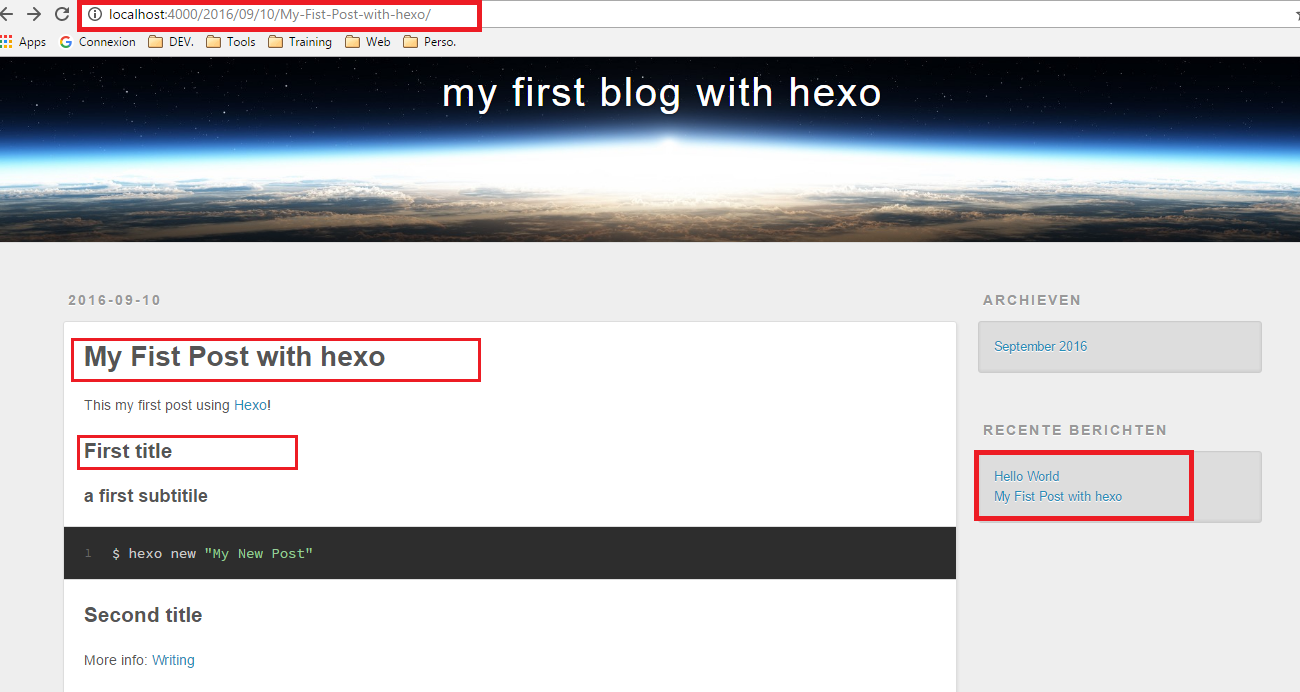
Run the server again:
$ hexo server
Deployment on Github
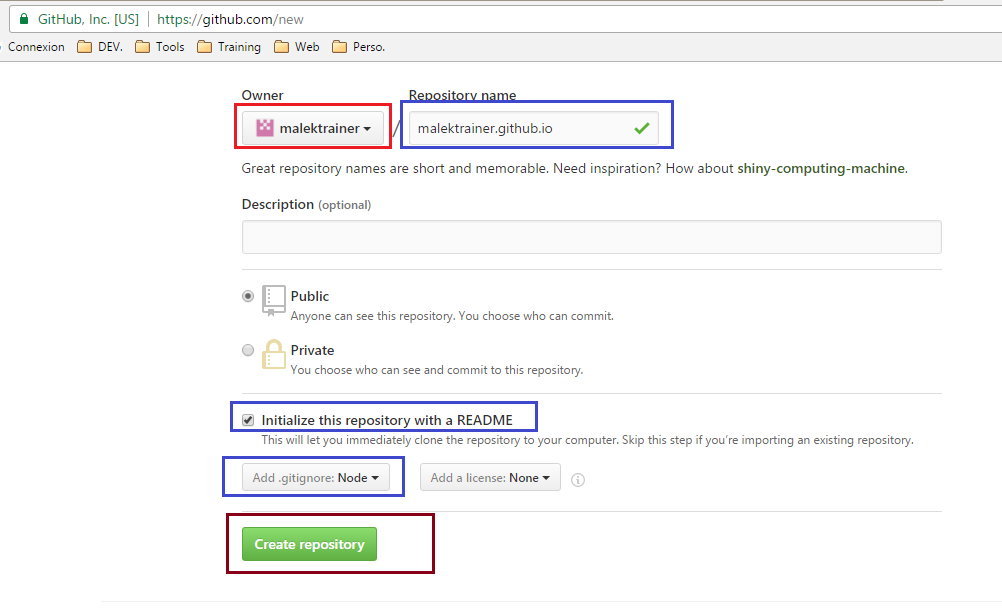
Now what about Deployment, it’s exactly what we are going to do, first Create new Github repository :
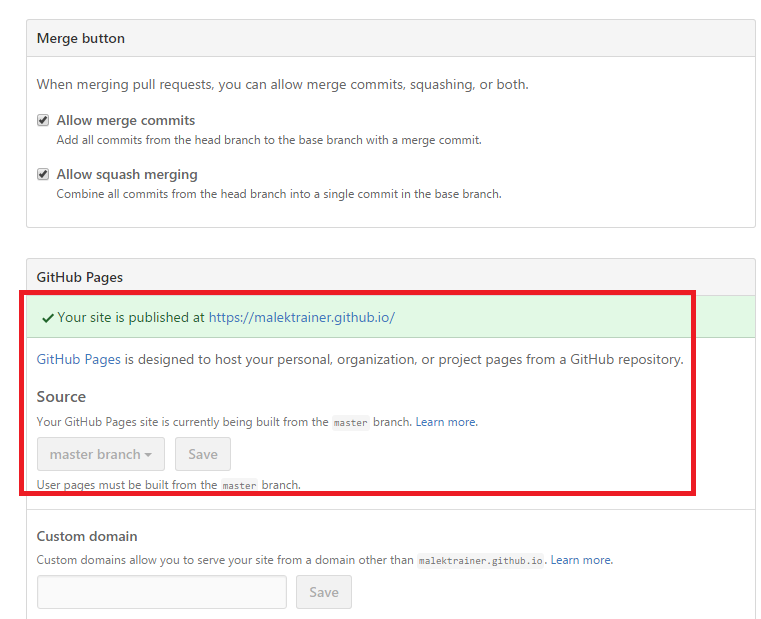
Click settings
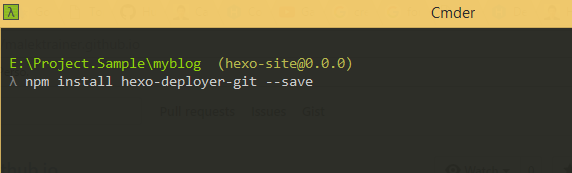
Then install hexo-deployer-git:
$ npm install hexo-deployer-git --save
Click clone or download button:
Update _config.yaml file :
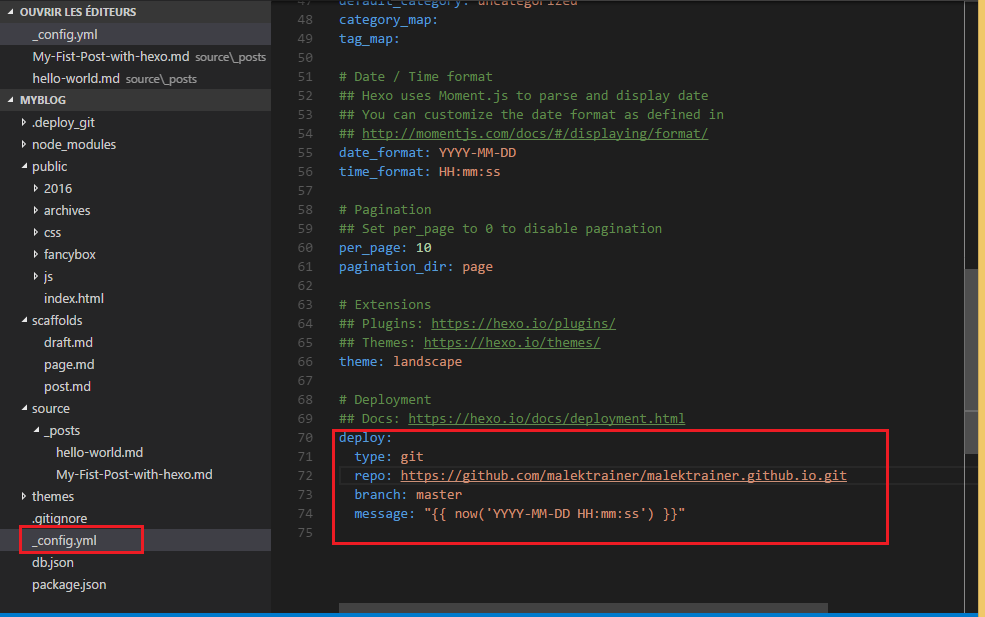
It’s time for deployement :
$ hexo deploy
