
tab标签(非组件)
本文又名:《关于我不想使用tab组件于是便自己写了一个的故事》
效果图:
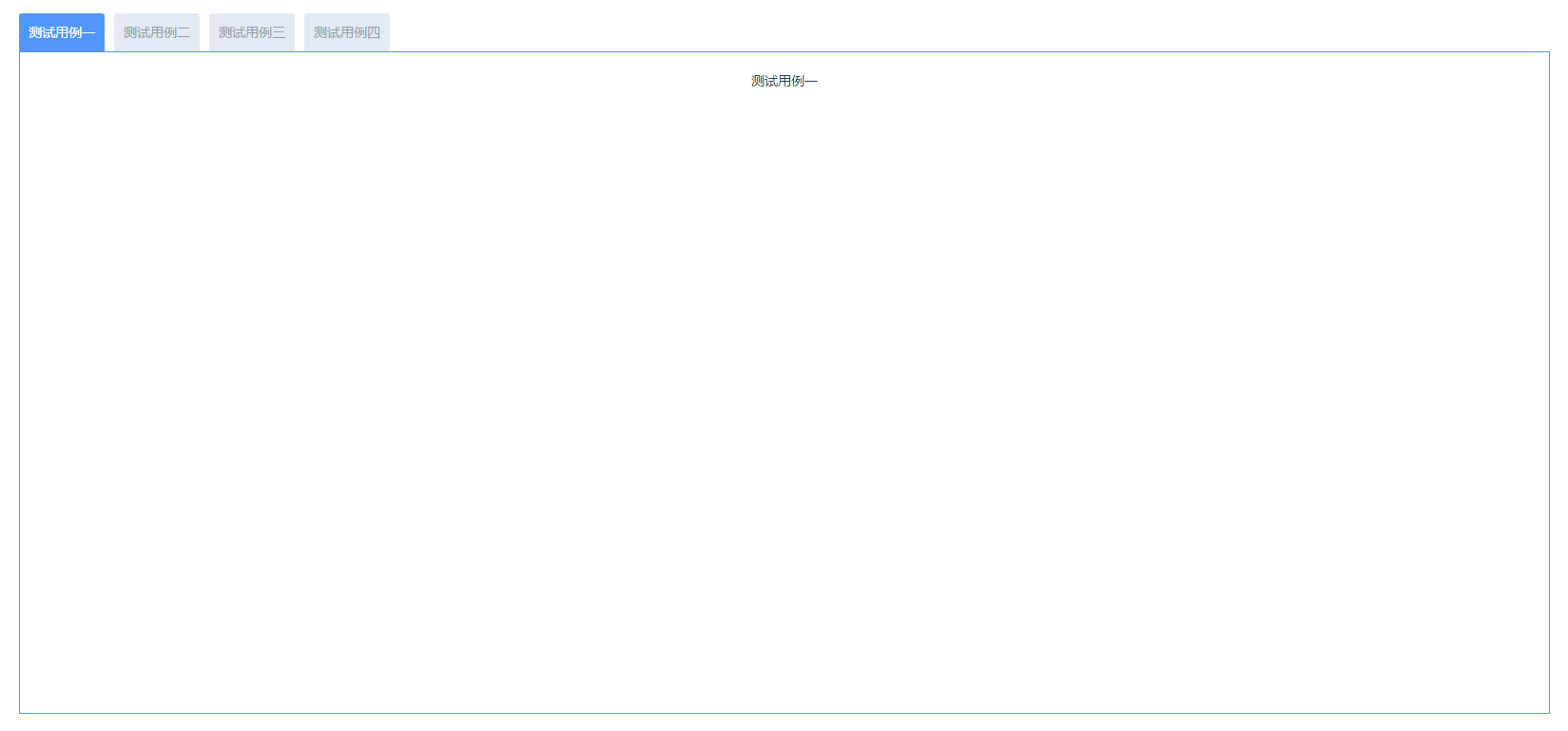
代码部分:
<template>
  <div class="Container">
    <div class="TabContent">
      <div class="tabNav">
        <div
          class="tabClick"
          :class="activeTab == index ? 'activeClass' : ''"
          v-for="(item, index) in MenuList"
          :key="index"
          @click="MenuClick(index, item)"
        >
          {{ item.name }}
        </div>
      </div>
      <div class="tabContent">
        <div class="tabView" v-if="activeTab === 0">测试用例一</div>
        <div class="tabView" v-if="activeTab === 1">测试用例二</div>
        <div class="tabView" v-if="activeTab === 2">测试用例三</div>
        <div class="tabView" v-if="activeTab === 3">测试用例四</div>
      </div>
    </div>
  </div>
</template>
<script>
export default {
  data() {
    return {
      MenuList: [
        { name: "测试用例一", key: "0" },
        { name: "测试用例二", key: "1" },
        { name: "测试用例三", key: "2" },
        { name: "测试用例四", key: "3" },
      ],
      activeTab: 0,
    };
  },
  methods: {
    MenuClick(index) {
      this.activeTab = index;
    },
  },
};
</script>
<style lang="less" scoped>
.Container {
  width: 100%;
  height: 100%;
  padding: 20px;
}
.TabContent {
  width: 100%;
  height: 100%;
}
.tabNav {
  width: 100%;
  height: 2.5rem;
  display: flex;
}
.tabClick {
  background-color: #e3eaf5;
  color: #939eab;
  margin-right: 0.625rem;
  border-radius: 0.2rem 0.2rem 0 0;
  cursor: pointer;
  line-height: 2.5rem;
  padding: 0 0.625rem;
}
.activeClass {
  background-color: #5396ff;
  color: #fff;
}
.tabContent {
  width: 100%;
  height: calc(100% - 2.5rem);
  border: 1px solid #5198fd;
}
.tabView {
  width: 100%;
  height: 100%;
  padding: 1.25rem;
  box-sizing: border-box;
}
</style>
新手理解,若有误,请各位大佬指点,Thanks♪(・ω・)ノ

 浙公网安备 33010602011771号