
第一步生成dll文件
首先我们要先创建一个工程:
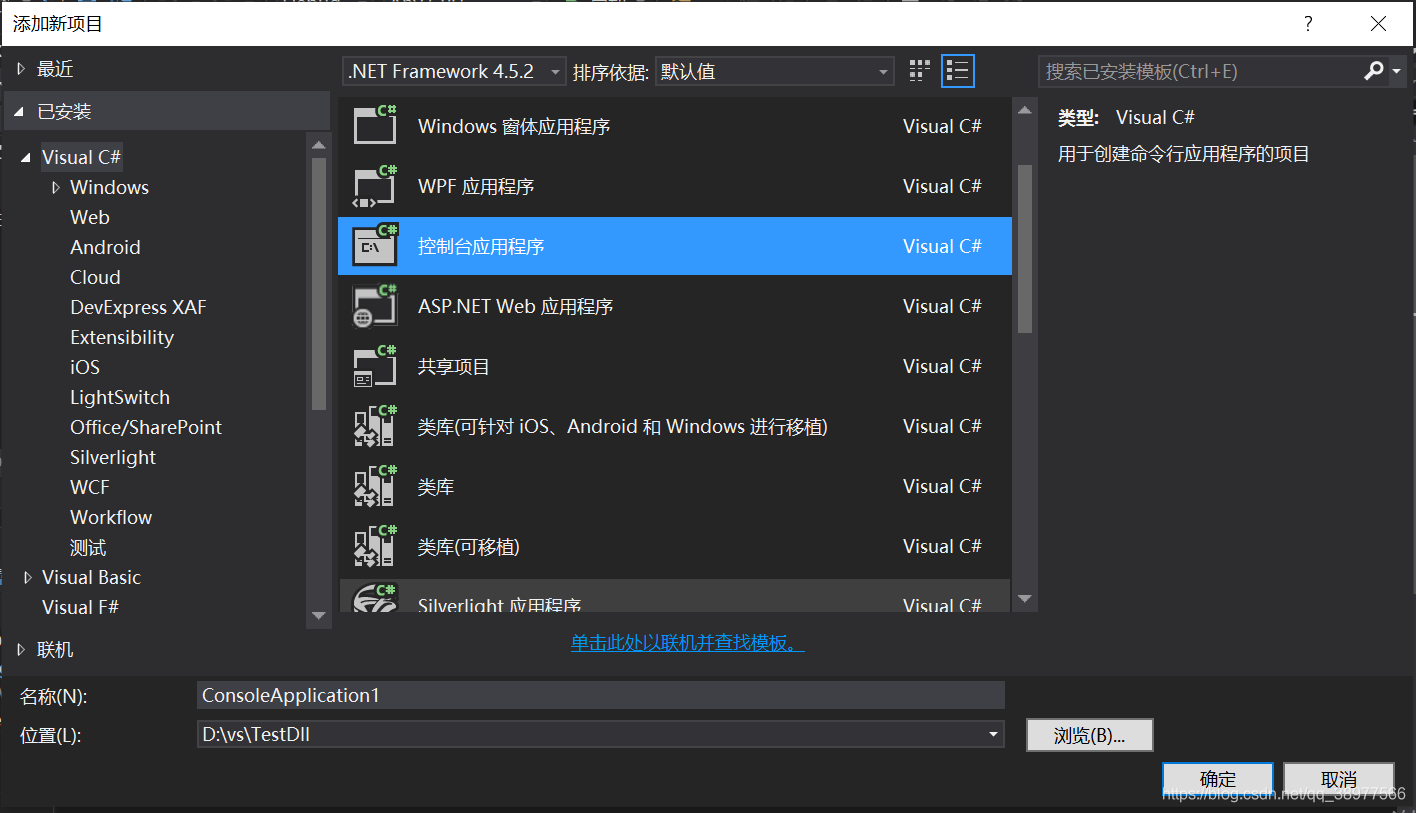
我们在工程中先添加一个控制台项目:
其次我们在创建一个类库项目:
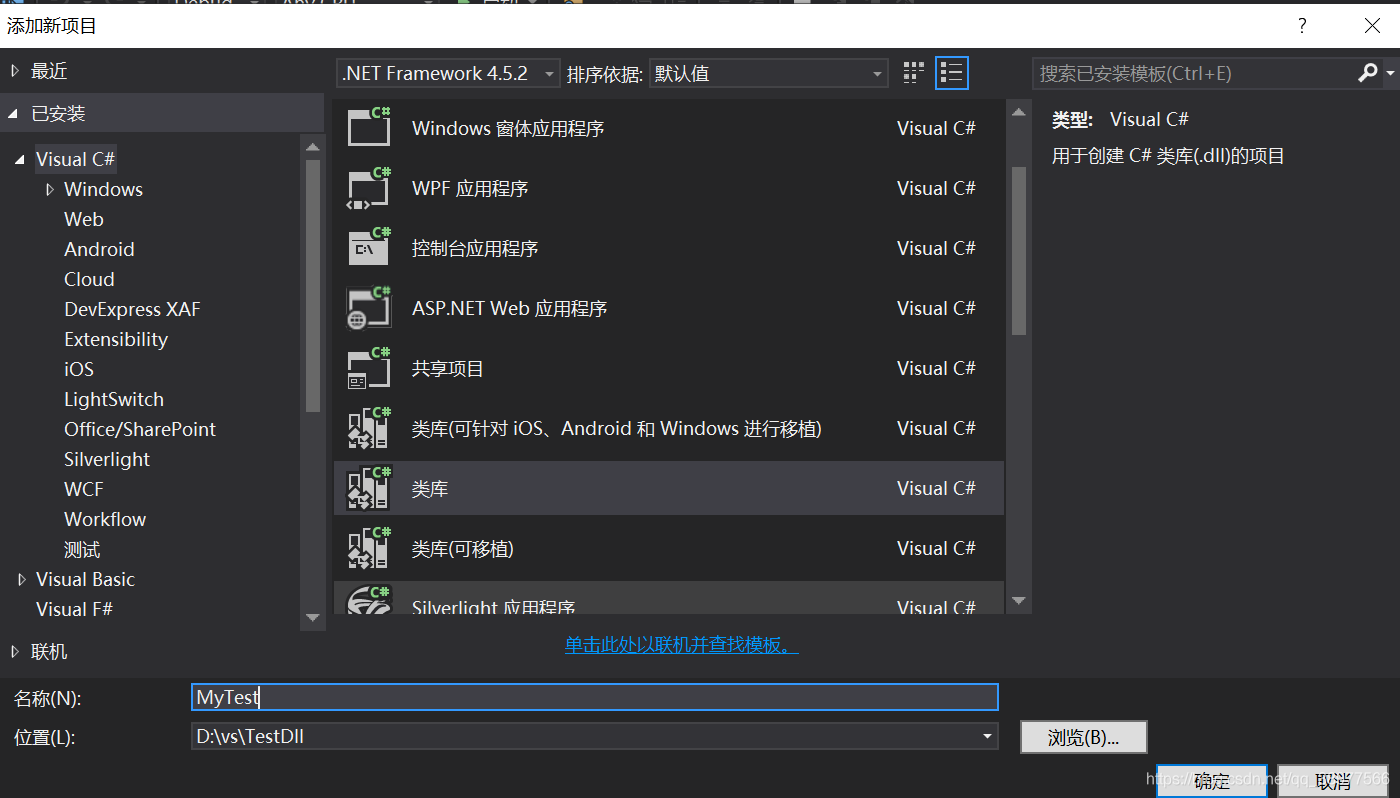
在类库项目中的类,我们写上函数,类和函数都必须用public来修饰。其中namespace后面的名称
就是后面调用dll时,在程序中需要using的名称。

using System;
using System.Collections.Generic;
using System.Linq;
using System.Text;
using System.Threading.Tasks;

namespace MyTest
{
    public class Class1
    {
        public void show()
        {
            Console.WriteLine("Hello Wrold!");
        }
    }
}
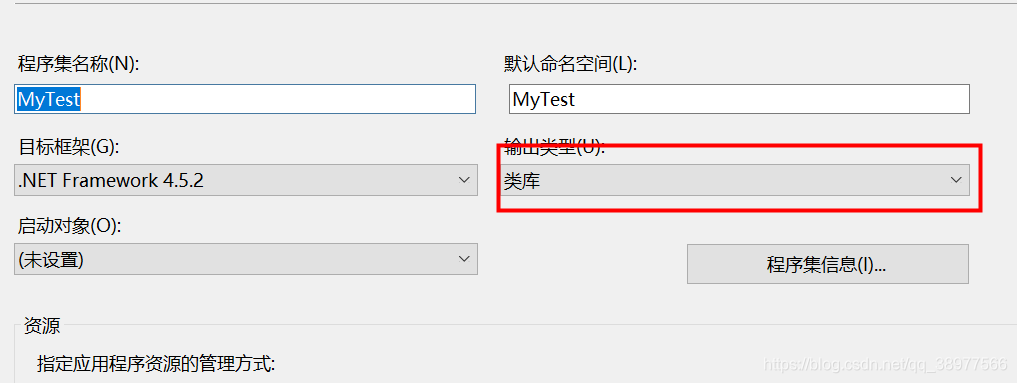
写完后我们右击该项目属性,看输出类型是否为类库。
选中项目,点击栏目中的生成菜单,点击红框中的生成。
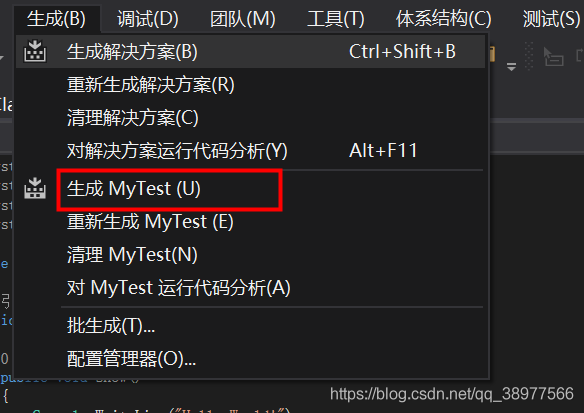
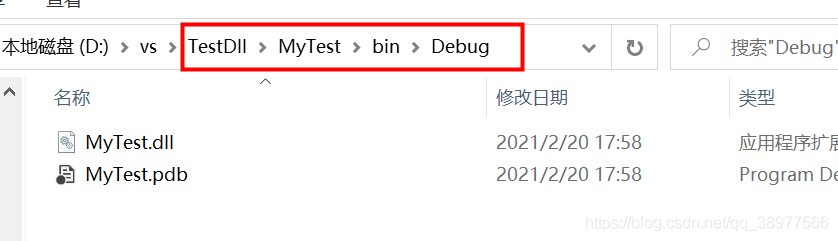
生成的dll文件在这个目录下。
第二步:
引用该dll文件。
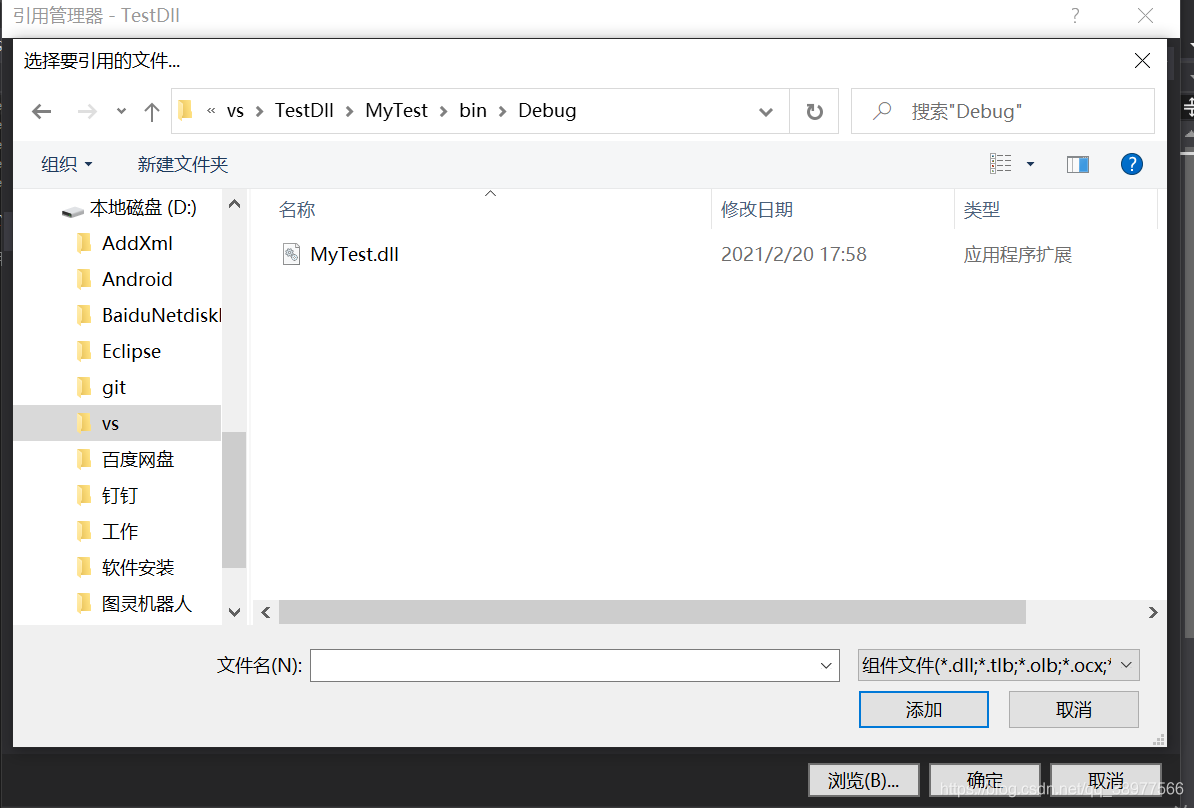
选中第一步中创建的控制台工程的--->引用---->添加引用,选择浏览,到刚刚的目录下去找dll文件。:
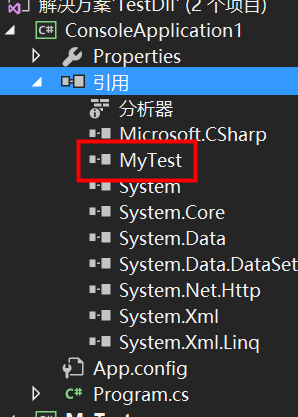
添加成功后,我们可以在引用目录下看到我们引用的dll:
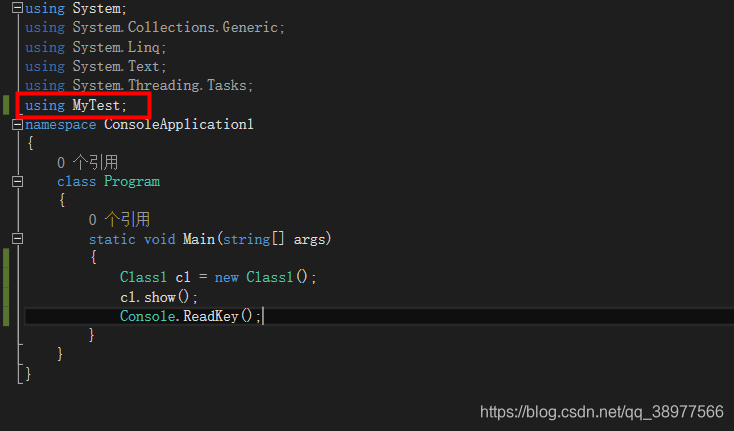
接下来就是引用dll文件,打开控制台程序类,先添加using,如图所示。
然后在main函数中就可以直接调用dll文件中的类了。
using System;
using System.Collections.Generic;
using System.Linq;
using System.Text;
using System.Threading.Tasks;
using MyTest;
namespace ConsoleApplication1
{
    class Program
    {
        static void Main(string[] args)
        {
            Class1 cl = new Class1();
            cl.show();
            Console.ReadKey();
        }
    }
}
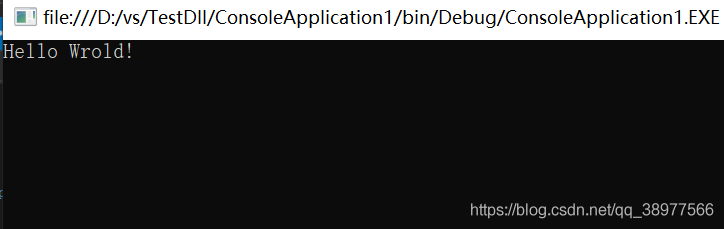
最后实验结果,如图所示。

 浙公网安备 33010602011771号