
DVWAweb渗透测试靶机环境搭建(1)
1.简介Damn Vulnerable Web App (DVWA)
DVWA is a PHP/MySQL web application that is damn vulnerable. Its main goals are to be an aid for security professionals to test their skills and tools in a legal environment, help web developers better understand the processes of securing web applications and aid teachers/students to teach/learn web application security in a class room environment. https://github.com/ethicalhack3r/DVWA
另一个靶机:WebGoat(v8.2.2截止到2022.6月有1年没有更新了,应该是相当稳定了)
https://github.com/WebGoat/WebGoat/releases
2.win环境部署:Windows + XAMPP (xampp是php环境一键部署)
方式1:XAMPP
The easiest way to install DVWA is to download and install XAMPP if you do not already have a web server setup.
XAMPP is a very easy to install Apache Distribution for Linux, Solaris, Windows and Mac OS X. The package includes the Apache web server, MySQL, PHP, Perl, a FTP server and phpMyAdmin.
XAMPP can be downloaded from: https://www.apachefriends.org/en/xampp.html
Simply unzip dvwa.zip, place the unzipped files in your public html folder, then point your browser to: http://127.0.0.1/dvwa/setup.php
方式2:使用 phpstudy 也是一键部署php
http://www.phpstudy.net/phpstudy/phpStudy20161103.zip
3.部署DVWA
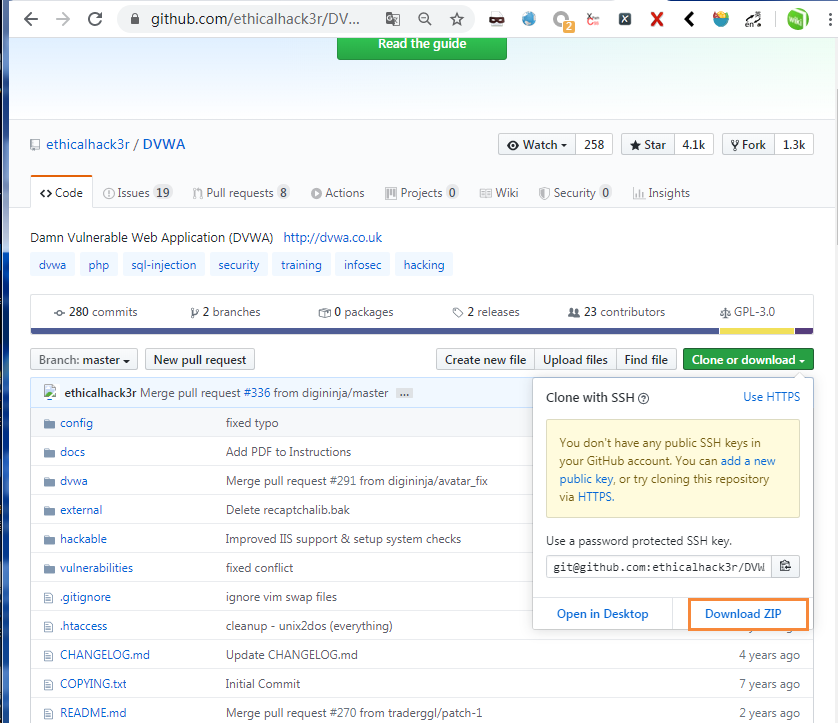
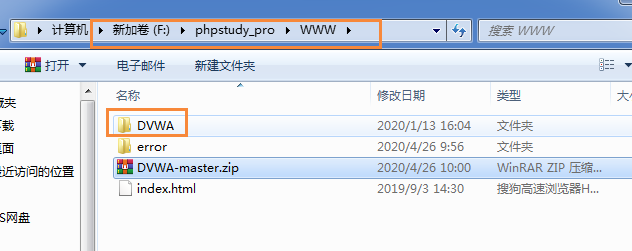
1)下载DVWA应用zip包,解压到phpstudy_pro/WWW 目录下,并重命名为DVWA。
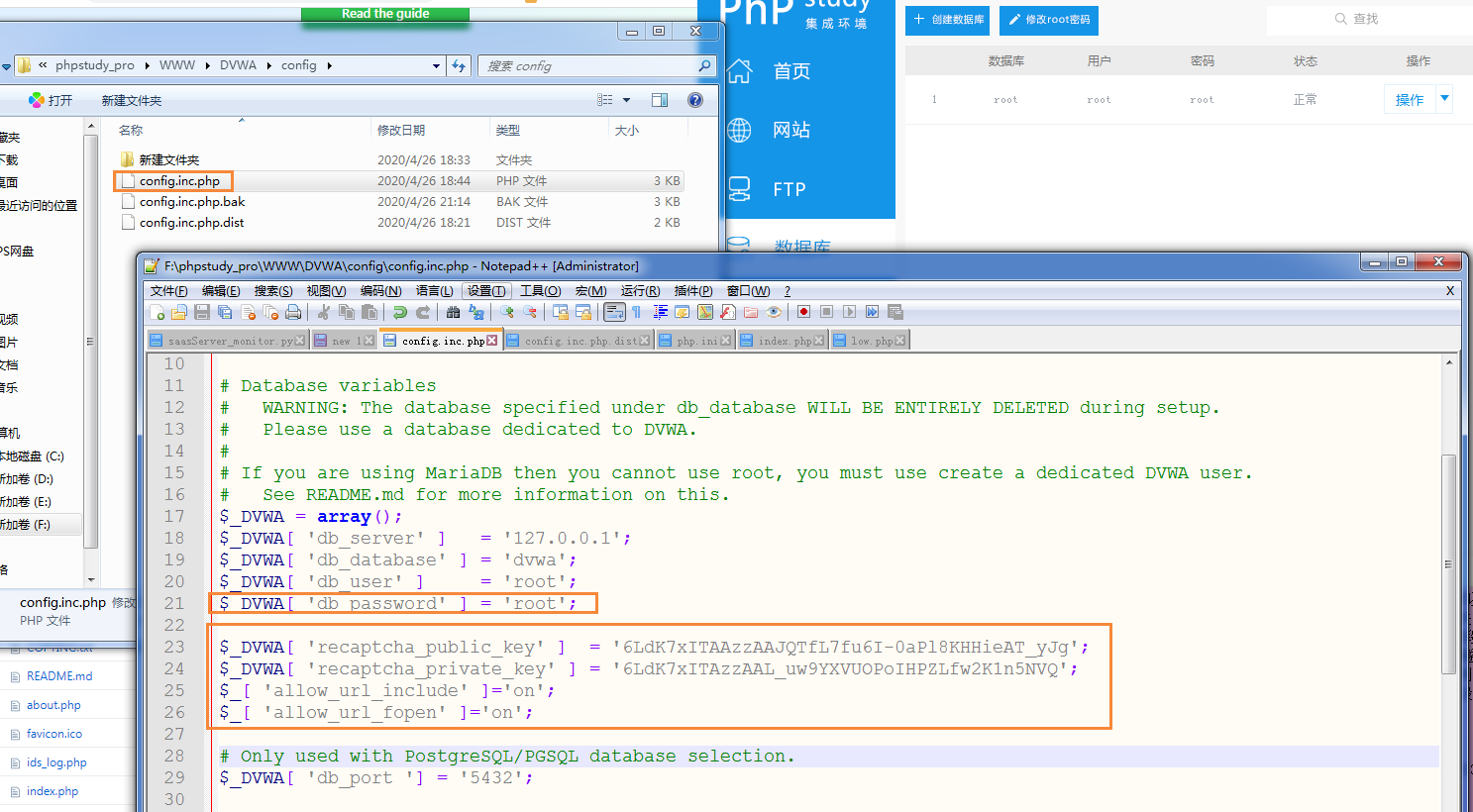
2)修改配置文件,主要修改db_password为root这个和phpstudy默认密码有关。
config.inc.php不存在,复制config.inc.php.dist,改名为config.inc.php。
#F:\phpstudy_pro\WWW\DVWA\config\config.inc.php

$_DVWA[ 'db_password' ] = 'root';
$_DVWA[ 'recaptcha_public_key' ]  = '6LdK7xITAAzzAAJQTfL7fu6I-0aPl8KHHieAT_yJg';
$_DVWA[ 'recaptcha_private_key' ] = '6LdK7xITAzzAAL_uw9YXVUOPoIHPZLfw2K1n5NVQ';
$_[ 'allow_url_include' ]='on';
$_[ 'allow_url_fopen' ]='on';
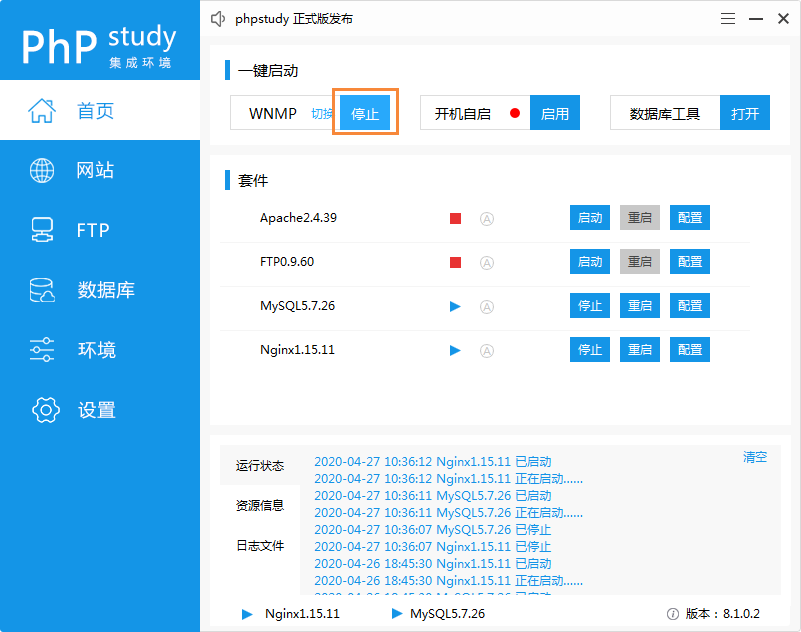
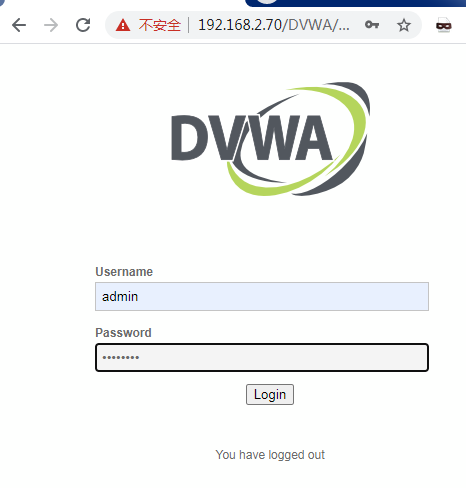
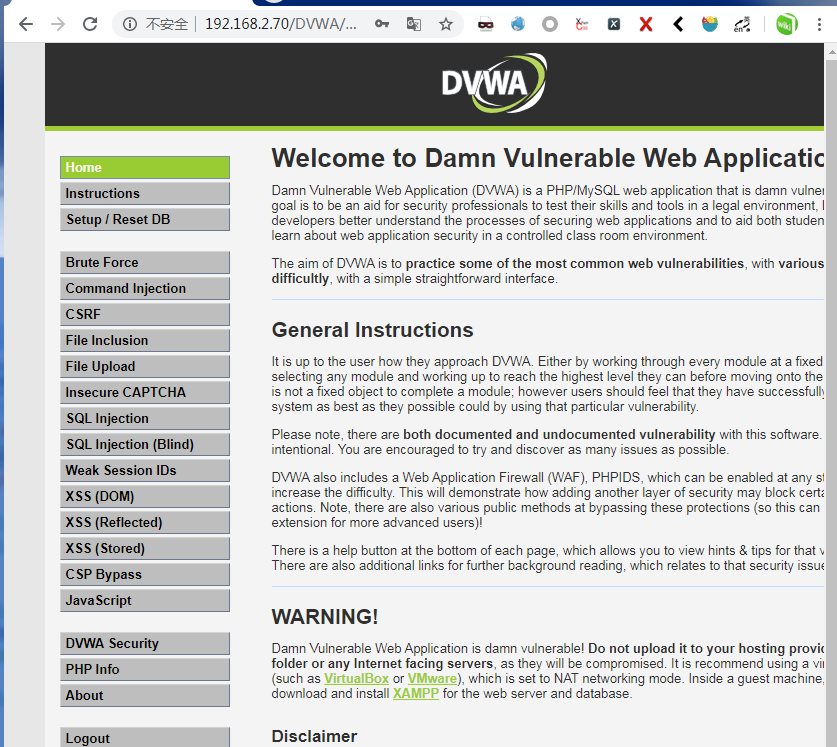
3)启动服务,可以是一键启动WNMP,也可以手动启动套件下的apache和mysql。浏览器输入 本机ip/DVWA 回车打开登录页面,帐户admin / password

 浙公网安备 33010602011771号