
奥克掌机更换霍尔摇杆及校准

奥克A1掌机更换霍尔摇杆及校准
同样适用于: 更换肩键微动, 扳机修复, 按键修复等
相关内容
实现方法


AOKZOE掌机摇杆校正教程
How to calibrate your AOKZOE A1's Joysticks
AOKZOE A1 Pro's Joysticks calibration
-
Press "BACK" + "START" button 5 seconds
-
When the LED to the right of the keyboard button lights up, release your finger.
-
The LED blinks twice and then becomes solid.
-
Do not stop the left and right joysticks and turn them around 360 degrees 2-3 times.
-
When you've turned it enough, release your finger. After 1-2 seconds, the LED will turn off.
-
Congratulations. Calibration is complete.
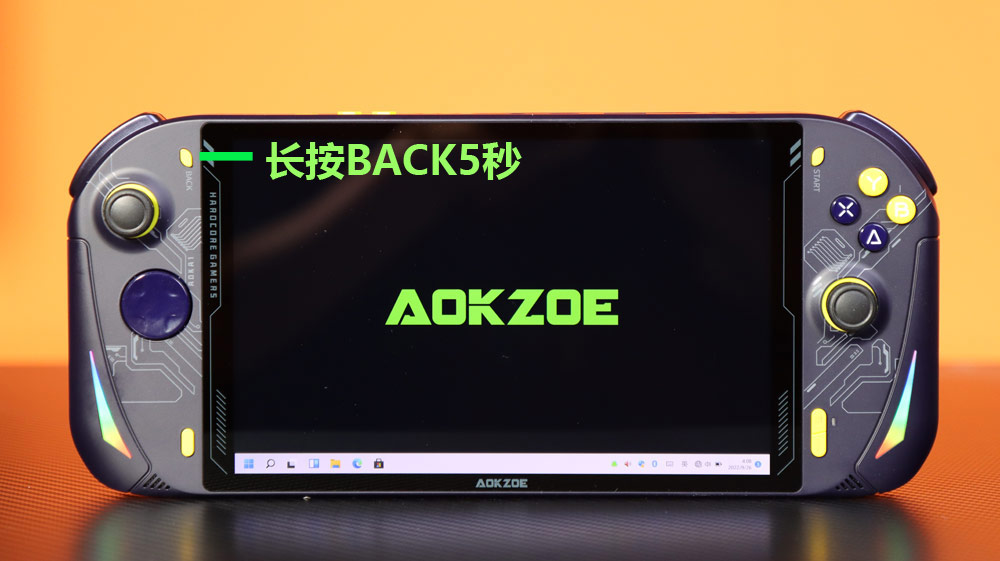
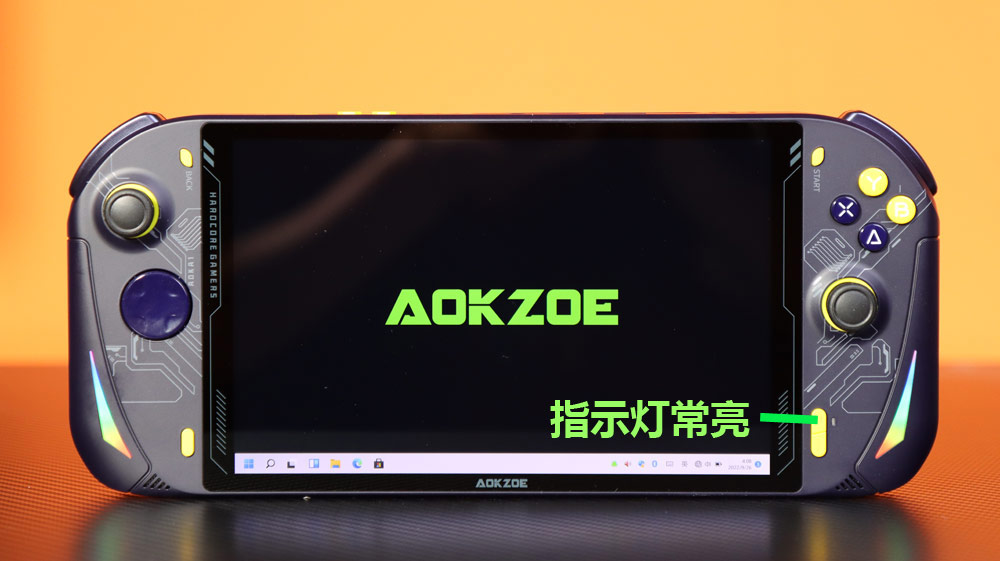
长按按键:长按左上角“BACK”按键 5 秒,直到右侧下方指示灯常亮。
开始旋转:必须等指示灯常亮时,才能开始旋转摇杆。
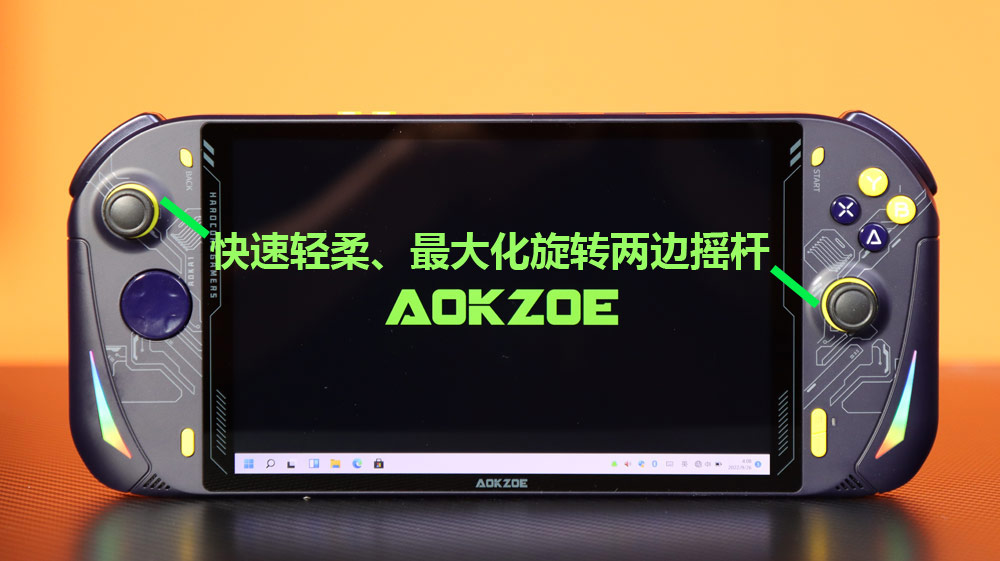
最大化旋转:快速且轻柔地将两边摇杆推到最外圈,最大化完整旋转几圈。
完成退出:等待指示灯熄灭,即代表校准结束,可以正常使用。
1、长按左上角“BACK”按键5秒,直到右侧下方指示灯常亮
2、指示灯常亮(一定要常亮时才旋转摇杆)
3、指示灯常亮后快速轻柔的最大化旋转两边摇杆
4、一直最大幅度旋转2边的摇杆直至主机右下角指示灯灭就可以了
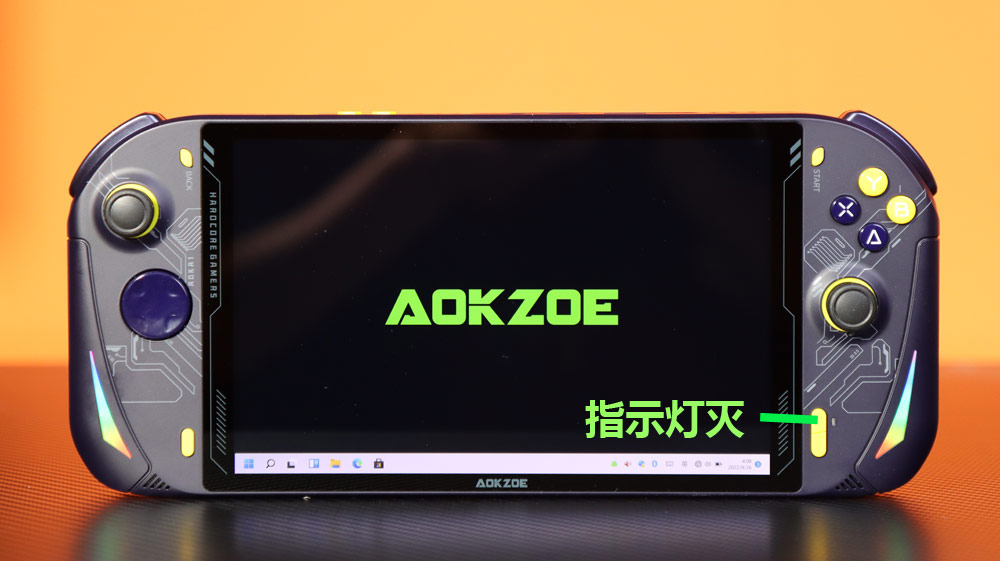
可以正常使用了
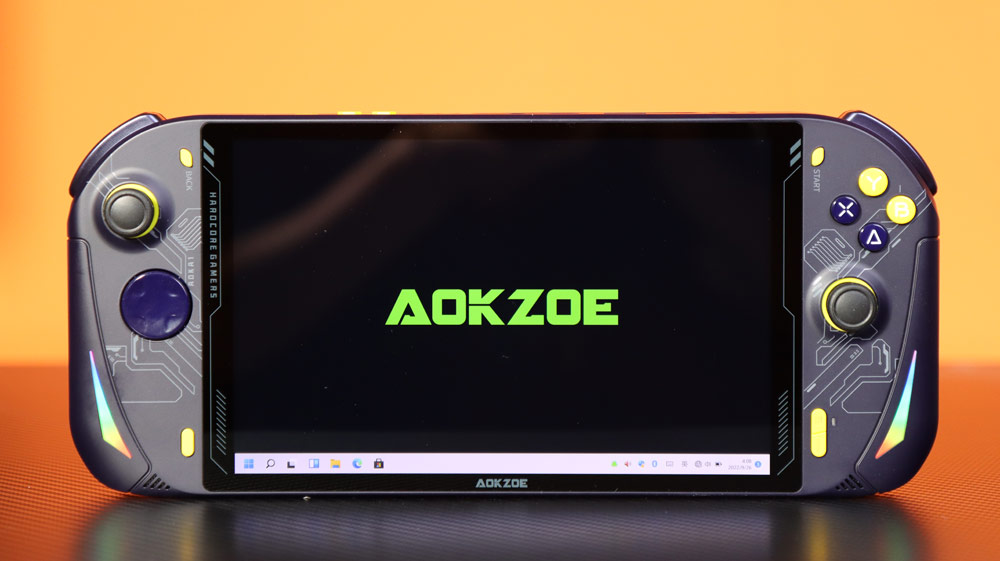
GIF示意图


 浙公网安备 33010602011771号