
Kali 2021.3 安装ARL (资产侦察灯塔系统)
0x00 准备工作
下载kali镜像:https://www.kali.org/get-kali/
ARL:https://github.com/TophantTechnology/ARL
0x01 Docker安装
ARL目前不支持Windows,Linux和Mac建议Docker安装,建议配置2核4G。
本次安装采用kali 2021.3的Vmware镜像。
由于国内网络原因,先更换kali的源。
sudo vi /etc/apt/sources.list
deb http://mirrors.tuna.tsinghua.edu.cn/kali kali-rolling main contrib non-free
deb-src https://mirrors.tuna.tsinghua.edu.cn/kali kali-rolling main contrib non-free

安装https协议、CA证书、dirmngr
sudo apt-get update
sudo apt-get install apt-transport-https ca-certificates -y
sudo apt-get install dirmngr
添加GPG密钥并添加更新源
sudo curl -fsSL https://mirrors.tuna.tsinghua.edu.cn/docker-ce/linux/debian/gpg | sudo apt-key add -
sudo echo 'deb https://mirrors.tuna.tsinghua.edu.cn/docker-ce/linux/debian/ buster stable' | sudo tee /etc/apt/sources.list.d/docker.list
系统更新并安装docker
sudo apt-get update
sudo apt-get install docker-ce -y
启动docker并设置开机自启
sudo systemctl start docker
sudo systemctl enable docker
安装docker-comppse
sudo apt-get install docker-compose -y
测试是否安装成功
docker run hello-world
0x02 安装环境配置
由于国内网络问题,直接使用docker-hub会很慢,并且大概率安装失败。
配置docker镜像源
sudo vi /etc/docker/daemon.json
{
        "registry-mirrors":[
            "http://hub-mirror.c.163.com/",
            "https://docker.mirrors.ustc.edu.cn"
        ]
}
sudo systemctl daemon-reload
sudo systemctl restart docker
坑:kali使用docker pull时会通过DNS解析到相关地址,如果失败,需检查DNS地址配置是否正确。
sudo vi /etc/resolv.conf
nameserver 114.114.114.114
nameserver 8.8.8.8

0x03 安装ARL
mkdir docker_arl
wget -O docker_arl/docker2.4.1.zip https://github.com/TophantTechnology/ARL/releases/download/v2.4.1/docker.zip(根据github确定url)
cd docker_arl
unzip docker2.4.1.zip(根据github确定zip文件)
docker volume create arl_db
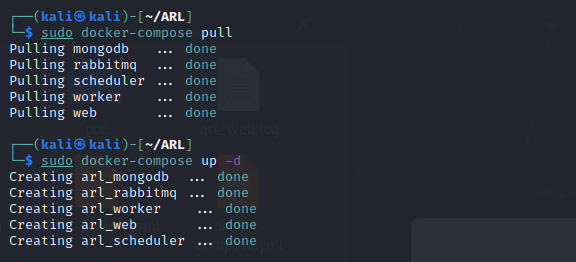
docker-compose pull
docker-compose up -d
docker ps

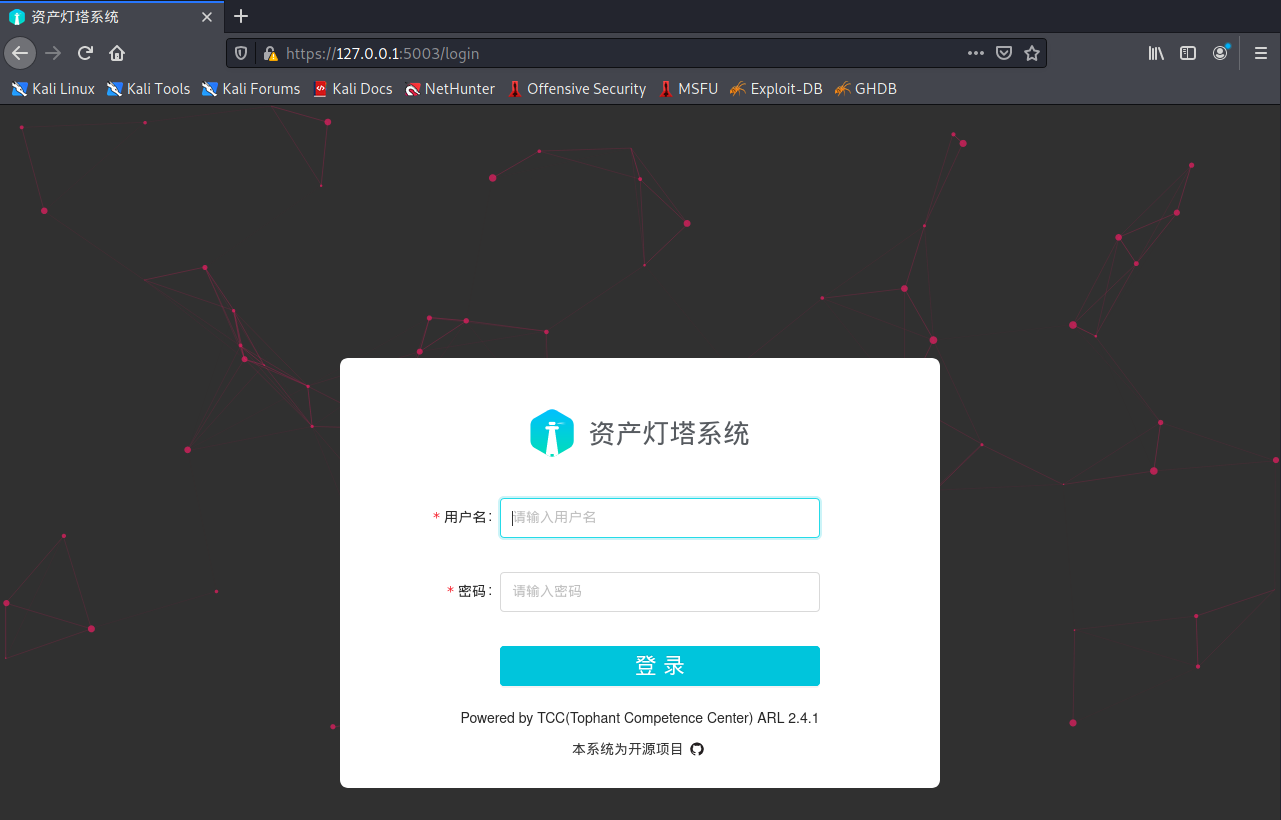
安装成功 admin/arlpass

 浙公网安备 33010602011771号