
Windows在线安装poetry
一切以官网为准:
Windows默认安装位置为:
%APPDATA%\Python\Scripts
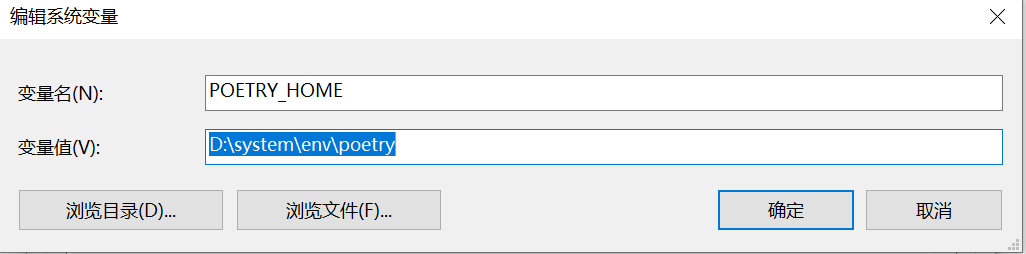
要手动指定安装位置的话,添加环境变量POETRY_HOME即可
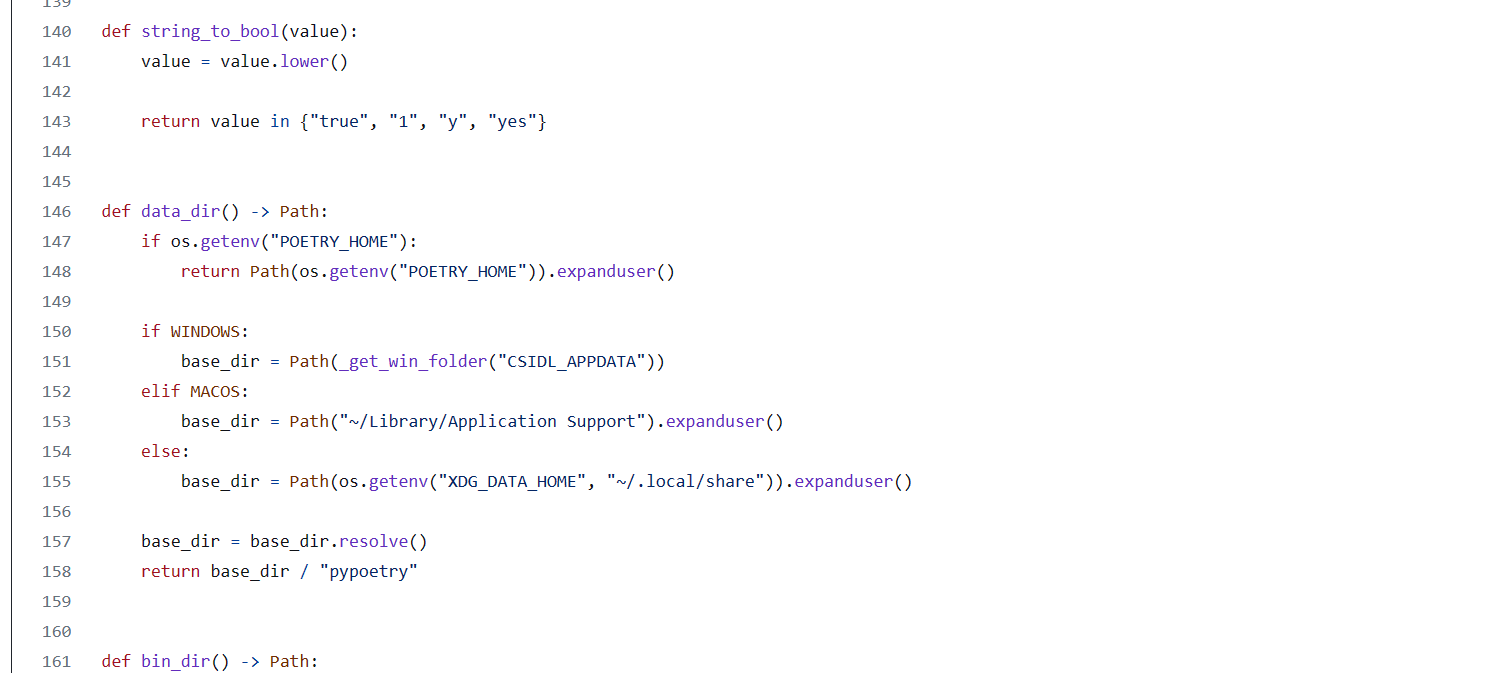
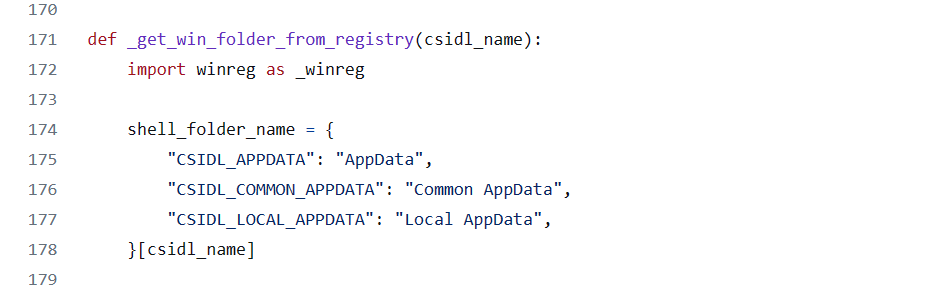
默认安装位置,可以通过查看install.python-poetry.org/install-poetry.py源码可知
打开PowerShell以下命令即可在线安装:
如果上边设置了POETRY_HOME那么就会安装在POETRY_HOME指向目录下。
(Invoke-WebRequest -Uri https://install.python-poetry.org -UseBasicParsing).Content | py -
添加环境变量:
%POETRY_HOME%\bin
查看安装是否成功:

使用命令参考官网:
如果想要修改poetry虚拟环境缓存位置,通过如下命令指定
poetry config cache-dir "你想要指定的虚拟环境缓存位置"

 浙公网安备 33010602011771号