VVDI Key Tool Plus Remote Online-cloud recognition Operation Guide
Good news!Xhorse VVDI Key Tool Plus Pad added a new function "Remote Online-cloud Recognition", which can help you quickly and accurately to recognize your remote.

How to use this function?
Main step:
Click Remote Program or Remote Clone
Click Start, your remote can be easily recognized.
Sometimes, users need to choose the appropriate remote when multiple possible remotes are recognized.
Step-by-step:
Tap "Remote Program" and then "Remote online-cloud recognition".

Tap "Remote Clone" and then "Remote online-cloud recognition". 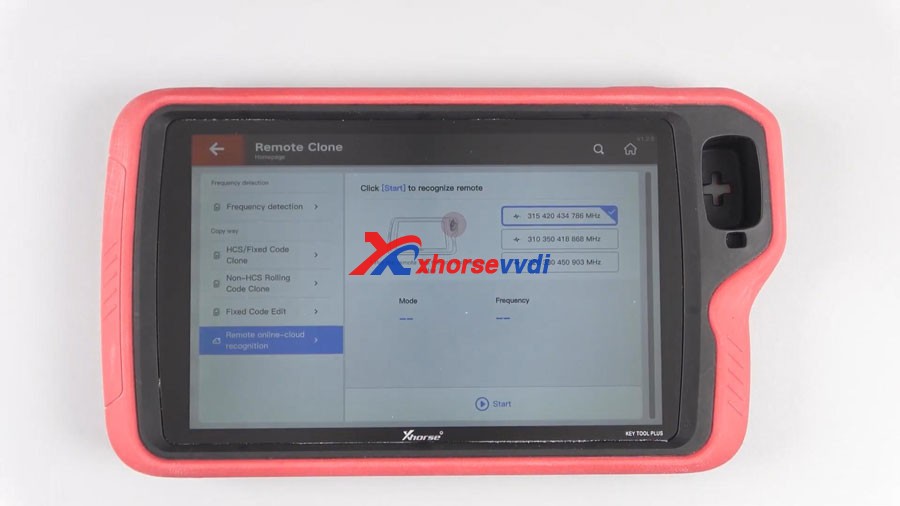
Click "Start" and your remote can be easily recognized.

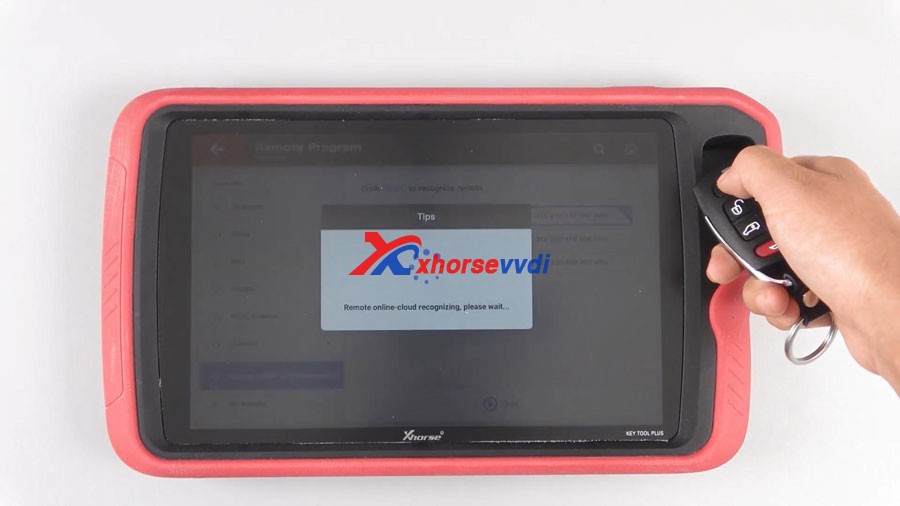
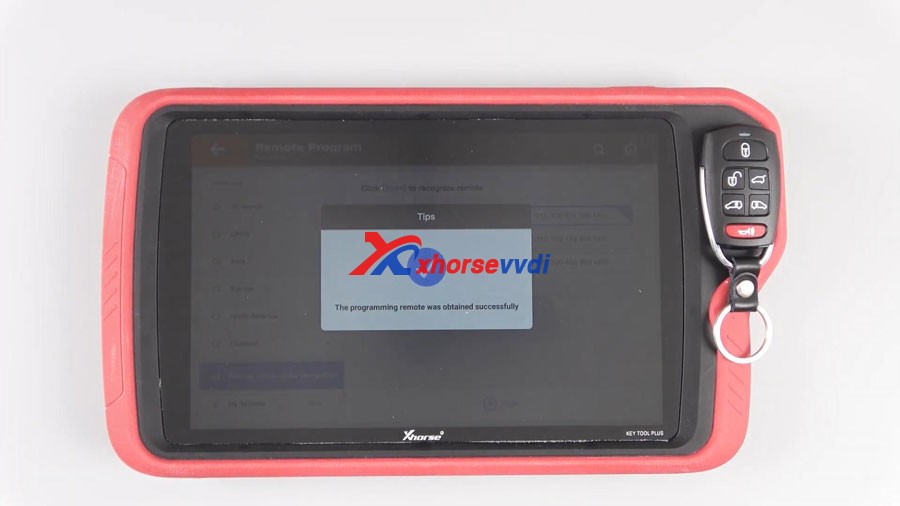
Finally, have remote information including ID, frequency, remote type, matching method etc. 
Sometimes, users need to choose the appropriate remote when recognizing multiple possible remotes.


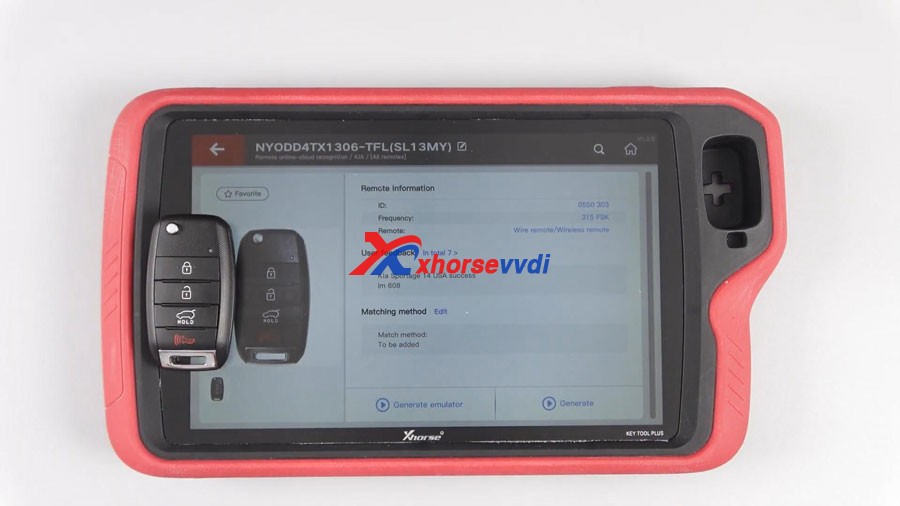
Enjoy!
video :https://youtu.be/XnoNRVi6S3I
Order Xhorse VVDI Key Tool Plus here:
https://www.xhorsevvdi.com/wholesale/xhorse-vvdi-key-tool-plus.html
Source: http://blog.xhorsevvdi.com/vvdi-key-tool-plus-remote-online-cloud-recognition-operation-guide/

 浙公网安备 33010602011771号