How to fix V2020.03 Xentry error "The data are faulty"?
Error 1: V2020.03 Xentry error "The data are faulty".
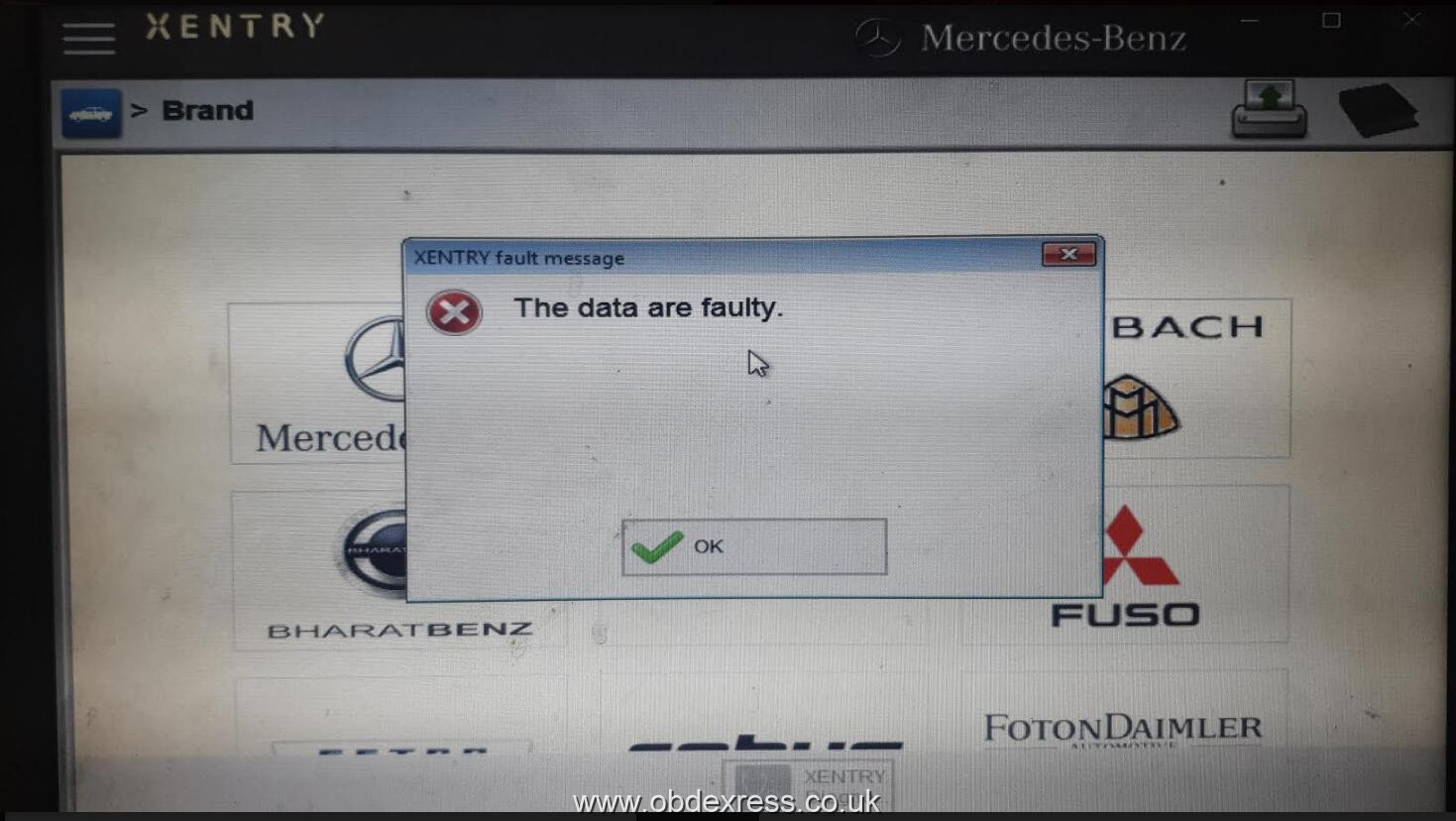
Solution:
Step 1. Please download the software here:
https://share.weiyun.com/5uIxwgI
password: eswr9a
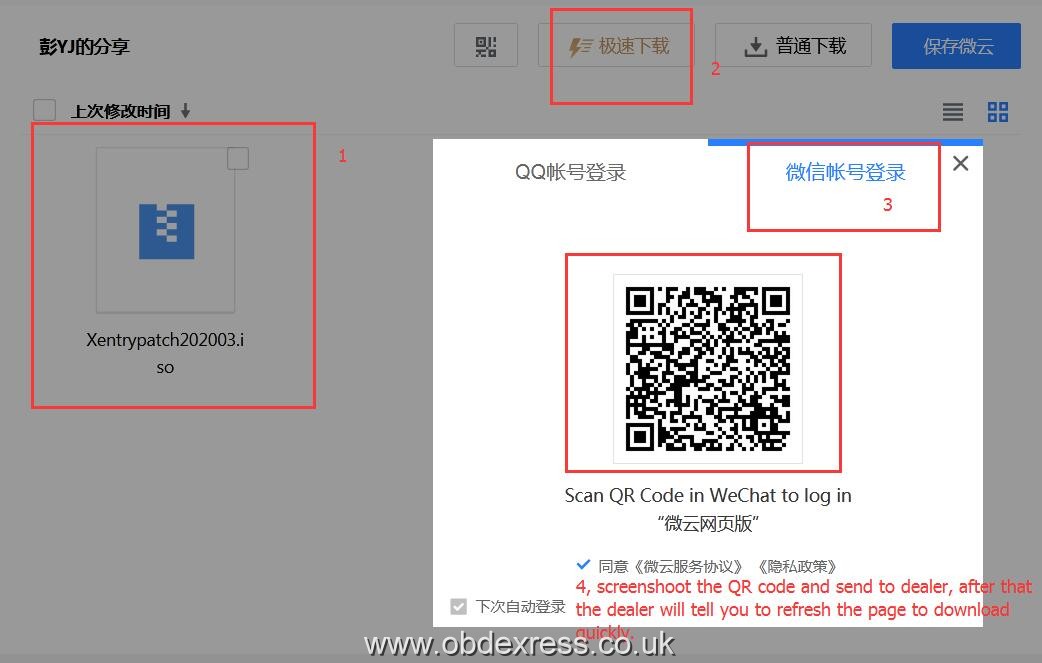
Step 2. follow the video to operate:
Step 3: Reboot the computer, then to run Xentry.
The above solution applies to:
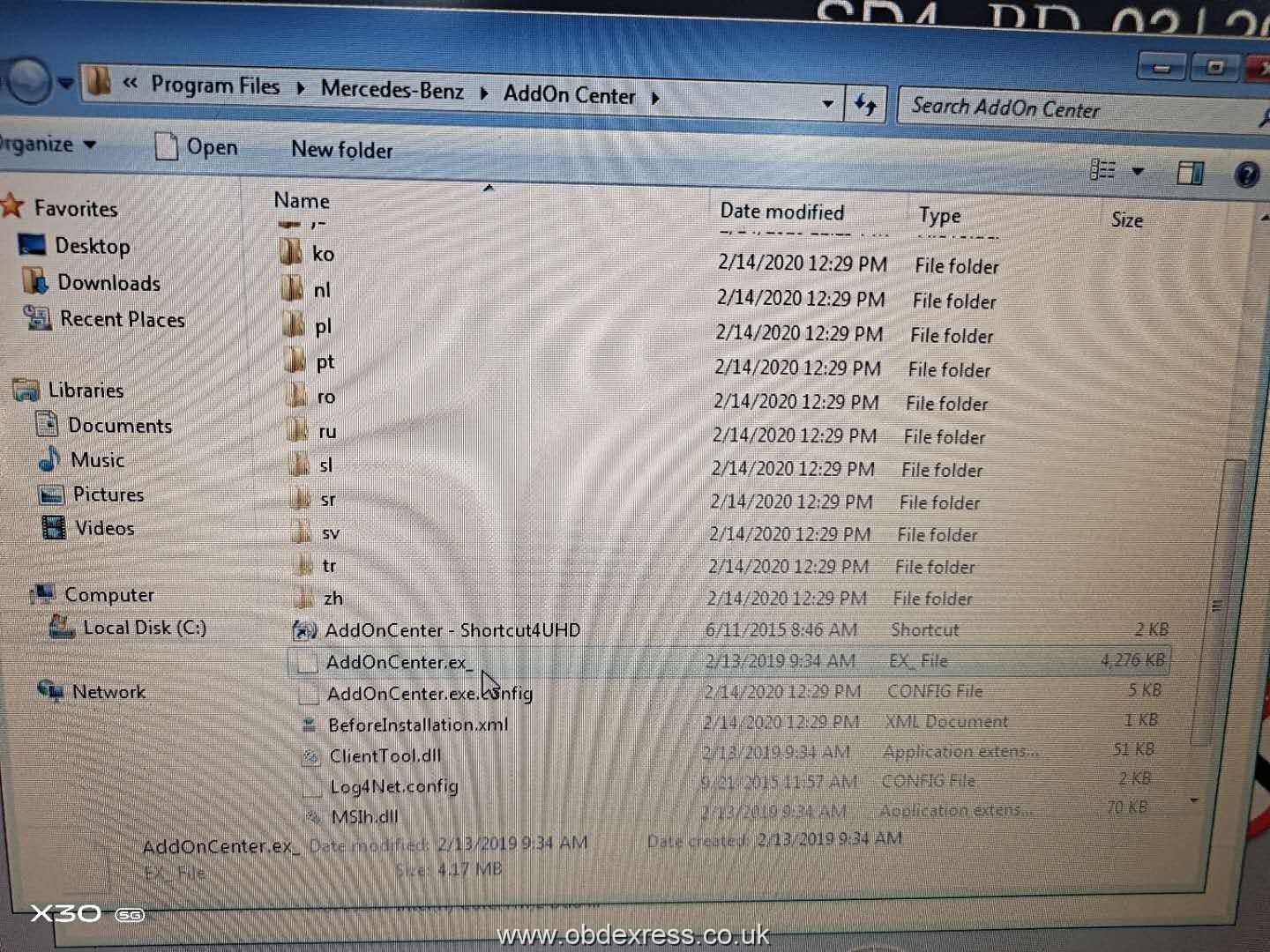
Error 2: The user didn't do nothing but the software upgrade automatically, and Xentry doesn't work.
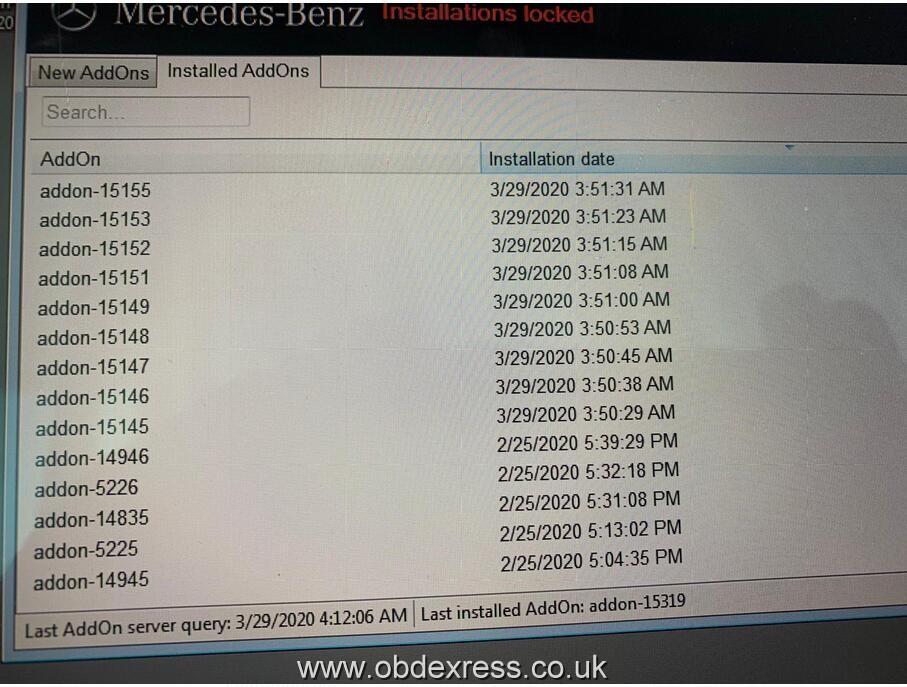
Solution:
Go to program files -> Mercedes-Benz->AddOn Center, rename "AddOnCenter.exe" as "AddOnCenter.ex_", restart the computer, then the Xentry will not upgrade automatically.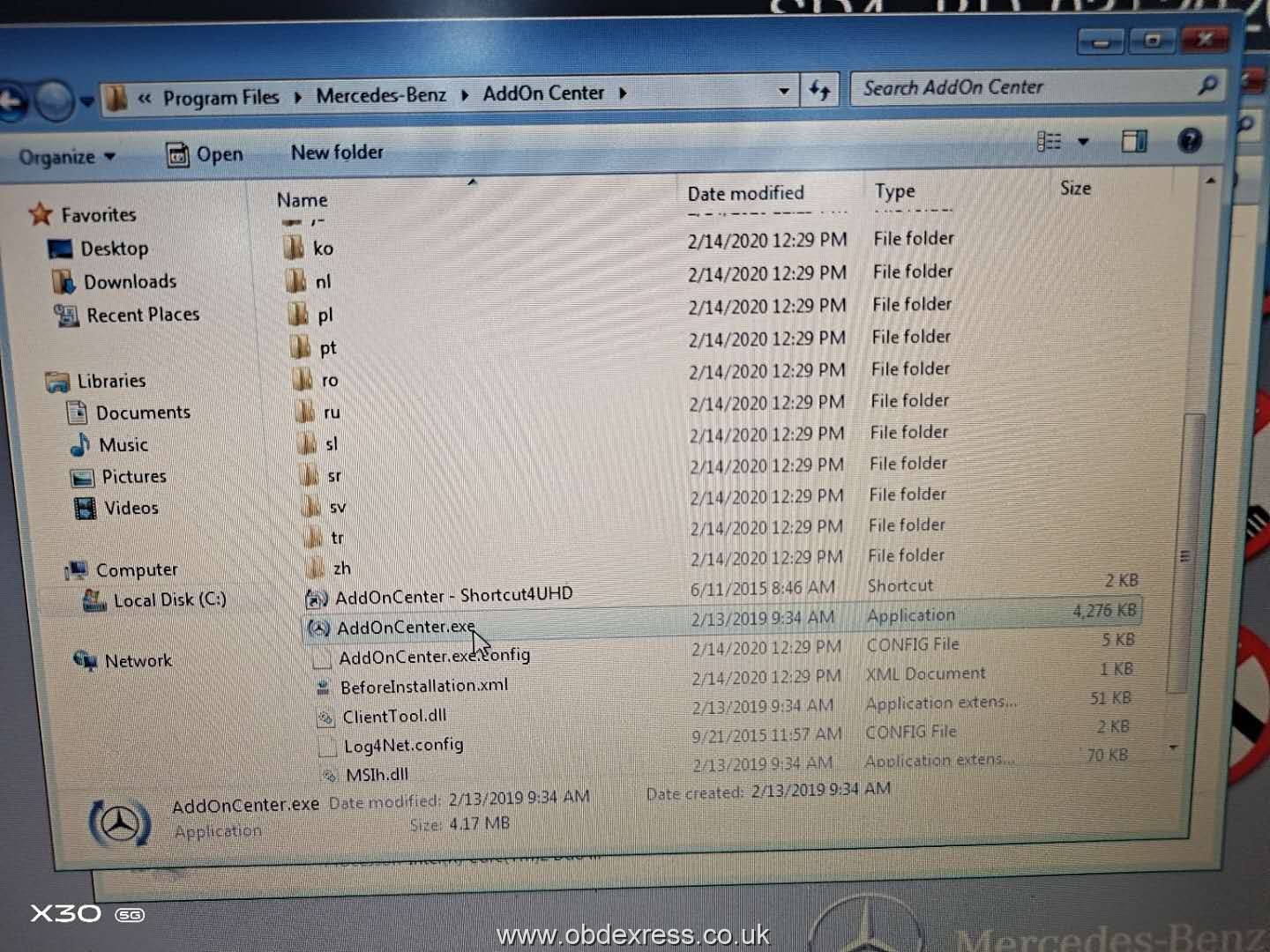
Source:http://www.obdexpress.co.uk/service/how-to-solve-xentry-error.html

 浙公网安备 33010602011771号