Perfetto:离线版本和Electron打包桌面应用
目前 Perfetto 的官方 UI(ui.perfetto.dev)需要依赖网络环境,可能会受网络带宽和连接稳定性影响效率。如果你希望实现更高效的使用体验,可以考虑使用 离线版本 或通过 Electron 打包为 桌面应用,避免受限于网络环境。
1 Perfetto离线版本
虽然 Perfetto 本身的官方 Web UI 是在线的,但你可以通过以下几种方式实现离线版本。
Perfetto 提供了本地运行的 UI,你可以下载源代码并运行它,来避免网络依赖。你需要下载 Perfetto UI 的源代码并在本地运行它。步骤:
1. 克隆 Perfetto 源代码:
git clone https://android.googlesource.com/platform/system/perfetto.git
cd perfetto
2. 安装依赖库和工具链:
tools/install-build-deps [--android] [--ui] [--linux-arm]
- --android will pull the Android NDK, emulator and other deps required to build for target_os = "android".
- --ui will pull NodeJS and all the NPM modules required to build the Web UI. See the UI Development section below for more.
- --linux-arm will pull the sysroots for cross-compiling for Linux ARM/64.
3. 编译UI
ui/build
编译结果如下:
.
├── index.html
├── service_worker.js
├── service_worker.js.map
└── v53.0-867ef5020
    ├── assets
    ├── engine_bundle.js
    ├── engine_bundle.js.map
    ├── frontend_bundle.js
    ├── frontend_bundle.js.map
    ├── index.html
    ├── manifest.json
    ├── perfetto.css
    ├── perfetto.css.map
    ├── stdlib_docs.json
    ├── trace_config_utils.wasm
    ├── traceconv_bundle.js
    ├── traceconv_bundle.js.map
    ├── traceconv.wasm
    ├── trace_processor_memory64.wasm
    └── trace_processor.wasm
4. 启动Perfetto UI服务
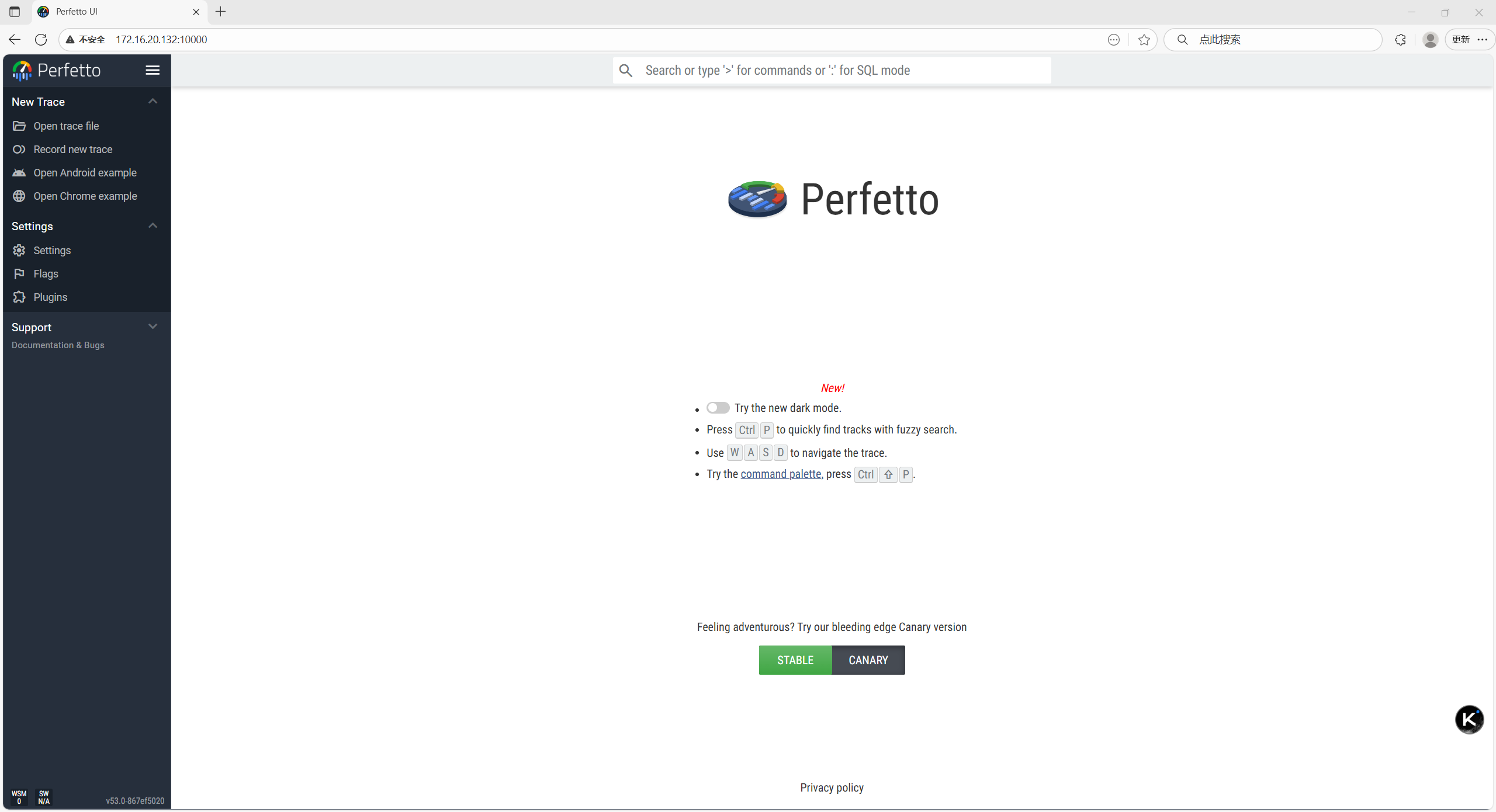
启动Perfetto UI服务,通过 http://localhost:10000 访问本地的 Perfetto UI:
ui/run-dev-server
或者通过http://192.168.10.10:10000局域网访问Perfetto UI:
ui/build -s --serve-host 0.0.0.0 -w
2 使用 Electron 打包为桌面应用
2.1 准备阶段
.
└── ui
    ├── index.html
    ├── service_worker.js
    ├── service_worker.js.map
    └── v53.0-867ef5020
2.2 初始化 Electron 项目
创建 package.json
npm init -y
安装 Electron 依赖
npm install electron --save-dev
npm install electron-builder --save-dev
# 用于检测开发环境
npm install electron-is-dev --save-dev
2.3 创建 Electron 主进程文件
const { app, BrowserWindow } = require("electron");
const path = require("path");

function createWindow() {
  const win = new BrowserWindow({
    width: 1600,
    height: 1000,
    webPreferences: {
      nodeIntegration: false,
      contextIsolation: true
    }
  });

  // 加载 ui/index.html(顶层目录的 index.html)
  win.loadFile(path.join(__dirname, "ui/index.html"));
}

app.commandLine.appendSwitch('no-sandbox');
app.commandLine.appendSwitch('disable-setuid-sandbox');

app.whenReady().then(createWindow);
2.4 修改 package.json
const { app, BrowserWindow } = require("electron");
const path = require("path");

function createWindow() {
  const win = new BrowserWindow({
    width: 1600,
    height: 1000,
    webPreferences: {
      nodeIntegration: false,
      contextIsolation: true
    }
  });

  // 加载 ui/index.html(顶层目录的 index.html)
  win.loadFile(path.join(__dirname, "ui/index.html"));
}

app.commandLine.appendSwitch('no-sandbox');
app.commandLine.appendSwitch('disable-setuid-sandbox');

app.whenReady().then(createWindow);

lbq@lbq-hp:~/data/perfetto-desktop$ cat package.json
{
  "name": "perfetto-desktop",
  "version": "1.0.0",
  "description": "Perfetto Trace Analysis Tool",
  "main": "main.js",
  "homepage": "https://perfetto.dev",
  "author": {
    "name": "Arnold Lu",
    "email": "arnold@example.com"
  },
  "license": "Apache-2.0",
  "scripts": {
    "start": "electron .",
    "build": "electron-builder",
    "build-linux": "electron-builder --linux",
    "build-win": "electron-builder --win"
  },
  "build": {
    "appId": "com.perfetto.desktop",
    "productName": "PerfettoDesktop",
    "directories": {
      "output": "dist-electron"
    },
    "files": [
      "ui/**/*",
      "main.js",
      "package.json"
    ],
    "linux": {
      "target": [
        {
          "target": "AppImage",
          "arch": ["x64"]
        }
      ],
      "icon": "assets/icons/",
      "category": "Development",
      "maintainer": "Arnold Lu <arnold@example.com>"
    },
    "win": {
      "target": [
        {
          "target": "nsis",
          "arch": ["x64"]
        }
      ],
      "icon": "assets/icons/icon.ico",
      "signAndEditExecutable": false
    }
  },
  "devDependencies": {
    "electron": "^29.4.6",
    "electron-builder": "^26.0.12",
    "electron-is-dev": "^3.0.1"
  }
}
2.5 构建和运行
修改chrome-sandbox权限:
sudo chown root:root node_modules/electron/dist/chrome-sandbox
sudo chmod 4755 node_modules/electron/dist/chrome-sandbox
开发模式运行:
npm start
构建应用
sudo apt-get install wine
sudo dpkg --add-architecture i386 && sudo apt-get update && sudo apt-get install wine32:i386
# 构建当前平台
npm run build

# 或构建特定平台
npm run build-win -- --dir    # Windows,不进行打包。建议Windows环境构建。
npm run build-mac    # macOS
npm run build-linux  # Linux
2.6 最终目录结构
.
├── dist-electron
│   ├── builder-debug.yml
│   ├── builder-effective-config.yaml
│   ├── linux-unpacked
│   │   ├── chrome_100_percent.pak
│   │   ├── chrome_200_percent.pak
│   │   ├── chrome_crashpad_handler
│   │   ├── chrome-sandbox
│   │   ├── icudtl.dat
│   │   ├── libEGL.so
│   │   ├── libffmpeg.so
│   │   ├── libGLESv2.so
│   │   ├── libvk_swiftshader.so
│   │   ├── libvulkan.so.1
│   │   ├── LICENSE.electron.txt
│   │   ├── LICENSES.chromium.html
│   │   ├── locales
│   │   ├── perfetto-desktop
│   │   ├── resources
│   │   ├── resources.pak
│   │   ├── snapshot_blob.bin
│   │   ├── v8_context_snapshot.bin
│   │   └── vk_swiftshader_icd.json
│   ├── PerfettoDesktop-1.0.0.AppImage--Linux可执行文件。
│   └── win-unpacked
│       ├── chrome_100_percent.pak
│       ├── chrome_200_percent.pak
│       ├── d3dcompiler_47.dll
│       ├── ffmpeg.dll
│       ├── icudtl.dat
│       ├── libEGL.dll
│       ├── libGLESv2.dll
│       ├── LICENSE.electron.txt
│       ├── LICENSES.chromium.html
│       ├── locales
│       ├── PerfettoDesktop.exe--Windows可执行文件。
│       ├── resources
│       ├── resources.pak
│       ├── snapshot_blob.bin
│       ├── v8_context_snapshot.bin
│       ├── vk_swiftshader.dll
│       ├── vk_swiftshader_icd.json
│       └── vulkan-1.dll
├── main.js
├── node_modules
│   ├── 7zip-bin
...
│   └── yocto-queue
├── package.json
└── ui
    ├── index.html
    ├── service_worker.js
    ├── service_worker.js.map
    └── v53.0-867ef5020
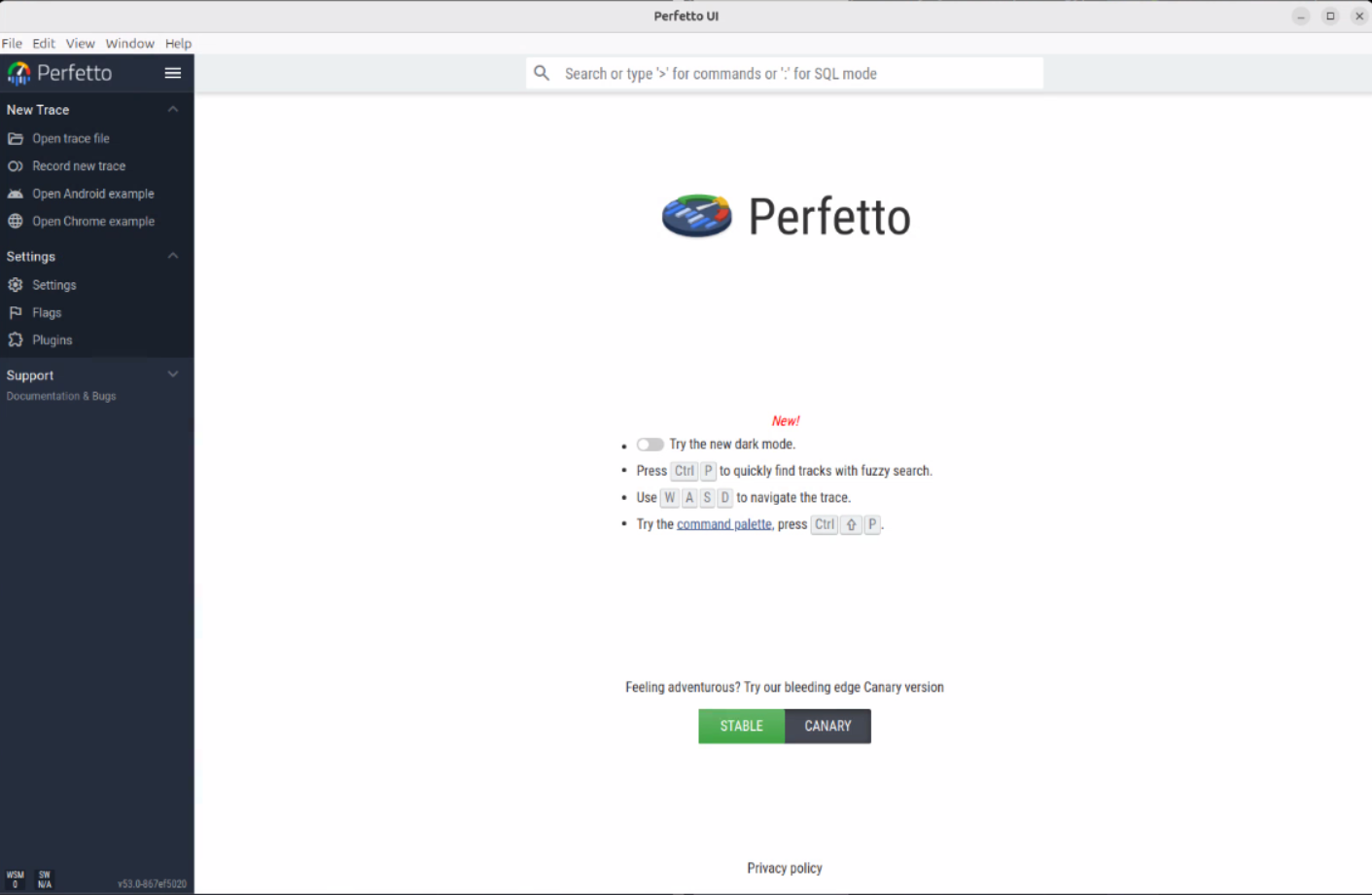
2.7 测试桌面工具
启动程序:
./dist-electron/PerfettoDesktop-1.0.0.AppImage --no-sandbox
如下:
3 总结
通过以下步骤,你可以将 Perfetto UI 打包成 离线版 Electron 应用:
-
生成和运行本地 Perfetto UI:
-
克隆 Perfetto 仓库,运行本地 UI 服务器。
-
使用本地浏览器访问 http://localhost:10000,无网络依赖。
-
-
使用 Electron 打包为桌面应用:
-
将 Perfetto UI 集成到 Electron 项目中,创建桌面应用。
-
使用 Electron Packager 或 Electron Builder 打包应用,生成离线桌面版本。
-
-
数据支持:
-
允许用户加载本地生成的 Perfetto trace 数据文件。
-
通过这种方式,你可以将 Perfetto UI 变成一个完全离线的桌面应用,不再受网络环境影响,享受更高效的使用体验。


 浙公网安备 33010602011771号