es: 安装elasticsearch9
一,官网下载:
官网:
https://www.elastic.co/platform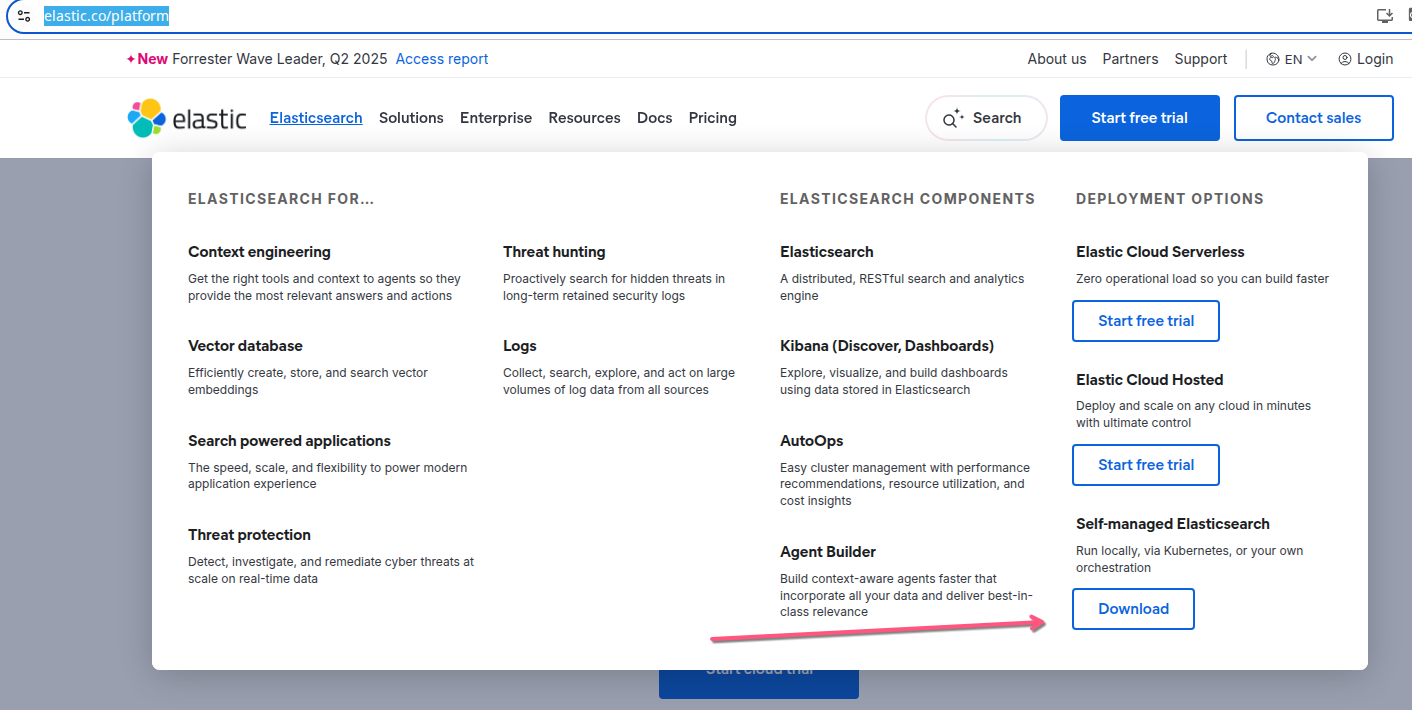
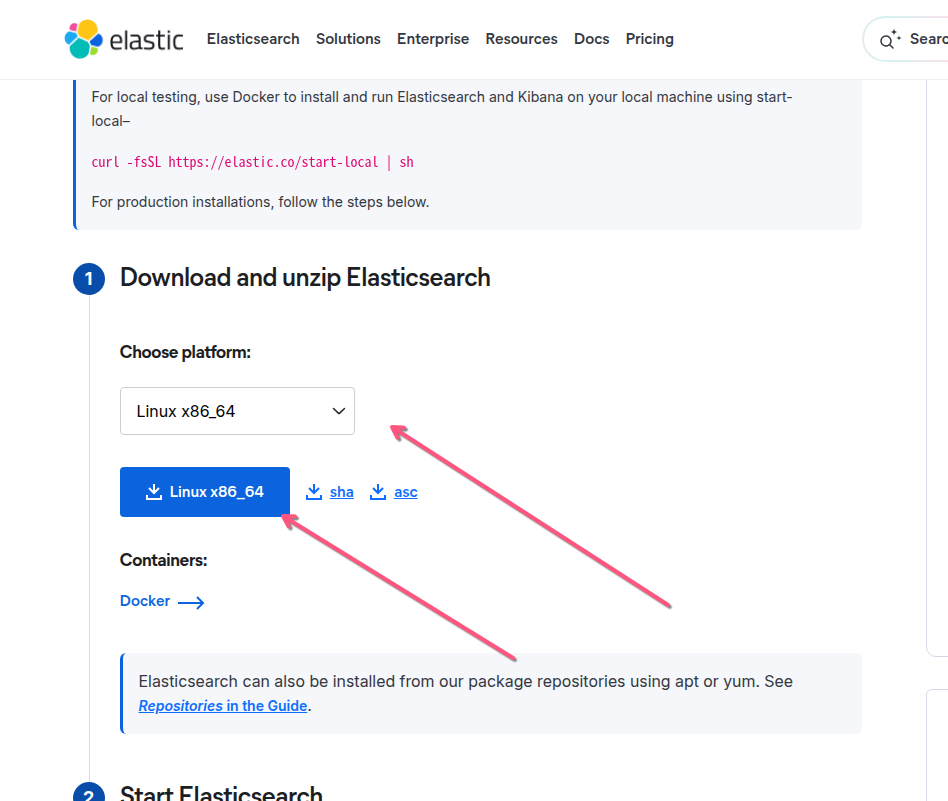
二,安装
解压:
$ tar -zxvf elasticsearch-9.2.2-linux-x86_64.tar.gz 移动到安装目录:
$ mv elasticsearch-9.2.2 /opt/soft/启动:
$ /opt/soft/elasticsearch-9.2.2/bin/elasticsearch -d查看启动后的端口:
$ ss -lntp | grep 9200
LISTEN 0      4096                    *:9200             *:*    users:(("java",pid=7591,fd=583))
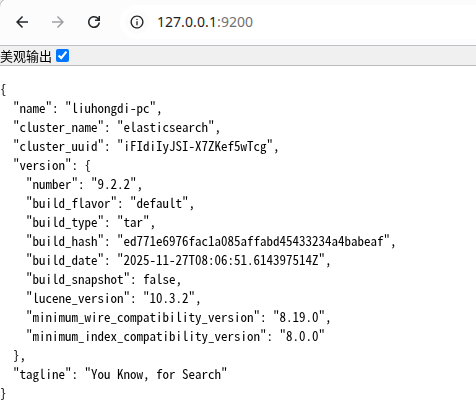
查看效果:访问9200端口:
三,报错的处理:
1,报错信息:
[o.e.h.n.Netty4HttpServerTransport] [liuhongdi-pc] received plaintext http traffic on an https channel,
closing connection Netty4HttpChannel{localAddress=/127.0.0.1:9200, remoteAddress=/127.0.0.1:35956}
原因:
ES8默认开启了ssl认证,导致无法访问9200端口
解决:
elasticsearch.yml配置:xpack.security.enabled:把true改成false

 浙公网安备 33010602011771号