flask: 实现流式输出数据
一,代码:
python
from flask import Flask, stream_with_context, Response
import time

photo = Blueprint('photo', __name__)

@photo.route('/stream')
def stream():
    def generate():
        for i in range(10):
            yield f"data: {i}\n\n"
            time.sleep(1)  # 模拟延迟1秒

    headers = {
        'Content-Type': 'text/event-stream',
        'Cache-Control': 'no-cache',
        'X-Accel-Buffering': 'no',
        "Access-Control-Allow-Origin": "*",
        "Access-Control-Allow-Methods": "GET,POST",
        "Access-Control-Allow-Headers": "x-requested-with,content-type"
    }
    return Response(stream_with_context(generate()),headers=headers)
说明:代码在流式输出数据时仍然走的是http协议,
所以访问时的地址为: http://127.0.0.1:5000/photo/stream
html
<!DOCTYPE html>
<html lang="en">
<head>
    <meta charset="UTF-8">
    <title>Title</title>
    <link rel="stylesheet" href="{{ url_for('static', filename='css/item.css') }}" type="text/css">
</head>
<body>


<div class="item" style="width:200px;height:200px;"></div>

<script>
    const source = new EventSource('/photo/stream');
    source.onmessage = function(event) {
        console.log(event.data);
    };

    source.onerror = function() {
      source.close();
    };

</script>
</body>
</html>
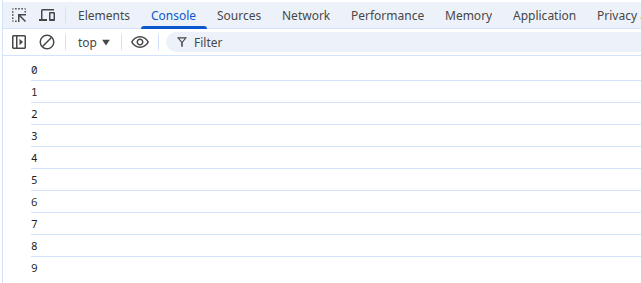
二,测试 效果:

 浙公网安备 33010602011771号