
01安装
安装Node.js

新建文件夹,如e:/ele

VSCode-打开文件夹-e:/ele,在终端中依次键入

npm init //此时生成package.json

npm install electron --save-dec //非全局安装,全局使用-g, 很慢,要等

npx electron -v //查看版本

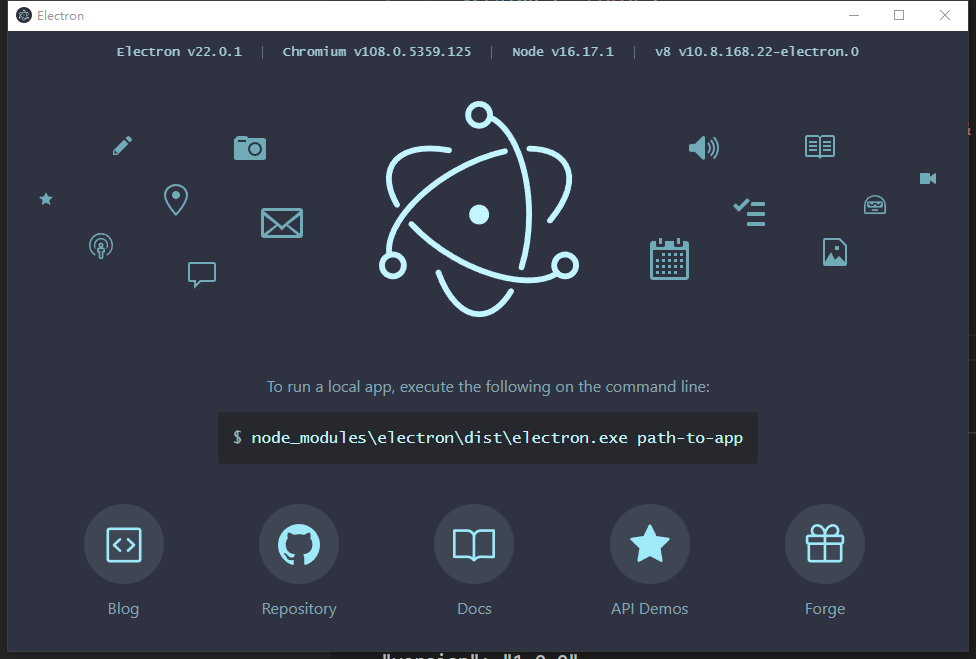
./node_modules/.bin/electron    //启动
若提示如下错误:
./node_modules/.bin/electron : 无法加载文件 E:\Ele\node_modules\.bin\electron.ps1,因为在此系统上禁止运行脚本。有关详细信息,请
参阅 https:/go.microsoft.com/fwlink/?LinkID=135170 中的 about_Execution_Policies。
所在位置 行:1 字符: 1
+ ~~~~~~~~~~~~~~~~~~~~~~~~~~~~
    + CategoryInfo          : SecurityError: (:) [],PSSecurityException
    + FullyQualifiedErrorId : UnauthorizedAccess
解决方法:
键入get-ExecutionPolicy
提示Restricted

键入Set-ExecutionPolicy -Scope CurrentUser
提示请为以下参数提供值:
ExecutionPolicy:
键入RemoteSigned

 浙公网安备 33010602011771号