
unity 旋转
提示:文章写完后,目录可以自动生成,如何生成可参考右边的帮助文档
前言
欧拉角
百度定义:

形象点其实就是浑天仪,具体的旋转了多少角度。
优点:简单形象,易理解
缺点是可能会有万向节死锁问题。
四元数
百度定义:

优点:无万向节死锁问题
缺点:对于初学者来说有些复杂,不易理解
四元数的概念观看B站3Blue1Brown的视频,有助于理解。
3Blue1Brown
不想看视频的可以看GitHub的Krasjet*大佬的关于四元数的文档:
Krasjet*
当然你也可以不用理解四元数,在unity中有四元数与欧拉角的转换函数,会用就行。
一、Rotate
public void Rotate(Vector3 eulers,Space relativeTo = Space.Self)
前面一个参数是要旋转的欧拉角度,后面一个是旋转的欧拉角度相对的空间坐标系,默认为局部坐标系。
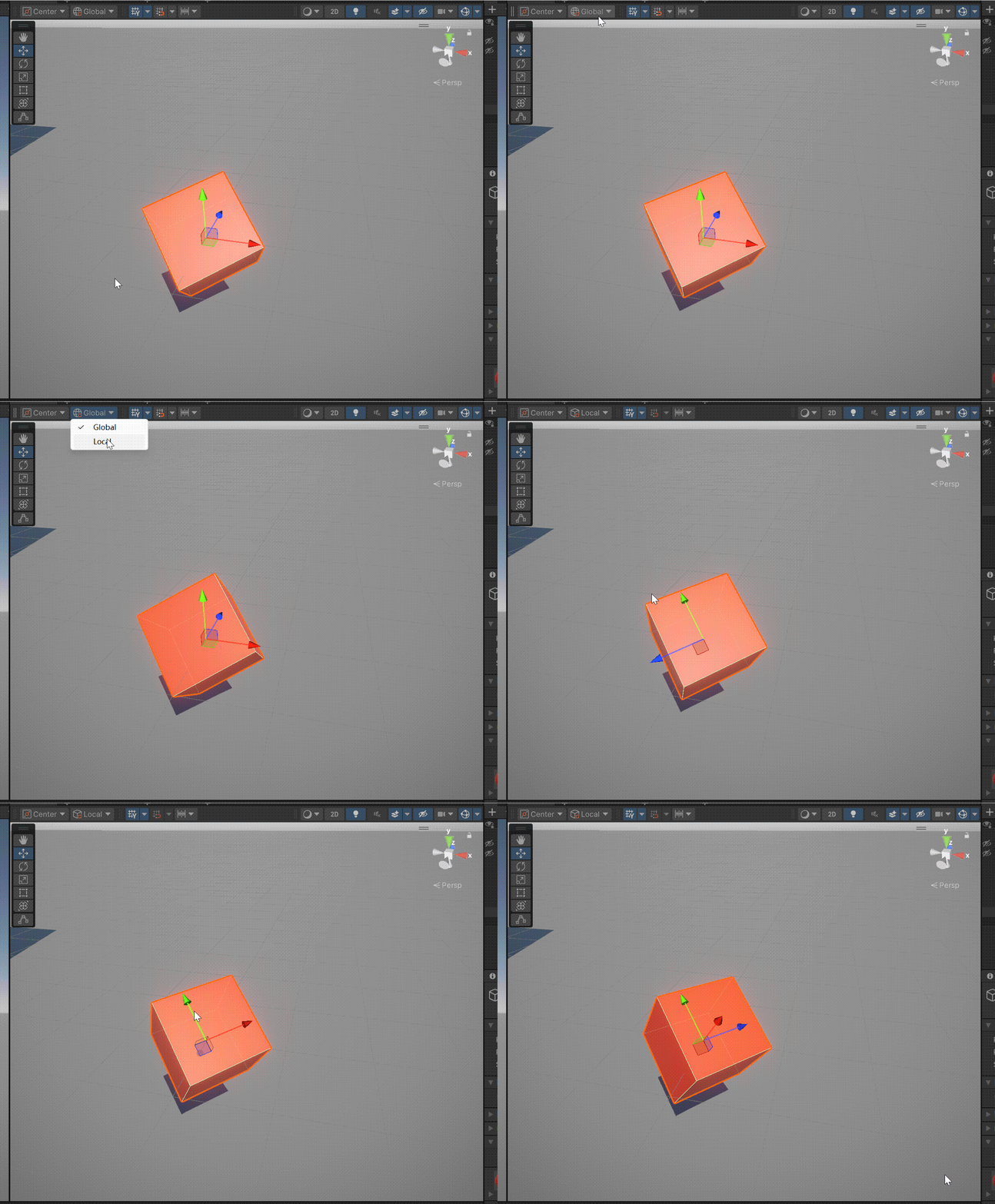
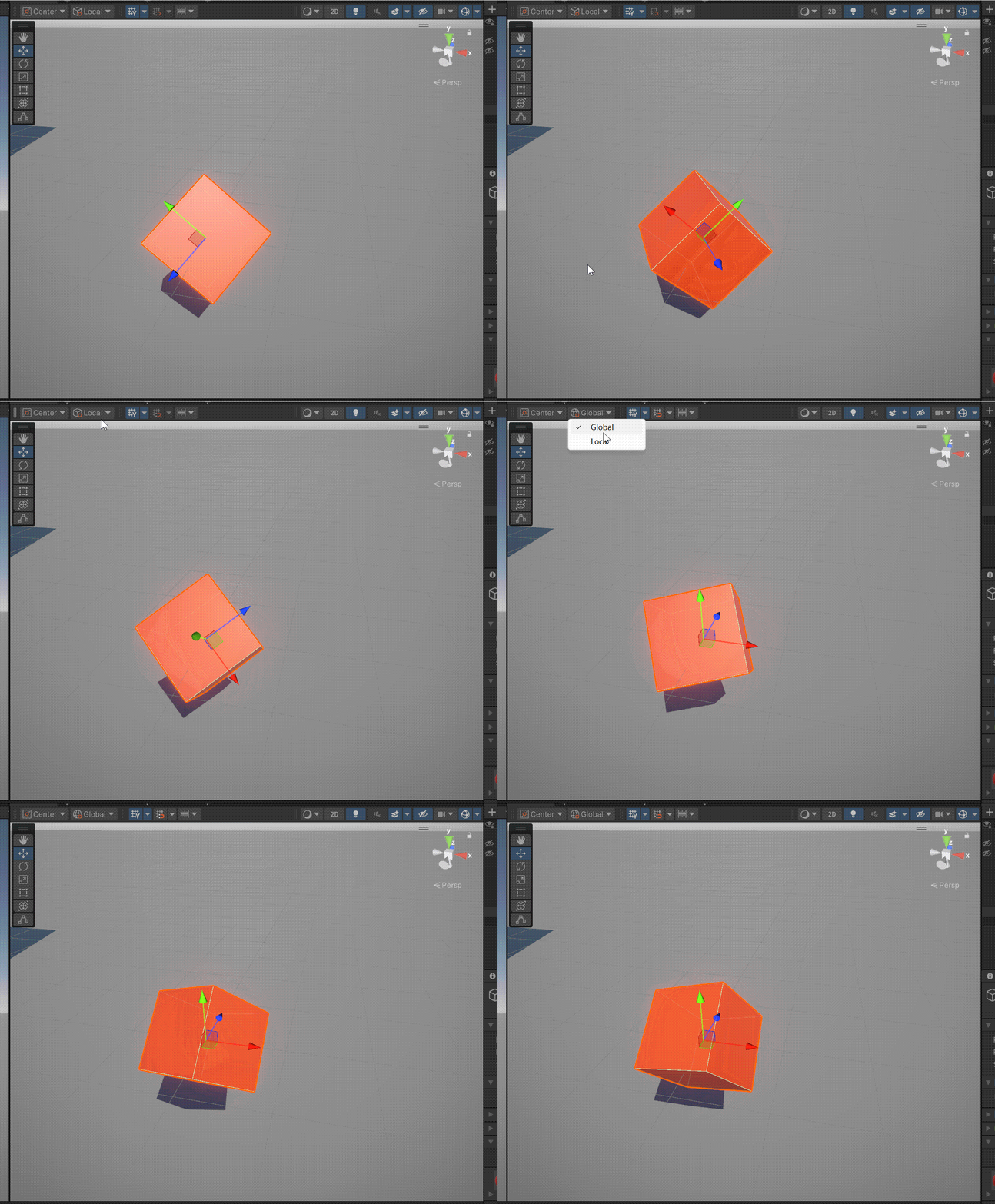
下面是一个物体旋转代码,当没有按下空格键时,物体按照局部坐标的y轴旋转,按住空格键后按照全局坐标的y轴旋转。
using System.Collections;
using System.Collections.Generic;
using Unity.Mathematics;
using UnityEngine;

public class CoordinateSystem1 : MonoBehaviour
{

    void Update()
    {
   		 //Vector3.up为一个静态属性,其值为(0,1,0);
        transform.Rotate(Vector3.up * 90 * Time.deltaTime);//默认局部坐标系,每秒旋转90度
        //Vector3.up为y轴
        //transform.Rotate(Vector3.up * 90 * Time.deltaTime, Space.Self);//局部坐标系
        if (Input.GetKey(KeyCode.Space))//按住空格后以全局坐标系的轴为参考旋转
        {
            transform.Rotate(Vector3.up * 90 * Time.deltaTime, Space.World);//全局坐标系
        }
    }

}
没有按住空格时,以物体局部坐标的y轴为轴心旋转
在按住空格后,物体不再绕着局部坐标系的y轴旋转,将会绕着全局坐标系的y轴旋转。
二、设置欧拉角
transform.eulerAnges=new Vector3 euler
using System.Collections;
using System.Collections.Generic;
using Unity.Mathematics;
using UnityEngine;

public class CoordinateSystem1 : MonoBehaviour
{
    void Update()
    {
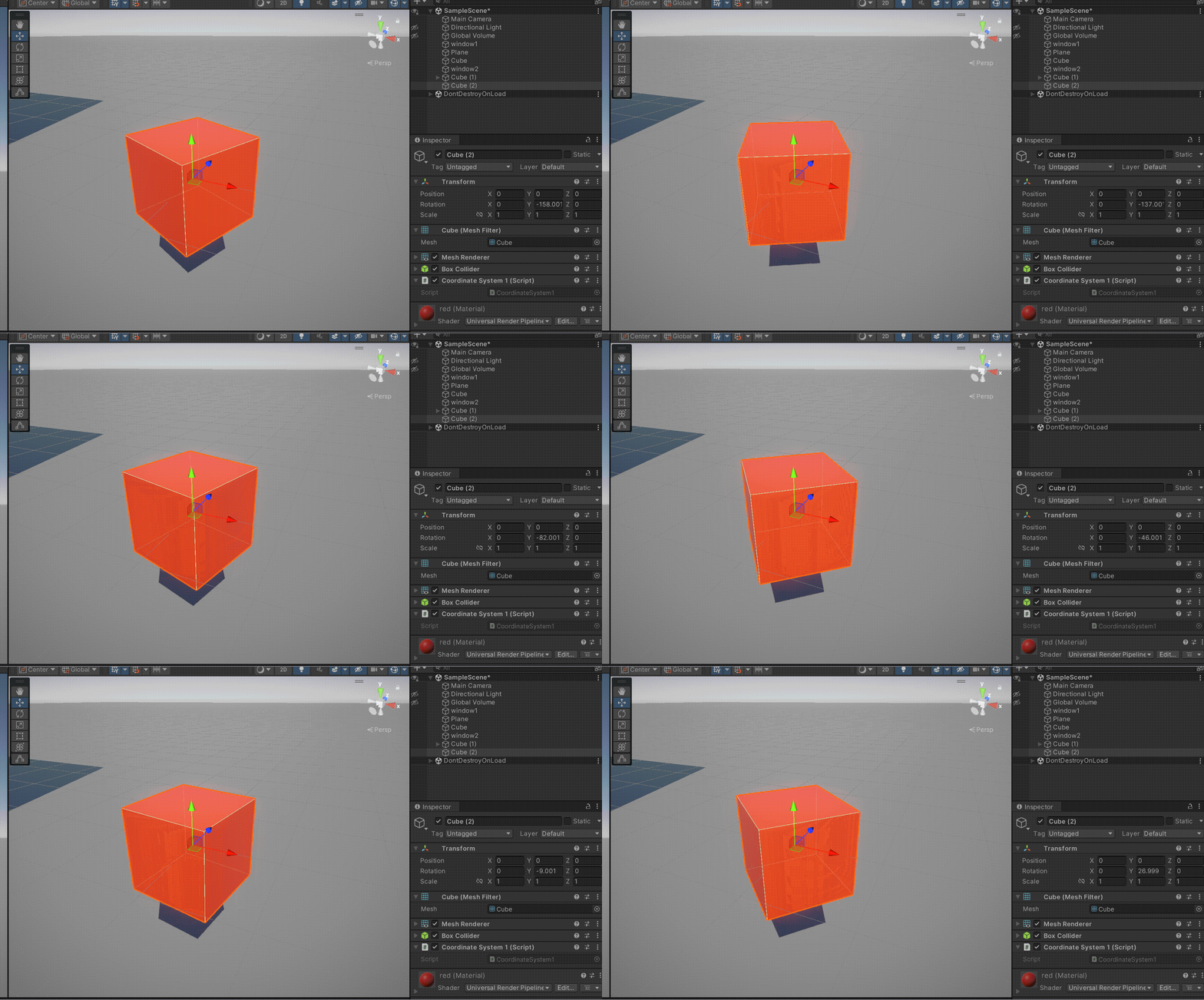
        transform.eulerAngles+=new Vector3(0, 1, 0);
    }
}
transform.localEulerAngles=new Vector3 euler
using System.Collections;
using System.Collections.Generic;
using Unity.Mathematics;
using UnityEngine;

public class CoordinateSystem1 : MonoBehaviour
{
    void Update()
    {
        transform.localEulerAngles+=new Vector3(0, 1, 0);
    }
}
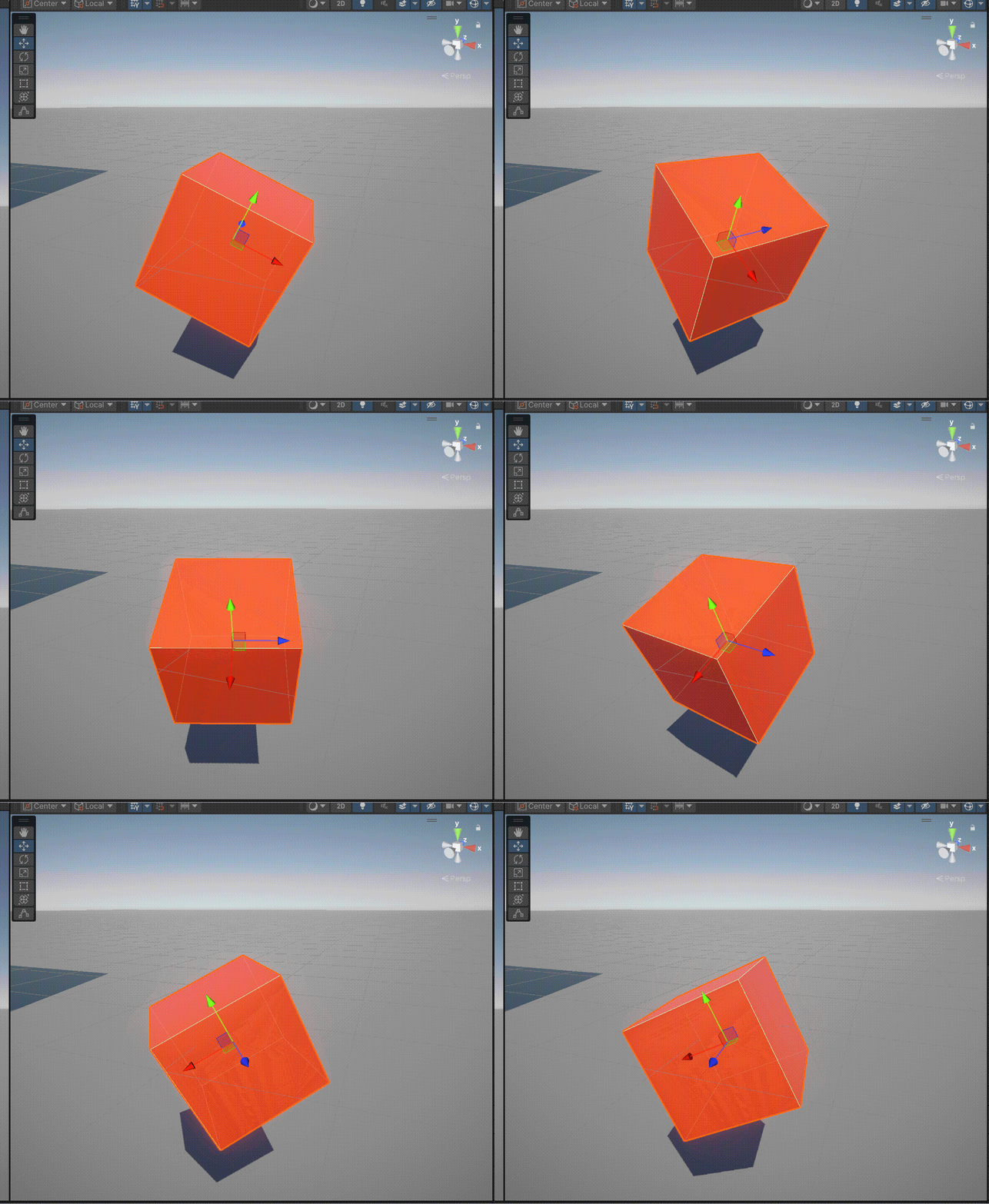
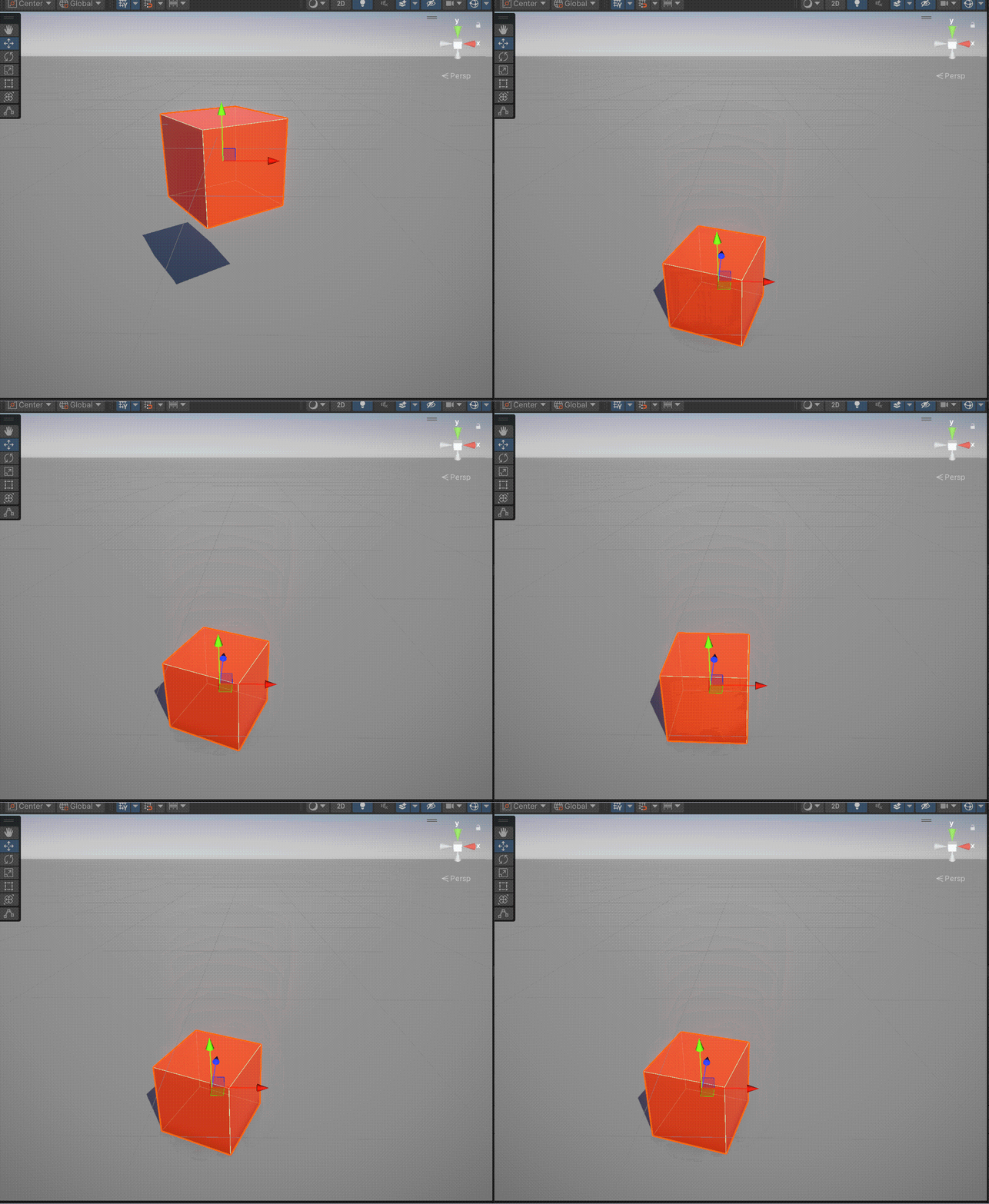
当我们使用localEulerAngles时,发现它并没有像我们沿着我们预想的和rotate的局部坐标那样的旋转。
这是因为localEulerAngles是绝对赋值,Unity会以初始局部坐标系(即无父物体时的世界坐标系)为基准,重新计算旋转。
而Rotate是增量操作,基于物体当前局部坐标系进行旋转,坐标系会随物体旋转动态变化。
三、Quaternion
using System.Collections;
using System.Collections.Generic;
using Unity.Mathematics;
using UnityEngine;

public class CoordinateSystem1 : MonoBehaviour
{
    void Start()
    {
        Debug.Log(transform.rotation);
    }
}
其实我们只要打印一下transform的rotation属性就不难发现其实rotation就是一个四元数。

所有如果我们给transform.rotation赋值需要用四元数。
1.欧拉角转四元数
Quaternion.Euler(Vector3 euler);
using System.Collections;
using System.Collections.Generic;
using Unity.Mathematics;
using UnityEngine;

public class CoordinateSystem1 : MonoBehaviour
{
    private Vector3 _euler;
    private Vector3 _rSpeed;
    void Start()
    {
        _euler = transform.rotation.eulerAngles;
        _rSpeed=new Vector3(0, 10,0);
    }
    void Update()
    {
        _euler += _rSpeed;
        Quaternion _rotation = Quaternion.Euler(_euler);
        transform.rotation=_rotation;
        Debug.Log(_euler);
    }
}
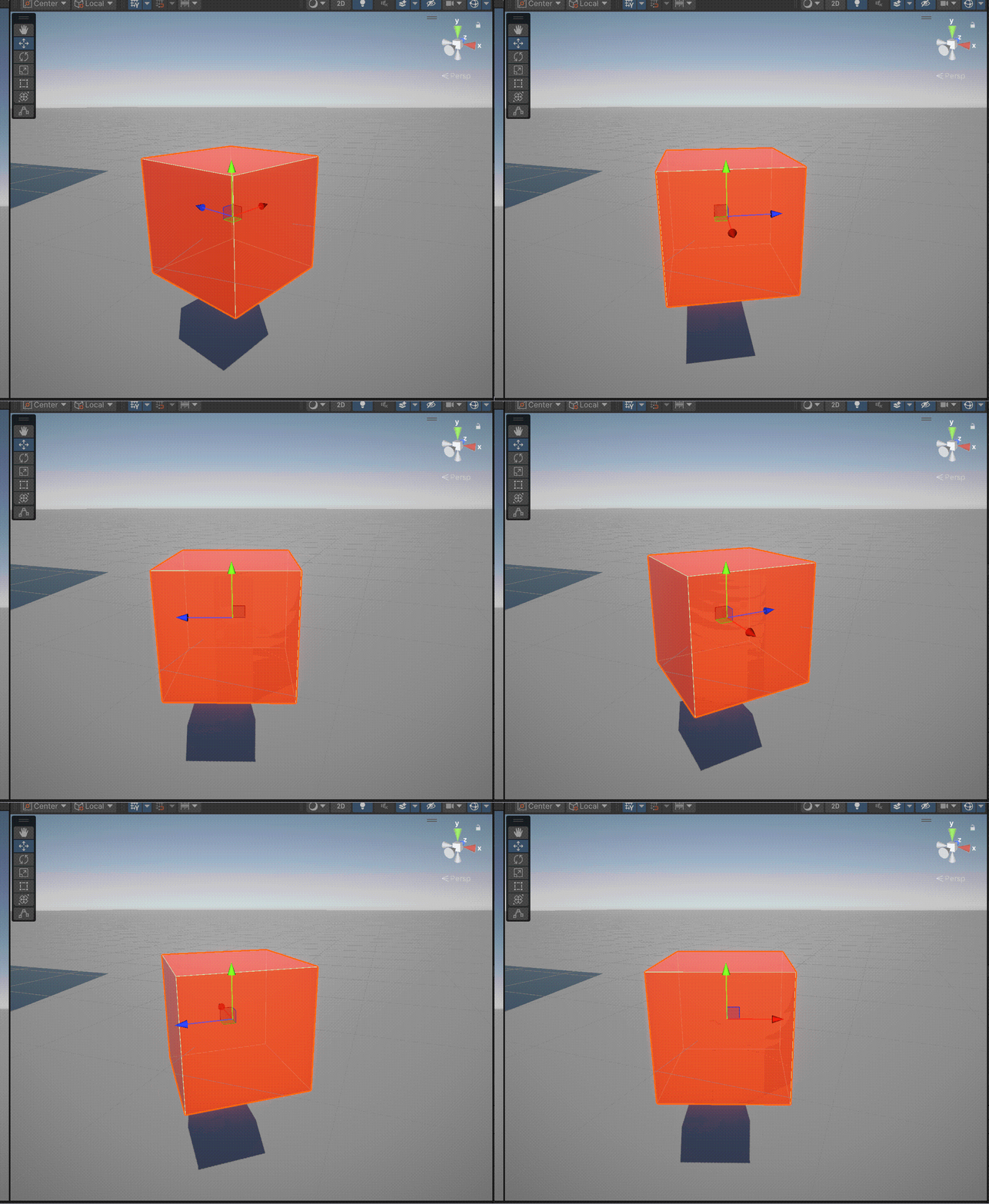
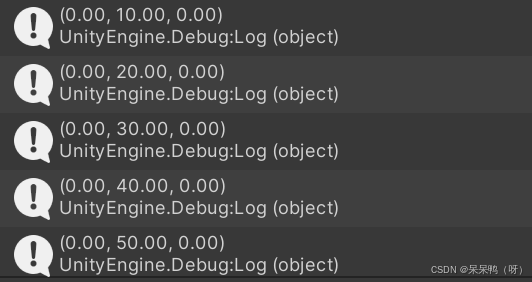
2.朝向旋转
LookRotation(Vector3 forward, Vector3 upwards = Vector3.up)
LookRotation(Vector3 dir);
using System.Collections;
using System.Collections.Generic;
using Unity.Mathematics;
using Unity.VisualScripting.FullSerializer;
using UnityEditorInternal;
using UnityEngine;

public class CoordinateSystem1 : MonoBehaviour
{
    public Transform target;
    private Vector3 _dir;
    void Start()
    {
        _dir= target.transform.position - transform.position;
    }
    void Update()
    {
        _dir = target.transform.position-transform.position;
        transform.rotation = Quaternion.LookRotation(_dir);
    }
}
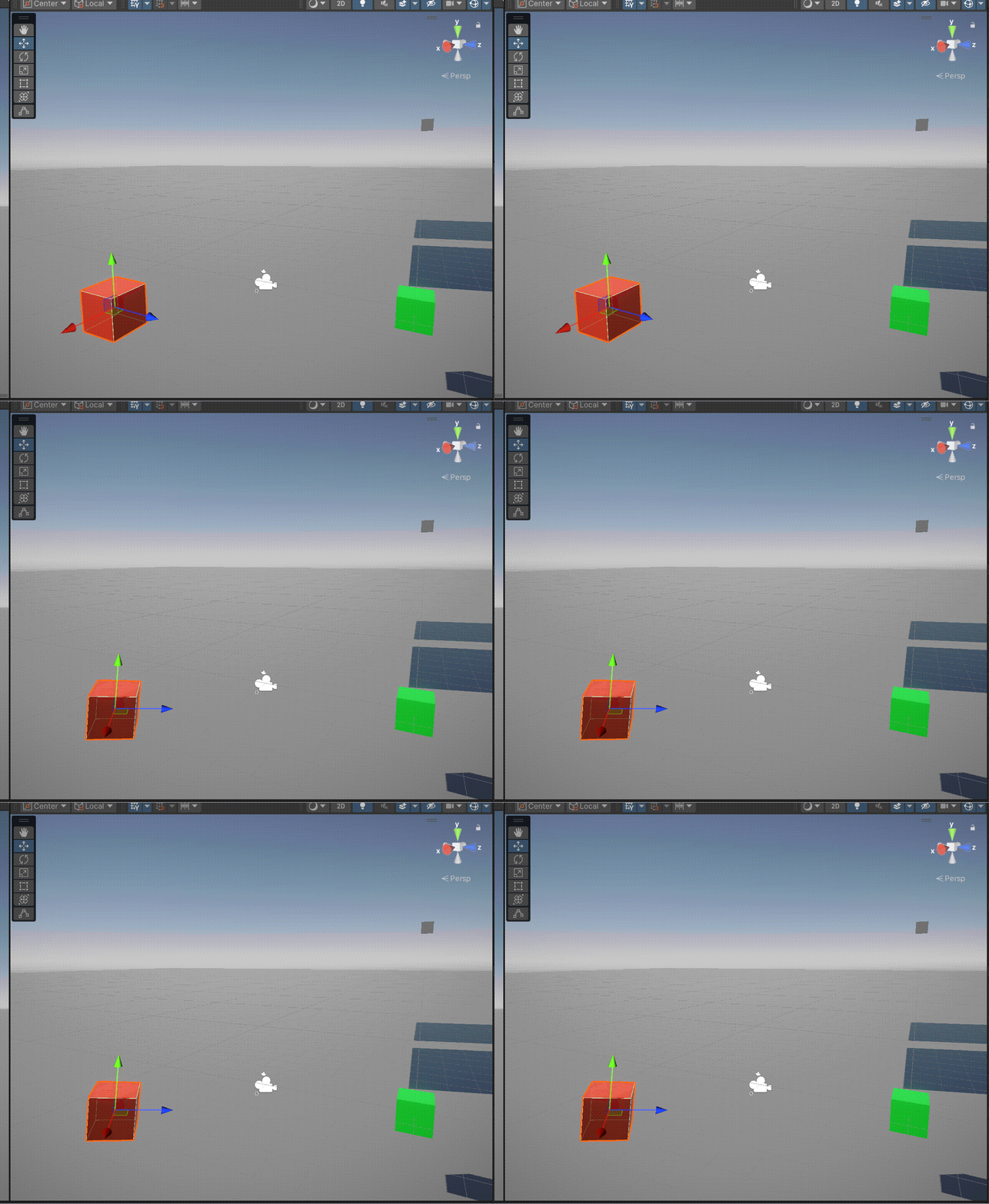
.可以实现和LookAt类似的功能。
3.插值旋转 Lerp&&Slerp
Lerp(Quaternion a,Quaternion b,float t)
线性插值,在小角度时匀速较准确>90°后可能会出现速度不均,性能相对Slerp更优
using System.Collections;
using System.Collections.Generic;
using Unity.Mathematics;
using Unity.VisualScripting.FullSerializer;
using UnityEditorInternal;
using UnityEngine;

public class CoordinateSystem1 : MonoBehaviour
{
    private Quaternion _aRotation;//起始四元数
    private Quaternion _bRotation;//终点四元数
    private float _time;//设置累计时间
    private float totalTime;//设置匀速旋转的总时间
    private float t;//插值系数
    void Start()
    {
        _aRotation = transform.rotation;
        _bRotation = Quaternion.Euler(0, 90, 0);//旋转到(0,90,0)转换为四元数
        _time = 0f;//初始累计时间为0s
        totalTime = 5f;//旋转完这一过程需要五秒
    }
    void Update()
    {
        _time += Time.deltaTime;//累计分子
        t = _time / totalTime;//算插值t
        transform.rotation=Quaternion.Lerp(_aRotation, _bRotation,t);//根据插值算四元数旋转位置

    }
}
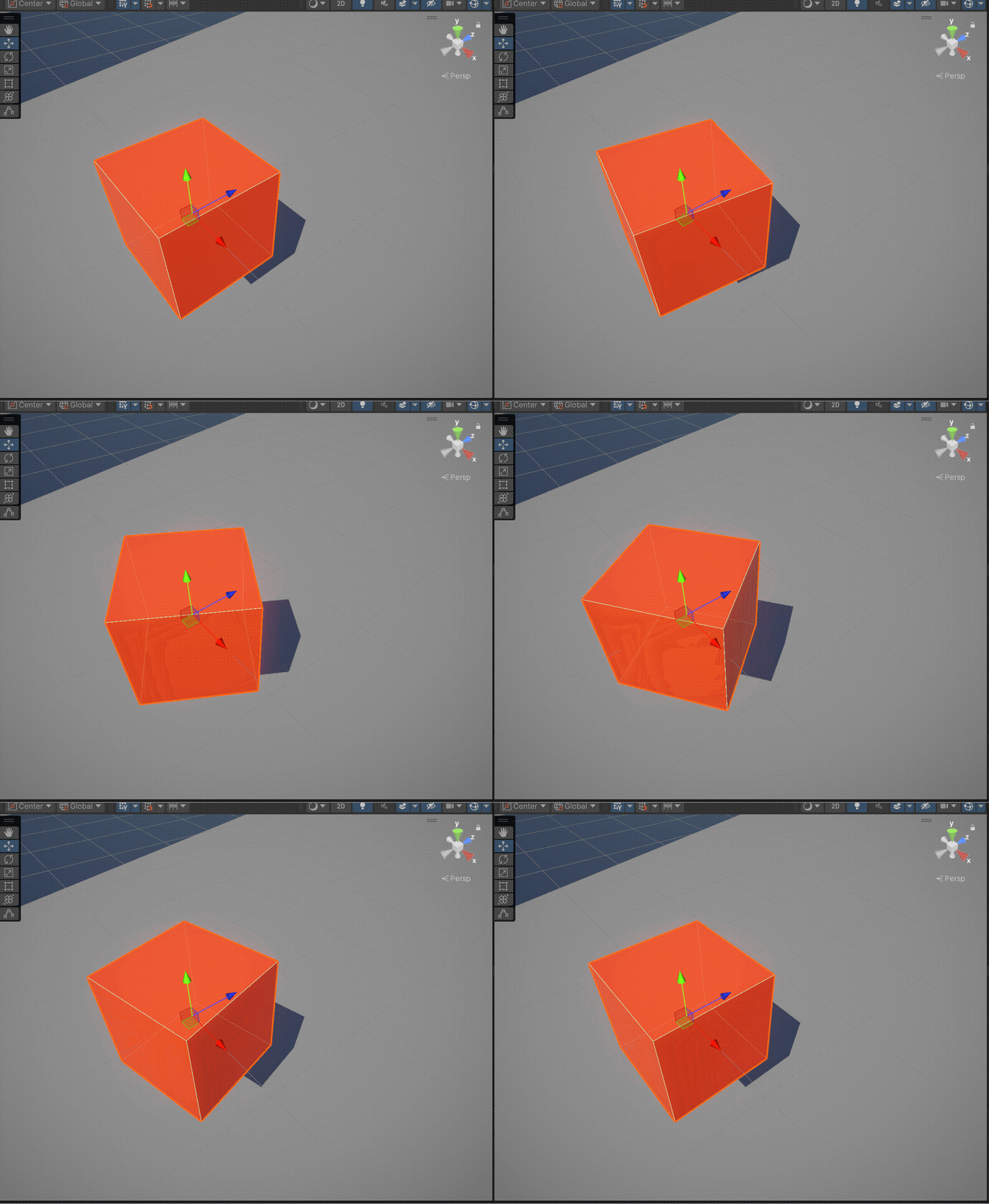
Slerp(Quaternion a, Quaternion b, float t)
球面线性插值,根据弧度的比例旋转,路径准确,速率恒定。
using System.Collections;
using System.Collections.Generic;
using Unity.Mathematics;
using Unity.VisualScripting.FullSerializer;
using UnityEditorInternal;
using UnityEngine;

public class CoordinateSystem1 : MonoBehaviour
{
    private Quaternion _aRotation;//起始四元数
    private Quaternion _bRotation;//终点四元数
    private float _time;//设置累计时间
    private float totalTime;//设置匀速旋转的总时间
    private float t;//插值系数
    void Start()
    {
        _aRotation = transform.rotation;
        _bRotation = Quaternion.Euler(0, 90, 0);//旋转到(0,90,0)转换为四元数
        _time = 0f;//初始累计时间为0s
        totalTime = 5f;//旋转完这一过程需要五秒
    }
    void Update()
    {
        _time += Time.deltaTime;//累计分子
        t = _time / totalTime;//算插值t
        transform.rotation = Quaternion.Slerp(_aRotation, _bRotation,t);//根据插值算四元数旋转位置

    }
}
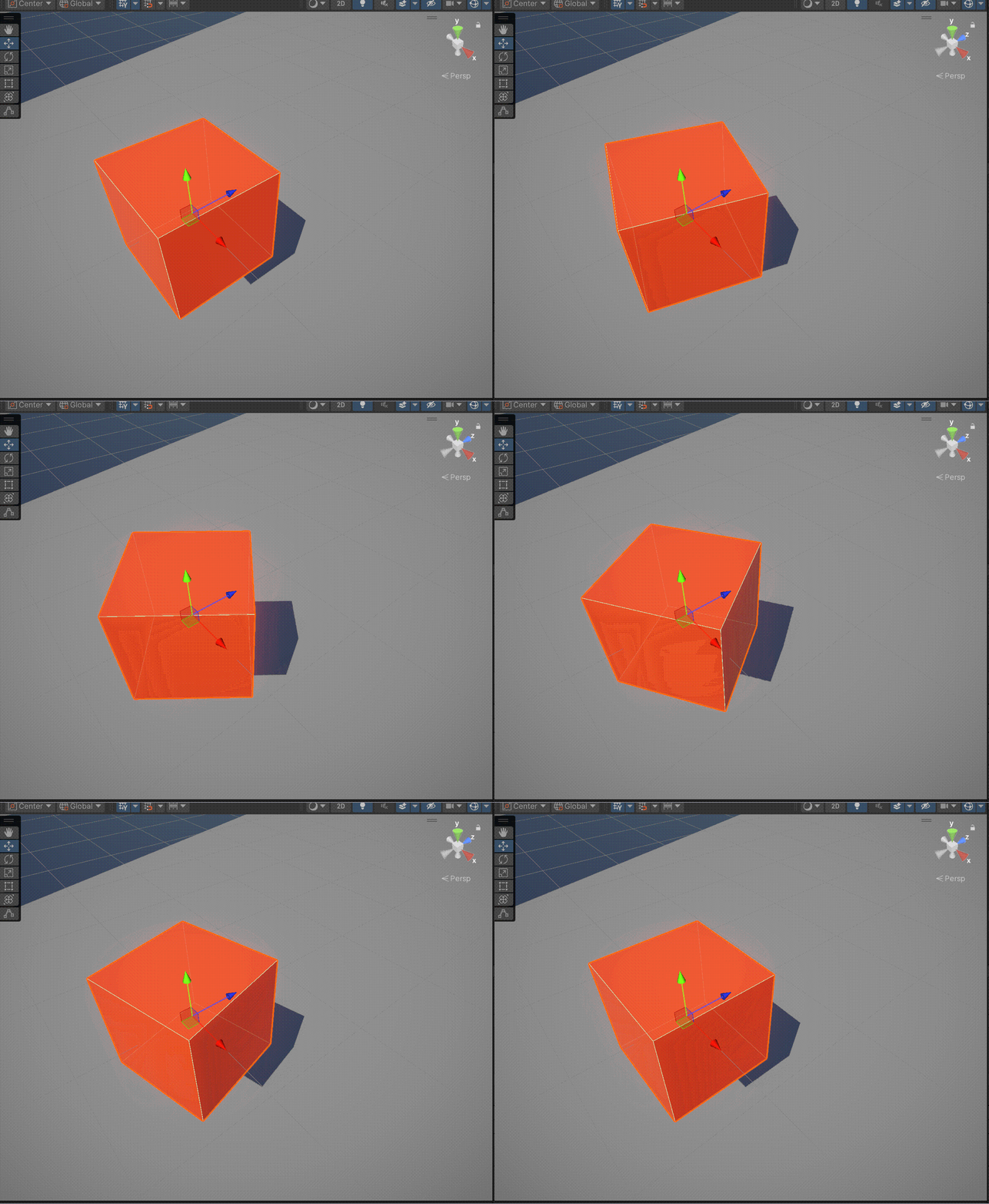
但就我个人而言,并不是很能感觉这俩的差异在哪。好像感觉都差不多。感觉没有Vector3里面的Lerp和Slerp的差异看的明显。
上面两个例子都是匀速的写法,如果没有将总时间和插值t相关联,单纯以某个固定的t值写的话就能实现非匀速的旋转了。指数增长的非匀速旋转。
四、rigibody
1.通过扭矩力旋转AddTorque
AddTorque(Vector3 torque, ForceMode mode = ForceMode.Force);
torque就是扭矩。
类型:Vector3
作用:定义扭矩的方向和大小。
方向:扭矩轴的朝向(如Vector3.up表示绕Y轴旋转)。
大小:扭矩的强度(单位:牛顿·米,N·m)。
ForceMode施加力的方式,有四种;
不再赘述,移动篇有大致区别分类
移动篇
using System.Collections;
using System.Collections.Generic;
using Unity.Mathematics;
using Unity.VisualScripting.FullSerializer;
using UnityEditorInternal;
using UnityEngine;

public class CoordinateSystem1 : MonoBehaviour
{
    private Rigidbody _rigidbody;

    void Start()
    {
        _rigidbody=GetComponent<Rigidbody>();
    }
    void Update()
    {
        _rigidbody.AddTorque(Vector3.up *5);

    }
}
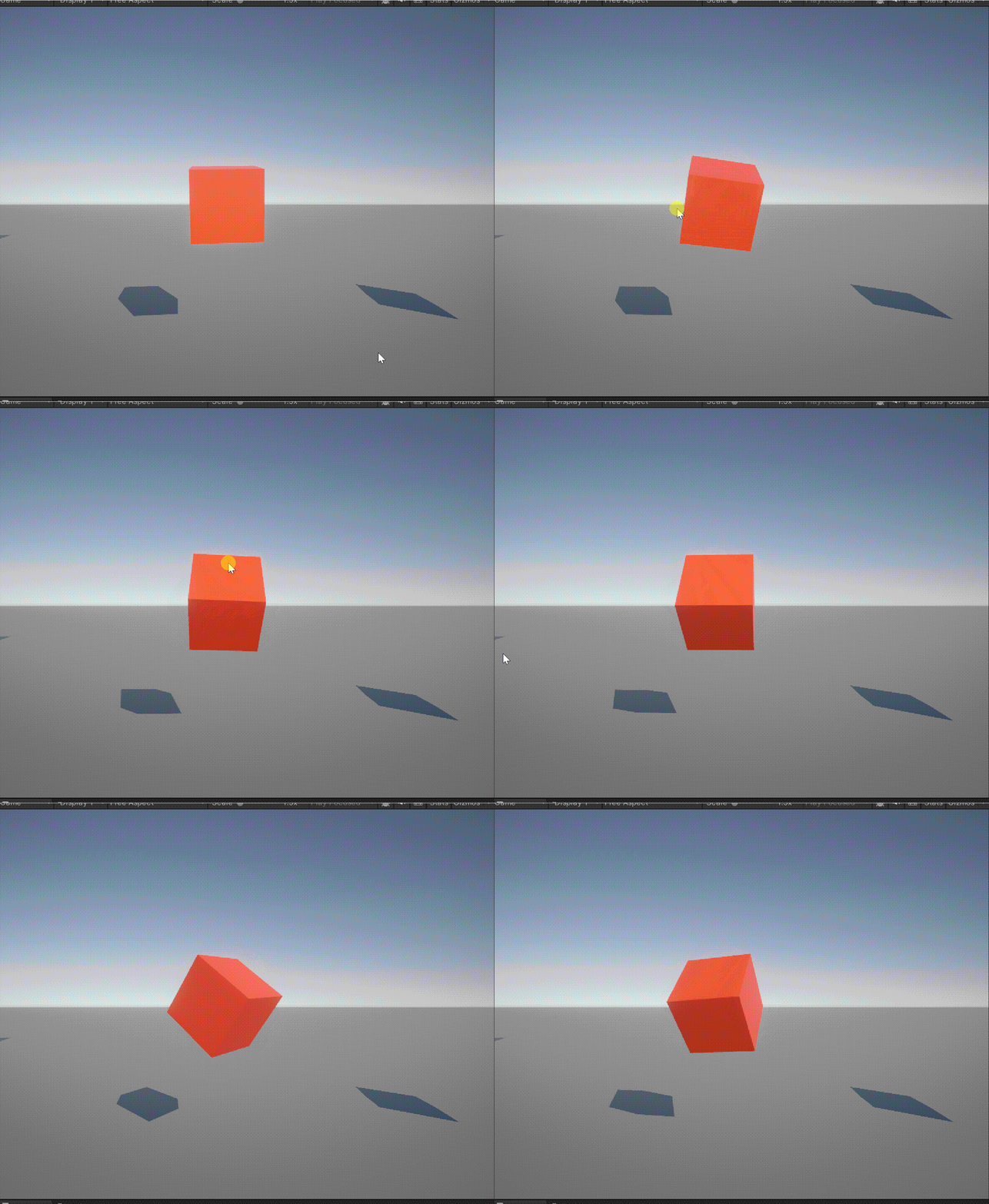
鼠标滑动物体检视物体的效果
需要先给物体加上刚体组件并取消重力应用(use gravity)。
并且要注意鼠标Mouse X,Mouse Y和torque的关系.
Mouse X [-1,1] 左右
Mouse Y [-1,1] 上下
你可以试着转动Inspector里面的rotation的xyz。
如果是上下转的话你要转动rotation的x,对应鼠标Mouse Y。
进一步对应,rotation的x负值对应向下转,对应的Mouse Y的负值,向下。向上转亦然。
如果是上下转的话你要转动rotation的y,对应鼠标Mouse X。
进一步对应,rotation的y负值对应向右转,对应的Mouse Y的正值,向右。向左转亦然。
using System.Collections;
using System.Collections.Generic;
using Unity.Mathematics;
using Unity.VisualScripting.FullSerializer;
using UnityEditorInternal;
using UnityEngine;

public class CoordinateSystem1 : MonoBehaviour
{
    private Rigidbody _rigidbody;
    public float rotX;
    public float rotY;
    public float strength = 10;
    bool applyForce;
    void Start()
    {
        _rigidbody= GetComponent<Rigidbody>();
    }
    void Update()
    {
        if (Input.GetMouseButton(0))
        {
            applyForce= true;
            rotX=Input.GetAxis("Mouse X")*strength;
            rotY= Input.GetAxis("Mouse Y")*strength;
        }
        else
            applyForce = false;

    }
    void FixedUpdate()
    {
        if (applyForce)
        {
        	//根据上面的分析,对应填入相应xy
            _rigidbody.AddTorque(new Vector3(rotY,-rotX,0),ForceMode.Force);
        }
    }
}
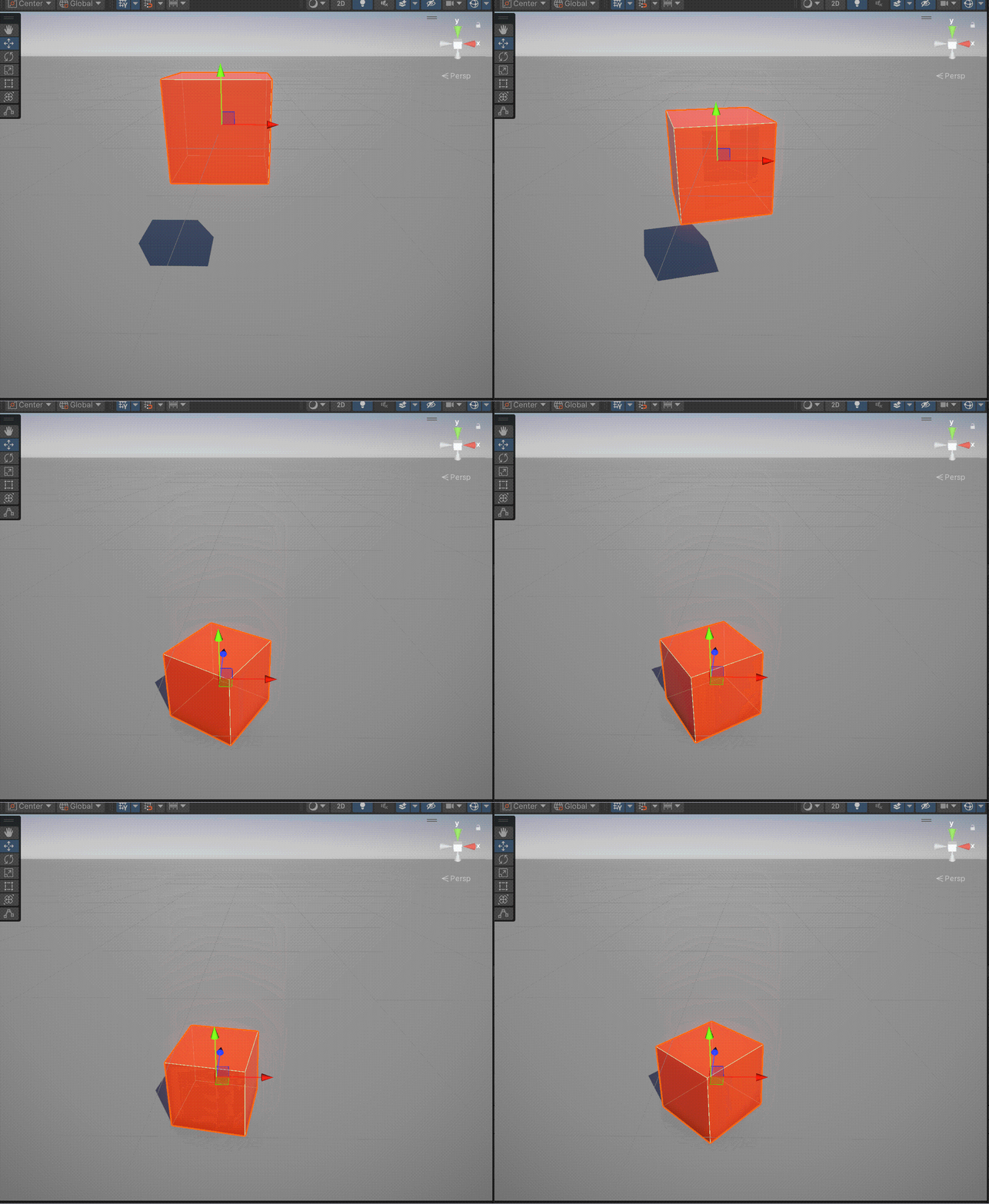
2.调整旋转角速度
rigidbody.angularVelocity = new Vector3 _aVelocity;
using System.Collections;
using System.Collections.Generic;
using Unity.Mathematics;
using Unity.VisualScripting.FullSerializer;
using UnityEditorInternal;
using UnityEngine;

public class CoordinateSystem1 : MonoBehaviour
{
    private Rigidbody _rigidbody;
    void Start()
    {
        _rigidbody=GetComponent<Rigidbody>();
    }
    void Update()
    {
        _rigidbody.angularVelocity = new Vector3(0, 5, 0);
    }
}
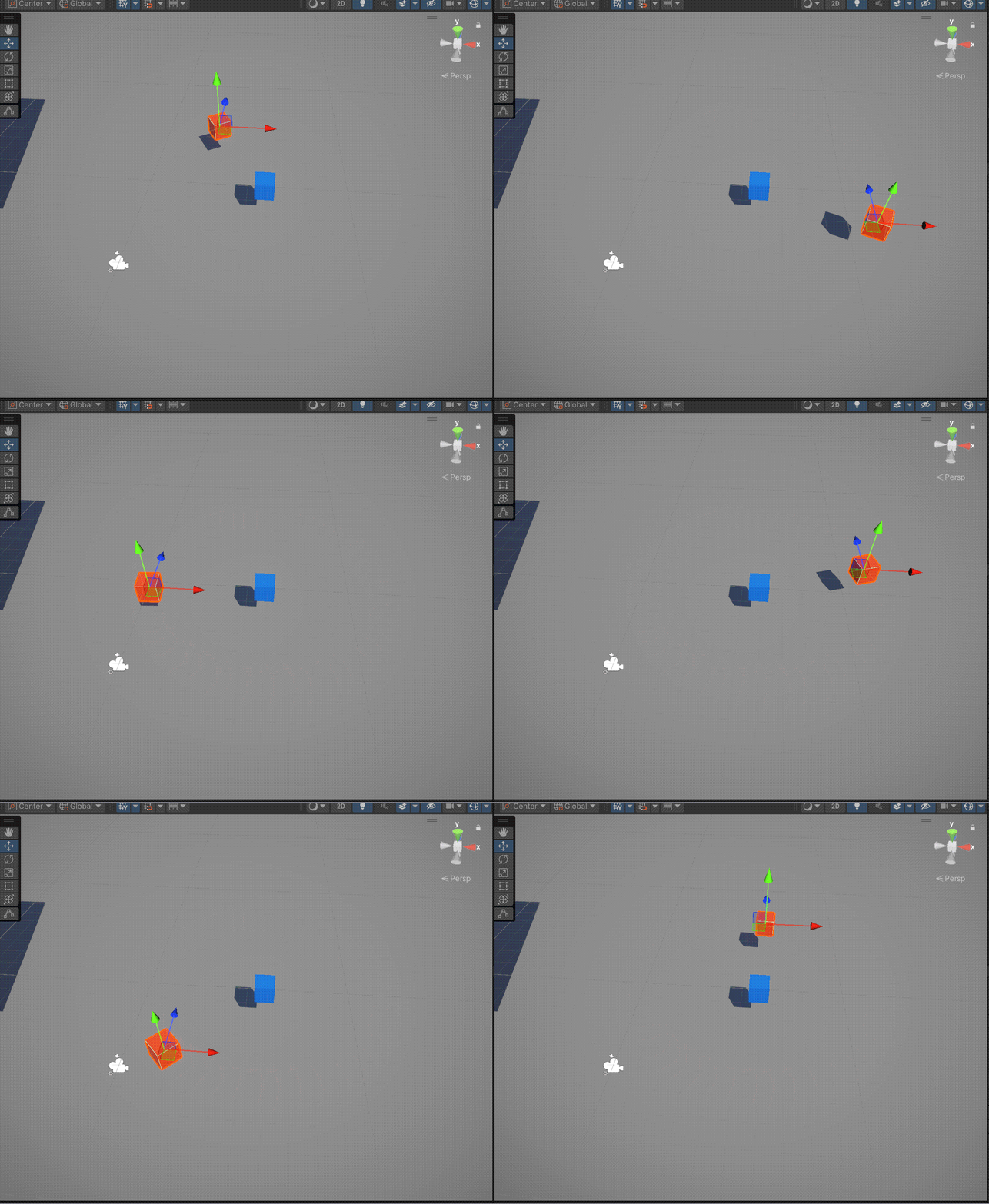
五、RotateAround
RotateAround(Vector3 point, Vector3 axis, float angle);
point围绕的中心
axis围绕的轴
angle每次旋转的角度
using System.Collections;
using System.Collections.Generic;
using Unity.Mathematics;
using Unity.VisualScripting.FullSerializer;
using UnityEditorInternal;
using UnityEngine;

public class CoordinateSystem1 : MonoBehaviour
{
    public Transform _target;
    private float _angle;

    void Start()
    {
        _angle = 2f;
    }
    void Update()
    {
        transform.RotateAround(_target.position,Vector3.up,_angle);
    }
}
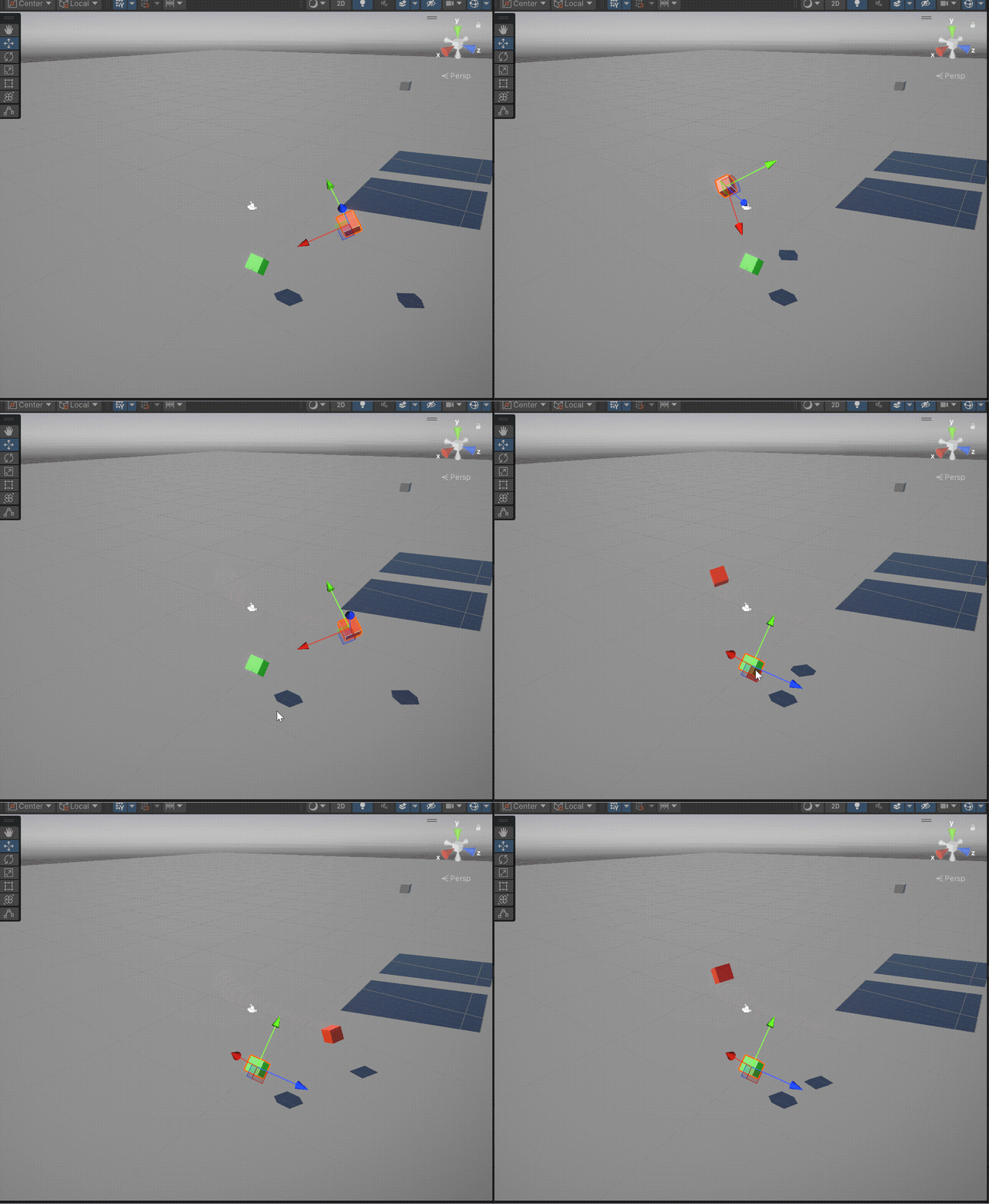
绕某物体的局部坐标的轴旋转:
using System.Collections;
using System.Collections.Generic;
using Unity.Mathematics;
using Unity.VisualScripting.FullSerializer;
using UnityEditorInternal;
using UnityEngine;

public class CoordinateSystem1 : MonoBehaviour
{
    public Transform _target;
    private float _angle;
    private Vector3 localYaxis;
    void Start()
    {
        _angle = 2f;
    }
    void Update()
    {
        localYaxis=_target.TransformDirection(Vector3.up);
        //将局部坐标的轴方向向量转为全局坐标方向向量
        transform.RotateAround(_target.position, localYaxis, _angle);
    }
}

 浙公网安备 33010602011771号