VSCode编译Python环境搭建及发布Python应用
参考:https://code.visualstudio.com/docs/python/python-tutorial#_prerequisites
https://www.cnblogs.com/frank1901s/p/9641888.html
一、Python环境搭建
1.安装扩展
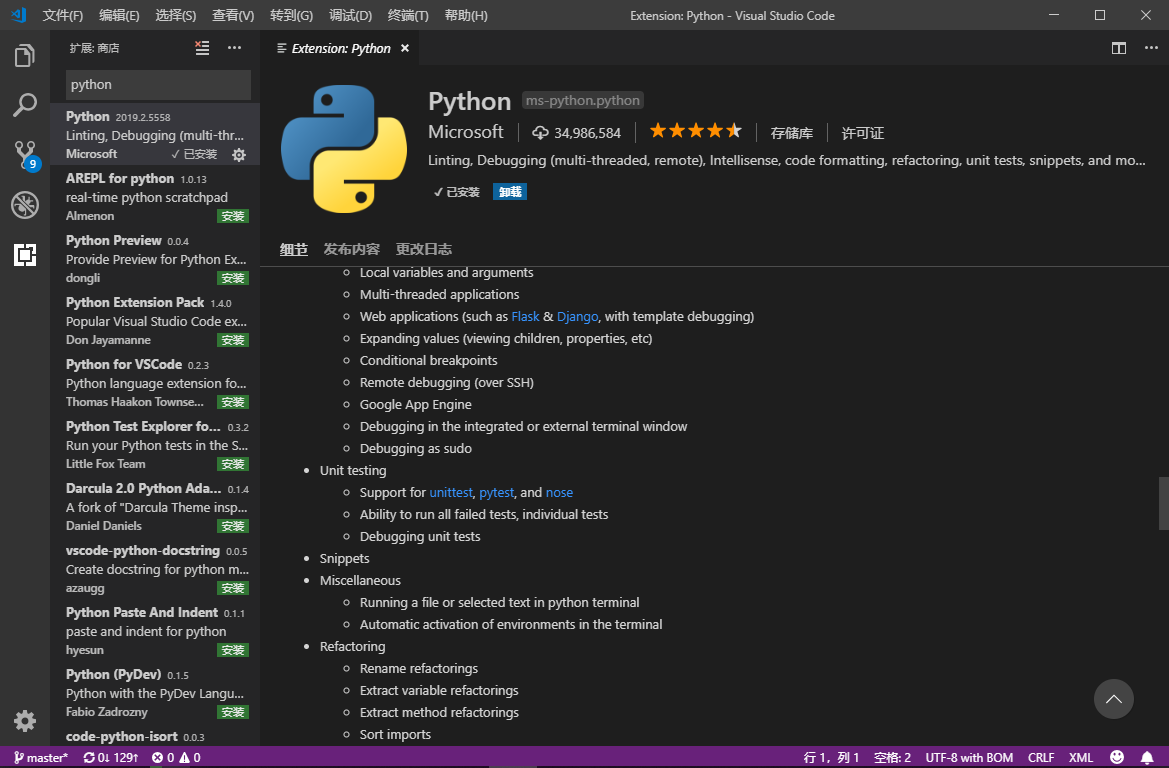
2.下载Python3.7.2
https://www.python.org/
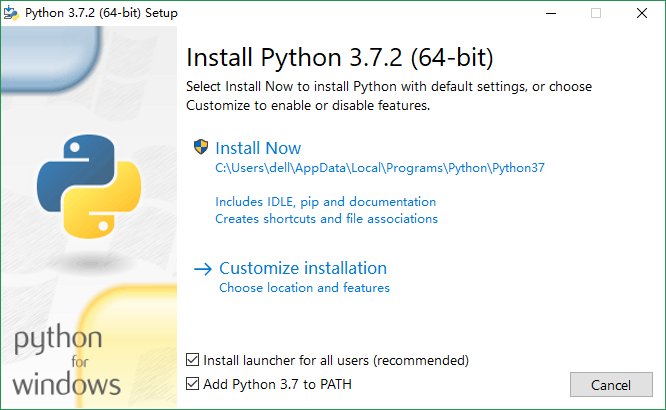
3.安装,添加PATH
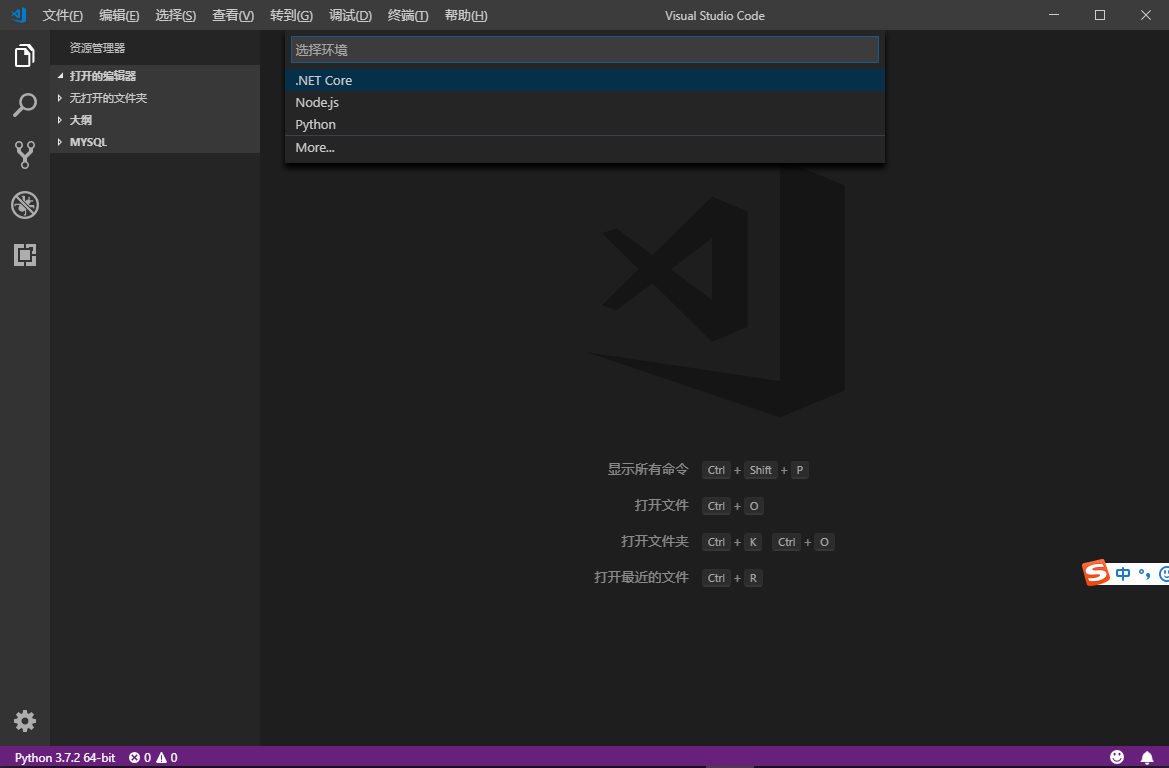
4.重启VSCode,打开命令选项板(Ctrl + Shift + P)选择Python 3解释器,按F5可选择使用Python编译
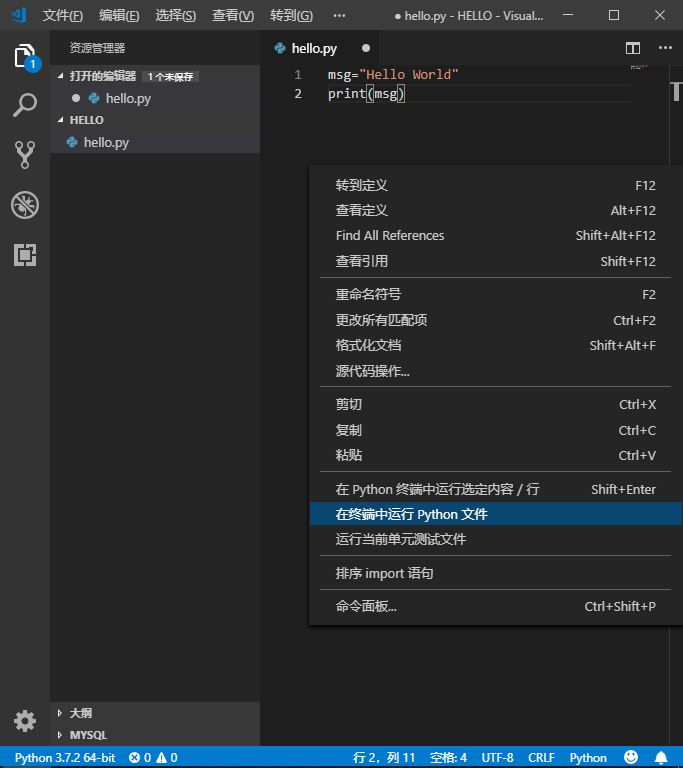
5.helloworld
打开新建文件夹HELLO,新建文件hello.py,运行

二、Python应用发布
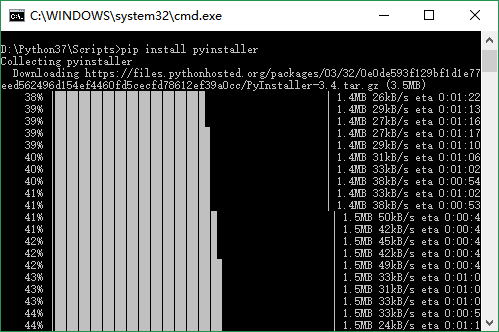
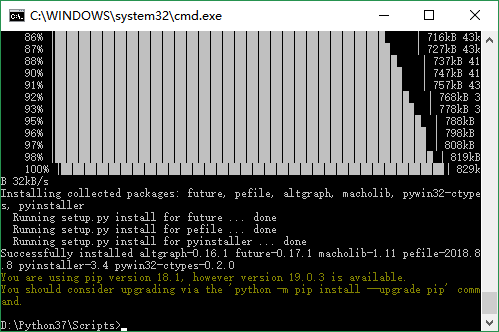
1.使用pip安装pyinstaller
2.将pyinstaller.exe所在路径添加到环境变量
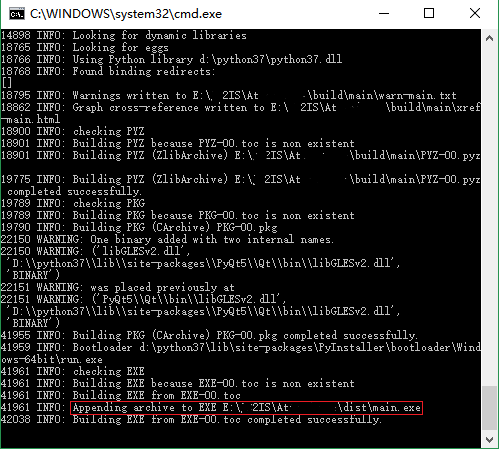
3.命令行切换到目标Python文件目录,键入pyinstaller -F 文件名.py
There you go
posted on 2019-03-25 16:39 Username_0 阅读(5511) 评论(0) 收藏 举报

 浙公网安备 33010602011771号