


摘要
使用Visual Studio 2022,基于Selenium.WebDriver创建项目,模拟用户登入网站,进一步下单和修改收货地址。
Visual Studio新建解决方案
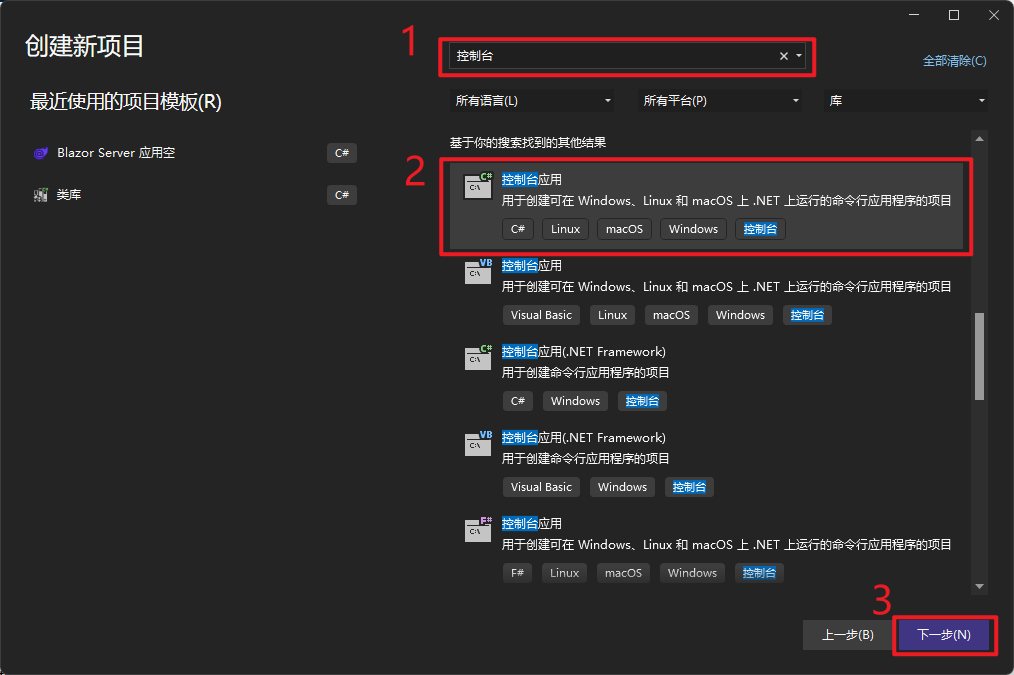
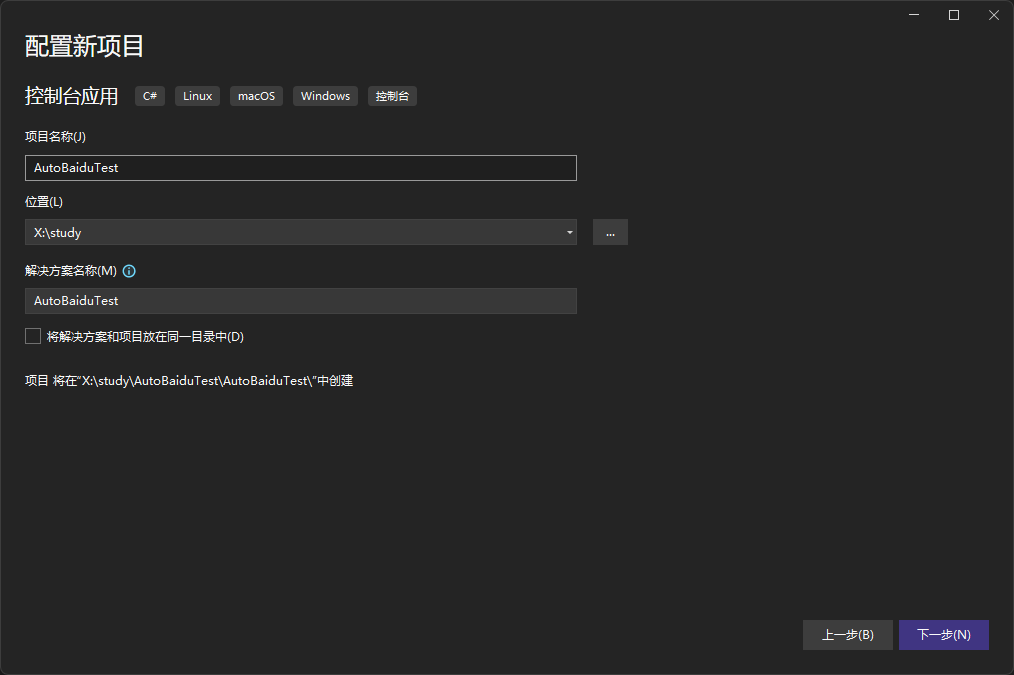
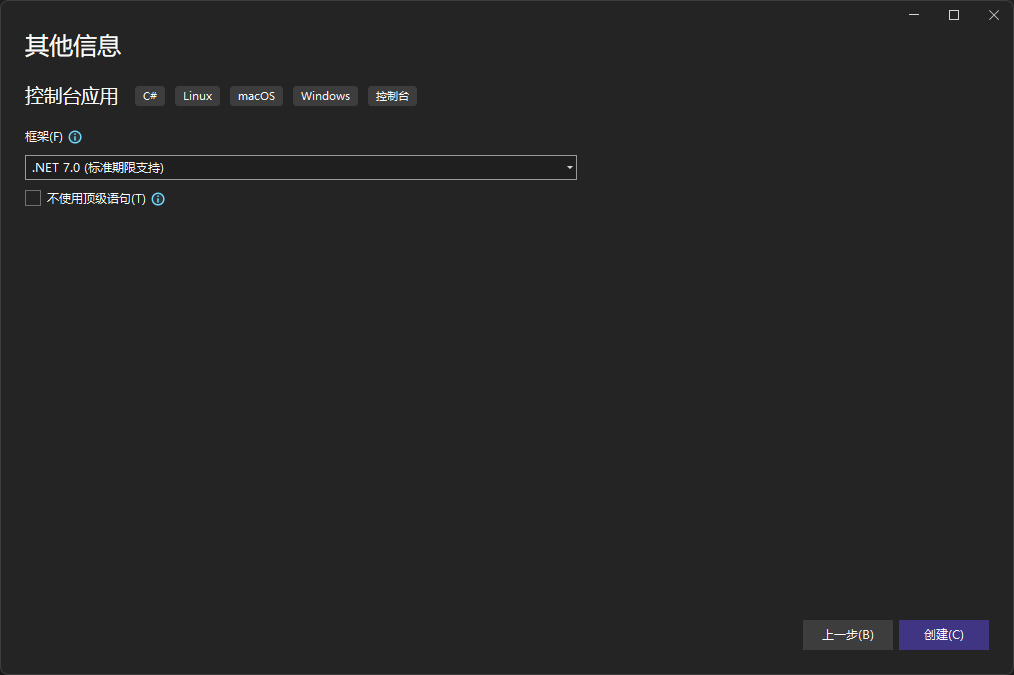
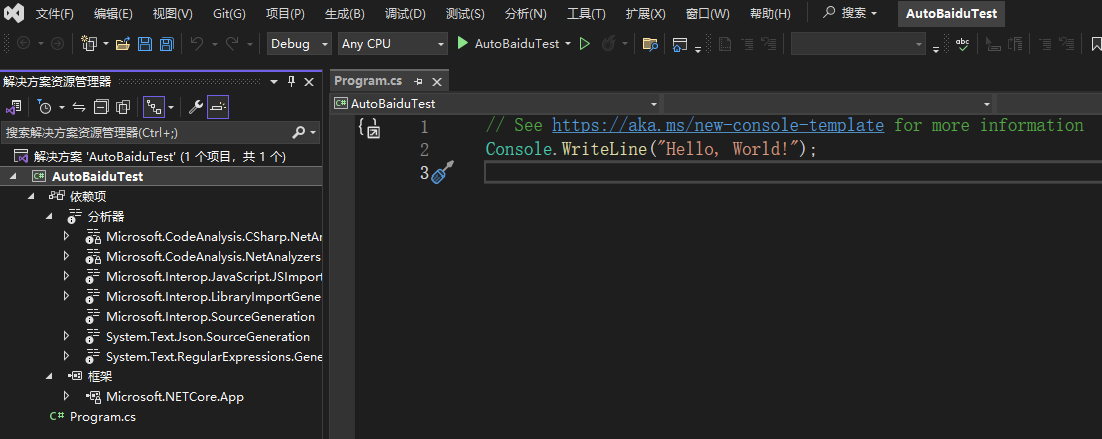
引入Selenium.WebDriver
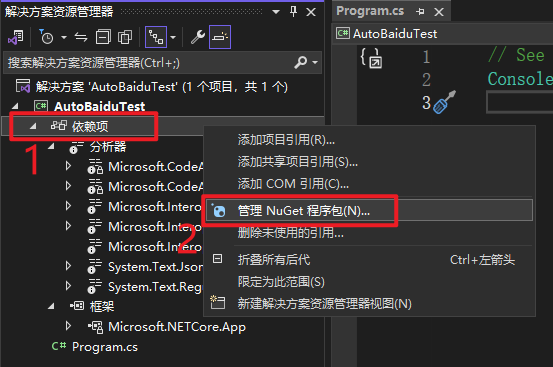
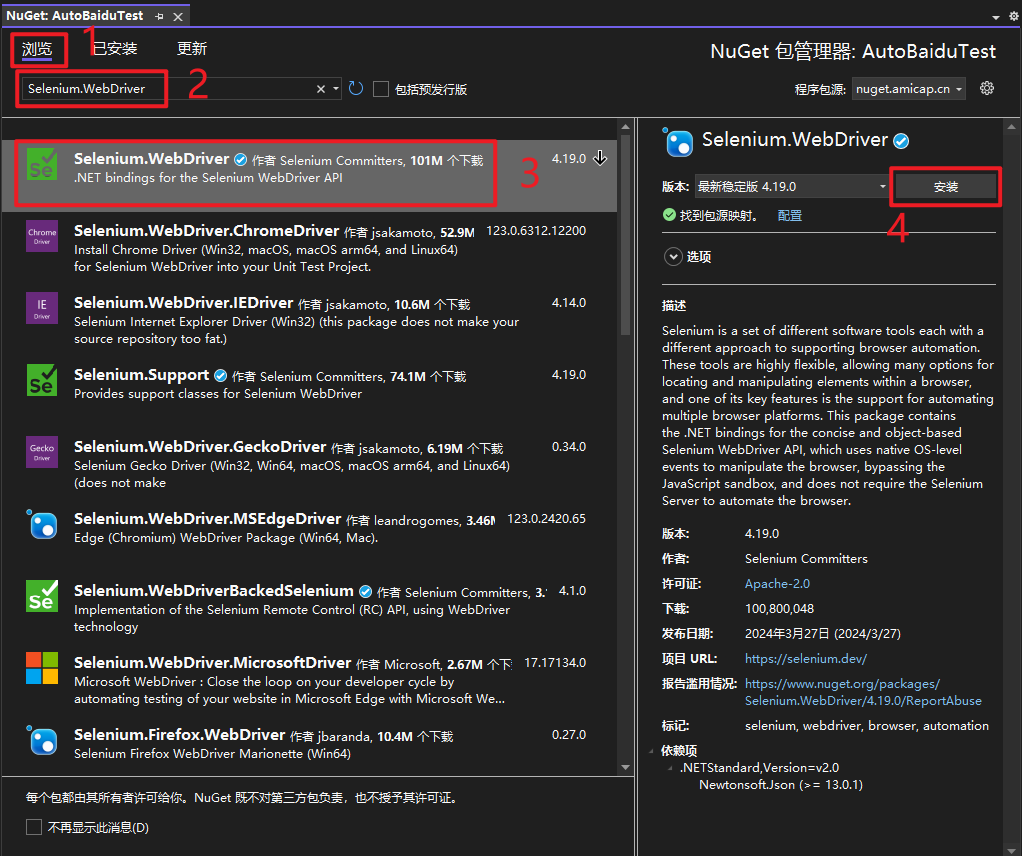
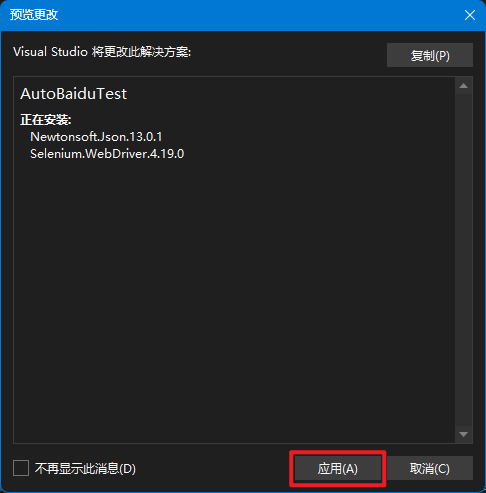
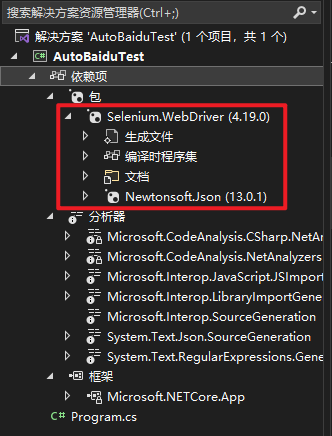
编写自动访问百度搜索的代码
因为搜索网站只有一个输入条件嘛。
第一版代码
- 网址改为百度
- 百度的输入框input的name是“wd”
// See https://aka.ms/new-console-template for more information

using OpenQA.Selenium.Chrome;
using OpenQA.Selenium;

var driver = new ChromeDriver();

// Google无法访问,所以官网代码修改为baidu
driver.Url = "https://www.baidu.com";

Console.WriteLine(driver.Title);
// 在浏览器中看到百度输入框的input的name是“wd”
driver.FindElement(By.Name("wd")).SendKeys("webdriver" + Keys.Return);


Console.WriteLine(driver.Title);

driver.Quit();

Console.WriteLine("Hello, World!");
在Visual Studio 2022中启动调试
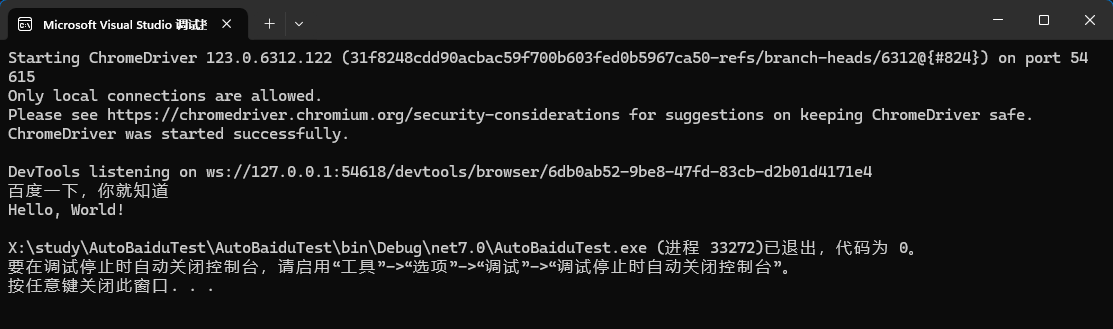
控制台窗口启动以后,自动启动了Chrome浏览器的一个新进程,这个Chrome打开百度页面大约3秒后,Chrome进程自动退出了。
控制台完整截图如下:
第二版代码
上述效果没有达到我们的预期,因为浏览器标题栏应该有变化,带上我们的关键字才正确。
// See https://aka.ms/new-console-template for more information

using OpenQA.Selenium.Chrome;
using OpenQA.Selenium;

var driver = new ChromeDriver();

driver.Url = "https://www.baidu.com";

//先输出百度的标题
Console.WriteLine(driver.Title);

driver.FindElement(By.Name("wd")).SendKeys("webdriver" + Keys.Return);

//停留3秒,确保浏览器加载完页面
Thread.Sleep(3000);

//再次输出百度的标题
Console.WriteLine(driver.Title);

driver.Quit();

Console.WriteLine("Hello, World!");
启动调试
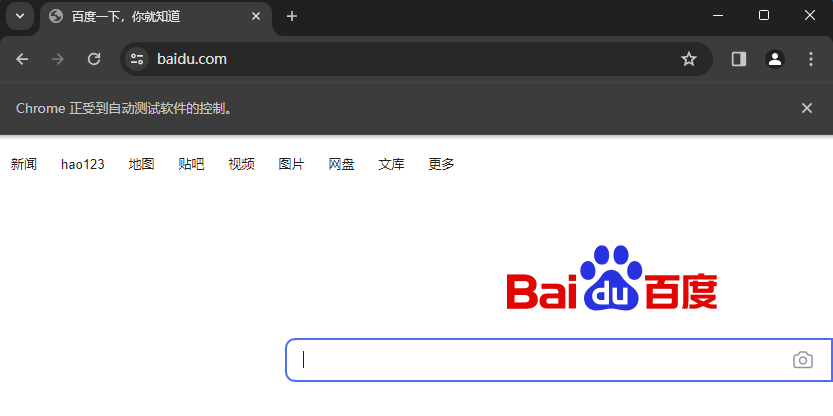
控制台自动启动一个Chrome,打开了百度的首页:
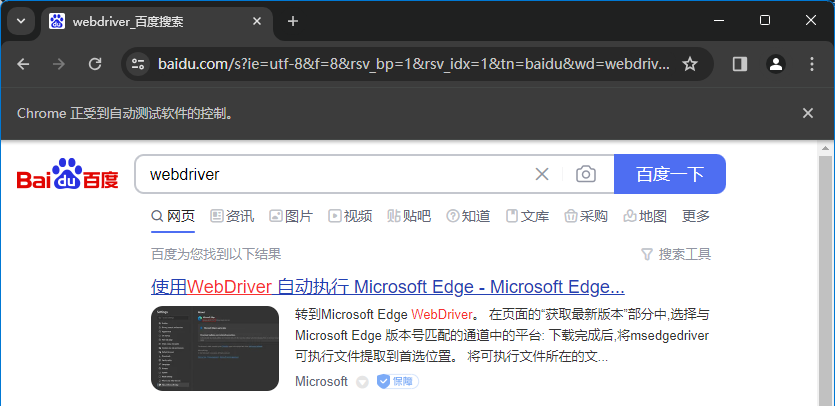
自动在搜索框输入了关键字:
第三版代码
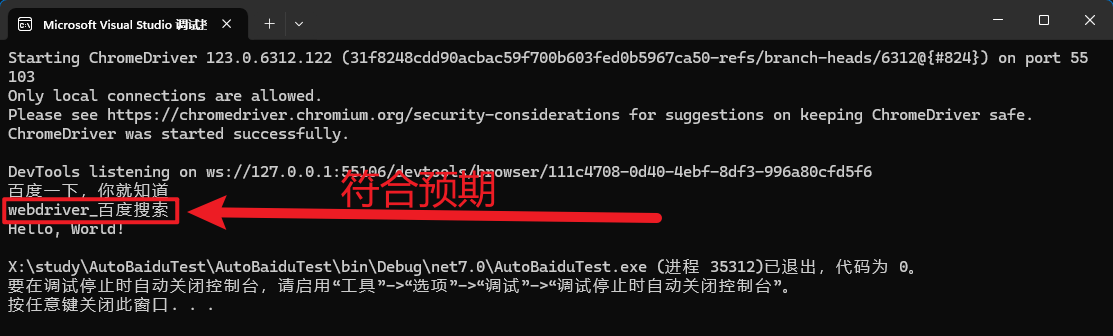
百度网页的标题栏里,带有我们的搜索关键字,就说明百度的搜索功能运转正常。
// See https://aka.ms/new-console-template for more information

using OpenQA.Selenium.Chrome;
using OpenQA.Selenium;

var driver = new ChromeDriver();

driver.Url = "https://www.baidu.com";

//先输出百度的标题
Console.WriteLine(driver.Title);

string keyWord = "webdriver";

driver.FindElement(By.Name("wd")).SendKeys(keyWord + Keys.Return);

//停留3秒,确保浏览器加载完页面
Thread.Sleep(3000);

string baiduTitle = driver.Title;

//再次输出百度的标题
Console.WriteLine(baiduTitle);

driver.Quit();

//因为driver在Quit以后,就不能再读取Title属性了。
//所以前边要把Title保存在临时变量里。
bool isBaiduWorkingWell = baiduTitle.Contains(keyWord);

if (isBaiduWorkingWell)
{
    Console.WriteLine("百度的搜索功能正常工作中……");
}
else
{
    //以后这里可以发出钉钉、邮件和短信。
    Console.WriteLine("百度崩了,百度崩了……");
}
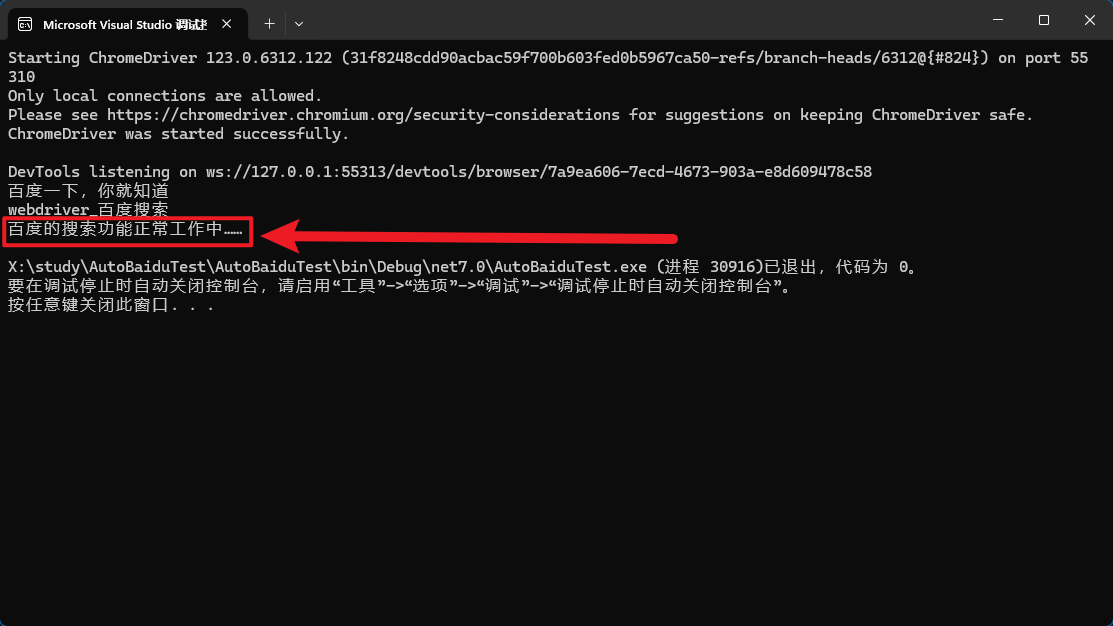
执行后的效果
Chrome被自动启动,输入关键字后退出了。
控制台完整截图如下:
下一篇就是登入我们自己的电商网站,来登入和下订单了。
黑夜里不停折腾的代码行者。

 浙公网安备 33010602011771号