
[Shader] 线性减淡效果
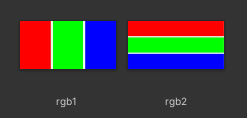
原图
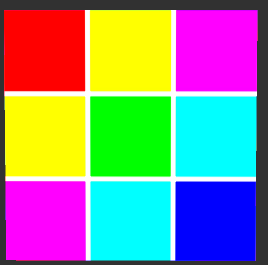
叠加后的效果图
原理
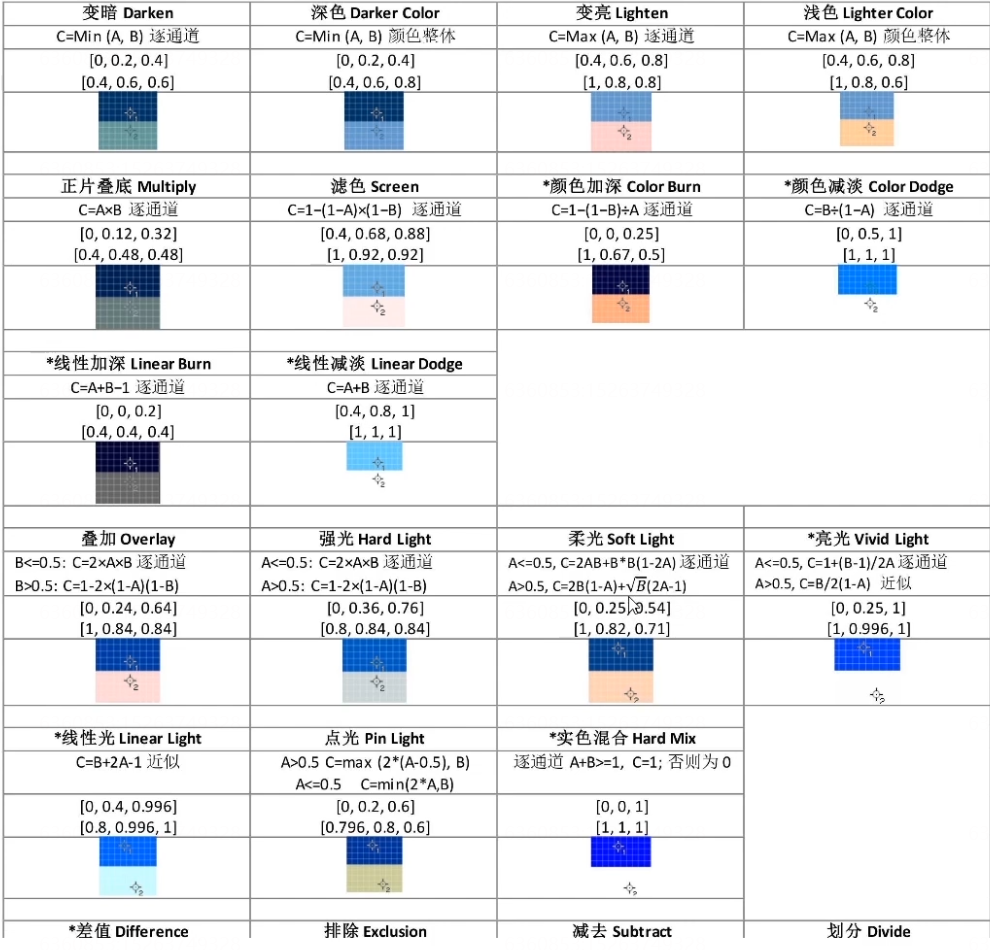
类似于颜色减淡模式。但是通过增加亮度来使得底层颜色变亮,以此获得混合色彩。与黑色混合没有任何效果。
计算公式:结果色 = 基色 + 混合色,其中基色与混合色的数值大于255,系统就默认为最大值也就是255。
完整代码
Shader "Custom/L4"
{
    Properties
    {
        _MainTex1 ("Texture1", 2D) = "white" {}
        _MainTex2 ("Texture2", 2D) = "white" {}
    }
    SubShader
    {
        Tags { "RenderType"="Opaque" }
        LOD 100

        Pass
        {
            CGPROGRAM
            #pragma vertex vert
            #pragma fragment frag
            // make fog work
            #pragma multi_compile_fog

            #include "UnityCG.cginc"

            struct appdata
            {
                float4 vertex : POSITION;
                float2 uv : TEXCOORD0;
                float2 uv1 : TEXCOORD1;
            };

            struct v2f
            {
                float2 uv : TEXCOORD0;
                float2 uv1 : TEXCOORD1;
                float4 vertex : SV_POSITION;
            };

            sampler2D _MainTex1;
            float4 _MainTex1_ST;
            sampler2D _MainTex2;
            float4 _MainTex2_ST;

            v2f vert (appdata v)
            {
                v2f o;
                o.vertex = UnityObjectToClipPos(v.vertex);
                o.uv = TRANSFORM_TEX(v.uv, _MainTex1);
                o.uv1 = TRANSFORM_TEX(v.uv, _MainTex2);
                UNITY_TRANSFER_FOG(o,o.vertex);
                return o;
            }

            fixed4 frag (v2f i) : SV_Target
            {
                // sample the texture
                fixed4 col1 = tex2D(_MainTex1, i.uv);
                fixed4 col2 = tex2D(_MainTex2, i.uv1);

                fixed4 col = col1 + col2;
                return col;
            }
            ENDCG
        }
    }
}

 浙公网安备 33010602011771号