

微信小程序 云开发 手机验证码登录
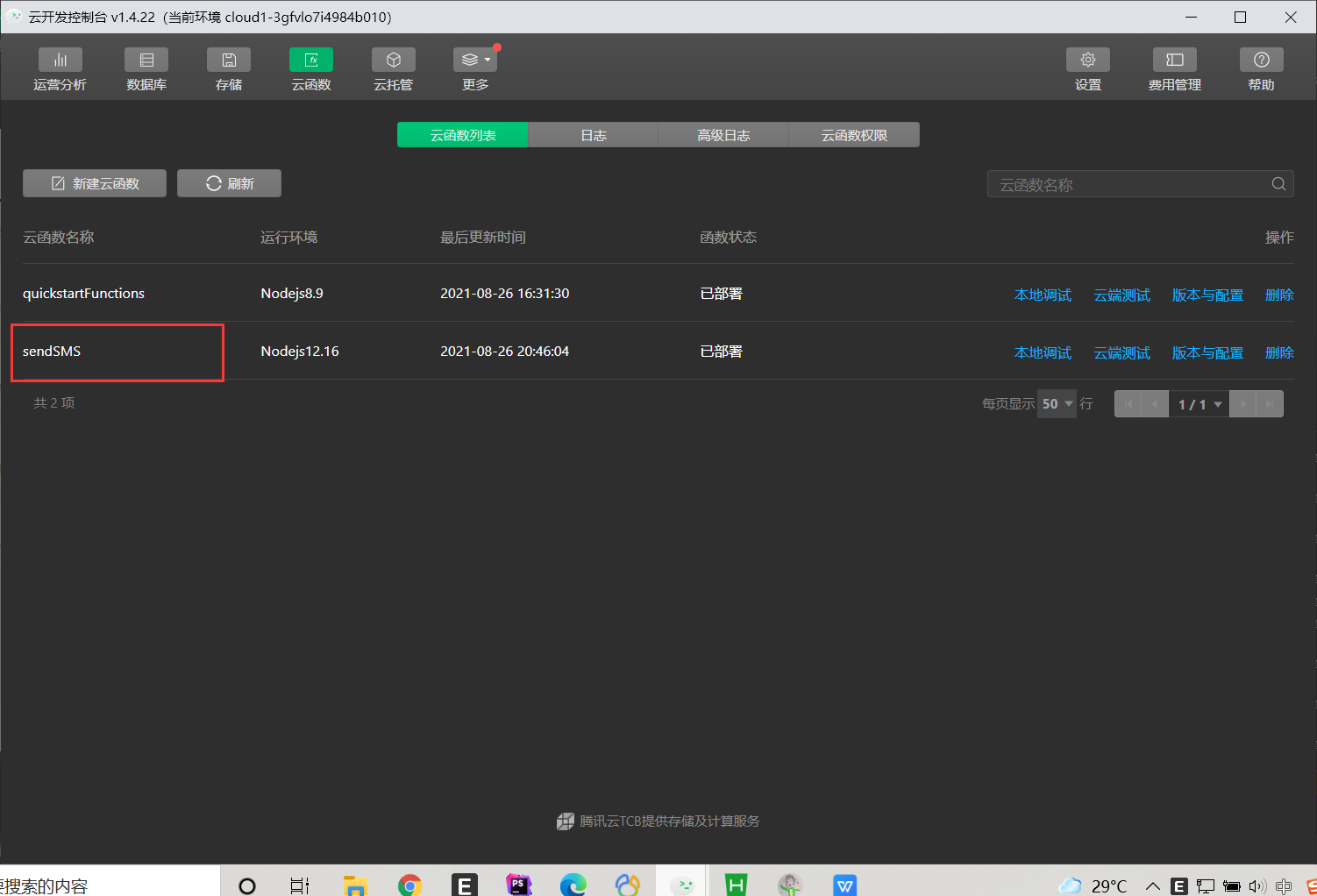
先创建一个云函数 sendSMS
phone.wxml
<!-- 手机号码 -->
<text class="text1">手机号码</text>
<view class="phoneNum">
<input type="text" placeholder="请输入手机号码" bindinput="getPhoneNumber"></input>
</view>
<!-- 验证码 -->
<text class="text1">验证码</text>
<view class="phoneCode">
<input type="text" placeholder="请输入验证码" bindinput="getPhoneCode" ></input>
<button type="primary" size="mini" bindtap="sendPhoneCode">发送验证码</button>
</view>
<!-- 登录 -->
<view class="loadButton">
<button type="primary" bindtap="loadByPhone">登录</button>
</view>
phone.wxss页面
.text1{
  margin:20rpx;
}
.phoneNum input{
  margin: 20rpx;
  padding-left: 10rpx;
  height: 80rpx;
  border: 1rpx solid #c3c3c3;
}
.phoneCode{
  display: flex;
  align-items: center;
}
.phoneCode input{
  width: 60%;
  margin: 20rpx;
  border: 1rpx solid #c3c3c3;
  padding-left: 10rpx;
  height: 80rpx;
}
.phoneCode button{
  height: 80rpx;
  vertical-align: middle;
}

.loadButton button{
  margin-top: 50rpx;
  width: 94% !important;
}
js代码
//自定义全局变量,存储输入的手机号码和验证码
let phoneNumber = ''
let phoneCode = ''
//自定义全局变量,存储获取到的随机验证码
let RandomPhoneCode = ''
Page({

data: {

},

//获取用户输入的手机号码
getPhoneNumber(e){
    console.log("输入的手机号码",e);
    phoneNumber = e.detail.value
},
//获取用户输入的验证码
getPhoneCode(e){
    console.log("输入的短信验证码",e);
    phoneCode = e.detail.value
},
//发送验证码
sendPhoneCode(){
  console.log("点击了发送短信验证码的按钮");
  //调用生成验证码的函数generateMixed(n)获取4位验证码,并将生成的4位验证码赋给自定义变量RandomPhoneCode
  RandomPhoneCode = this.generateMixed(4)
  console.log("生成的随机验证码",RandomPhoneCode);
  //如果手机号码不是11位,给予提示,并终止代码执行
  if(phoneNumber.length!=11){
    wx.showToast({
      title: '请输入11位手机号码',
      icon:"none"
    })
    return
  }
  //调用云函数,实现发送短信验证码到真实手机号码上
  wx.cloud.callFunction({
    name:"sendSMS",
    data:{
      phoneNumber:phoneNumber,
      RandomPhoneCode:RandomPhoneCode
    }
  }).then(res=>{
    console.log("验证码发送到手机短信成功",res);
  }).catch(err=>{
    console.log("验证码发送到手机短信失败",err);
  })
},

//实现验证登录功能
loadByPhone(){
  //如果手机号码不是11位,给予提示,并终止代码执行
  if(phoneNumber.length!=11){
    wx.showToast({
      title: '请输入11位手机号码',
      icon:"none"
    })
    return
  }
  //如果输入的验证码为空或者输入的验证码不等于获取到的随机验证码,给与提示,并终止代码执行
  if(phoneCode.length==0){
    console.log("输入的验证码",phoneCode);
    wx.showToast({
      title: '请输入短信验证码',
      icon:"none"
    })
    return
  }
  //校验用户输入的验证码是否等于获取的随机验证码
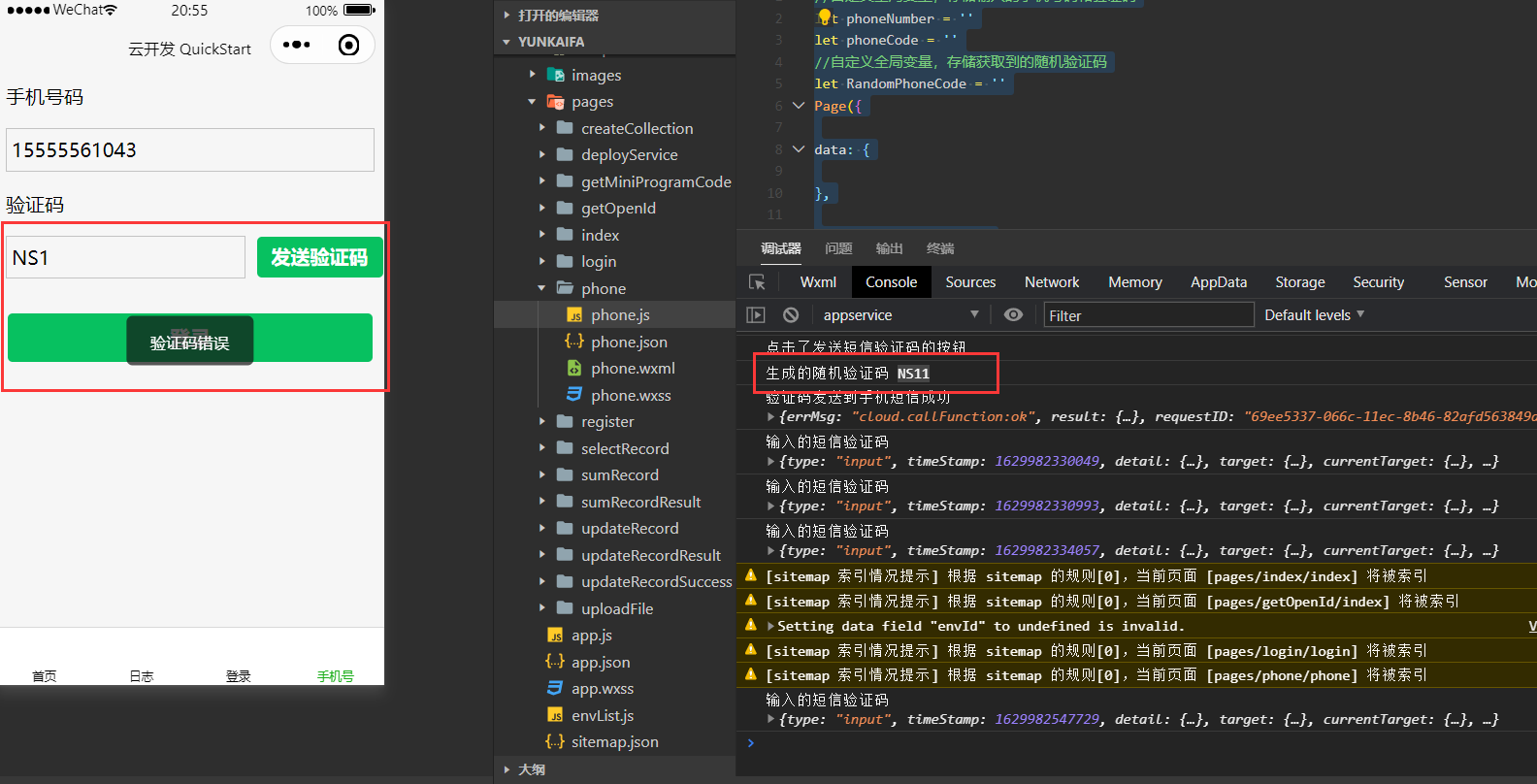
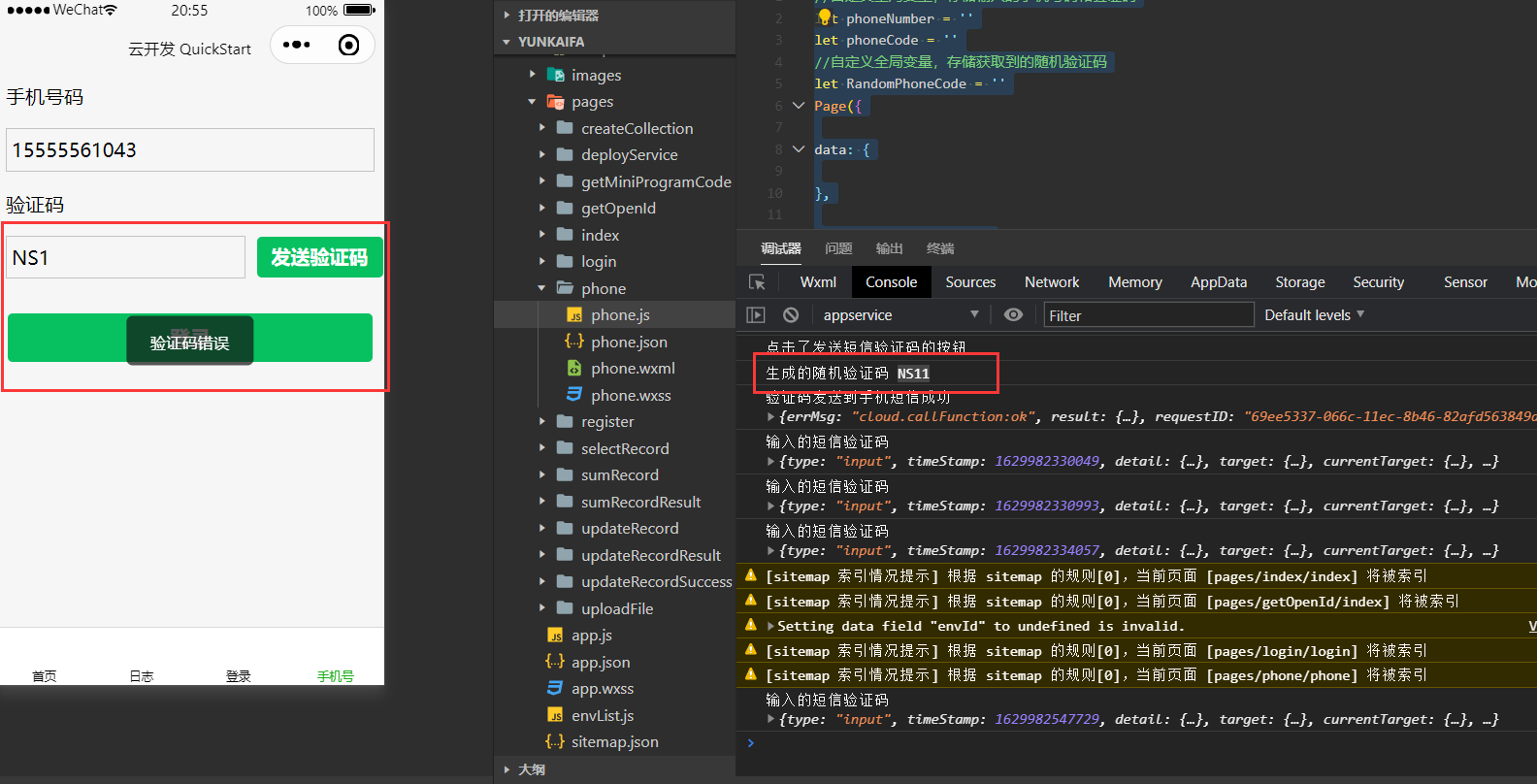
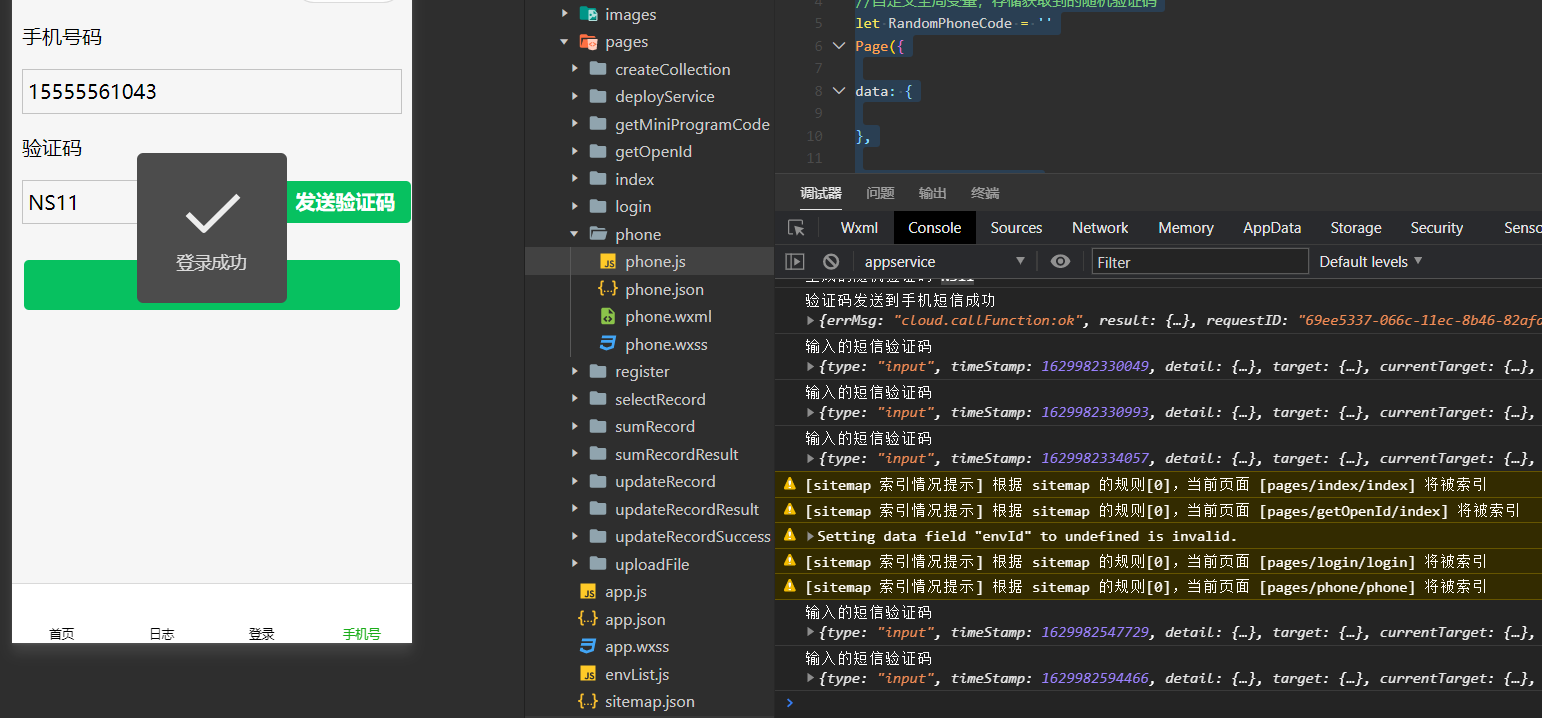
  if(phoneCode!=null&phoneCode==RandomPhoneCode){
    wx.showToast({
      title: '登录成功',
      icon:"success",
      duration:2000,
      success:function(){
        setTimeout(function(){
          wx.switchTab({
            url: '/pages/index/index',
          })
        },2000)
      }
    })
  }else{
    wx.showToast({
      title: '验证码错误',
      icon:"none"
    })
  }
},

//自定义函数。生成随机验证码,n代表几位
generateMixed(n) {
  let chars = ['0', '1', '2', '3', '4', '5', '6', '7', '8', '9', 'A', 'B', 'C', 'D', 'E', 'F', 'G', 'H', 'I', 'J', 'K', 'L', 'M', 'N', 'O', 'P', 'Q', 'R', 'S', 'T', 'U', 'V', 'W', 'X', 'Y', 'Z'];
  let res = "";
  for (var i = 0; i < n; i++) {
    var id = Math.ceil(Math.random() * 35);
    res += chars[id];
  }
  return res;
},

})

 浙公网安备 33010602011771号