


OpenEuler安装Nginx
Nginx
#安装
dnf makecache
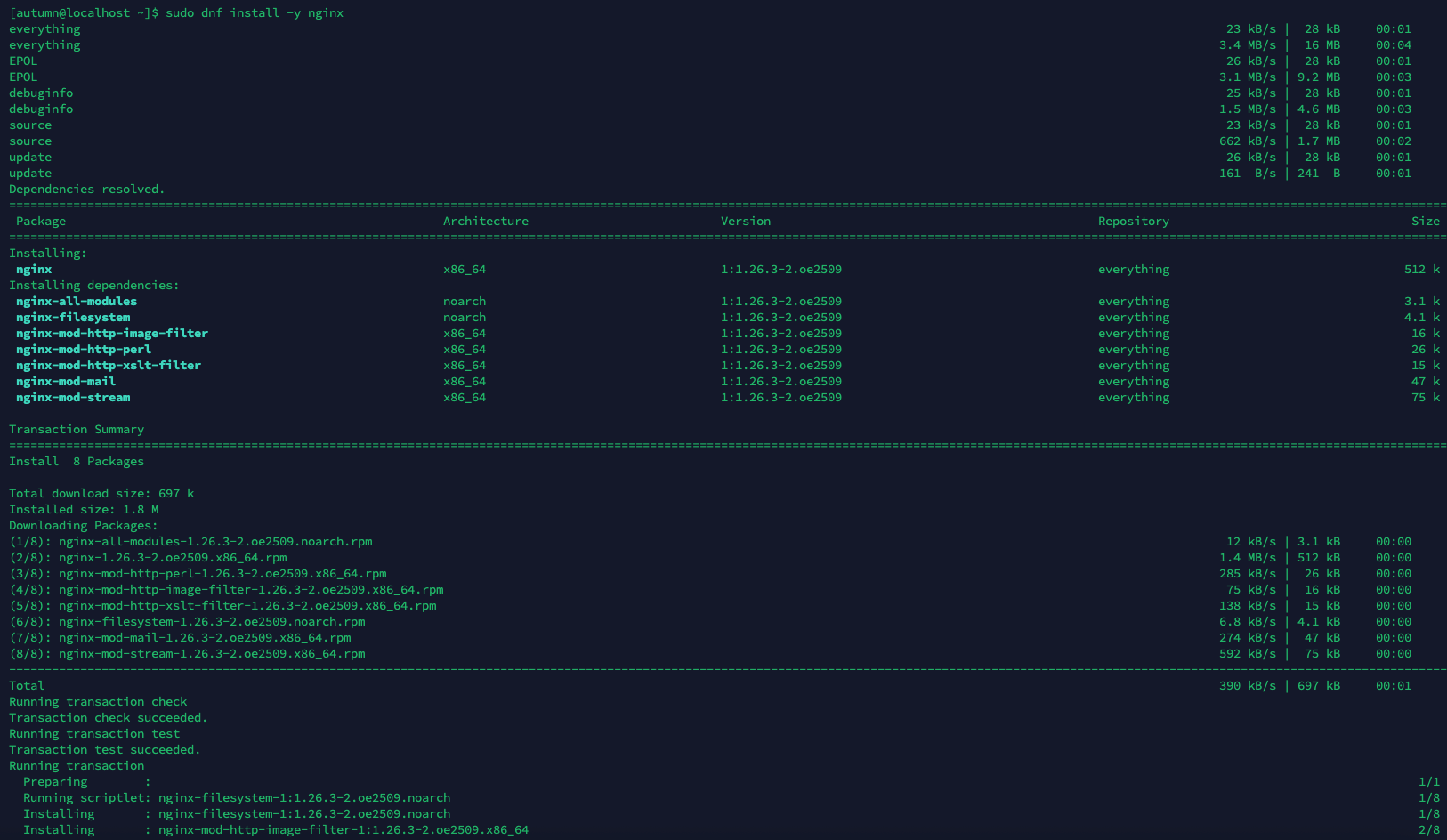
dnf install -y nginx

#启动
systemctl start nginx
systemctl enable nginx

systemctl status nginx

#放行端口
firewall-cmd --permanent --add-service=http
firewall-cmd --permanent --add-service=https
firewall-cmd --reload
配置文件路径
• /etc/nginx/nginx.conf
• /etc/nginx/conf.d/*.conf
• /usr/share/nginx/html
• /var/log/nginx/
日志文件
#错误日志
sudo tail -f /var/log/nginx/error.log
#请求日志
sudo tail -f /var/log/nginx/access.log
检查配置并重载
nginx -t
systemctl reload nginx
设置文件夹权限
#把 autumn(ssh和sftp登录的用户) 加入 nginx 用户组
sudo usermod -aG nginx autumn

#把 group 改为 nginx
sudo chown -R root:nginx /var/www
#给 /var/www 开启组写权限,确保组可写
sudo chmod -R 775 /var/www

#加入新用户组后,Linux 必须重新登录才能加载权限
如果这篇文章对你有用,可以关注本人微信公众号获取更多ヽ(^ω^)ノ ~


 浙公网安备 33010602011771号