

第三次作业102302127
作业①
气象爬取
实验要求
要求:指定一个网站,爬取这个网站中的所有的所有图片,例如中国气象网(http://www.weather.com.cn)。实现单线程和多线程的方式爬取。
核心代码和运行结果
点击查看代码
import os
import requests
from bs4 import BeautifulSoup
from urllib.parse import urljoin
from concurrent.futures import ThreadPoolExecutor

target_url = "http://www.weather.com.cn"
headers = {'User-Agent': 'Mozilla/5.0'}


def get_image_links(url):
    print(f"正在分析网页: {url} ...")
    try:
        resp = requests.get(url, headers=headers, timeout=10)
        soup = BeautifulSoup(resp.content, 'html.parser')
        links = []
        for img in soup.find_all('img'):
            src = img.get('src') or img.get('data-src')
            if src:
                full_url = urljoin(url, src)
                links.append(full_url)
        set()
        return list(set(links))
    except Exception as e:
        print(f"网页打开失败: {e}")
        return []


def download_one(img_url, index, save_folder):
    try:
        # 文件名: pic_1.jpg, pic_2.jpg ...
        filename = f"pic_{index}.jpg"
        filepath = os.path.join(save_folder, filename)
        if os.path.exists(filepath):
            print(f"跳过(已存在): {filename} \n   -> 来源: {img_url}")
            return
        data = requests.get(img_url, headers=headers, timeout=5).content
        with open(filepath, 'wb') as f:
            f.write(data)
        print(f"√ 下载成功: {filename} \n   -> 来源: {img_url}")
    except Exception as e:
        print(f"× 下载失败: {img_url} -> {e}")

def run_single_thread():
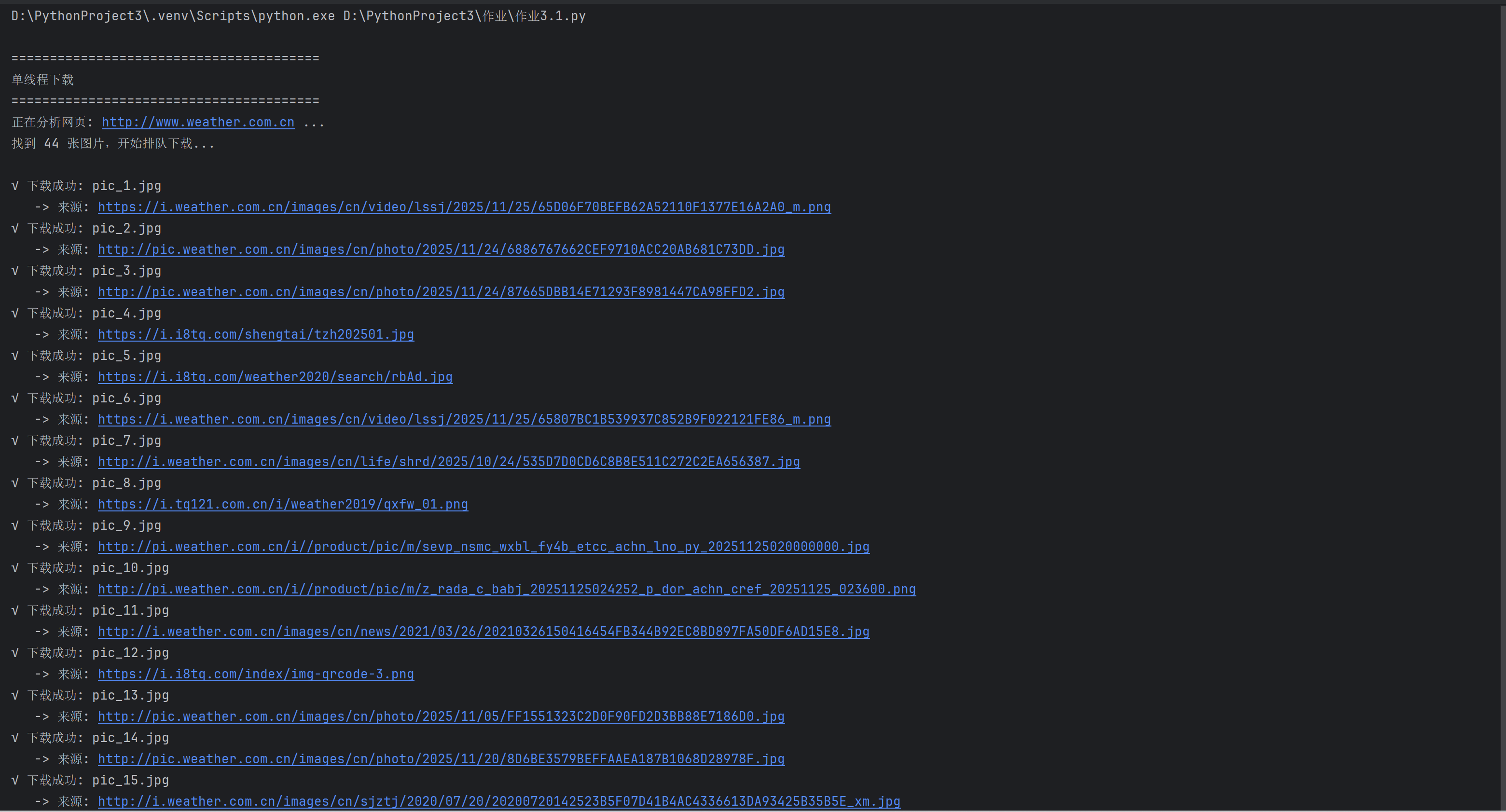
    print("\n" + "=" * 40)
    print("单线程下载")
    print("=" * 40)

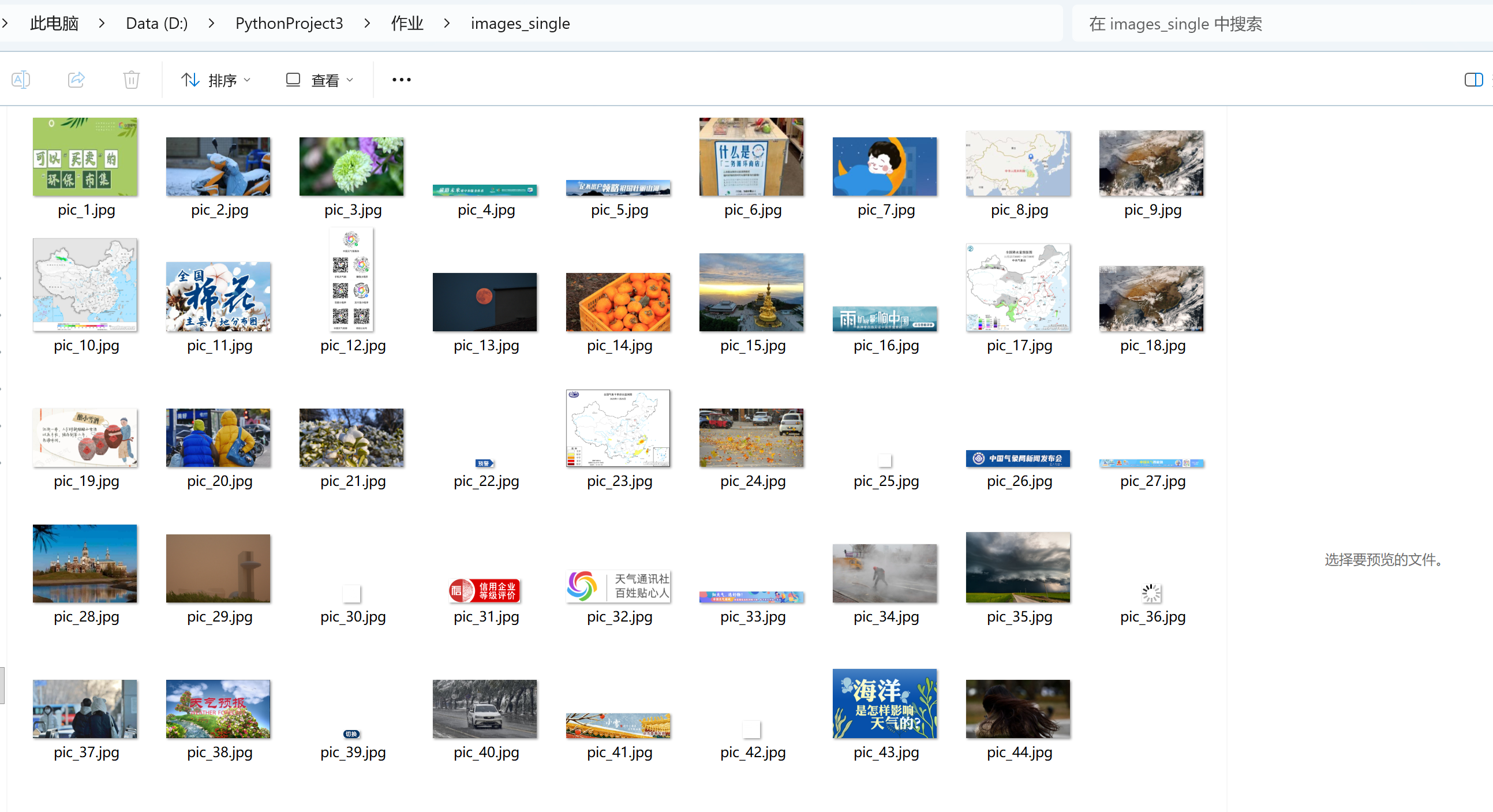
    save_folder = "images_single"
    if not os.path.exists(save_folder): os.makedirs(save_folder)

    links = get_image_links(target_url)
    print(f"找到 {len(links)} 张图片,开始排队下载...\n")

    # 一个循环,必须等上一张下完,才能下下一张
    for i, link in enumerate(links):
        download_one(link, i + 1, save_folder)

    print("\n单线程下载全部完成")

def run_multi_thread():
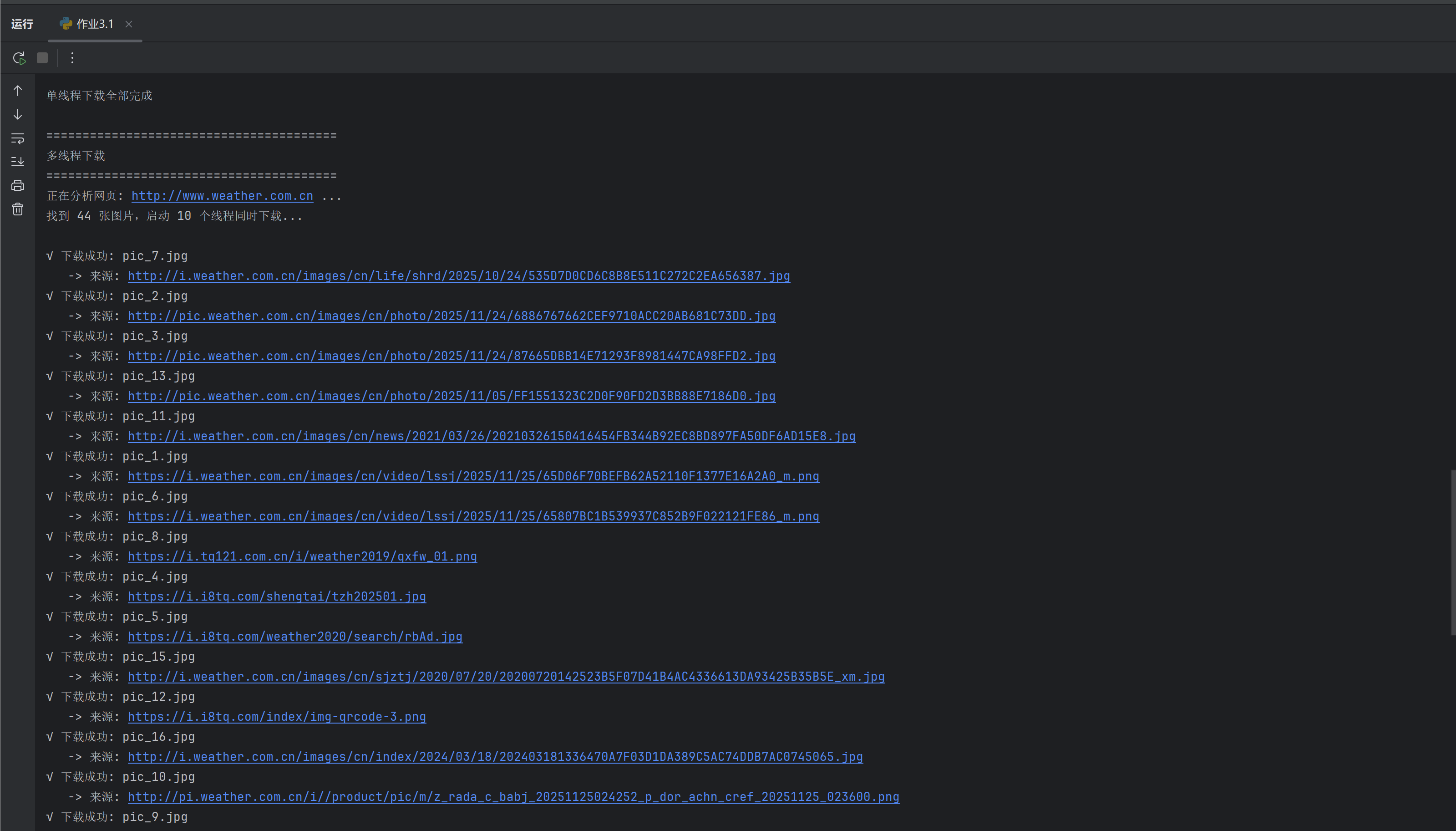
    print("\n" + "=" * 40)
    print("多线程下载 ")
    print("=" * 40)

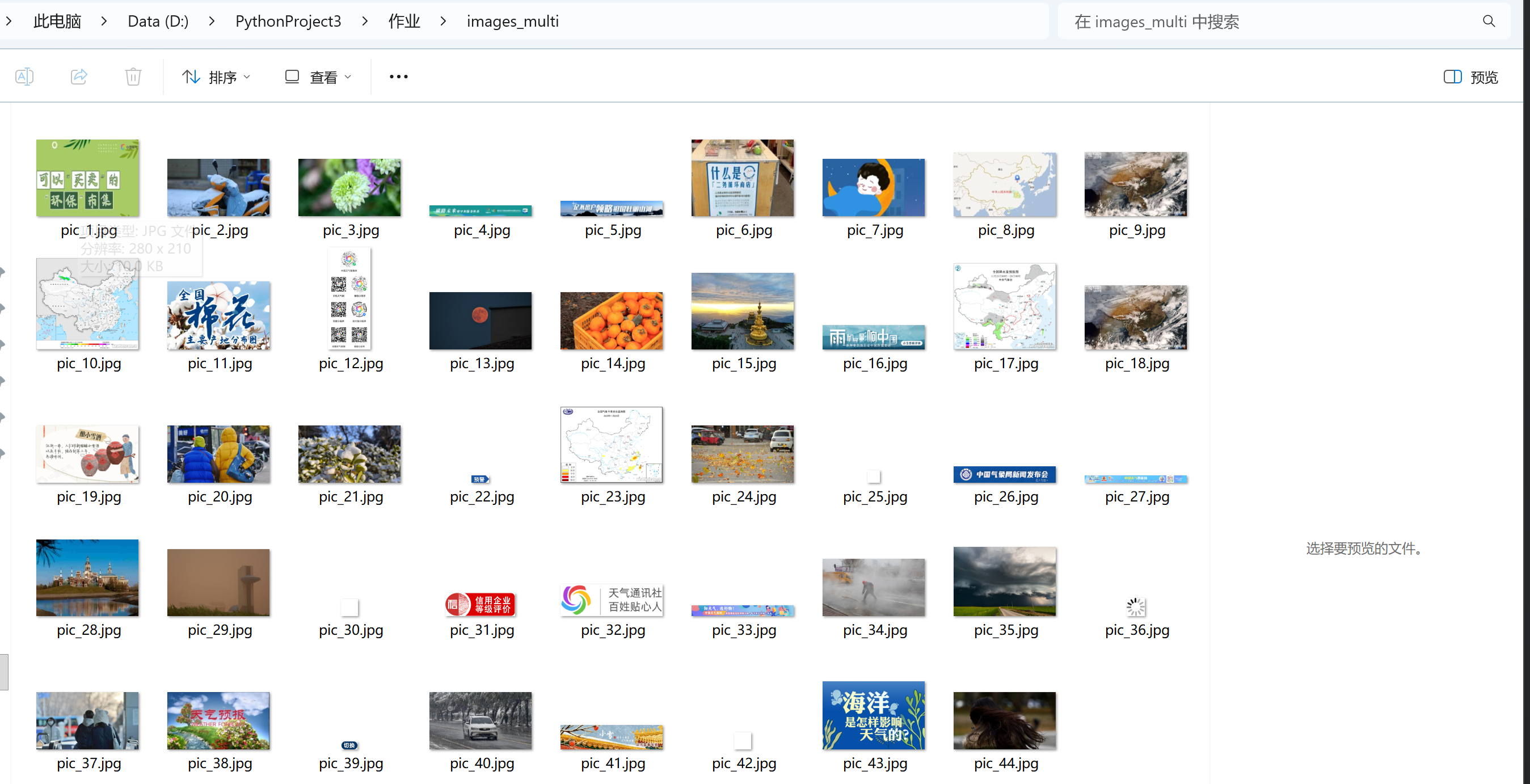
    save_folder = "images_multi"
    if not os.path.exists(save_folder): os.makedirs(save_folder)

    links = get_image_links(target_url)
    print(f"找到 {len(links)} 张图片,启动 10 个线程同时下载...\n")

    # 使用线程池,max_workers=10 表示同时派10个人去下载
    with ThreadPoolExecutor(max_workers=10) as executor:
        for i, link in enumerate(links):

            executor.submit(download_one, link, i + 1, save_folder)

    print("\n多线程下载指令已全部发送")

if __name__ == "__main__":
    run_single_thread()
    run_multi_thread()
心得体会
我利用 requests 获取网页源码并用 BeautifulSoup 解析提取图片链接,通过复用同一个下载函数,分别进行单线程顺序执行和基于 ThreadPoolExecutor 的多线程并发下载。
作业②
股票信息爬取
实验要求
用scrapy和xpath爬取股票信息
核心代码和实验结果
点击查看代码
import scrapy
from datetime import datetime
from stock_spider.items import StockItem
import json


class EastmoneySpider(scrapy.Spider):
    name = "eastmoney"
    allowed_domains = ["eastmoney.com"]

    base_url = 'http://80.push2.eastmoney.com/api/qt/clist/get'

    def start_requests(self):
        params = {
            'pn': 1,
            'pz': 100,
            'po': 1,
            'np': 1,
            'fltt': 2,
            'invt': 2,
            'fid': 'f3',
            'fs': 'm:0+t:6,m:0+t:80,m:1+t:2,m:1+t:23',
            'fields': 'f2,f3,f4,f5,f6,f7,f12,f14,f15,f16,f17,f18'
        }
        url = self.base_url + '?' + '&'.join([f"{k}={v}" for k, v in params.items()])
        yield scrapy.Request(url, callback=self.parse)

    def parse(self, response):
        try:
            data = json.loads(response.text)
            stocks = data.get('data', {}).get('diff', [])
            for index, stock in enumerate(stocks, start=1):
                item = StockItem()
                item['sequence_id'] = index
                item['stock_code'] = stock.get('f12', '')
                item['stock_name'] = stock.get('f14', '')
                item['latest_price'] = float(stock.get('f2', 0))
                item['change_percent'] = f"{stock.get('f3', 0):.2f}%"
                item['change_amount'] = float(stock.get('f4', 0))
                item['volume'] = f"{float(stock.get('f5', 0) / 10000):.2f}万"
                item['turnover'] = f"{float(stock.get('f6', 0) / 100000000):.2f}亿"
                item['amplitude'] = f"{stock.get('f7', 0):.2f}%"
                item['highest'] = float(stock.get('f15', 0))
                item['lowest'] = float(stock.get('f16', 0))
                item['today_open'] = float(stock.get('f17', 0))
                item['yesterday_close'] = float(stock.get('f18', 0))
                item['crawl_time'] = datetime.now().strftime('%Y-%m-%d %H:%M:%S')
                yield item
        except Exception as e:
            self.logger.error(f"✗ 数据解析失败: {e}")
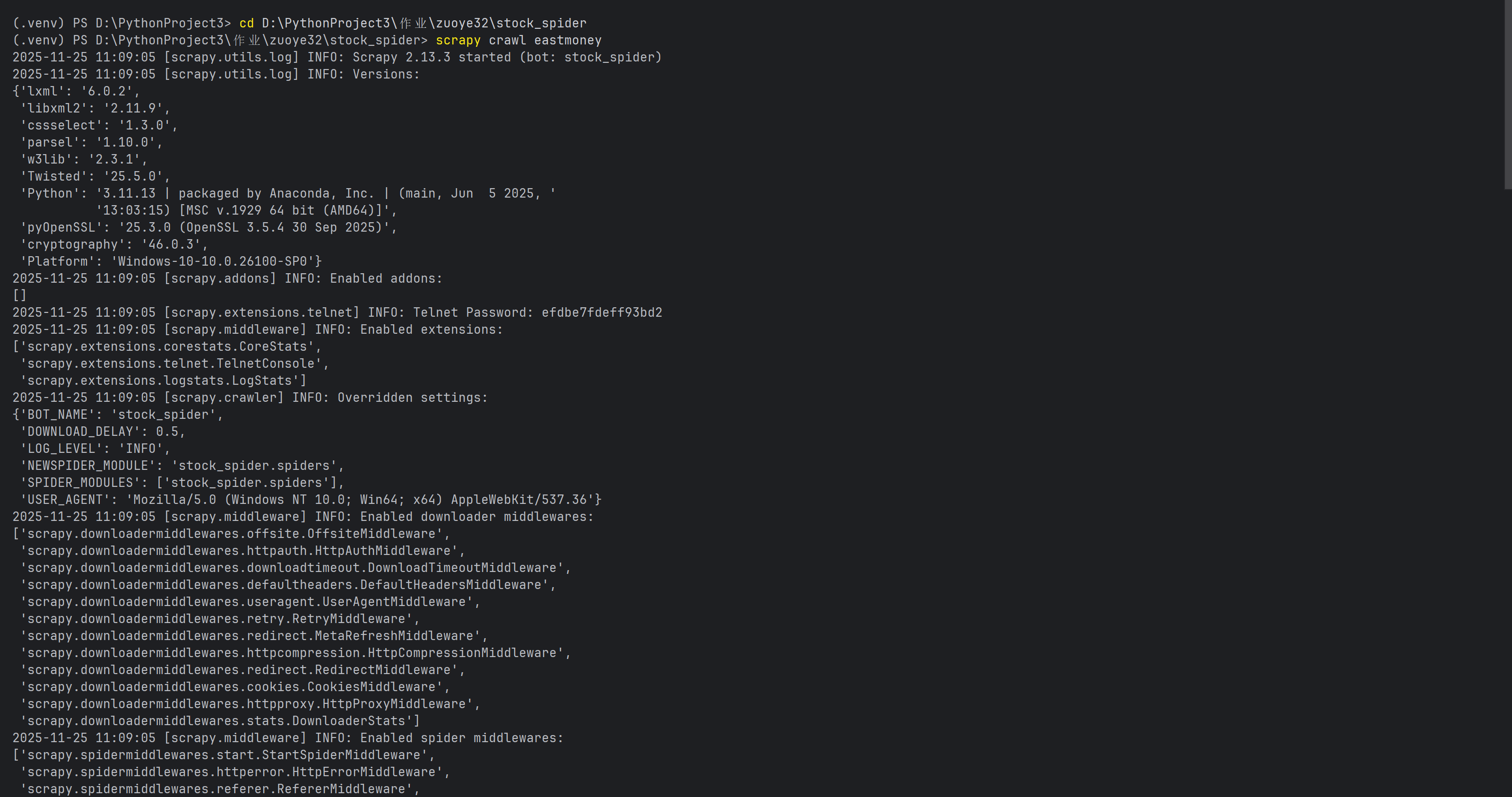
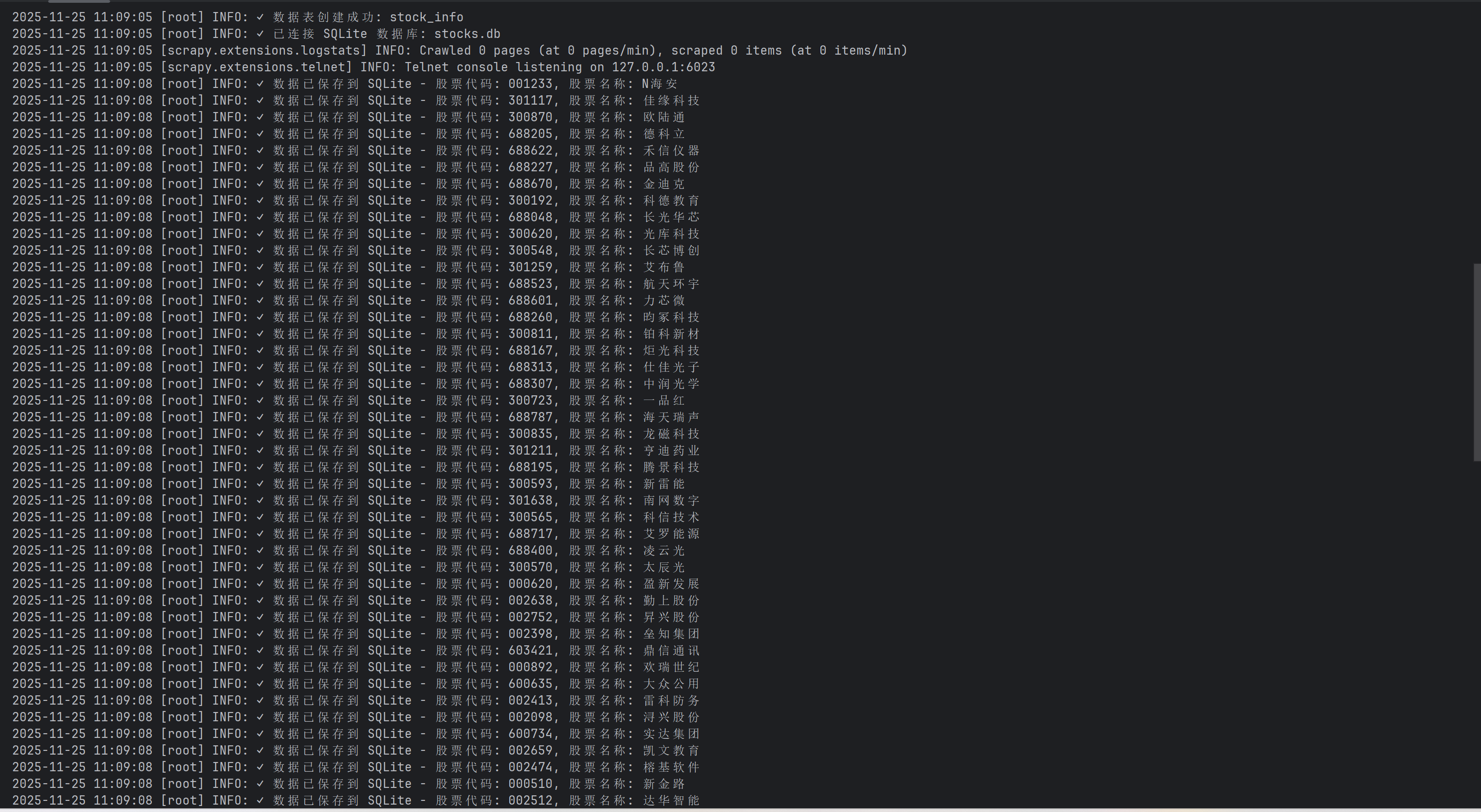
心得体会
我用 Scrapy 框架 绕过前端页面,直接向东方财富网的 后台 JSON API 接口 发送请求,通过解析返回的 JSON 数据并将特定的键名比如f12, f14映射为股票信息来实现数据抓取。刚开始创建scrapy和配置管道文件时遇到困难,通过询问大模型和查询来解决。
作业③
爬取外汇网站数
实验要求
用scrapy+xpath+mysql爬取外汇网站数
核心代码和实验结果
点击查看代码
import scrapy
from scrapy_project.items import CurrencyItem
from datetime import datetime


class CurrencySpider(scrapy.Spider):
    name = "currency"
    allowed_domains = ["boc.cn"]
    start_urls = ["https://www.boc.cn/sourcedb/whpj/"]

    def parse(self, response):
        rows = response.xpath('//table[@align="left" and @width="100%"]//tr')
        update_time = None
        time_xpath_options = [
            '//div[@align="right"]//text()',
            '//p[contains(text(), "更新时间")]//text()',
            '//font[contains(text(), "更新时间")]//text()',
            '//td[contains(text(), "更新时间")]//text()',
            '//*[contains(text(), "更新时间")]//text()',
        ]
        for xpath in time_xpath_options:
            time_texts = response.xpath(xpath).getall()
            for text in time_texts:
                if '更新时间' in text or ':' in text:
                    update_time = text.strip()
                    self.logger.info(f"找到更新时间: {update_time}")
                    break
            if update_time:
                break
        if not update_time:
            update_time = datetime.now().strftime('%Y-%m-%d %H:%M:%S')
            self.logger.warning(f"未找到更新时间,使用当前时间: {update_time}")
        self.logger.info(f"找到 {len(rows)} 行数据")
        for i, row in enumerate(rows):
            if i == 0:
                continue
            cells = row.xpath('.//td/text()').getall()
            cells = [cell.strip() for cell in cells if cell.strip()]
            if len(cells) < 6:
                self.logger.warning(f"第 {i} 行数据不完整: {cells}")
                continue
            try:
                item = CurrencyItem()
                item['currency'] = cells[0]  # 货币名称
                item['tbp'] = self.parse_float(cells[1])  # 现汇买入价
                item['cbp'] = self.parse_float(cells[2])  # 现钞买入价
                item['tsp'] = self.parse_float(cells[3])  # 现汇卖出价
                item['csp'] = self.parse_float(cells[4])  # 现钞卖出价
                item['time'] = update_time

                yield item

            except Exception as e:
                self.logger.error(f"解析第 {i} 行时出错: {e}, 数据: {cells}")

    def parse_float(self, value):
        try:
            value = value.strip()
            if not value or value == '--':
                return 0.0
            return float(value)
        except (ValueError, AttributeError):
            return 0.0
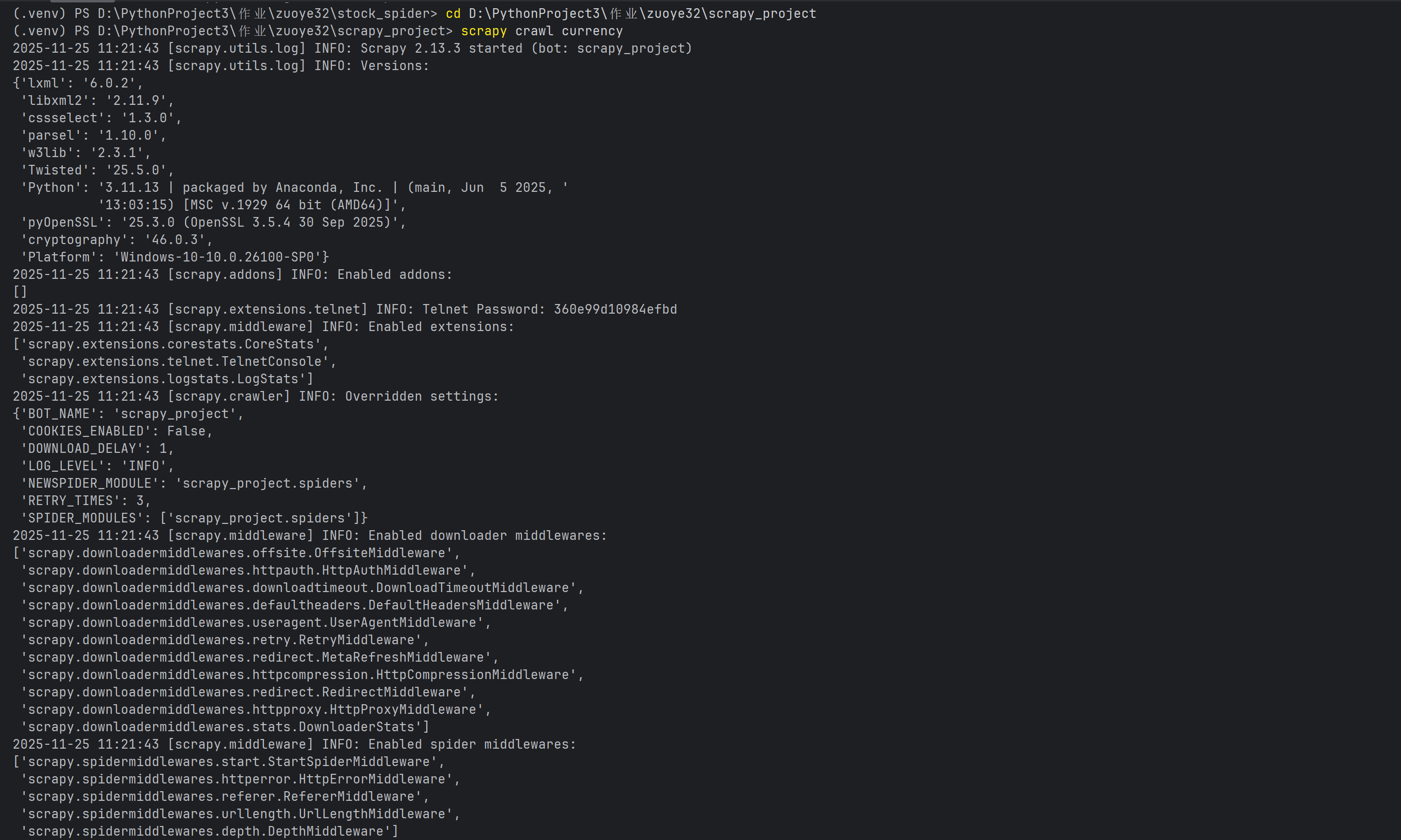
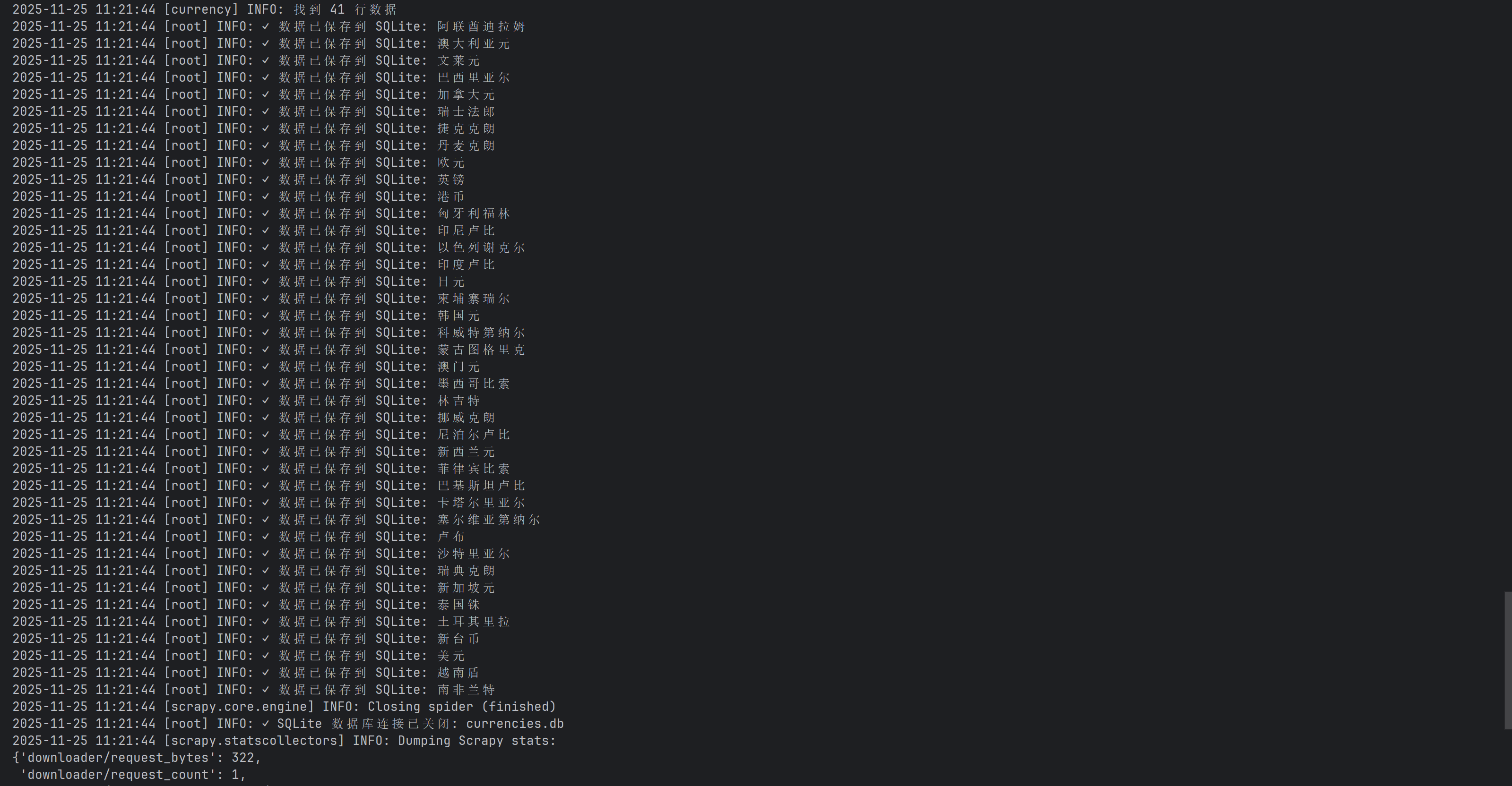
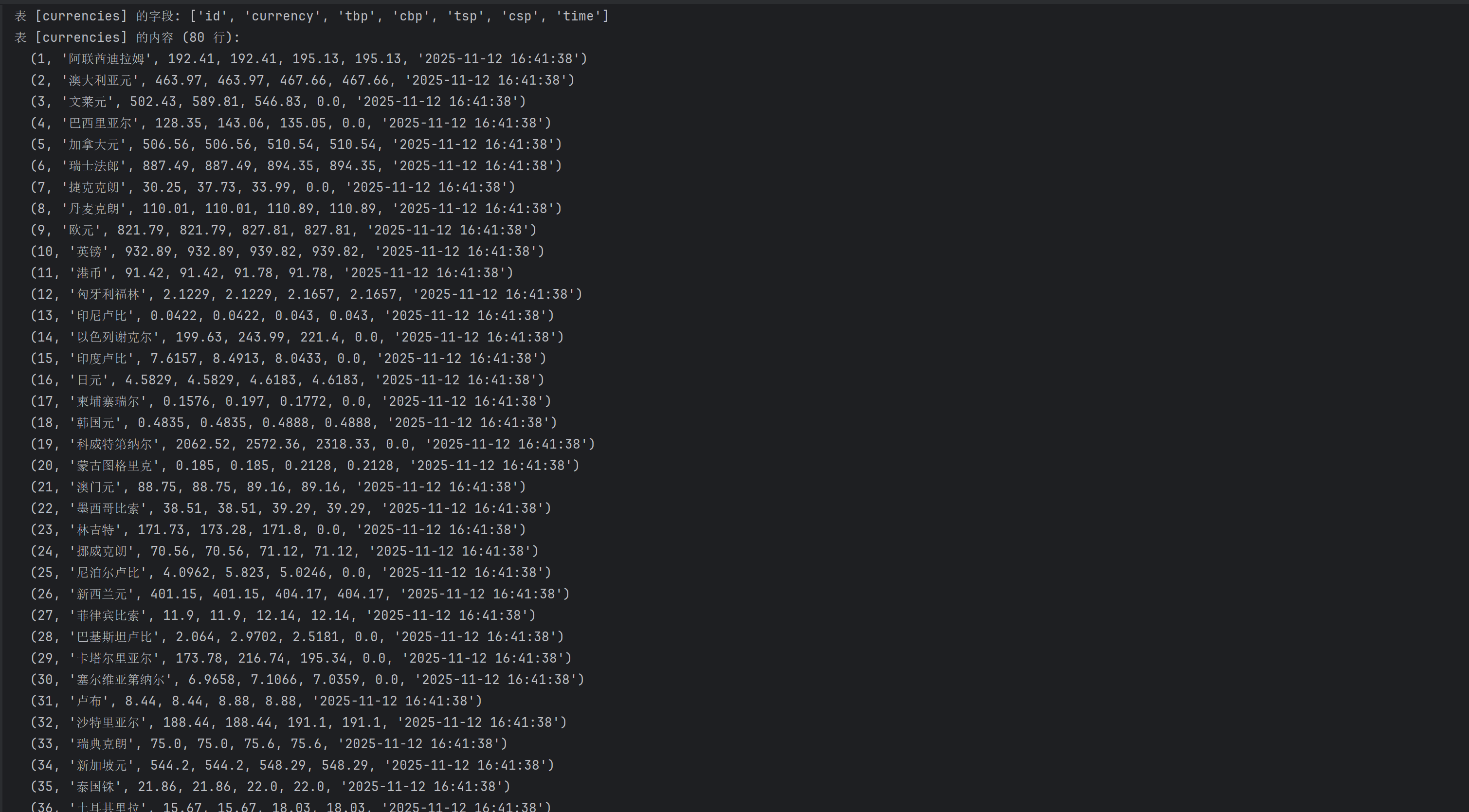
心得体会
我使用 Scrapy 框架 访问中国银行外汇牌价网页,采用多种 XPath定位页面更新时间,并遍历解析 HTML 表格行来提取和清洗各种货币的现汇/现钞买入卖出价数据,最终生成结构化的 CurrencyItem 对象。其中在获取更新时间是遇到的困难,无法读取时间,最后依次尝试定位特定布局属性、标签内的关键词),最后使用全页面通配符搜索,以保证能读取到时间

 浙公网安备 33010602011771号