
AutoCompleteTextView的使用
AutoCompleteTextView的使用
打赏
一、简介
1、AutoCompleteTextView的作用

2、AutoCompleteTextView的类结构图
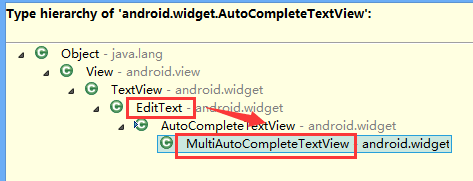
也就是拥有EditText的各种功能
3、AutoCompleteTextView工作原理
AutoCompleteTextView的自动提示功能肯定需要适配器提供数据
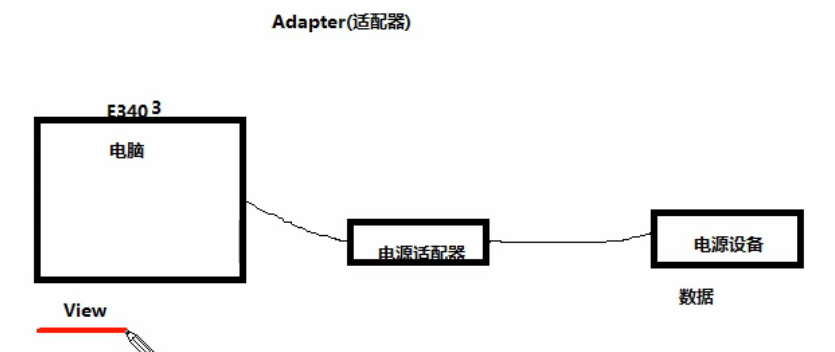
4、Android里的适配器
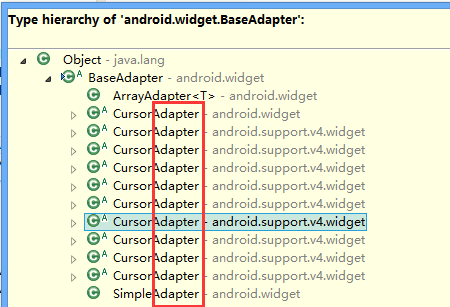
5、适合AutoCompleteTextView的适配器
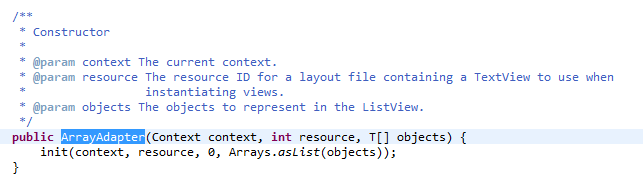
ArrayAdapter
二、AutoCompleteTextView实现自动提示的方法
1)AutoCompleteTextView实现自动提示的方法
第一步、创建适配器
String[] arr={"凯撒","凯撒广场","凯撒大帝"};
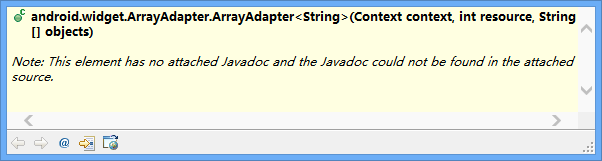
ArrayAdapter<String> adapter= new ArrayAdapter<String>(this, R.layout.textview, arr);
第二步、AutoCompleteTextView对象应用适配器
autoCompleteTextView1.setAdapter(adapter);
说明:
提示文本是用textview实现的,提示文本里面的提示数据就是String[] arr。
三、代码实例
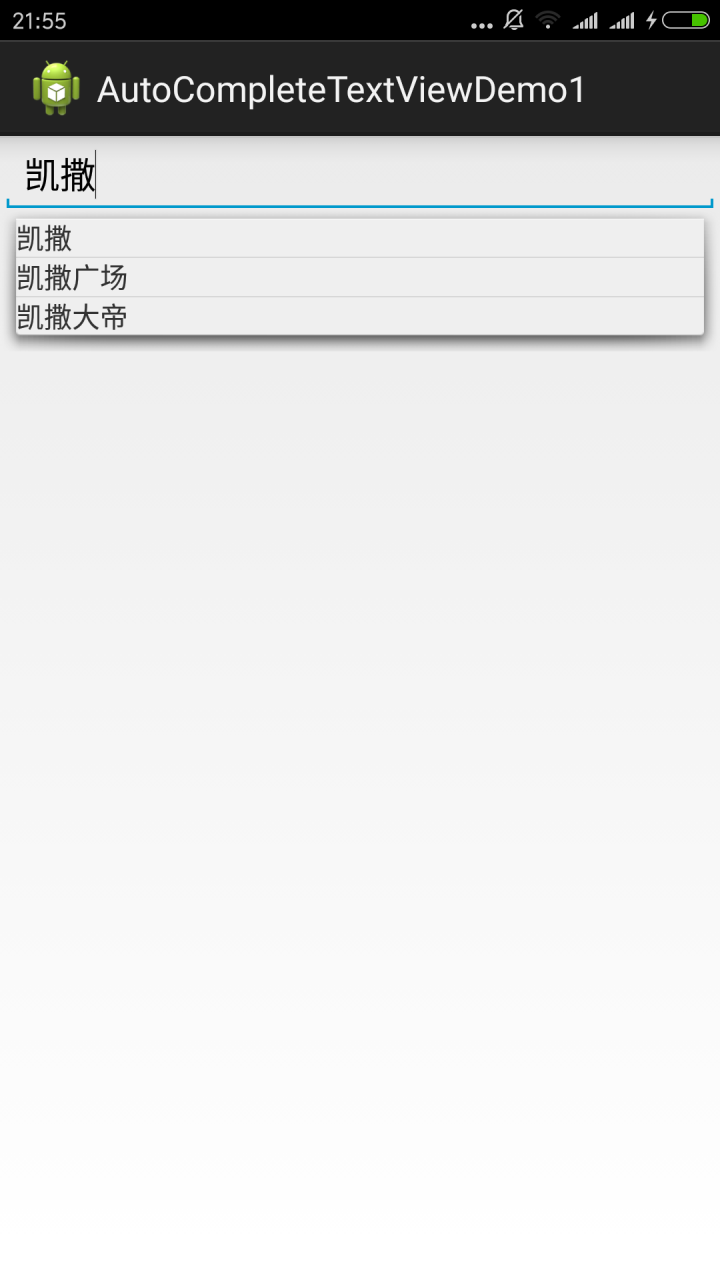
代码:
fry.Activity01

 1 package fry;
 2
 3 import com.example.AutoCompleteTextViewDemo1.R;
 4
 5 import android.app.Activity;
 6 import android.os.Bundle;
 7 import android.widget.ArrayAdapter;
 8 import android.widget.AutoCompleteTextView;
 9
10 public class Activity01 extends Activity{
11     private AutoCompleteTextView autoCompleteTextView1;
12     @Override
13     protected void onCreate(Bundle savedInstanceState) {
14         // TODO Auto-generated method stub
15         super.onCreate(savedInstanceState);
16         setContentView(R.layout.activity01);
17         autoCompleteTextView1=(AutoCompleteTextView) findViewById(R.id.autoCompleteTextView1);
18         /*
19          * AutoCompleteTextView实现自动提示的方法
20          * 第一步、创建适配器
21          * 第二步、AutoCompleteTextView对象应用适配器
22          *
23          */
24
25         String[] arr={"凯撒","凯撒广场","凯撒大帝"};
26         ArrayAdapter<String> adapter= new ArrayAdapter<String>(this, R.layout.textview, arr);
27         autoCompleteTextView1.setAdapter(adapter);
28     }
29 }
fry.Activity01
 1 <?xml version="1.0" encoding="utf-8"?>
 2 <LinearLayout xmlns:android="http://schemas.android.com/apk/res/android"
 3     android:layout_width="match_parent"
 4     android:layout_height="match_parent"
 5     android:orientation="vertical" >
 6
 7     <AutoCompleteTextView
 8         android:id="@+id/autoCompleteTextView1"
 9         android:layout_width="match_parent"
10         android:layout_height="wrap_content"
11         />
12
13 </LinearLayout>
/AutoCompleteTextViewDemo1/res/layout/textview.xml
1 <?xml version="1.0" encoding="utf-8"?>
2 <TextView  xmlns:android="http://schemas.android.com/apk/res/android"
3     android:layout_width="match_parent"
4     android:layout_height="match_parent"
5     android:orientation="vertical" >
6     <!-- 这里是直接TextView,而不是layout下的TextView -->
7 </TextView >
四、易错点
1、这里是直接TextView,而不是layout下的TextView
/AutoCompleteTextViewDemo1/res/layout/textview.xml
1 <?xml version="1.0" encoding="utf-8"?>
2 <TextView  xmlns:android="http://schemas.android.com/apk/res/android"
3     android:layout_width="match_parent"
4     android:layout_height="match_parent"
5     android:orientation="vertical" >
6     <!-- 这里是直接TextView,而不是layout下的TextView -->
7 </TextView >

 浙公网安备 33010602011771号