
解决idea__Maven:No archetype found in remote catalog. Defaulting to internal catalog
解决idea创建Maven项目时
No archetype found in remote catalog. Defaulting to internal catalog
下载archetype-catalog.xml下载地址:https://repo1.maven.org/maven2/archetype-catalog.xml
需要加载一会儿,加载完成后是这个样子
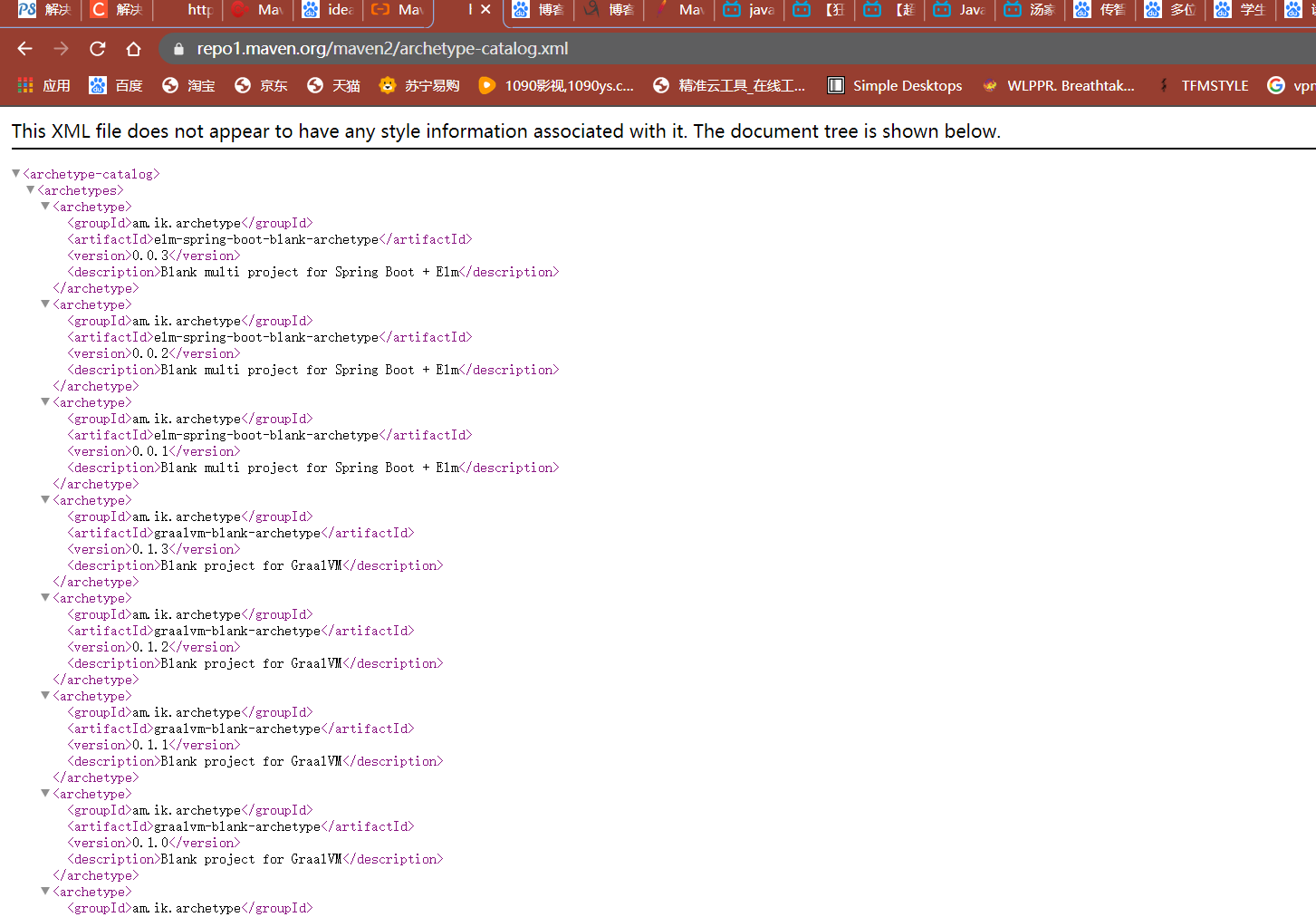
右键另存为xml文件
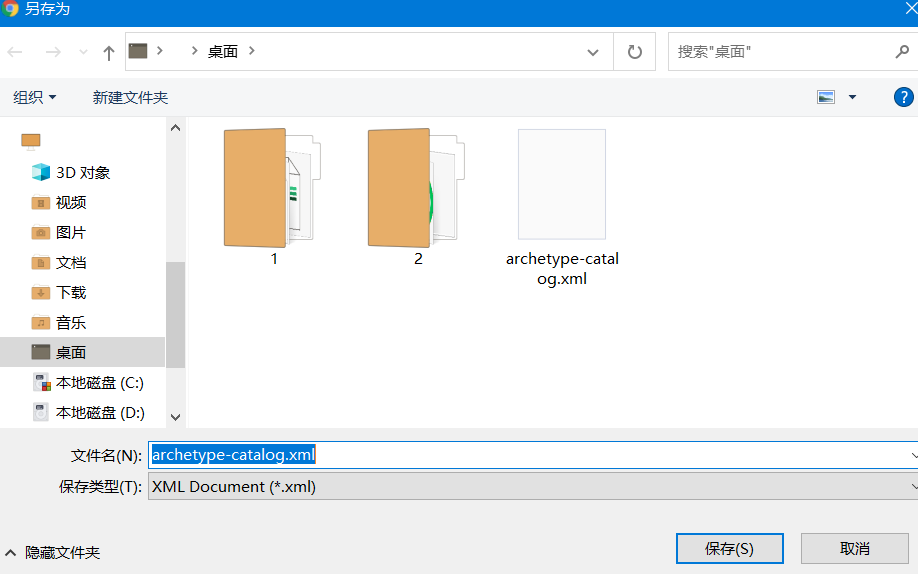
把这个xml文件放入仓库的根目录中,我的仓库目录是F:\repository

在idea中重新创建项目,即可正常加载

 浙公网安备 33010602011771号