
win10交换Esc键与Capslock键的位置
1、新建一个a.txt文件,在其中输入一下内容
Windows Registry Editor Version 5.00

[HKEY_LOCAL_MACHINE\SYSTEM\CurrentControlSet\Control\Keyboard Layout]
"Scancode Map"=hex:00,00,00,00,00,00,00,00,03,00,00,00,3a,00,01,00,01,00,3a,00,00,00,00,00
2、保存上面的文件,再关闭
3、重命名文件为a.reg
4、双击a.reg
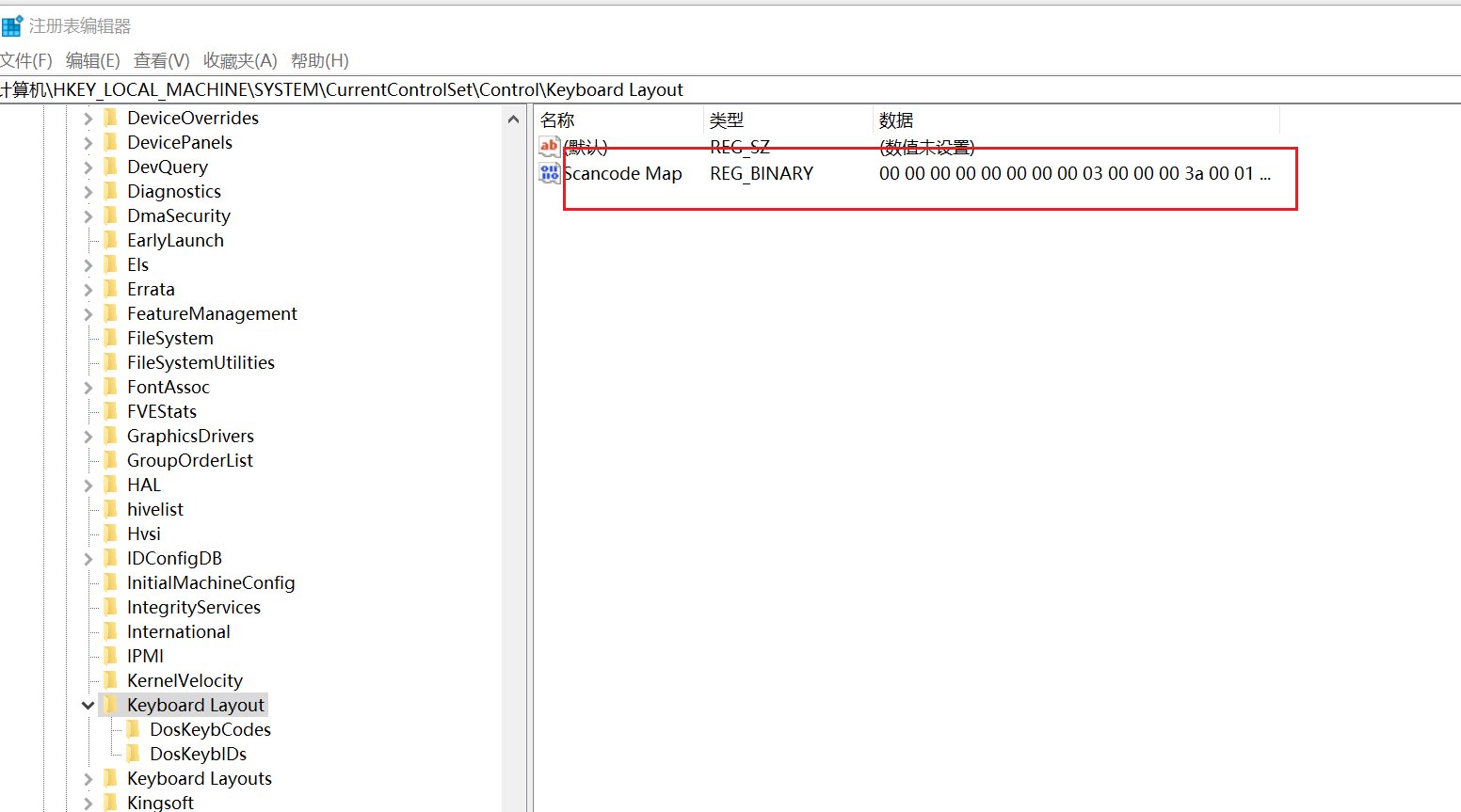
能看到在这个位置,多了一项内容

 浙公网安备 33010602011771号